
1. Introduction
Thank you for purchasing the Fenix E03R v2.0 Keychain Flashlight. This ultra-compact and powerful EDC (Everyday Carry) flashlight is designed for convenience and reliability, offering a maximum output of 500 lumens and a versatile red light mode. This manual provides detailed instructions for the safe and efficient operation, maintenance, and troubleshooting of your new device. Please read this manual thoroughly before use and retain it for future reference.
Safety Warnings
- Do not shine the light directly into anyone's eyes, as this may cause temporary blindness or permanent eye damage.
- Do not disassemble the sealed head of the flashlight, as doing so may damage the light and will void the warranty.
- Keep out of reach of children.
- The flashlight will accumulate a significant amount of heat when used on High mode for extended periods. This is normal.
2. Product Overview
Package Contents
The Fenix E03R v2.0 package includes the following items:
- Fenix E03R v2.0 Keychain Flashlight
- Keychain
- USB-C Charging Cable
- LumenTac Cable Organizer

Image: Contents of the Fenix E03R v2.0 package, including the flashlight, USB-C cable, and a battery organizer.
Key Features
- Maximum 500 lumen white light output and 5 lumen auxiliary red light.
- USB-C rechargeable with built-in 400mAh Li-ion battery.
- Compact and lightweight design, ideal for everyday carry.
- Constructed from durable aero-grade aluminum.
- IP66 rated waterproof and impact resistant.
- Battery level indication and low-voltage warning.
- Intelligent memory circuit for white light modes.
Components Diagram

Image: Front view of the Fenix E03R v2.0, highlighting the dual white LEDs and the central metal switch.
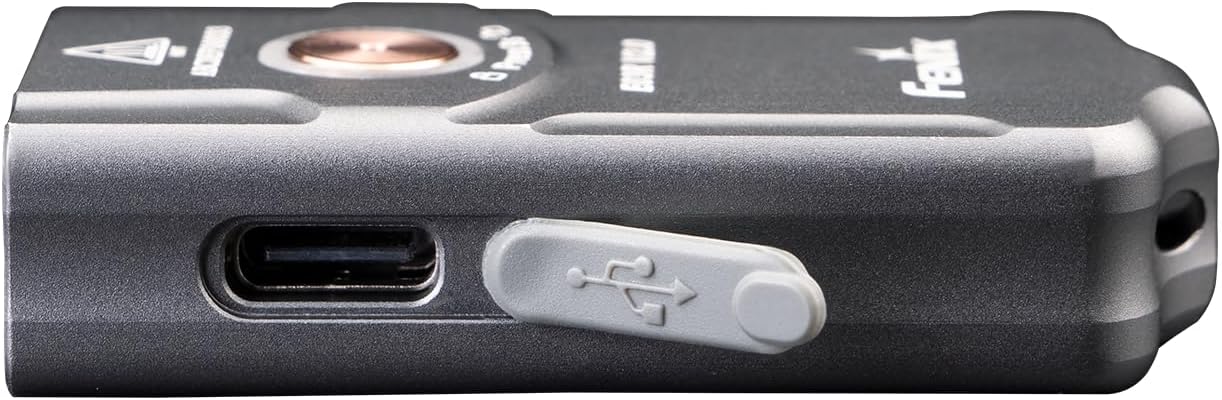
Image: Side view of the Fenix E03R v2.0, clearly showing the USB-C charging port with its protective cover.
The Fenix E03R v2.0 features a compact design with two primary white LEDs at the front, a central metal switch for all operations, and a USB-C charging port on the side for convenient recharging. A small loop at the back allows for attachment to a keychain.
3. Setup
Initial Charge
Your Fenix E03R v2.0 comes with a built-in Li-ion battery. For optimal performance, it is recommended to fully charge the flashlight before its first use.
- Locate the USB-C charging port on the side of the flashlight. It is protected by a rubber cover.
- Gently pull open the rubber cover to expose the USB-C port.
- Connect the provided USB-C charging cable to the flashlight's port and the other end to a USB power source (e.g., computer, wall adapter, power bank).
- The indicator light around the switch will show the charging status:
- Red: Charging
- Green: Fully charged
- Once fully charged, disconnect the cable and firmly close the rubber cover to ensure water and dust resistance.

Image: A hand connecting a USB-C charging cable to the Fenix E03R v2.0 flashlight, demonstrating the charging process.
4. Operating Instructions
Basic Operation
The Fenix E03R v2.0 uses a single metal switch for all operations.
- Power On/Off: Press and hold the switch for 0.5 seconds to turn the flashlight on or off.
- White Light Mode Switching: With the light on, single-click the switch to cycle through Eco → Low → Med → High.
- Red Light Mode Activation: With the light off, double-click the switch to activate the Red light mode.
- Red Light Mode Switching: With the red light on, single-click the switch to cycle through Red → Red Flash → Breathing Light.

Image: A hand holding the Fenix E03R v2.0, demonstrating the ease of operation with its single, intuitive metal switch.
Lockout Function
The lockout function prevents accidental activation of the flashlight, which is useful when carrying it in a pocket or bag.
- To Lock: With the light off, press and hold the switch for 3 seconds. The light will flash twice on Eco mode to indicate it is locked.
- To Unlock: With the light locked, press and hold the switch for 3 seconds. The light will unlock and activate on Eco mode.
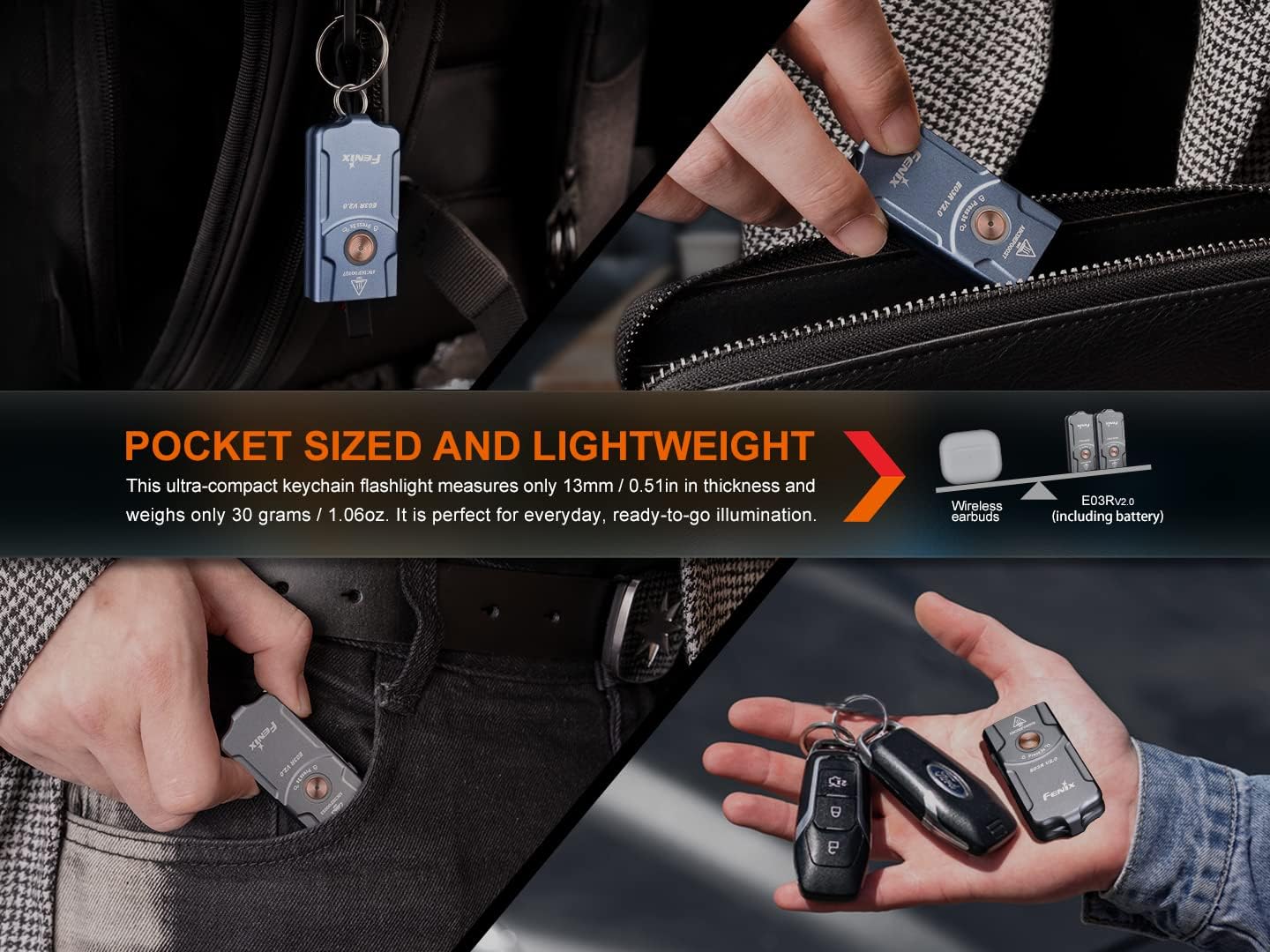
Image: The Fenix E03R v2.0 being placed into a bag, illustrating the importance of the lockout function to prevent accidental activation.
Intelligent Memory Circuit
The E03R v2.0 features an intelligent memory circuit that remembers the last selected white light output level. When you turn the flashlight back on, it will automatically recall the previously used white light mode (Eco, Low, Med, or High).
Battery Level Indication
The indicator light around the switch provides real-time battery status when the light is turned on:
- Green light constant-on: 100% - 85%
- Green light flashes: 85% - 50%
- Red light constant-on: 50% - 25%
- Red light flashes: 25% - 1%
When the voltage drops below 1%, the light will flash red to remind you to charge the battery. The light will automatically step down to a lower brightness level until Eco output is reached. When the battery level is extremely low, the light will flash red three times every five minutes to remind you to charge the battery.
5. Maintenance
Cleaning
- Clean the flashlight body with a soft cloth.
- If the USB-C port becomes dirty, use a soft brush or cotton swab to gently clean it.
Storage
- Store the flashlight in a cool, dry place away from direct sunlight and extreme temperatures.
- For long-term storage, it is recommended to charge the battery every four months to maintain optimal battery health.
Battery Care
- The built-in battery is not user-replaceable. Do not attempt to open the flashlight.
- Charge the flashlight regularly to prevent deep discharge, which can shorten battery lifespan.
6. Troubleshooting
If your Fenix E03R v2.0 is not functioning correctly, please try the following steps:
- Flashlight not turning on:
- Ensure the battery is charged. Connect the flashlight to a USB-C charger and check the indicator light.
- Check if the lockout function is activated. Press and hold the switch for 3 seconds to unlock.
- Light is dim or flickering:
- The battery level may be low. Recharge the flashlight.
- Ensure the USB-C port cover is fully closed to prevent moisture or debris ingress.
- Flashlight not charging:
- Check the USB-C cable and power source. Try a different cable or adapter.
- Ensure the USB-C port on the flashlight is clean and free of debris.
If the problem persists after trying these steps, please contact Fenix customer support or your authorized dealer for assistance.
7. Technical Specifications
The following table outlines the technical specifications of the Fenix E03R v2.0 Keychain Flashlight based on ANSI/NEMA FL1 standard testing.
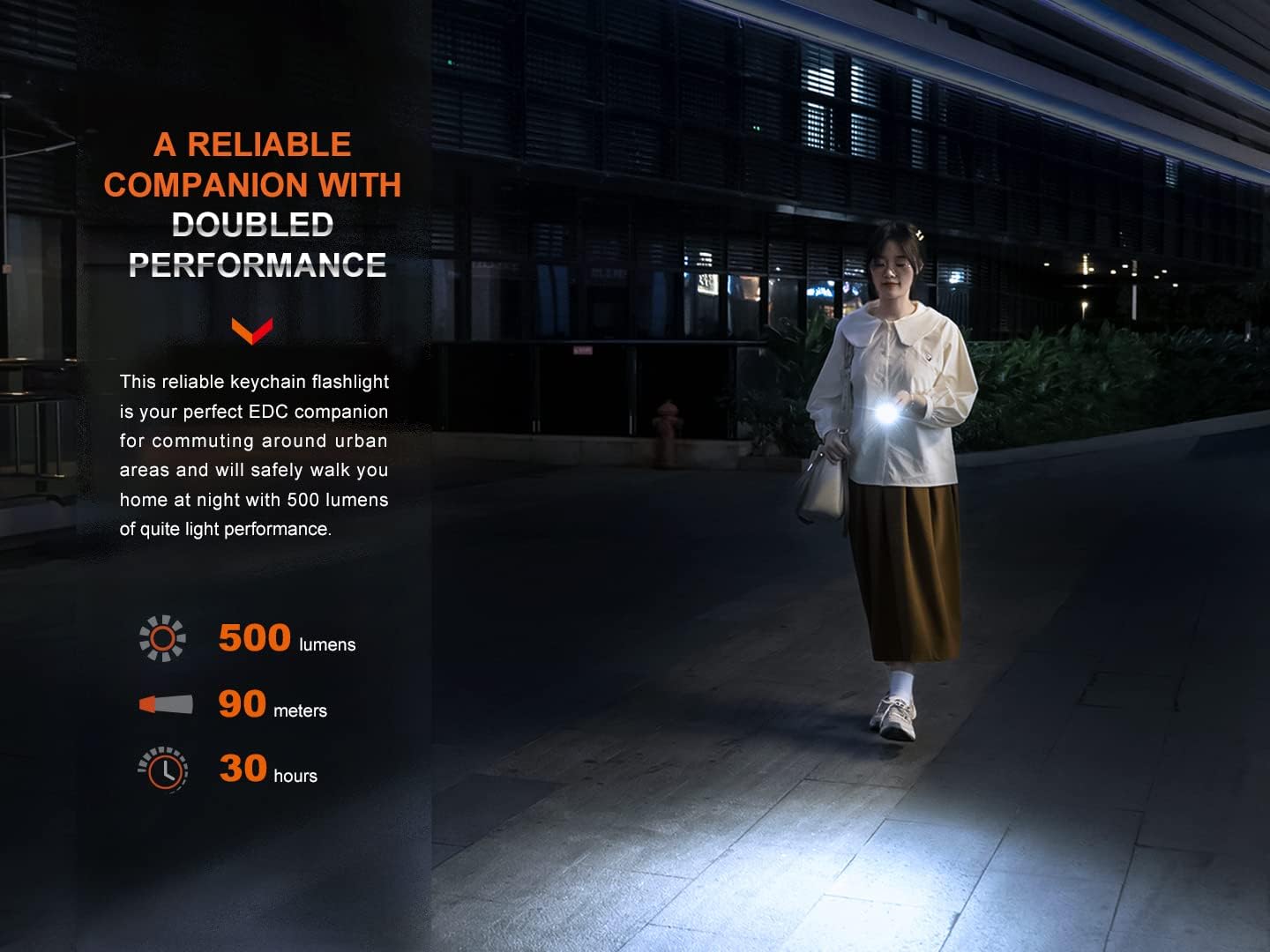
Image: A detailed table showing the technical parameters of the Fenix E03R v2.0, including output levels, runtime, distance, and intensity for various modes.
| Feature | Specification |
|---|---|
| Model | E03R v2.0 |
| Dimensions (L x W x H) | 2.07" x 1.02" x 0.51" (52.5 x 26 x 13 mm) |
| Weight | 1.06 ounces (30 grams) |
| Light Source | LED |
| Material | Aero-grade Aluminum |
| Battery Type | Built-in 400mAh Li-ion Battery |
| Charging Port | USB Type-C |
| Water Resistance | IP66 (Dustproof and protected against powerful water jets) |
| Impact Resistance | 1 meter |
| Max Output (White Light) | 500 Lumens |
| Max Beam Distance | 90 meters (98 yards) |
| Max Runtime | 30 hours (Eco mode) |
Note: The above specifications are from the results produced by Fenix through its laboratory testing using the built-in 400mAh battery under the temperature of 21±3°C and humidity of 50% - 80%. The true performance of this product may vary according to different working environments and the actual battery status.
8. Warranty and Support
Warranty Information
Fenix provides a warranty for its products against defects in material and workmanship. The Fenix E03R v2.0 Keychain Flashlight is covered by a limited lifetime warranty from the date of purchase. Please refer to the official Fenix website or your purchase documentation for specific warranty terms and conditions.
Customer Support
For technical support, warranty claims, or any questions regarding your Fenix E03R v2.0, please contact your authorized Fenix dealer or visit the official Fenix website for direct support.
Official Fenix Website: www.fenixlight.com