
Introduction
This manual provides instructions for the setup, operation, and maintenance of your TJ Media A3 Karaoke Machine. The A3 system features a 21.5-inch touch screen, a 2TB HDD for song storage, and supports multiple languages for user interface, including English.
Important Note: The main unit, user's manual, and remote control are primarily in Korean. The machine contains approximately 90% Korean songs and 10% foreign songs (including pop, Japanese, Chinese, and other languages). This karaoke system requires a separate amplifier and speakers for audio output.
Package Contents
Verify that all items listed below are included in your package:
- TJ Media A3 Karaoke Machine with 21.5" Touch Screen
- TMW-G20 Wired Microphones (2 units) with cables
- Remote Control
- Song Book (Korean Song List Book + Foreign Song List Book)
- Bracket
- Power Cord
- US Conversion Plug (for US buyers)
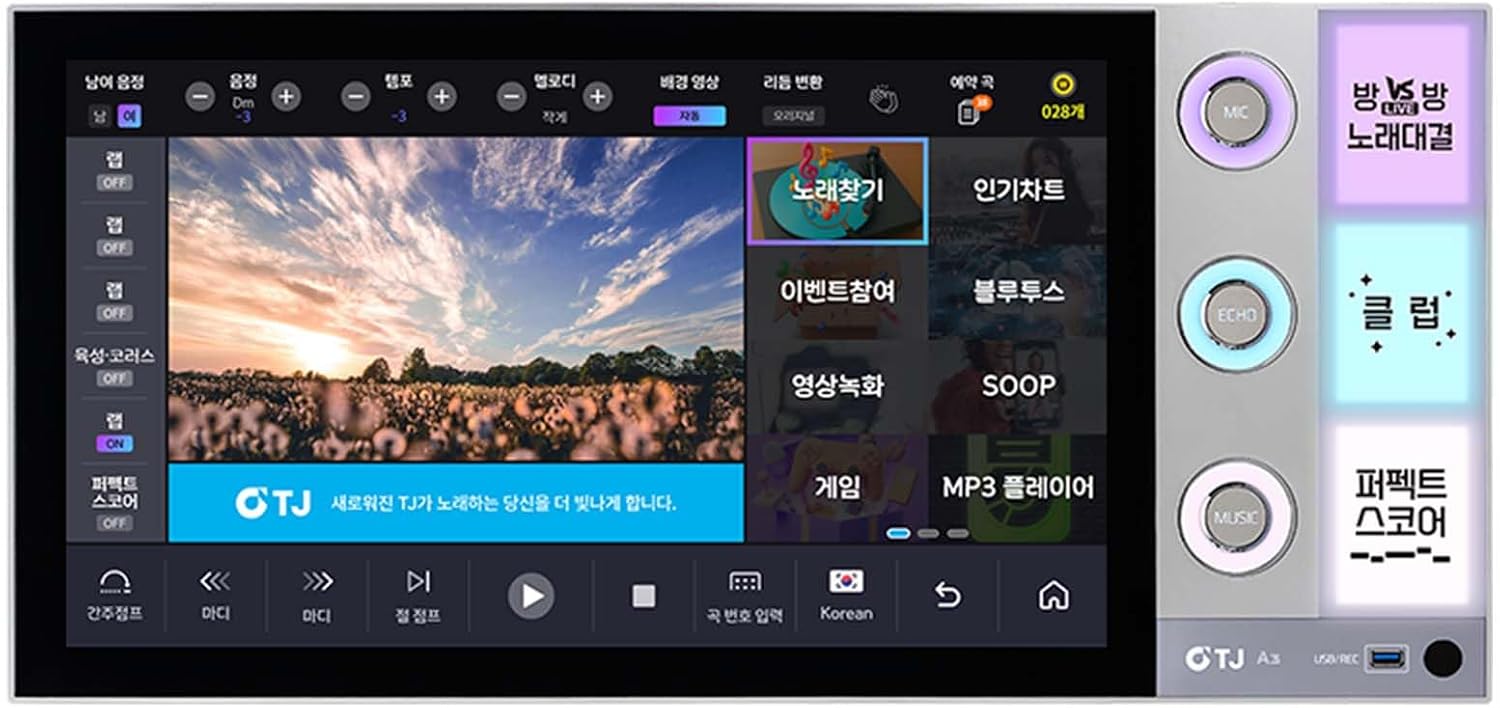
Image: Front view of the TJ Media A3 Karaoke Machine, displaying its 21.5-inch touch screen interface.

Image: Two TMW-G20 wired microphones, included with the system, shown with their connecting cables.

Image: The remote control and a separate keyboard controller for the TJ Media A3 system.
Setup Instructions
- Unpacking: Carefully remove all components from the packaging. Retain packaging for future transport or storage.
- Placement: Position the A3 Karaoke Machine on a stable, flat surface. Ensure adequate ventilation around the unit.
- Power Connection:
- Connect the power cord to the machine's power input.
- If in the US, use the provided US conversion plug.
- Plug the power cord into a compatible 110V-220V AC outlet.
- Audio Output Connection:
The A3 system requires a separate amplifier and speakers. Connect the A3 machine to your amplifier using an HDMI cable for digital audio and video, or other appropriate audio outputs if available on your amplifier.
- Connect an HDMI cable from the A3's HDMI output to an HDMI input on your television or display.
- Connect the audio output from the A3 (or from your TV/display if using HDMI for audio passthrough) to your amplifier's audio input.
- Connect your speakers to the amplifier.
- Microphone Connection:
Connect the TMW-G20 wired microphones to the microphone input jacks on the A3 machine or your amplifier, as appropriate for your setup.
- Remote Control & Keyboard: Ensure batteries are inserted correctly into the remote control and keyboard. These devices are used for navigation and song selection.
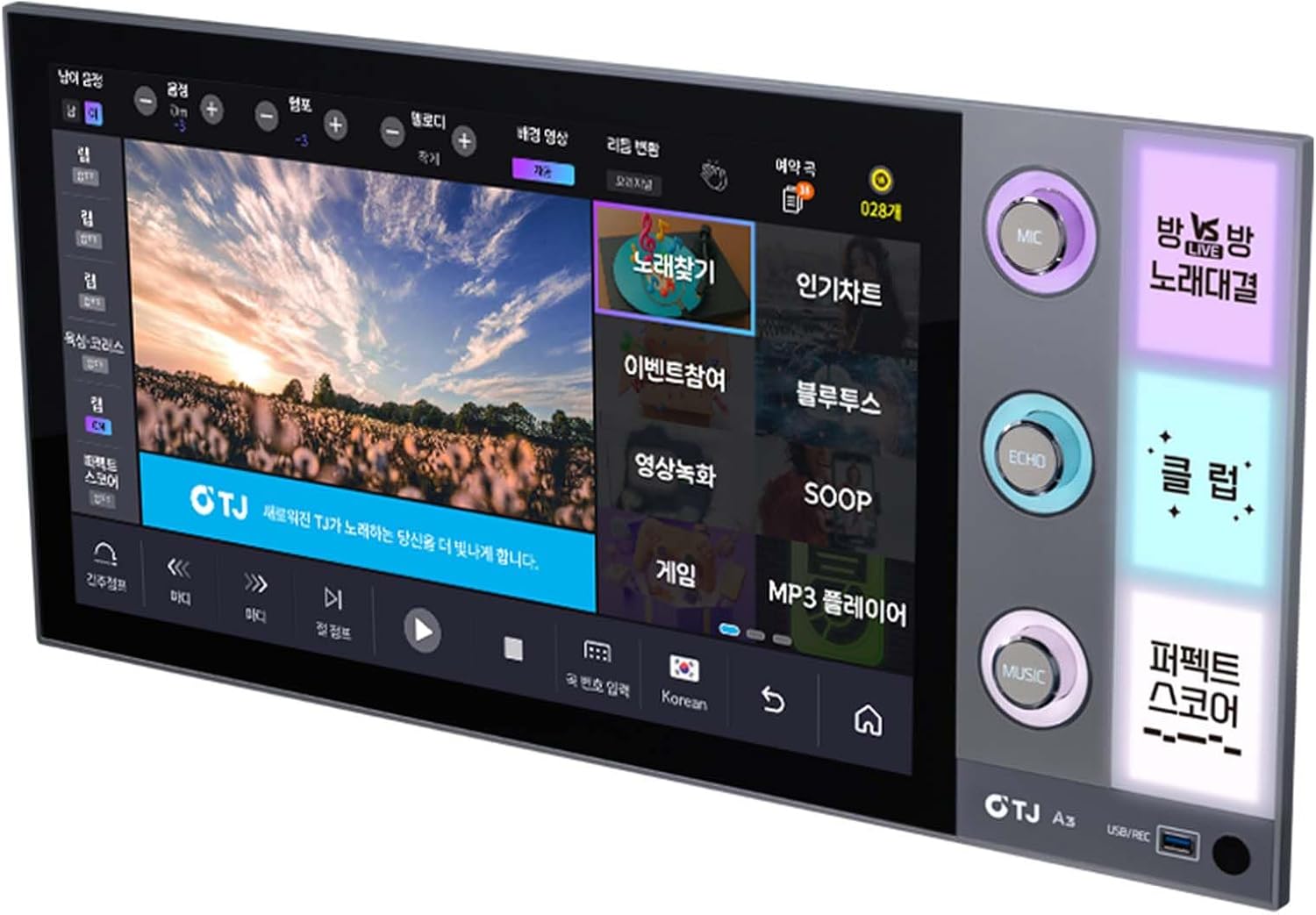
Image: Side view of the TJ Media A3 Karaoke Machine, highlighting the various connectivity ports for power, audio, and video.
Operating Instructions
- Power On: Press the power button on the A3 machine or the remote control to turn on the system. The touch screen will display the main interface.
- Language Settings:
While the primary interface is Korean, the system supports English language settings for navigation. Access the system settings menu (usually indicated by a gear icon) to change the display language to English if desired.
- Song Selection:
- Touch Screen: Navigate the song library directly on the 21.5-inch touch screen. Use categories, search functions, or popular charts to find songs.
- Remote Control/Keyboard: Use the provided remote control or keyboard to input song numbers, search by title or artist, and control playback.
- Song Books: Refer to the Korean and Foreign Song List Books to find song codes for direct entry.
- Microphone Usage:
- Ensure microphones are connected and powered on (if applicable).
- Adjust microphone volume and echo effects using the on-screen controls or dedicated buttons on the remote control.
- Playback Controls: Use the touch screen or remote control to manage song playback, including play, pause, skip, volume adjustment, tempo, and key changes.
- Recording Function: The system may include a recording feature. Consult the on-screen interface or the Korean manual for specific instructions on how to record your performances.
Maintenance
- Cleaning: Use a soft, dry cloth to clean the exterior of the machine and the touch screen. For stubborn marks on the screen, use a screen-specific cleaning solution applied to a cloth, not directly to the screen.
- Ventilation: Ensure that the ventilation openings on the unit are not blocked to prevent overheating.
- Storage: When not in use for extended periods, store the machine in a cool, dry place, away from direct sunlight and extreme temperatures.
- Software Updates: Periodically check for software updates through the system's settings menu to ensure optimal performance and access to new features or songs.
Troubleshooting
- No Power:
- Check if the power cord is securely connected to both the machine and the power outlet.
- Verify the power outlet is functional.
- Ensure the power switch on the unit is in the 'On' position.
- No Sound:
- Confirm that the A3 machine is correctly connected to an amplifier and speakers.
- Check the volume levels on the A3 system, amplifier, and television.
- Ensure all audio cables are securely connected.
- Verify the amplifier and speakers are powered on and functioning.
- No Picture:
- Ensure the HDMI cable is securely connected between the A3 and your display.
- Select the correct input source on your television or display.
- Check if the display device is powered on.
- Microphone Not Working:
- Check microphone cable connections.
- Adjust microphone volume settings on the A3 system or amplifier.
- Test with another microphone if available to rule out a faulty microphone.
- Touch Screen Unresponsive:
- Restart the machine.
- Ensure the screen is clean and free of obstructions.
Specifications
| Brand | TJ |
| Model Name | A3 |
| Special Feature | Touch Screen |
| Storage | 2TB HDD |
| Voltage | 110V - 220V (AC) |
| Consumption | 65W |
| Item Weight | 5 Kilograms (approx. 11 lbs) |
| Dimensions (D x W x H) | 26.4"D x 1.4"W x 12.5"H (Main unit: 420 x 144 x 170 mm with foot) |
| Connectivity Technology | HDMI (DIGITAL VIDEO OUTPUT) |
| Connector Type | HDMI |
| Media Type | Bluetooth, USB, SD |
| Compatible Devices | Television, Speaker |
| Language Support | Korean, English (for interface) |
Warranty Information
The TJ Media A3 Karaoke Machine comes with a 1 Year Manufacturer Warranty. Please retain your proof of purchase for warranty claims. For specific terms and conditions, refer to the warranty documentation included with your product or contact TJ Media customer support.
Support
For further assistance, technical support, or service inquiries, please refer to the official TJ Media website or contact their customer service department. Contact information may be found in the original product packaging or on the manufacturer's website.
Online Resources: For the most up-to-date information, FAQs, and troubleshooting guides, visit the official TJ Media support page. (Specific URL not provided in product data).


