
1. Introduction
This manual provides essential instructions for the safe and effective use of your Nicpower 130W Laptop Charger. Please read this manual thoroughly before using the product and retain it for future reference.
2. Product Overview
The Nicpower 130W Laptop Charger is designed to provide reliable power to compatible Dell Inspiron laptops and All-in-One PCs. It includes an AC adapter and a power cord.

Image 2.1: Nicpower 130W Laptop Charger components, including the main adapter unit, detachable power cord, and laptop connector cable.
What's in the Box:
- 1 x AC Adapter
- 1 x Power Cord
3. Compatibility
This charger is compatible with the following Dell models:
- Dell Inspiron 16 Plus 7640
- Dell Inspiron 24 5420
- Dell Inspiron 24 5421
- Dell Inspiron 27 7720 All-in-One W28C
- Dell Inspiron 27 7720 All-in-One W29C
Important: This charger will not function correctly if your device requires more than 130W of power.
Confirming Connector Type:
Ensure your device uses a round-tip connector. This charger is not compatible with USB-C charging ports.
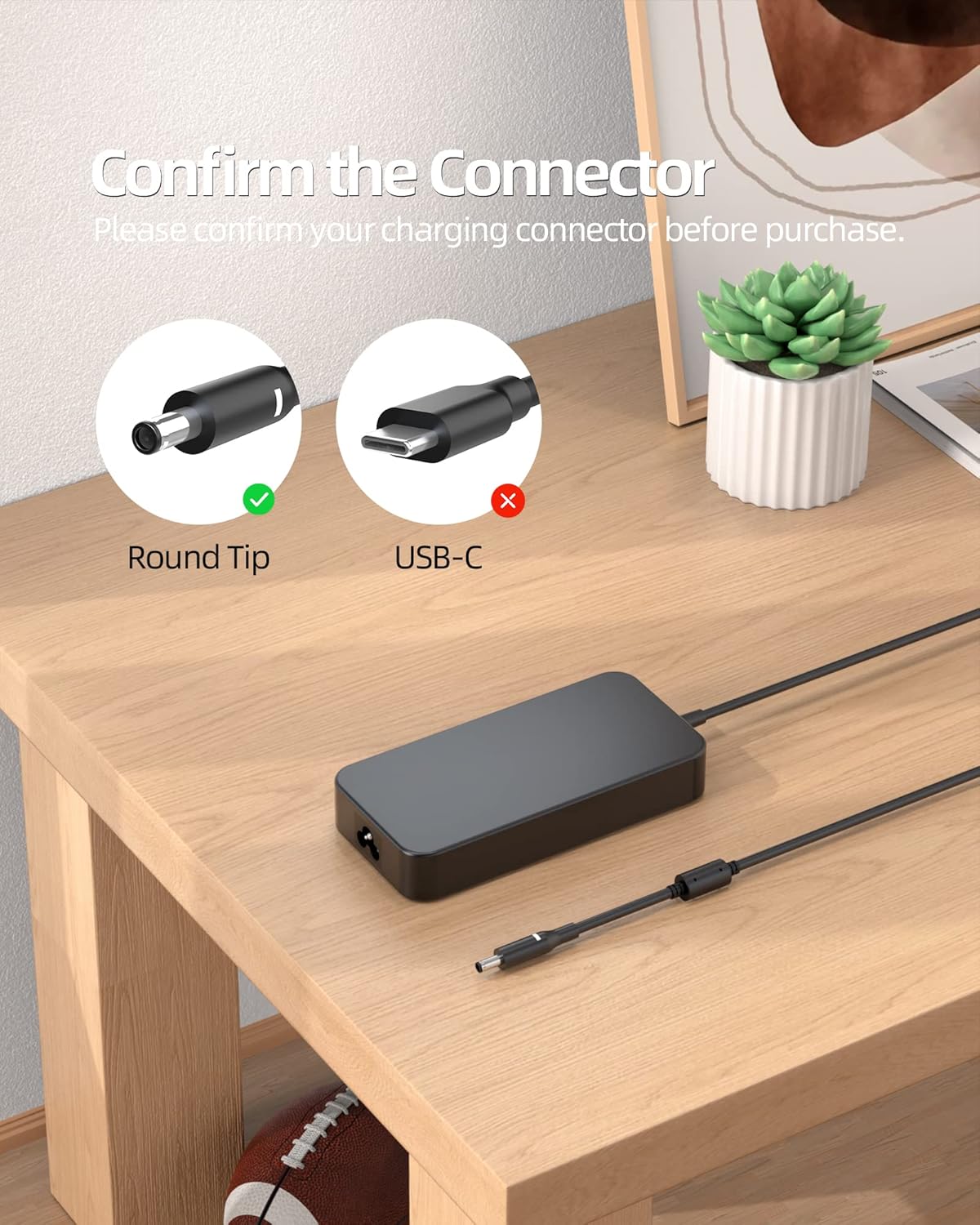
Image 3.1: Visual guide to confirm the correct round-tip connector type for compatibility.
Confirming Input Requirements:
Verify that your device's power requirements match the charger's output (19.5V/6.67A 130W). This charger is suitable for devices requiring 90W or 130W, but not 180W.

Image 3.2: Guide to confirm the input wattage required by your device for proper function.
4. Setup
- Connect the Power Cord: Insert the 3-prong end of the power cord into the AC adapter's input port.
- Connect to Power Outlet: Plug the other end of the power cord into a standard wall power outlet.
- Connect to Device: Insert the round-tip connector of the AC adapter into the charging port of your compatible Dell laptop or All-in-One PC.

Image 4.1: The Nicpower charger properly connected to a laptop, illustrating a typical setup.
5. Operating Instructions
Once connected as described in the Setup section, the charger will automatically begin supplying power to your device. Your device's charging indicator (if present) should illuminate, confirming that it is receiving power.
- Ensure all connections are secure before use.
- Avoid disconnecting the charger abruptly during critical operations to prevent data loss or system instability.
- The charger is designed for continuous use but should be unplugged from the wall outlet when not in use for extended periods.
6. Maintenance
Proper maintenance ensures the longevity and optimal performance of your charger.
- Cleaning: Use a soft, dry cloth to clean the charger and cables. Do not use liquid cleaners or solvents.
- Storage: Store the charger in a cool, dry place away from direct sunlight and extreme temperatures.
- Cable Care: Avoid bending or crimping the cables sharply. Do not place heavy objects on the cables.
- Inspection: Periodically inspect the charger and cables for any signs of damage, such as frayed wires or cracked casing. Discontinue use if damage is found.
7. Troubleshooting
No Power to Device:
- Check Connections: Ensure the power cord is firmly connected to both the AC adapter and the wall outlet. Verify the adapter's connector is fully inserted into your device's charging port.
- Test Outlet: Plug another device into the wall outlet to confirm it is functional.
- Verify Compatibility: Double-check that your device's power requirements (voltage, amperage, wattage) and connector type match the charger's specifications.
Charger Overheating:
- Ensure Ventilation: Make sure the charger is placed in a well-ventilated area and not covered by objects that could trap heat.
- Reduce Load: If your device is performing intensive tasks while charging, it may draw more power, causing the charger to warm up. This is normal, but excessive heat may indicate an issue.
- Check for Damage: If overheating persists or is accompanied by unusual smells or sounds, discontinue use immediately and contact customer support.
8. Specifications
| Feature | Specification |
|---|---|
| Model Number | ADP195667 |
| Output Voltage/Amperage | 19.5V / 6.67A |
| Output Wattage | 130W |
| Input Voltage | 110 Volts |
| Connector Type | Round-Type Connector |
| Included Components | AC Adapter, Power Cord |
| Package Dimensions | 6.94 x 4.89 x 1.81 inches |
| Item Weight | 1.13 pounds |
| Manufacturer | Nicpower |
Product Details:

Image 8.1: Close-up of the charger's key components, including the connector, anti-interference wire, and the 3-prong power plug.
9. Safety Information
The Nicpower 130W Laptop Charger has undergone rigorous testing to ensure its quality and safety. It incorporates multiple protection features:
- Electrostatic Protection: Guards against damage from static electricity.
- Short Circuit Protection: Prevents damage in case of a short circuit.
- Magnetic Field Protection: Shields against interference from magnetic fields.
- Overvoltage Protection: Protects your device from excessive voltage.
- Overheating Protection: Prevents the charger from reaching unsafe temperatures.
- Overcurrent Protection: Safeguards against excessive current flow.

Image 9.1: Visual representation of the multiple safety features integrated into the charger.
10. Warranty and Support
Nicpower stands behind the quality of its products. This charger comes with:
- 30-Day Money-Back Policy: For hassle-free returns within 30 days of purchase.
- 12-Month After-Sales Support: Comprehensive support for one year from the date of purchase.
For any inquiries or support needs, please refer to the contact information provided with your purchase or visit the official Nicpower website.
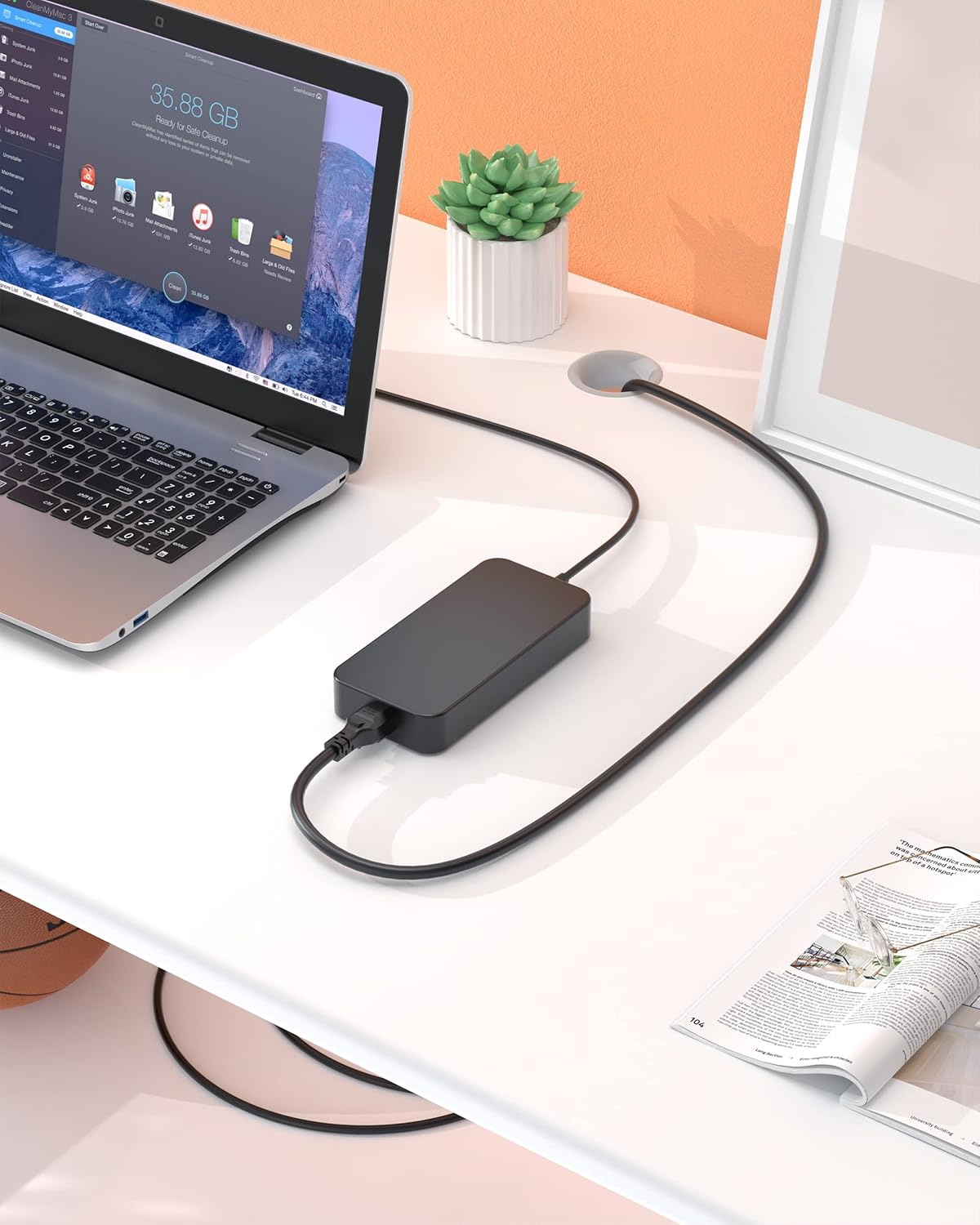
Image 10.1: Overview of Nicpower's customer service and support policies.