
Famisym MBZ081
FamiSym White Noise Sound Machine User Manual
Model: MBZ081
Brand: Famisym
Introduction
The FamiSym White Noise Sound Machine (Model MBZ081) is designed to create a peaceful and conducive environment for sleep and relaxation. Featuring 28 non-looping sounds, adjustable volume, and a convenient timer function, this portable device is suitable for individuals of all ages, including babies, children, and adults. Its rechargeable battery ensures extended use, making it ideal for home, office, or travel.

Image: Front view of the FamiSym White Noise Sound Machine, showcasing its compact, circular design with a central speaker grille and control buttons.
Safety Information
- Always unplug and disconnect the device from the power source before cleaning.
- Do not use the device if the cord is damaged.
- Keep the device out of the reach of children and pets.
- Avoid exposure to loud sounds for extended periods to prevent hearing damage.
- Do not use the device while sleeping to avoid the risk of fire.
Setup
Follow these steps to set up your FamiSym White Noise Sound Machine:
- Remove the sound machine from its packaging.
- Charge the rechargeable battery fully before using it for the first time. Use the provided USB charging cable.
- Turn on the sound machine using the power button.
- Select a desired sound using the sound selection buttons.
- Adjust the volume to your preference.
- Set a timer if desired, or allow it to play continuously.
- Place the sound machine in your preferred location for optimal sound distribution.
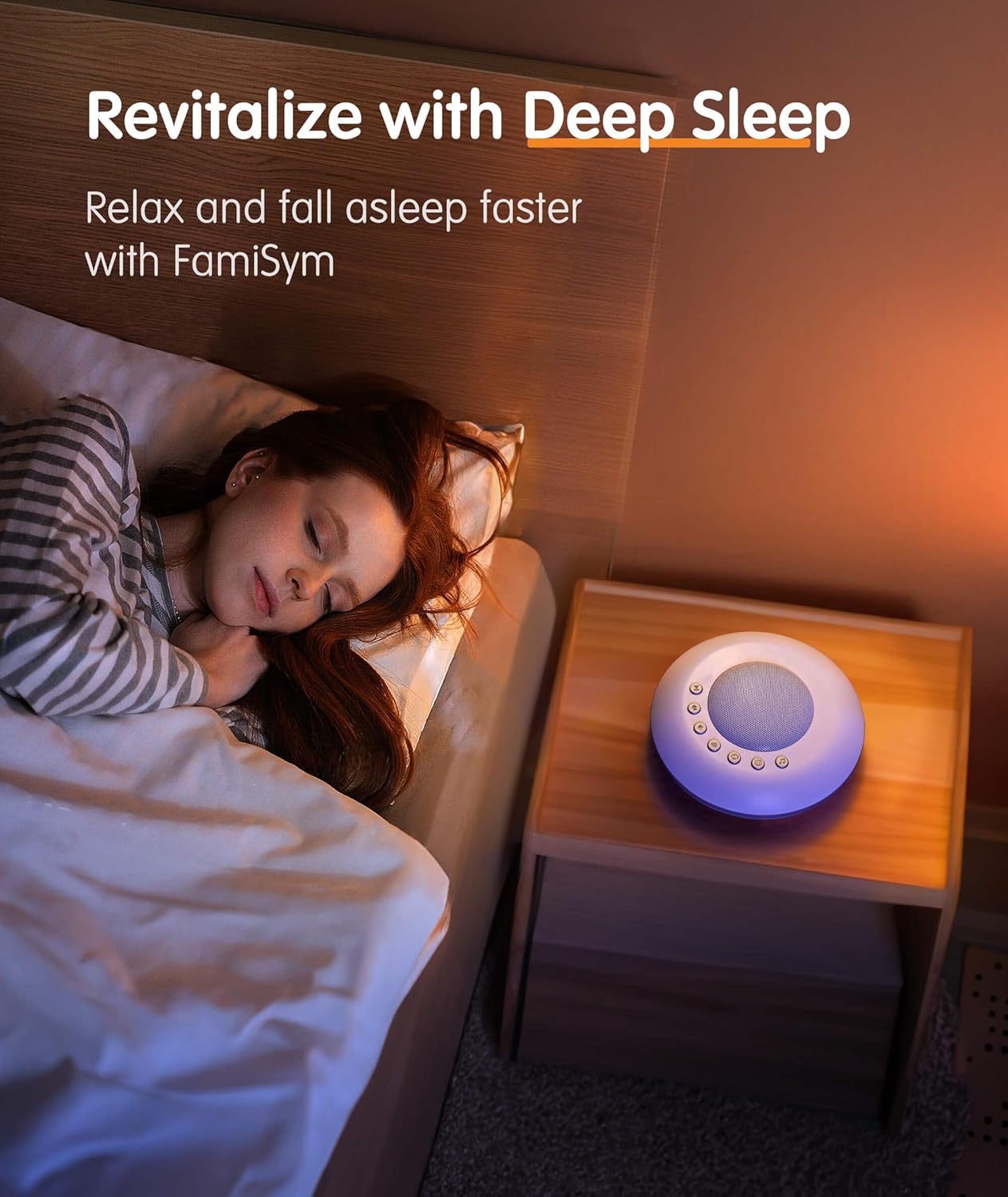
Image: The sound machine placed on a nightstand, providing a calming atmosphere for sleep.
Operating Instructions
Power On/Off
Press the power button (usually indicated by a universal power symbol) to turn the device on or off.
Sound Selection
The device offers 28 non-looping sounds. These include:
- White Noise: White noise, brown noise, pink noise, fan sounds.
- Natural Sounds: Thunder, rain, ocean, stream.
- Baby Soothing Sounds: Heartbeat, shushing, dryer, lullabies.
Use the dedicated sound selection buttons (often indicated by arrows or music notes) to cycle through the available sounds.

Image: Close-up of the sound machine's control panel, showing icons for various sound types.
Volume Adjustment
Adjust the volume using the '+' and '-' buttons. The device features 32 levels of adjustable volume to suit your environment and preference.
Timer Function
Set a timer for automatic shut-off. Options include 30, 60, or 90 minutes. For continuous play, select the infinite loop option. The device will remember your last timer setting.

Image: The sound machine on a nightstand, illustrating the timer settings (30, 60, 90 minutes, or continuous).
Memory Function
The FamiSym White Noise Sound Machine is equipped with a memory function that recalls your last selected sound and volume settings upon restart.
Maintenance
- Cleaning: Always unplug the device before cleaning. Use a soft, dry cloth to wipe the exterior. Do not use liquid cleaners or immerse the device in water.
- Battery Care: To prolong battery life, fully charge the device before initial use and when the battery is low. Avoid completely draining the battery frequently.
- Storage: Store the device in a cool, dry place away from direct sunlight and extreme temperatures when not in use for extended periods.
Troubleshooting
- Device not turning on: Ensure the battery is fully charged. Connect the device to a power source using the USB cable.
- No sound: Check the volume level and ensure it is not muted. Verify that a sound has been selected.
- Short battery life: Ensure the device is fully charged. Battery performance may decrease over time with regular use.
- Sound quality issues: Ensure the device is placed on a stable, flat surface. Avoid placing it near other electronic devices that may cause interference.
Specifications
| Feature | Detail |
|---|---|
| Product Dimensions | 5.91 x 5.91 x 1.5 inches |
| Weight | 11.36 ounces |
| Item Model Number | MBZ081 |
| Battery Type | Lithium Ion (rechargeable) |
| Battery Life | Over 15 hours (on full charge) |
| Sound Options | 28 non-looping sounds (White Noise, Natural Sounds, Lullabies, etc.) |
| Volume Levels | 32 adjustable levels |
| Timer Settings | 30, 60, 90 minutes, or continuous play |
| Material | Plastic |
| Color | Basic-white |
| Manufacturer | Famisym Store |
Warranty and Support
For information regarding product warranty, returns, or technical support, please refer to the product packaging or contact Famisym customer service directly. Specific warranty details are not provided in this manual.
Legal Disclaimer: Statements regarding dietary supplements have not been evaluated by the FDA and are not intended to diagnose, treat, cure, or prevent any disease or health condition.
Related documentsMBZ081


Ask a question about this manual
Ask about setup, troubleshooting, compatibility, parts, safety, or missing instructions. Manuals+ will review the question and use this page’s manual context to help answer it.