
1. Introduction
Welcome to the user manual for your AIOEXPC Mini PC Stick. This compact and powerful device is designed to provide a full desktop computing experience in a portable form factor. Please read this manual carefully to ensure proper setup, operation, and maintenance of your device.

Image: The AIOEXPC Mini PC Stick, a compact black device with an 'Intel inside' logo, shown from an angled perspective.
2. What's in the Box
Verify that all items are present in the package:
- 1x S7 Mini PC Stick
- 1x Power Adapter
- 1x HDMI Cable
- 1x User Manual
3. Product Overview
Key Features
- Processor: Intel Celeron N4000 Quad-Core (up to 2.8GHz)
- Operating System: Pre-installed Windows 11 Pro
- Memory & Storage: 8GB LPDDR4 RAM, 1TB SSD (M.2 SATA 2242)
- Display Output: Supports 4K HD via HDMI
- Connectivity: 2.4G/5G Dual-band WiFi, Bluetooth 4.2, Gigabit Ethernet Port
- Ports: 3x USB 3.0 ports
- Cooling: Auto-adjustable intelligent variable speed silent fan

Image: An illustration highlighting the Intel Celeron N4000 processor, Intel UHD Graphics, and Windows 11 Pro operating system of the Mini PC Stick.
Ports and Dimensions
The AIOEXPC Mini PC Stick is designed with essential ports for versatile connectivity:
- HDMI Output: For connecting to displays.
- Heat Vents: For efficient heat dissipation.
- Switch: Power button.
- CLR CMOS: Button to clear CMOS settings.
- Audio: Audio jack.
- Ethernet Port: For wired network connection.
- DC Port: For power input.
- SSD (Replaceable): Access for SSD maintenance.
- USB 3.0 Ports (x3): For connecting peripherals.

Image: A diagram illustrating the various ports and dimensions (5.5 x 1.9 x 0.78 inches) of the AIOEXPC Mini PC Stick.
4. Setup Guide
4.1 Connecting to a Display
- Connect one end of the provided HDMI cable to the HDMI port on the Mini PC Stick.
- Connect the other end of the HDMI cable to an available HDMI input on your monitor, TV, or projector.
- Select the correct HDMI input source on your display device.
4.2 Powering On
- Connect the power adapter to the DC port on the Mini PC Stick.
- Plug the power adapter into a wall outlet.
- Press the power button on the Mini PC Stick to turn it on. The power indicator light will illuminate.
4.3 Connecting Peripherals
Connect your keyboard, mouse, and other USB devices to the available USB 3.0 ports on the Mini PC Stick.

Image: The AIOEXPC Mini PC Stick connected to multiple USB devices, demonstrating its three USB 3.0 ports.
5. Operating Instructions
5.1 Power On/Off
- To Power On: Press the power button once.
- To Power Off: Click the Start button in Windows, then select Power > Shut down. Alternatively, press and hold the power button for a few seconds for a forced shutdown (not recommended for regular use).
5.2 Network Connectivity
- Wi-Fi: Once Windows 11 Pro loads, click the network icon in the taskbar, select your Wi-Fi network, enter the password, and connect. The device supports 2.4G and 5G dual-band Wi-Fi.
- Ethernet: Connect an Ethernet cable from your router or modem to the Gigabit Ethernet port on the Mini PC Stick for a wired network connection.
5.3 Bluetooth Pairing
To pair Bluetooth devices (e.g., headphones, speakers, keyboards):
- Go to Windows Settings > Bluetooth & devices.
- Ensure Bluetooth is turned on.
- Click 'Add device' and select 'Bluetooth'.
- Put your Bluetooth device into pairing mode and select it from the list.
5.4 4K UHD Output
The Mini PC Stick supports 4K Ultra HD resolution output, providing crisp and clear visuals for compatible displays and content. Ensure your display and HDMI cable support 4K resolution for optimal experience.
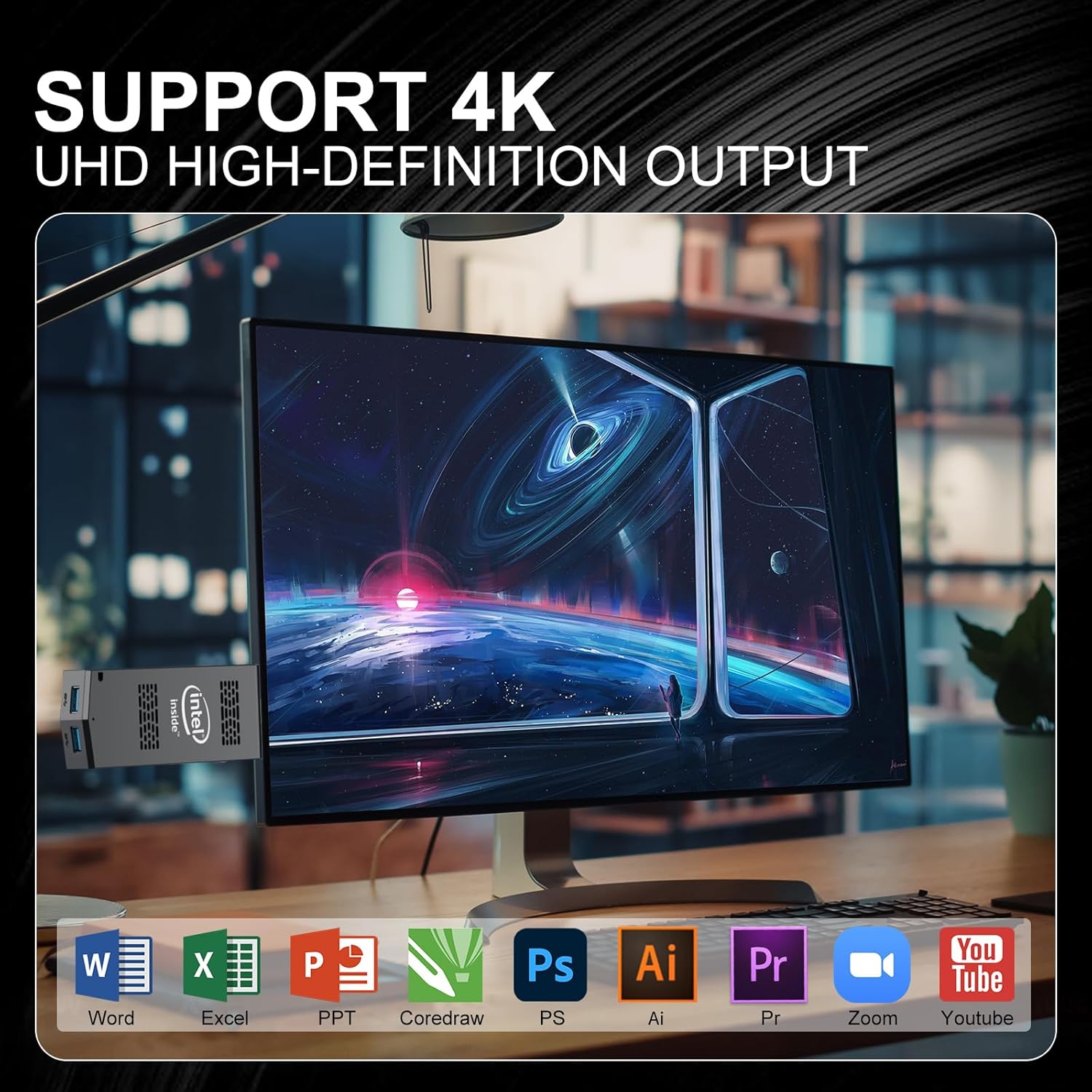
Image: The AIOEXPC Mini PC Stick connected to a monitor displaying 4K UHD content, with icons of various productivity and media applications.
6. Maintenance and Care
6.1 Cooling System
The Mini PC Stick features an auto-adjustable intelligent variable speed silent fan. This system actively manages internal temperatures, protecting the CPU and extending the device's lifespan by preventing performance degradation due to overheating. Ensure the heat vents are not obstructed.

Image: An illustration showing the internal auto-adjustable cooling system of the Mini PC Stick, emphasizing fast heat dissipation and long service life.
6.2 Cleaning
Regularly clean the exterior of the device with a soft, dry cloth. Use compressed air to gently clear dust from the heat vents. Do not use liquid cleaners directly on the device.
6.3 Storage Management
The device comes with a 1TB SSD, offering fast and stable storage. To maintain optimal performance, regularly clear unnecessary files, empty the recycle bin, and consider defragmenting the drive (though less critical for SSDs, Windows handles this automatically). Avoid filling the SSD to its maximum capacity.

Image: An illustration highlighting the M.2 SATA3 2242 SSD with read and write speeds of 490MB/s.
7. Troubleshooting
If you encounter issues with your Mini PC Stick, refer to the table below for common problems and solutions:
| Problem | Possible Cause | Solution |
|---|---|---|
| No display on monitor | Incorrect HDMI input selected, loose cable, power issue | Ensure monitor is on correct input. Check HDMI cable connection. Verify power adapter is connected and device is powered on. |
| Device does not power on | Power adapter not connected, faulty outlet | Check power adapter connection to device and wall outlet. Try a different outlet. |
| Wi-Fi connection issues | Incorrect password, router issues, signal interference | Verify Wi-Fi password. Restart router. Move device closer to router or reduce interference. |
| Slow performance | Too many applications running, low storage, overheating | Close unnecessary applications. Free up disk space. Ensure proper ventilation and cooling. |
8. Technical Specifications
| Feature | Specification |
|---|---|
| Processor | Intel Celeron N4000 (2.8 GHz) |
| RAM | 8 GB DDR4 |
| Storage | 1 TB SSD (M.2 SATA 2242) |
| Graphics Coprocessor | Intel UHD Graphics 600 |
| Operating System | Windows 11 Pro, Linux |
| Max Screen Resolution | 3840 x 2160 pixels (4K) |
| Wireless Type | 802.11a/b/g/n/ac (2.4G/5G Dual-band), Bluetooth 4.2 |
| USB Ports | 3x USB 3.0 |
| Item Weight | 14 ounces (0.26 Pounds) |
| Package Dimensions | 5.94 x 5.04 x 2.24 inches |
| Color | Black |
9. Warranty and Support
9.1 Warranty Information
AIOEXPC provides a 1-year warranty service for this Mini PC Stick. Please retain your proof of purchase for warranty claims.
9.2 Technical Support
AIOEXPC offers 7*24 technical support service for users. If you have any technical problems or questions regarding your Mini PC Stick, please do not hesitate to contact us.
9.3 Contact Information
For support, you can contact AIOEXPC via email at: AIOEXPC@outlook.com
Alternatively, you can log in to your Amazon account, navigate to 'Your Orders', and ask a product question directly from there.

Image: A graphic detailing customer service support options, including email and Amazon order support.


