
1. Introduction
The AIOEXPC Mini PC Stick S7-N4000 is a compact and versatile computing solution designed for various applications, from daily office tasks and home entertainment to educational and industrial uses. Powered by an Intel Celeron N4000 Quad-Core processor and pre-installed with Windows 11 Pro, this device offers 4K HD support, 8GB LPDDR4 RAM, and a 128GB M.2 SATA 2242 SSD for reliable and efficient performance.
Its small form factor and comprehensive connectivity options make it an ideal choice for users seeking a portable yet powerful computing experience.

Figure 1: AIOEXPC Mini PC Stick S7-N4000
2. What's in the Box
- 1x S7 Intel PC Stick
- 1x Power Adapter
- 1x HDMI Cable
- 1x User Manual
3. Product Overview
3.1. Device Features
- Processor: Intel Celeron N4000 Quad-Core (up to 2.6GHz)
- Operating System: Pre-installed Windows 11 Pro
- Memory: 8GB LPDDR4 RAM
- Storage: 128GB M.2 SATA 2242 SSD (expandable up to 1TB)
- Graphics: Intel UHD Graphics 600, 4K HD support
- Connectivity: 2.4G/5G Dual-band WiFi, Bluetooth 4.2, Gigabit Ethernet
- Ports: 3x USB 3.0, HDMI Output, USB Type-C (for power)
- Cooling: Auto-adjustable intelligent variable speed silent fan
- Dimensions: 5.5 x 1.9 x 0.78 inches
- Weight: 0.26 Pounds
3.2. Port Layout

Figure 2: Port layout and dimensions of the Mini PC Stick. Includes HDMI Output, Heat Vents, Power Switch, CLR CMOS, Audio, Ethernet Port, DC Port, SSD (Replaceable), and USB 3.0 Ports.

Figure 3: Close-up view of the USB ports and Type-C power input.
4. Setup Guide
4.1. Initial Connection
- Connect the Mini PC Stick to your display (monitor, TV, or projector) via the HDMI port.
- Connect the power adapter to the USB Type-C power input port on the Mini PC Stick, then plug the adapter into a power outlet.
- Connect your keyboard and mouse to the available USB 3.0 ports.
- Press the power button on the Mini PC Stick to turn it on. The indicator light will display blue.

Video 1: This video demonstrates the easy installation process of the S7 Mini PC Stick, showing how to connect it to a display and power source.
4.2. VESA Mount Installation (Optional)
For a cleaner setup, you can use the included VESA mount bracket to attach the Mini PC Stick to the back of your monitor.
- Secure the VESA mount bracket to the back of your monitor using the provided screws.
- Slide the Mini PC Stick into the bracket until it clicks securely into place.

Video 2: This video provides a step-by-step guide on how to install the VESA-mounted bracket for the Mini PC Stick, helping to keep your workspace organized.
5. Operating Instructions
5.1. First Boot and Windows Setup
Upon the first power-on, the system will guide you through the initial Windows 11 Pro setup process. Follow the on-screen instructions to configure your language, region, network, and user account settings.
5.2. Network Connection
- Wi-Fi: The device supports 2.4G and 5G dual-band Wi-Fi. Connect to your preferred wireless network through the Windows settings.
- Ethernet: For a stable wired connection, plug an Ethernet cable into the Gigabit network port on the Mini PC Stick.
5.3. 4K UHD Output
The Mini PC Stick supports 4K UHD high-definition output via its HDMI port, allowing for clear visuals on compatible displays.
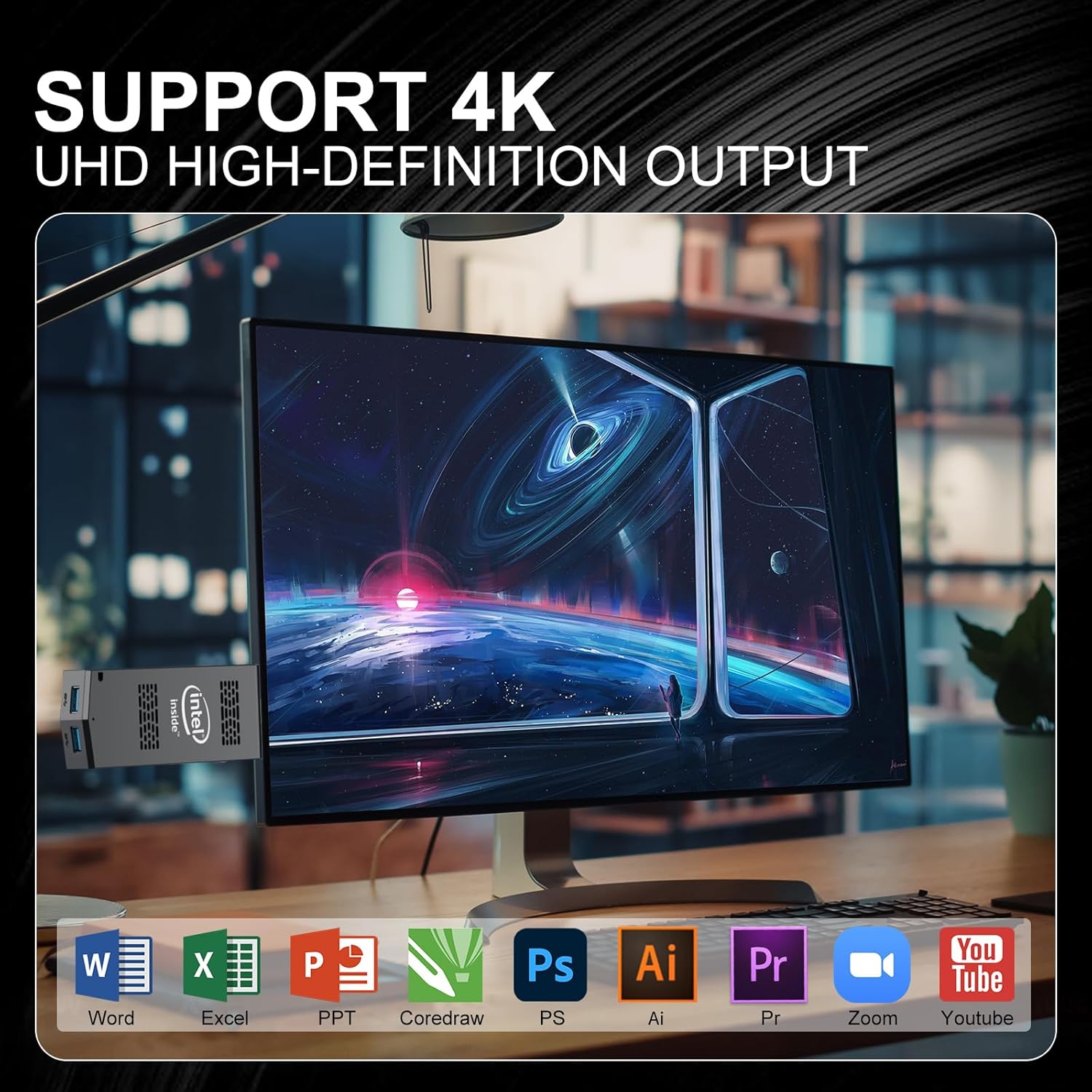
Figure 4: The Mini PC Stick supports 4K UHD output, suitable for various applications including office, entertainment, and design.
6. Maintenance
6.1. Cooling System
The device features an auto-adjustable intelligent variable speed silent fan. This system actively dissipates heat, protecting the CPU and extending the product's lifespan. Ensure the heat vents are not obstructed to maintain optimal cooling performance.

Figure 5: The intelligent cooling system ensures efficient heat dissipation, preventing lag and prolonging device life.
6.2. Expandable Storage
The 128GB M.2 SATA 2242 SSD is interchangeable, allowing you to expand the storage capacity up to 1TB. Refer to the detailed instructions for SSD replacement if needed.

Figure 6: Internal view highlighting the SSD and other components.
7. Troubleshooting
7.1. Display Issues
If you experience display problems (e.g., no signal, incorrect resolution), ensure the HDMI cable is securely connected to both the Mini PC Stick and the display. Try a different HDMI port on your display or a different HDMI cable. Verify your display input source is set correctly.
7.2. Driver Updates
Outdated or incorrect drivers can cause performance issues. It is recommended to regularly check for and install the latest drivers for your graphics and other components through Windows Update or the manufacturer's website.

Video 3: This video guides users through the process of uninstalling incorrect graphics drivers and updating to the correct version, which can resolve display-related issues.
7.3. System Responsiveness
If the system becomes unresponsive, try restarting the device. If the issue persists, consider checking background processes or performing a system restore.
8. Specifications
| Feature | Detail |
|---|---|
| Processor | Intel Celeron N4000 (up to 2.6 GHz) |
| RAM | 8 GB DDR4 |
| Hard Drive | 128 GB SSD (M.2 SATA 2242) |
| Graphics Coprocessor | Intel UHD Graphics 600 |
| Max Screen Resolution | 3840 x 2160 pixels (4K) |
| Operating System | Windows 11 Pro |
| Wireless Type | 802.11a/b/g/n/ac, Bluetooth 4.2 |
| USB Ports | 3x USB 3.0 |
| Ethernet | Gigabit Ethernet |
| Item Weight | 4.2 ounces |
| Package Dimensions | 5.91 x 5.04 x 2.24 inches |
9. Warranty and Support
AIOEXPC provides comprehensive support for your Mini PC Stick S7-N4000:
- Lifetime Technical Support: Assistance is available for any technical queries or issues you may encounter.
- 12-Month Service: Enjoy a 12-month service period for your product.
For support, please contact us via email at: AIOEXPC@outlook.com