
Hikity Hikity-A7347A3196H1MI2-3UK
Hikity 10.1" Android Car Stereo User Manual
Model: Hikity-A7347A3196H1MI2-3UK
For Buick Regal (2009-2013) / Opel Insignia (2008-2013)
1. Introduction
Thank you for choosing the Hikity 10.1" Android Car Stereo. This advanced multimedia system is designed to enhance your driving experience with features like wireless CarPlay, Android Auto, GPS navigation, Bluetooth connectivity, and more. This manual provides detailed instructions for installation, operation, and maintenance to ensure optimal performance and longevity of your device.

Image: The Hikity 10.1 inch Android Car Stereo unit, showing the display and the included microphone, AHD camera, and wiring harnesses.
2. Setup
2.1. Compatibility
This car stereo is specifically designed for:
- Buick Regal (2009-2013)
- Opel Insignia (2008-2013)
It includes a mounting fascia and a CANBUS decoder box to ensure seamless integration with your vehicle's original systems, supporting steering wheel controls and radar information synchronization.
2.2. Package Contents
Before installation, please verify that all components are present in the package:
- 1 x Android Car Stereo Unit
- 1 x Power Cable
- 1 x Original USB Cable
- 2 x USB Cables
- 1 x RCA Cable
- 1 x Accessories Bag
- 1 x CANBUS Decoder Box
- 1 x Camera Input Cable
- 1 x Installation Tool
- 1 x GPS Antenna
- 1 x Radio Antenna
- 1 x Microphone
- 1 x AHD Rear Camera

Image: A visual representation of the package contents, including the main unit, various cables, antennas, microphone, and rear camera.
2.3. Wiring Diagram
Proper wiring is crucial for the functionality of your car stereo. Refer to the diagram below for correct connections.

Image: A comprehensive wiring diagram illustrating the connections for the microphone, CVBS input, video output, subwoofer, video input, AUX inputs, audio outputs, and amplifier control. It also shows the back of the unit with labeled ports for power, RCA, USB, camera input, and GPS antenna.
2.4. Installation
The installation process involves removing your old car stereo and connecting the new Hikity unit using the provided mounting fascia and wiring. Ensure all connections are secure before reassembling your dashboard. The CANBUS decoder will integrate the unit with your vehicle's existing electronic systems.

Image: A side-by-side comparison showing the vehicle's dashboard before and after the installation of the Hikity 10.1 inch Android Car Stereo, demonstrating a seamless fit.
3. Operating Instructions
3.1. Android 13 Operating System
The unit runs on the latest Android 13 operating system, featuring a quad-core processor, 2GB RAM, and 64GB ROM for smooth and responsive performance. The 10.1" HD 2.5D touchscreen offers a clear and intuitive user interface.
3.1.1. User Interface and Themes
Customize your experience with 28 different theme styles for the home screen, allowing you to change the look and feel at any time.

Image: A collage displaying 28 distinct desktop themes, showcasing various icon styles, color schemes, and widget layouts available for personalization on the car stereo.
3.1.2. Split Screen Function
The split-screen feature allows you to display two applications simultaneously, such as navigation and music playback, for enhanced multitasking.
3.2. Wireless CarPlay & Android Auto
Connect your iOS or Android smartphone wirelessly via Bluetooth or WiFi for seamless integration. This enables voice control, navigation, hands-free calling, messaging, and music streaming directly from your phone's interface displayed on the car stereo.
- Wireless CarPlay: For iOS devices, connect via Bluetooth or WiFi.
- Android Auto: Wired connectivity is supported for more stable performance.
3.2.1. Mirror Link
The unit also supports Mirror Link, allowing you to mirror your smartphone's screen directly onto the car stereo display.
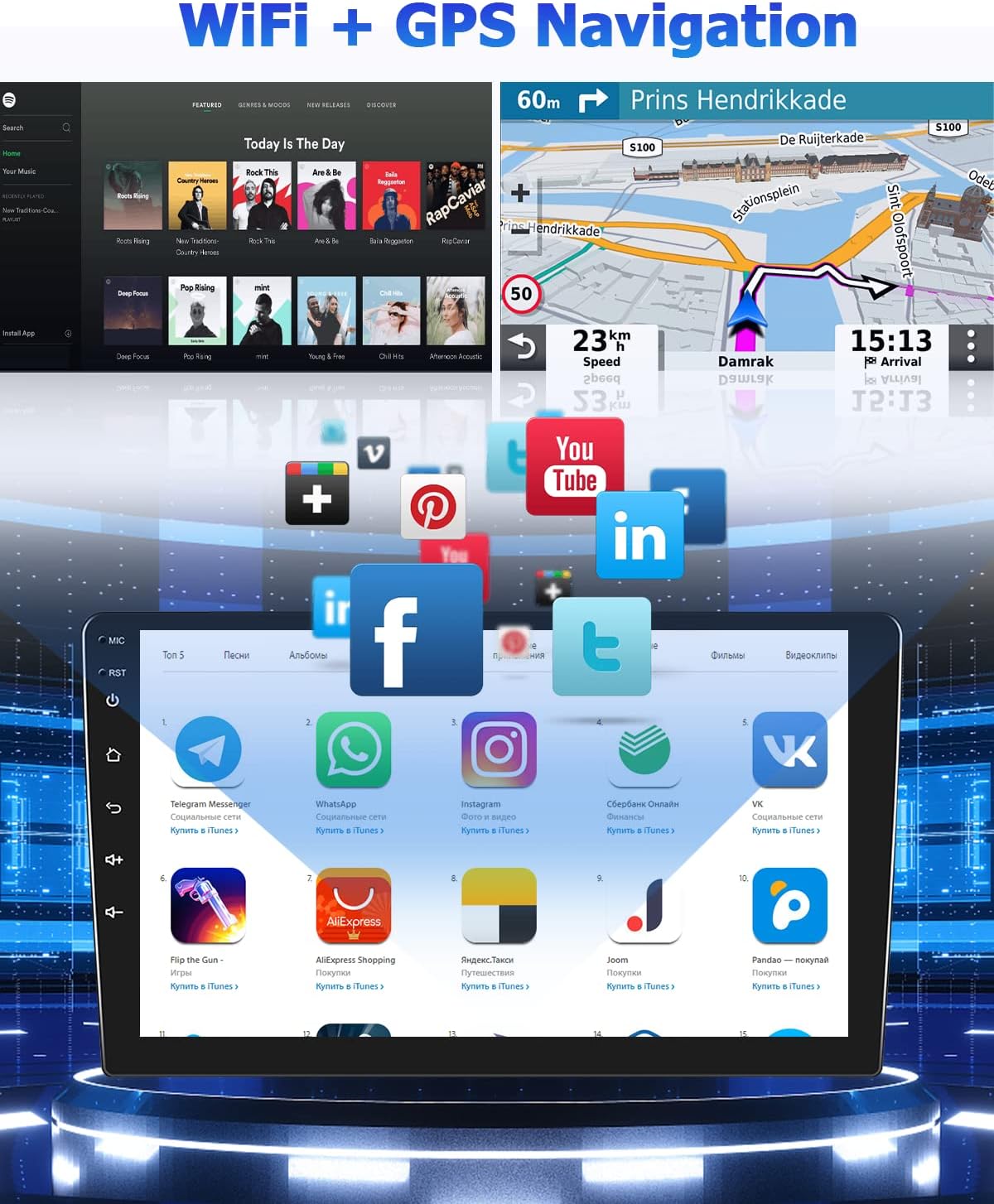
Image: A graphic demonstrating the Apple CarPlay and Android Auto interfaces, showing how they integrate with the car stereo. It highlights both wired and wireless connectivity options for Apple CarPlay and wired for Android Auto, along with an image of the unit installed in a car dashboard.
3.3. GPS Navigation
The car stereo comes with a pre-installed offline map application, "Here We Go," and integrated offline map data. Once connected to WiFi or a mobile hotspot, you can download additional maps and access online navigation services and other applications like YouTube and Spotify.
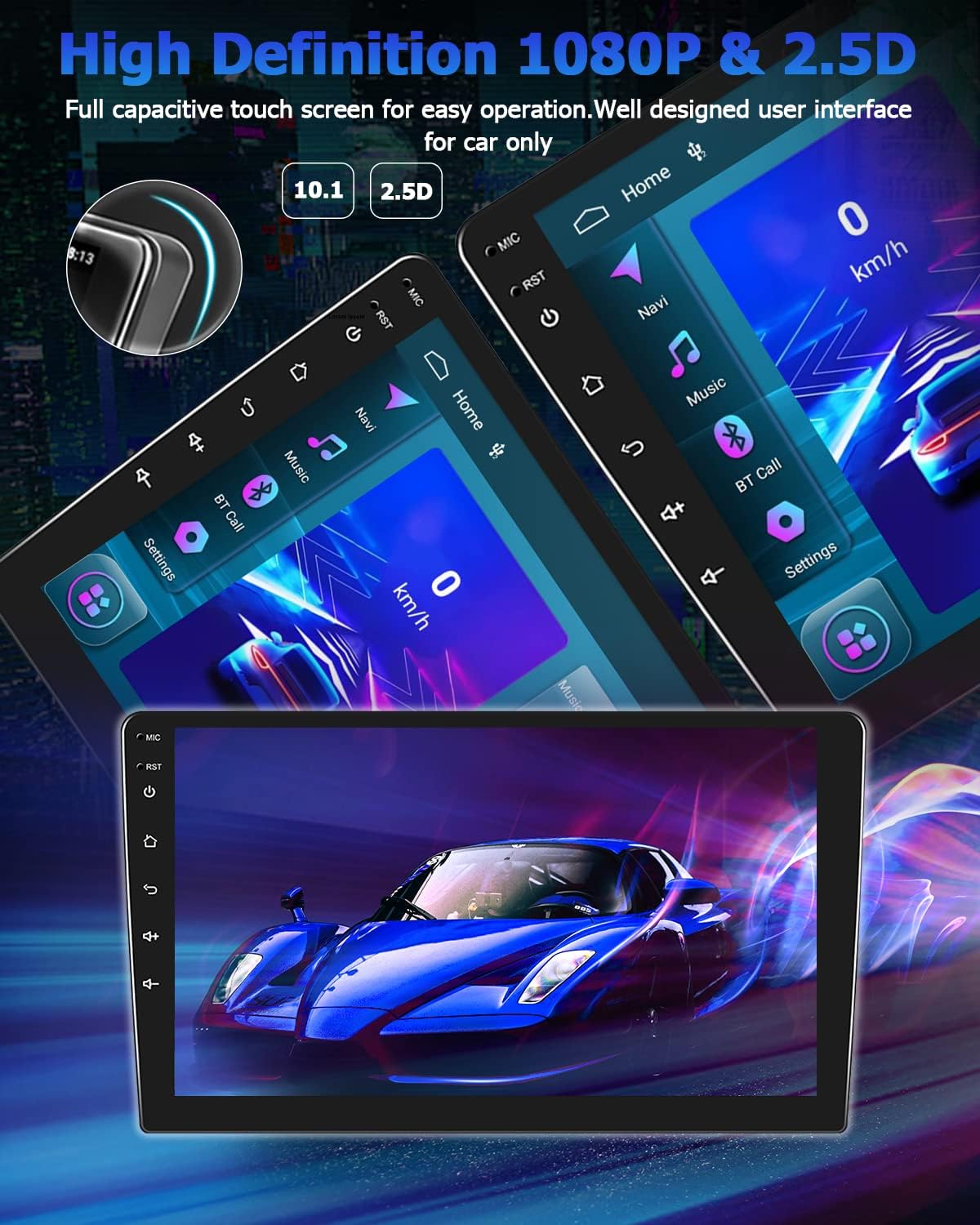
Image: The car stereo display showing a GPS navigation map on one side and a music streaming interface on the other, along with various app icons like YouTube, Facebook, and Instagram, indicating internet connectivity.
3.4. Multimedia Player
Enjoy a superior audio experience with the integrated HiFi function, 10-band equalizer, TDA7388 power amplifier chip, and 8 sound effects. The unit supports USB multimedia playback, allowing you to play music or videos from a USB flash drive at any time.

Image: A visual representation of the split-screen function showing navigation and music simultaneously, the integrated Hi-Fi sound equalizer settings, and the USB multimedia player interface displaying video playback.
3.5. FM/RDS Radio
The unit supports FM/RDS radio with 30 preset stations, allowing you to tune into your favorite channels.
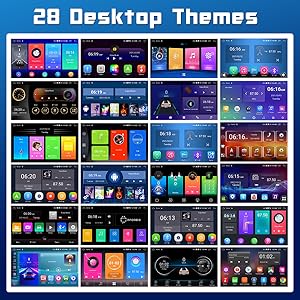
Image: The car stereo display showing the FM/RDS radio interface with frequency display, station presets, and radio controls.
3.6. Bluetooth Hands-Free
Connect your smartphone via Bluetooth for hands-free calling and audio streaming (A2DP). The unit supports phonebook synchronization.

Image: The car stereo display showing the Bluetooth hands-free calling interface with a dial pad, call history, and contacts, along with icons for Bluetooth call and music.
3.7. Steering Wheel Control (SWC)
The unit supports learning steering wheel buttons, allowing you to control functions like switching tracks or adjusting volume directly from your steering wheel.
3.8. Backup Camera
An AHD rear camera is included for safer reversing, providing clear video input in CVBS and AHD formats.
3.9. Optional Features
The car stereo supports additional optional accessories for enhanced functionality:
- Car Dashcam Input: Connect an optional dashcam for safer driving.
- Digital Audio Broadcast (DAB+) Input: Connect a DAB+ box (optional) to access digital radio stations.
- OBD2 Torque: Connect an OBD2 tester (optional) to diagnose vehicle status.
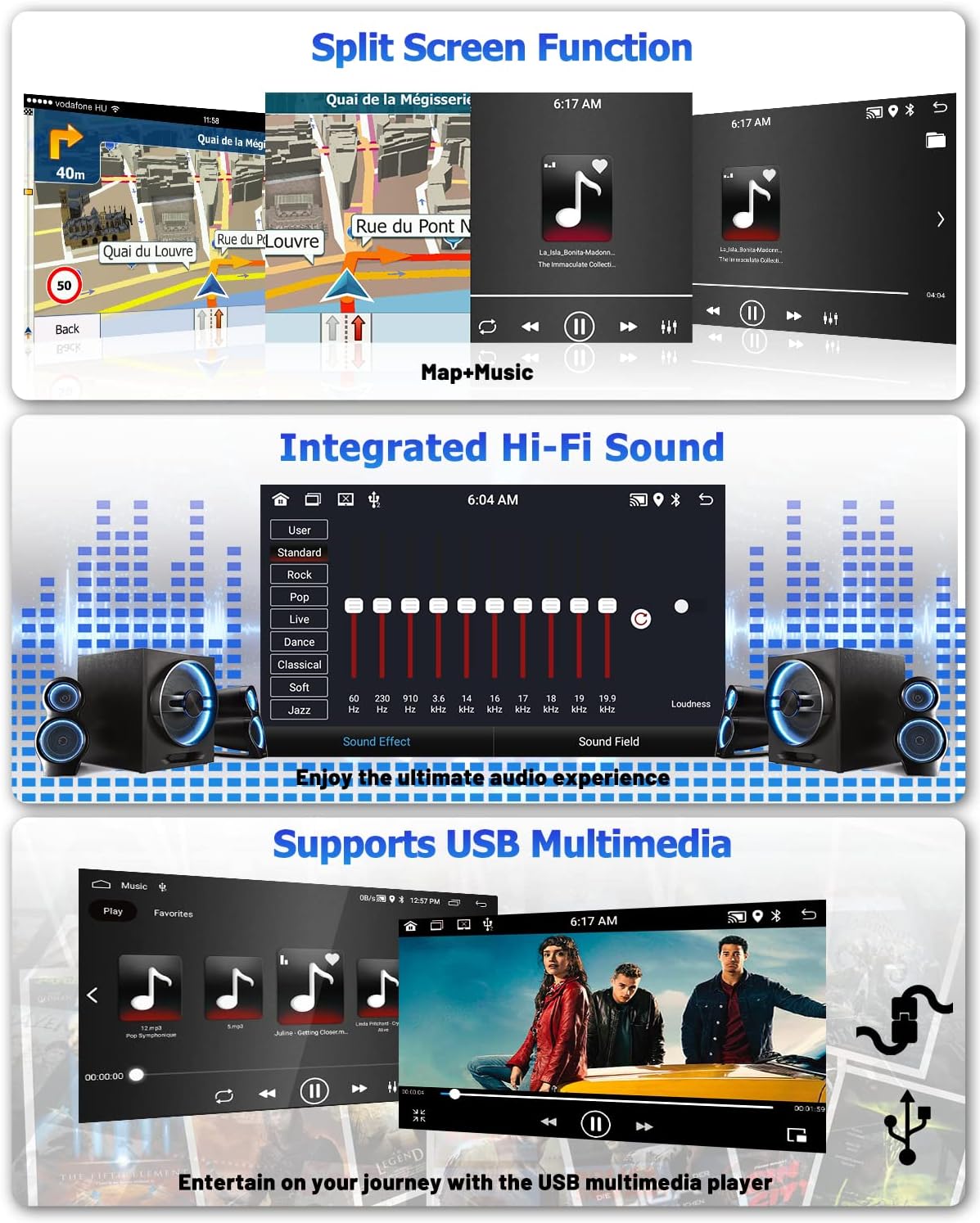
Image: A visual guide to optional accessories, including a car dashcam input with a driving scene, a digital audio broadcast (DAB+) input showing the radio interface, and an OBD2 Torque interface with a diagnostic scanner.
4. Maintenance
To ensure the longevity and optimal performance of your Hikity car stereo, follow these maintenance guidelines:
- Cleaning: Use a soft, dry cloth to clean the screen and exterior. Avoid abrasive cleaners or solvents that could damage the surface.
- Software Updates: Periodically check for software updates provided by Hikity to ensure your system has the latest features and bug fixes. Updates can typically be performed via Wi-Fi.
- Temperature: Avoid exposing the unit to extreme temperatures, both hot and cold, as this can affect electronic components.
- Power Supply: Ensure a stable power supply to prevent damage from voltage fluctuations.
5. Troubleshooting
If you encounter issues with your Hikity car stereo, refer to the following common problems and solutions:
| Problem | Possible Cause | Solution |
|---|---|---|
| Unit does not power on. | Loose power connection, blown fuse. | Check power cables and fuse. Ensure proper installation. |
| No sound. | Volume too low, incorrect audio settings, speaker wiring issue. | Increase volume. Check EQ settings. Verify speaker connections. |
| GPS signal lost or inaccurate. | GPS antenna obstructed or improperly installed. | Ensure GPS antenna has a clear view of the sky and is securely connected. |
| Bluetooth not connecting. | Bluetooth not enabled, device not in pairing mode, interference. | Ensure Bluetooth is on for both devices. Put unit in pairing mode. Try restarting both devices. |
| CarPlay/Android Auto not working. | Incorrect connection, software issue on phone or unit. | Ensure proper wired/wireless connection. Update phone OS and apps. Restart unit and phone. |
| Touchscreen unresponsive. | System freeze, physical damage. | Restart the unit. If issue persists, contact support. |
If the problem persists after attempting these solutions, please contact Hikity customer support for further assistance.
6. Specifications
| Feature | Detail |
|---|---|
| Brand | Hikity |
| Model Number | Hikity-A7347A3196H1MI2-3UK |
| Screen Size | 10.1 inches |
| Screen Type | HD 2.5D Capacitive Touchscreen |
| Operating System | Android 13 |
| RAM | 2GB |
| Storage Capacity | 64GB |
| Processor | Quad-core |
| Connectivity Technology | Bluetooth, USB, Wireless (Wi-Fi) |
| Audio Output Mode | Stereo |
| Special Features | Wireless CarPlay, Android Auto, Mirror Link, GPS Navigation, FM/RDS Radio, Bluetooth Hands-Free, SWC, Backup Camera Input, HiFi Sound, Split Screen |
| Vehicle Service Type | Car |
| Product Dimensions (L x W x H) | 34.5 x 17.5 x 10 cm |
| Product Weight | 2.98 kilograms |
7. Warranty and Support
7.1. Manufacturer's Warranty
The Hikity 10.1" Android Car Stereo comes with a 2-year limited manufacturer's warranty. This warranty covers defects in materials and workmanship under normal use. Please retain your proof of purchase for warranty claims.
7.2. Customer Support
For technical assistance, troubleshooting, or warranty inquiries, please contact Hikity customer support through the retailer where you purchased the product or visit the official Hikity brand store online. Refer to your purchase documentation for specific contact details.
Related Documents - Hikity-A7347A3196H1MI2-3UK
 |
CarPlay & Android Auto Player Manual This manual provides instructions for the installation and operation of the CarPlay & Android Auto Player, covering features like radio function, music playback, photo display, Bluetooth connectivity, and system settings. |
 |
Hikity Android Car Stereo with Retractable Screen - User Manual Comprehensive user manual for the Hikity Android car stereo featuring a retractable screen. Includes installation guides, safety instructions, troubleshooting tips, and technical specifications for car audio systems. |
 |
Benutzerhandbuch für Fahrzeugradio Navigationssystem Umfassendes Benutzerhandbuch für das Fahrzeugradio Navigationssystem mit Android-Plattform, Bluetooth, GPS und Mirror Link Funktionen. Enthält Installationsanleitungen und Fehlerbehebung. |
 |
Hikity 10-Inch Android Car Stereo with GPS, Bluetooth, and Mirror Link - User Manual Comprehensive user manual for the Hikity 10-inch Android car stereo. Learn about installation, features like Bluetooth, GPS navigation, Mirror Link, audio settings, troubleshooting, and technical specifications. |
 |
Hikity 1GB+32GB Android Car Stereo User Manual: Operating Instructions Comprehensive operating instructions for the Hikity 1GB+32GB Android Double Din Car Stereo, covering main interface, radio, music, video, Bluetooth, navigation, and car settings. |
 |
Manuel d'utilisation HIKITY Autoradio : Installation, Connexions et Dépannage Guide complet pour l'installation et l'utilisation de votre autoradio HIKITY. Découvrez les schémas de câblage, les instructions de montage et les solutions aux problèmes courants. |
Ask a question about this manual
Ask about setup, troubleshooting, compatibility, parts, safety, or missing instructions. Manuals+ will review the question and use this page’s manual context to help answer it.