1. Introduction
This manual provides essential information for the safe and efficient operation of your LG RNC5 XBOOM Audio System. Please read this manual thoroughly before using the product and retain it for future reference. The LG RNC5 is a powerful audio system designed to deliver high-quality sound with features such as Bass Blast, Bluetooth connectivity, and integrated lighting effects.
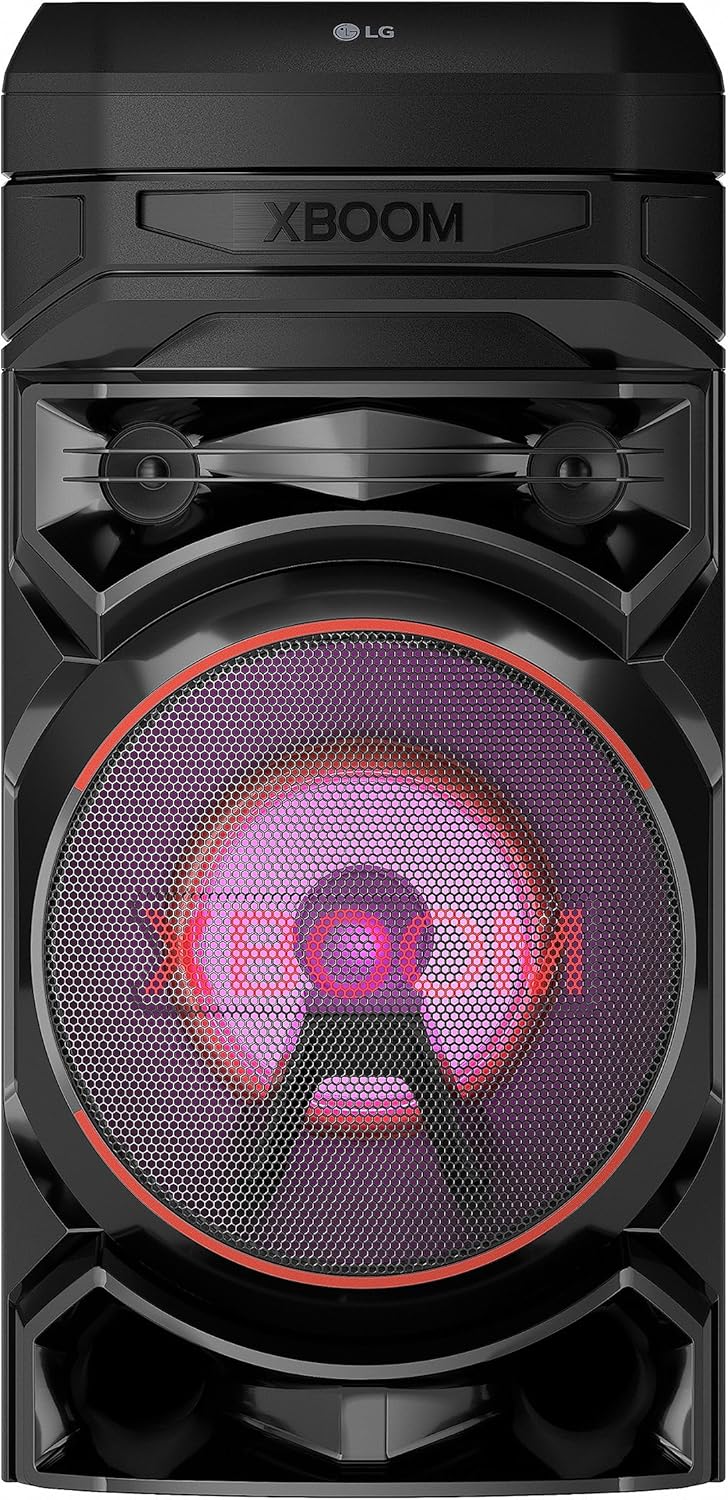
Image 1.1: Front view of the LG RNC5 XBOOM Audio System.
2. Product Overview
2.1 Key Features
- 8-inch Woofer for enhanced bass.
- Bluetooth Remote App compatibility (iOS/Android).
- Dynamic Dance Lighting effects.
- Karaoke Creator function.
- LG TV Sound Sync via Bluetooth or Optical connection.
- Stereo Pairing capability.
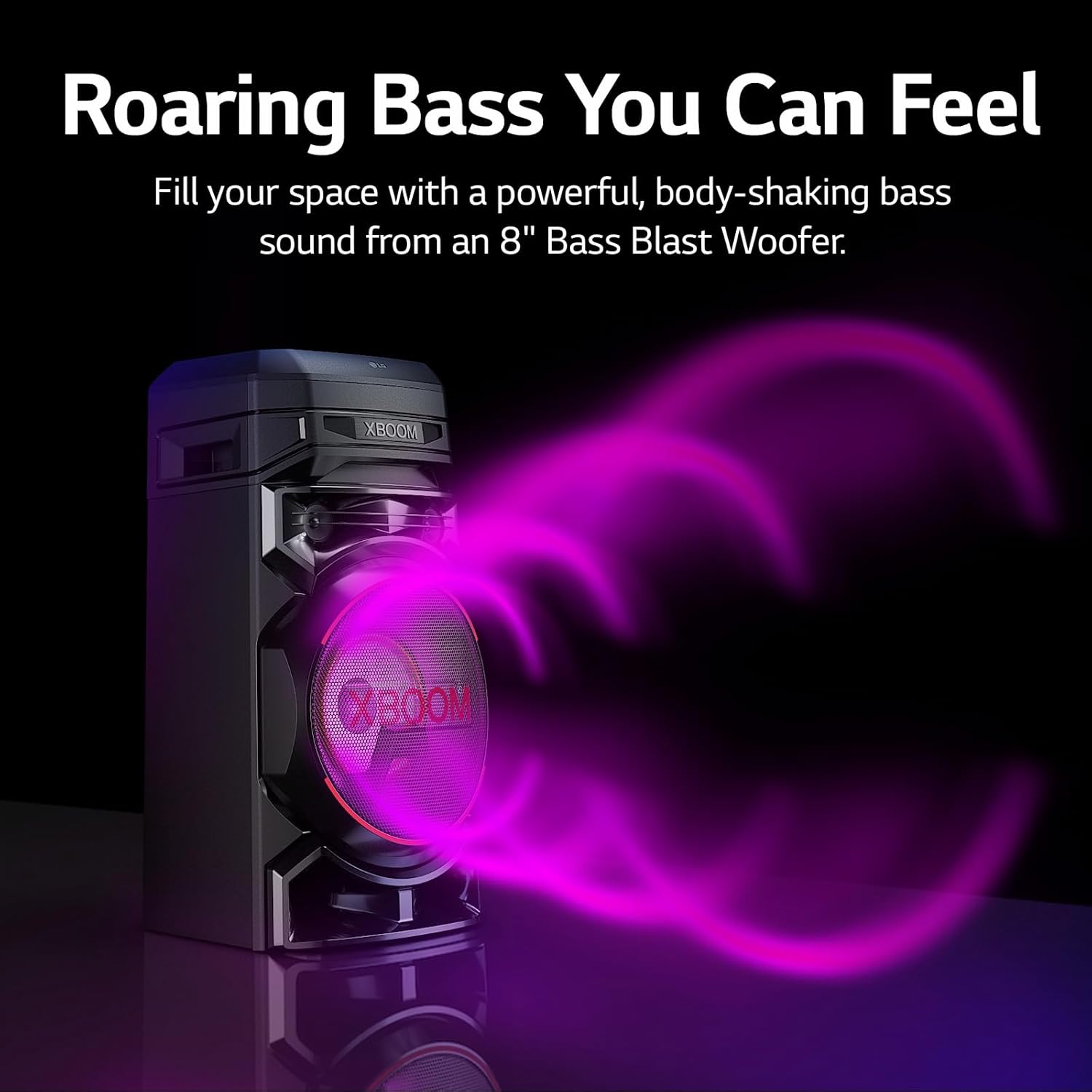
Image 2.1: The LG RNC5 XBOOM Audio System producing powerful bass sound.
2.2 What's in the Box
Upon unpacking, ensure all the following components are present:
- LG RNC5 XBOOM Audio System Unit
- Remote Control
- Batteries for Remote Control
- FM Antenna
- Simple User Manual (this document)
3. Setup
3.1 Placement
Place the audio system on a stable, flat surface. Ensure adequate ventilation around the unit to prevent overheating. Avoid placing it near heat sources, direct sunlight, or in excessively humid environments.
3.2 Power Connection
- Connect the power cord securely to the AC input on the rear of the unit.
- Plug the other end of the power cord into a suitable wall outlet (240 Volts).
3.3 FM Antenna Connection
Connect the supplied FM antenna to the FM antenna jack on the rear of the unit for optimal radio reception.
4. Operating Instructions
4.1 Basic Controls
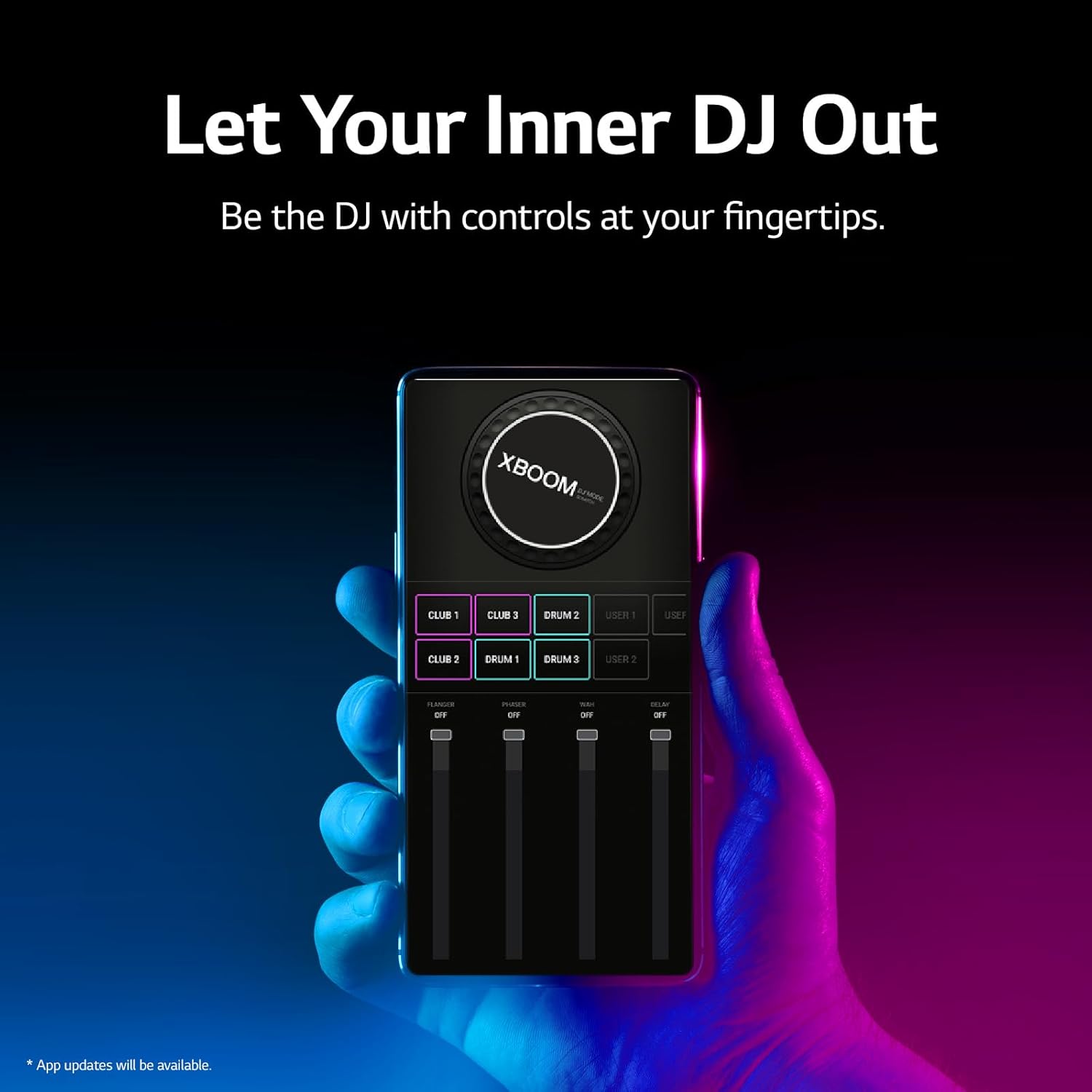
Image 4.1: Top control panel of the LG RNC5 XBOOM Audio System.
- Power Button (U): Press to turn the unit on or off.
- Volume Control: Rotate the VOL dial to adjust the master volume.
- Play/Pause (►▮▮): Press to play or pause audio playback.
- Skip (◀◀ / ►►): Press to skip to the previous or next track.
- Function (F): Press to cycle through input modes (Bluetooth, USB, FM, etc.).
4.2 Bluetooth Pairing
- Press the Function (F) button until 'Bluetooth' mode is selected.
- On your smartphone or tablet, enable Bluetooth and search for available devices.
- Select 'LG RNC5' from the list of devices to pair.
- Once paired, the Bluetooth indicator on the unit will illuminate steadily.
4.3 USB Playback
- Insert a USB device containing audio files into the USB 1 or USB 2 port.
- Press the Function (F) button until 'USB' mode is selected.
- Use the Play/Pause and Skip buttons to control playback.
4.4 FM Radio Operation
- Press the Function (F) button until 'FM' mode is selected.
- Press the Search button to automatically scan and save available FM stations.
- Use the Skip buttons to navigate between saved stations.
4.5 Karaoke Creator
The Karaoke Creator function allows you to reduce the vocal track of songs. Connect a microphone (not included) to the MIC/GUITAR input.

Image 4.2: Utilizing the Karaoke Creator feature on the LG RNC5 XBOOM Audio System.
4.6 Dance Lighting
The unit features LED lights that sync with the music. Press the LIGHTING button to cycle through different lighting modes or turn them off.
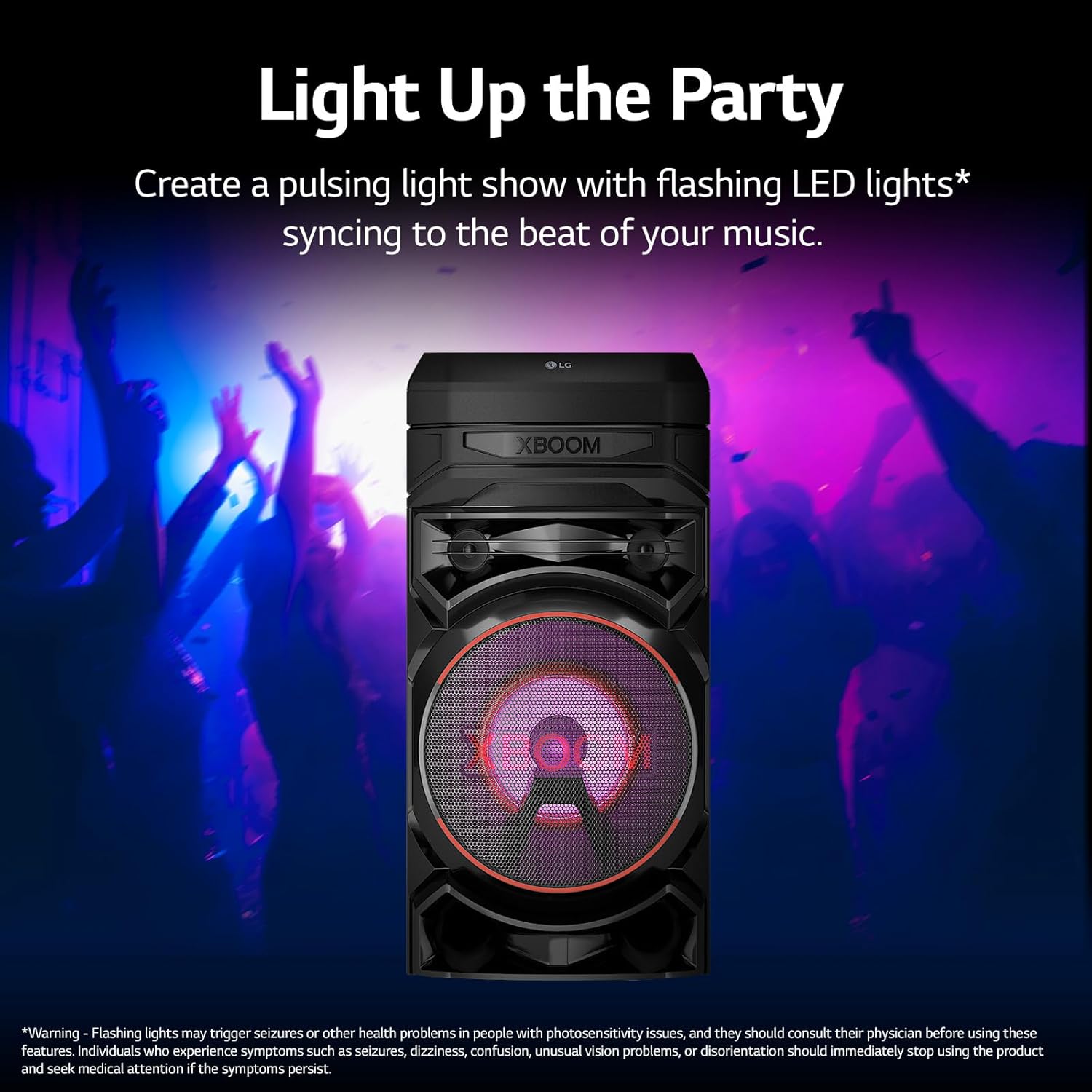
Image 4.3: The LG RNC5 XBOOM Audio System displaying dynamic dance lighting.
4.7 LG XBOOM App
Download the LG XBOOM App from your device's app store (iOS/Android) to control the audio system remotely, manage playlists, and customize lighting effects.

Image 4.4: The LG XBOOM App interface on a smartphone, showing DJ controls.
4.8 Wireless Party Link
Connect up to 10 compatible LG speakers wirelessly to create a larger sound experience. Refer to the LG XBOOM App for detailed instructions on setting up Wireless Party Link.

Image 4.5: Two LG XBOOM speakers connected wirelessly for an expanded audio setup.
5. Maintenance
5.1 Cleaning
To clean the unit, use a soft, dry cloth. Do not use liquid cleaners, abrasive cleaners, or solvents, as these may damage the finish. Ensure the unit is unplugged before cleaning.
5.2 Storage
If storing the unit for an extended period, unplug it from the power outlet and store it in a cool, dry place away from direct sunlight and extreme temperatures.
6. Troubleshooting
If you encounter issues with your LG RNC5 XBOOM Audio System, refer to the following table for common problems and solutions.
| Problem | Possible Cause | Solution |
|---|---|---|
| No power | Power cord not connected; Power outlet not active. | Ensure power cord is securely plugged in; Test the outlet with another device. |
| No sound | Volume too low; Incorrect input source selected; Audio cable loose (if applicable). | Increase volume; Press 'F' to select correct input; Check audio connections. |
| Bluetooth pairing fails | Device too far; Bluetooth not enabled on source device; Unit already paired. | Move device closer; Enable Bluetooth; Disconnect from other devices and retry. |
| Remote control not working | Batteries depleted; Obstruction between remote and unit. | Replace batteries; Remove any obstructions. |
If the problem persists after attempting these solutions, please contact LG customer support.
7. Specifications
| Feature | Specification |
|---|---|
| Model Name | RNC5 |
| Input Voltage | 240 Volts |
| Mounting Type | Floor Standing |
| Speaker Type | Woofer |
| Special Features | Bass Boost, Stereo Pairing |
| Recommended Uses | For Music Players |
| Compatible Devices | Laptop, Smartphone, Tablet |
| Subwoofer Diameter | 8 Inches |
| Unit Count | 1.0 Count |
| Surround Sound Channel Configuration | 2.1 |
| Color | Black |
| Product Dimensions (D x W x H) | 13.5" x 23.9" x 26.9" |
| Item Weight | 31.1 Pounds |
| Waterproof | No |
| Number of Items | 1 |
| Control Method | App |
| Wireless Communication Technology | Bluetooth |
| Power Source | Corded Electric |
| Audio Driver Type | Dynamic Driver |
| Bluetooth Range | 20 Meters |
| Speaker Maximum Output Power | 200 Watts |
| Frequency Response | 20 KHz |
| Audio Output Mode | Stereo |
| UPC | 195174054741 |
8. Warranty and Support
8.1 Warranty Information
This product comes with a Limited Warranty. For specific terms and conditions of your warranty, please refer to the warranty card included with your purchase or visit the official LG website.
8.2 Customer Support
For technical assistance, troubleshooting beyond this manual, or warranty claims, please contact LG customer support. You can find contact information on the official LG website or through the support section of the LG XBOOM App.