
OYAYO PH88SX
OYAYO 88-Key Semi-Weighted Digital Piano User Manual
Model: PH88SX (KP88SXB)
Brand: OYAYO
Introduction
This user manual provides comprehensive instructions for the setup, operation, maintenance, and troubleshooting of your OYAYO 88-Key Semi-Weighted Digital Piano, model PH88SX. Please read this manual thoroughly before using the instrument to ensure proper function and longevity.
Package Contents
Upon opening the package, please verify that all the following items are included:
- OYAYO 88-Key Digital Piano
- Double X-Stand for Piano
- Piano Carry Bag
- Sustain Pedal
- Power Adapter
- Charging Cable
- Music Rest

Figure 1: All components included in the OYAYO 88-Key Digital Piano package.
Setup Guide
1. Assembling the X-Stand
Unfold the double X-stand and adjust it to your desired height. Ensure the locking mechanism is securely engaged to prevent collapse. The stand provides stable support for the digital piano.

Figure 2: Details of the adjustable X-stand for stable piano placement.
2. Placing the Digital Piano on the Stand
Carefully place the OYAYO digital piano onto the assembled X-stand. Ensure the piano rests firmly and evenly on the stand's support arms. The piano is designed to sit securely without additional fasteners.

Figure 3: Digital piano positioned on the X-stand.
3. Connecting Power
Connect the provided power adapter to the DC 5V input port located on the rear panel of the piano. Plug the other end of the adapter into a standard electrical outlet. The piano can also be powered via USB.
4. Connecting the Sustain Pedal
Insert the plug of the sustain pedal into the "PEDAL" jack on the rear panel of the piano. This pedal allows for sustained notes, similar to an acoustic piano.
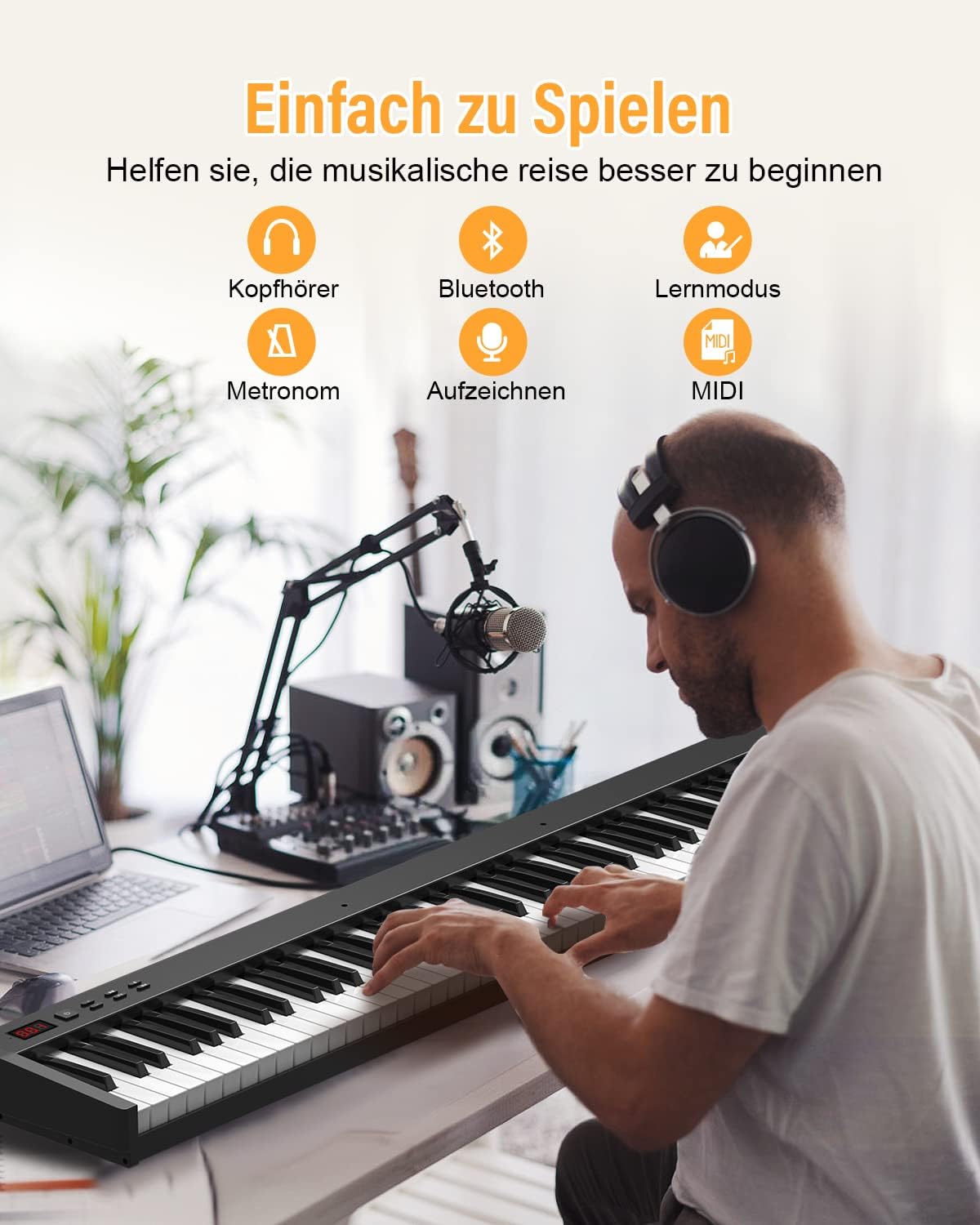
Figure 4: Rear panel connections, including the sustain pedal port.
Operating Instructions
1. Power On/Off and Volume Control
Press the Power button on the control panel to turn the piano on or off. Use the Volume +/- buttons to adjust the master volume. The LED display will show the current volume level.

Figure 5: Control panel with power and volume buttons.
2. Selecting Tones, Rhythms, and Demo Songs
The piano offers 129 tones, 128 rhythms, and 30 demo songs. Use the dedicated buttons on the control panel to navigate and select these options. Refer to the piano's internal display for current selections.
- Tone: Select from various instrument sounds.
- Rhythm: Choose from different musical accompaniment styles.
- Demo: Play pre-recorded songs for demonstration or practice.
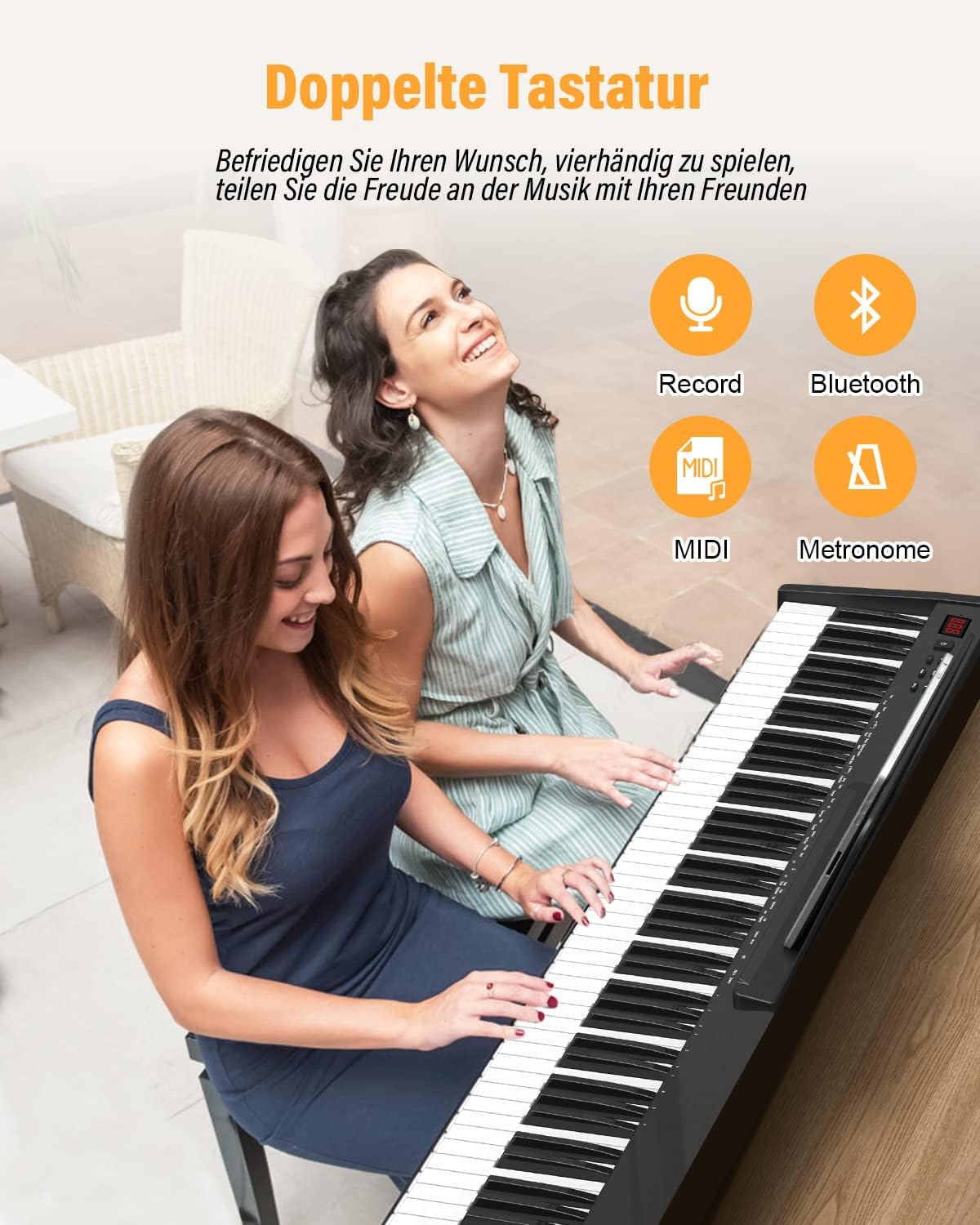
Figure 6: Overview of sound and rhythm selection features.
3. Advanced Features and Connectivity
The OYAYO digital piano supports various connections and features to enhance your playing and learning experience:
- Headphone Output (3.5mm Jack): Connect headphones for private practice.
- Audio Input (Aux-In): Connect external audio devices (e.g., MP3 player, phone) to play along with your favorite music.
- Microphone Input: Connect a microphone for vocal accompaniment.
- USB MIDI Interface: Connect the piano to a computer or smart device for MIDI functionality. This allows you to use the piano as a MIDI controller with music software (e.g., GarageBand, Synthesia, Pop Piano, Ispiano, Perfect Piano) or to record your performances.
- Bluetooth Connectivity: Connect wirelessly to compatible devices for audio streaming or MIDI over Bluetooth.
- Metronome: Use the built-in metronome for timing practice.
- Record Function: Record your performances directly on the piano.
- Transposition: Adjust the pitch of the keyboard up or down.
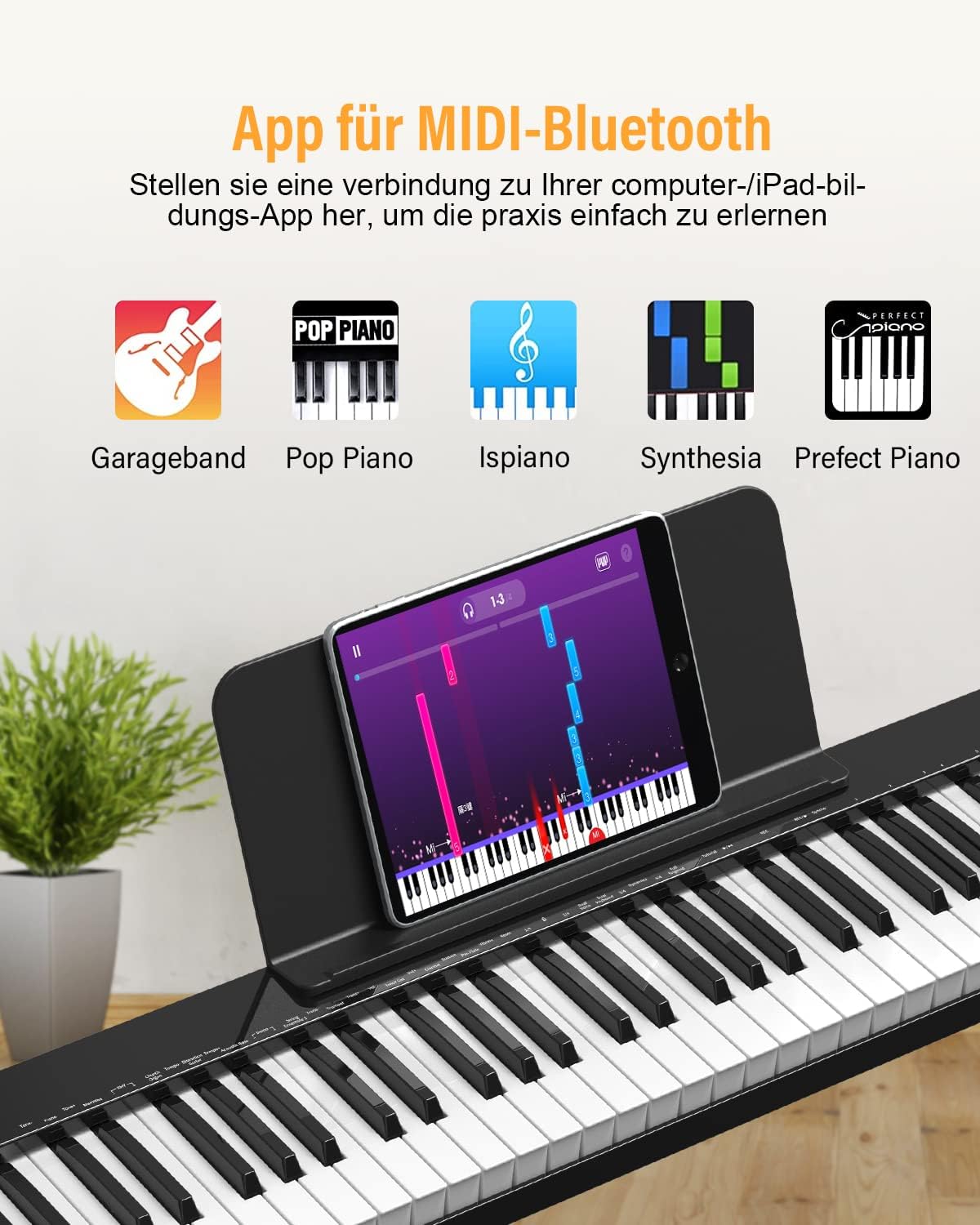
Figure 7: Connecting to music learning applications via MIDI-Bluetooth.
Figure 8: Overview of various connectivity and learning features.
Maintenance
Proper maintenance ensures the longevity and optimal performance of your digital piano.
- Cleaning: Use a soft, dry cloth to wipe the surface of the piano. For stubborn dirt, slightly dampen the cloth with water. Avoid using abrasive cleaners, solvents, or waxes, as these can damage the finish.
- Storage: When not in use, store the piano in a cool, dry place away from direct sunlight, extreme temperatures, and high humidity. Use the provided carry bag for protection during storage or transport.
- Power Care: Always disconnect the power adapter from the outlet when the piano is not in use for extended periods. Avoid bending or crimping the power cable.
- Key Care: Keep the keys clean and free from dust. Avoid pressing keys with excessive force or striking them with hard objects.
Troubleshooting
If you encounter any issues with your OYAYO digital piano, please refer to the following common problems and solutions:
| Problem | Possible Cause | Solution |
|---|---|---|
| No sound from speakers/headphones. | Volume too low; headphones connected; incorrect tone selected; power issue. | Increase volume. Disconnect headphones if using speakers. Select a valid tone. Ensure power adapter is connected and unit is on. |
| Keys not responding or producing inconsistent sound. | Dust or debris under keys; sensitivity setting; internal malfunction. | Gently clean around keys. Check if touch sensitivity is set too low. If problem persists, contact customer support. |
| Sustain pedal not working. | Pedal not fully inserted; faulty pedal. | Ensure the sustain pedal plug is fully inserted into the "PEDAL" jack. Test with another compatible pedal if available. |
| MIDI connection issues. | Incorrect cable; driver issues; software settings. | Ensure you are using a proper USB MIDI cable. Check computer/device drivers and MIDI software settings. Restart both devices. |
If the issue persists after attempting these solutions, please contact OYAYO customer support for further assistance.
Specifications
| Feature | Detail |
|---|---|
| Brand | OYAYO |
| Model Name | OYAYO 88 (PH88SX) |
| Model Number | KP88SXB |
| Number of Keys | 88 |
| Key Type | Semi-weighted |
| Connectivity Technology | USB, MIDI USB, Bluetooth |
| Power Source | Cable Electric |
| Headphone Jack | 3.5mm Jack |
| Special Features | Portable, Weighted Keys, Tempo Control, Digital Effect |
| Dimensions (Package) | 129.8 x 37.7 x 14.4 cm |
| Item Weight | 10.3 Kilograms |
| Supported Software | MIDI-OX (and other MIDI-compatible apps) |
Warranty and Support
Your OYAYO Digital Piano is covered by a standard return policy, typically allowing for returns or replacements within 30 days of purchase. For specific warranty details, including duration and coverage, please refer to your purchase documentation or contact the retailer.
For technical support, troubleshooting beyond this manual, or warranty claims, please contact OYAYO customer service. Contact information can usually be found on the product packaging, the official OYAYO website, or through your point of purchase.
When contacting support, please have your product model number (PH88SX or KP88SXB) and purchase date readily available.
Related Documents - PH88SX
 |
Portable Folded Electronic Piano User Manual - OYAYO Official user manual for the OYAYO Portable Folded Electronic Piano. Learn about its 61/88 keys, 128 tones, 128 rhythms, demo songs, Bluetooth MIDI/audio functions, and detailed button operations. |
 |
OYAYO Folding Electronic Piano User Manual - Features, Operation, and Specifications Comprehensive user manual for the OYAYO Folding Electronic Piano. Learn about its features, button operations, accessory lists, protection, precautions, troubleshooting, and specifications. Includes detailed guides for various functions like Bluetooth, recording, and teaching modes. |
 |
OYAYO Electronic Piano User Manual - Features, Functions, and Specifications Comprehensive user manual for the OYAYO Electronic Piano, detailing features, button functions, tone and rhythm lists, troubleshooting, and product specifications. Learn how to use your electronic piano effectively. |
 |
OYAYO Roll Up Piano User Manual User manual for the OYAYO Roll Up Piano, detailing product functions, button descriptions, troubleshooting, and after-sales service. Includes lists of demo songs, tones, and rhythms. |
 |
OYAYO Electronic Piano User Manual: Features, Functions, and Operation Guide Comprehensive user manual for the OYAYO electronic piano, detailing features, button functions, tone and rhythm lists, Bluetooth connectivity, and usage precautions. Learn to play and explore musical possibilities with OYAYO. |