
Dong7Niu A67
LED Open Sign Instruction Manual
Brand: Dong7Niu | Model: A67
Introduction
This instruction manual provides detailed information on the setup, operation, and maintenance of your new Dong7Niu LED Open Sign. Designed to attract attention with its vibrant colors and dynamic modes, this sign is suitable for various business environments such as stores, restaurants, bars, and hotels. Please read this manual thoroughly before use to ensure proper functionality and safety.

The LED Open Sign is versatile for various business applications, enhancing visibility and appeal.
What's in the Box
Verify that all components are present in the package:
- LED Open Sign (21x10 inches)
- Remote Controller
- Power Adapter (UL certified 12V2A)
- Chain (1m strong long iron chains)
- User Manual (this document)
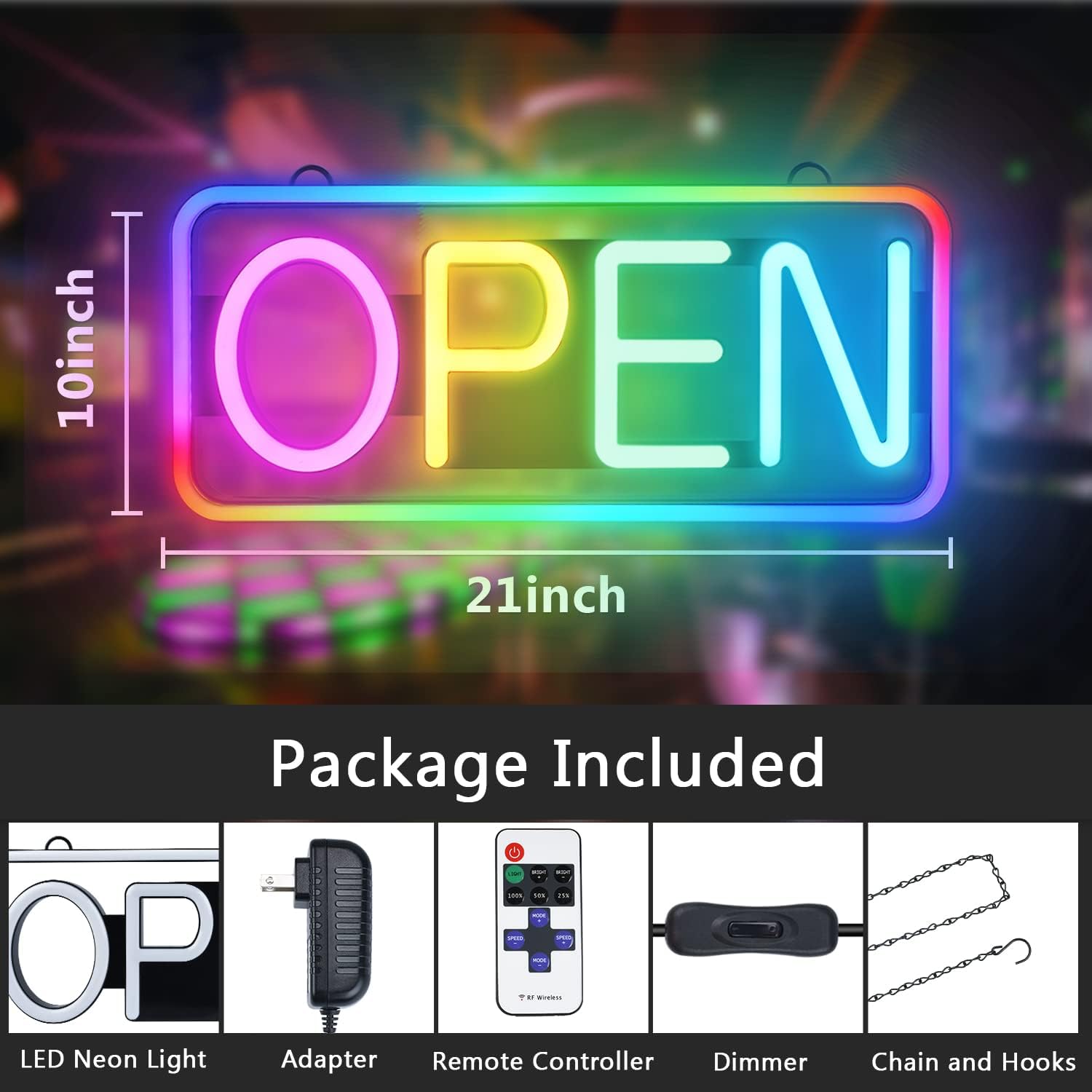
All components included in the LED Open Sign package.
Setup
- Unpack the Sign: Carefully remove the LED Open Sign and all accessories from the packaging.
- Attach the Chain: Locate the two hanging points on the top edge of the sign. Attach the provided chain to these points.
- Choose a Location: Select a prominent location for your sign, such as a window, door, or wall. Ensure the location is within reach of a power outlet.
- Hang the Sign: Use appropriate mounting hardware (not always included, but chain is) to securely hang the sign. For window mounting, consider using suction cups (not included) for easy installation.
- Connect Power: Plug the power adapter into the sign's power input port. Ensure the connection is secure.
- Plug into Outlet: Plug the power adapter into a standard electrical outlet. The sign features a 9.8-foot power cable for flexible placement.
- Activate the Sign: Use the ON/OFF switch on the power cable or the remote control to turn on the sign.

The sign can be easily hung in a window to attract attention.
Operating Instructions
Your LED Open Sign comes with a remote control for convenient operation. The remote allows you to adjust various settings:

Remote control layout for the LED Open Sign.
- Power ON/OFF: Press the red power button to turn the sign on or off.
- Light Mode (Inner/Outer):
- Press "INNER" to control the inner "OPEN" text lights.
- Press "OUTER" to control the outer border lights.
- Brightness Adjustment:
- Use "BRIGHT +" and "BRIGHT -" buttons for fine brightness control.
- Quickly set brightness to "100%", "50%", or "25%" using the dedicated buttons.
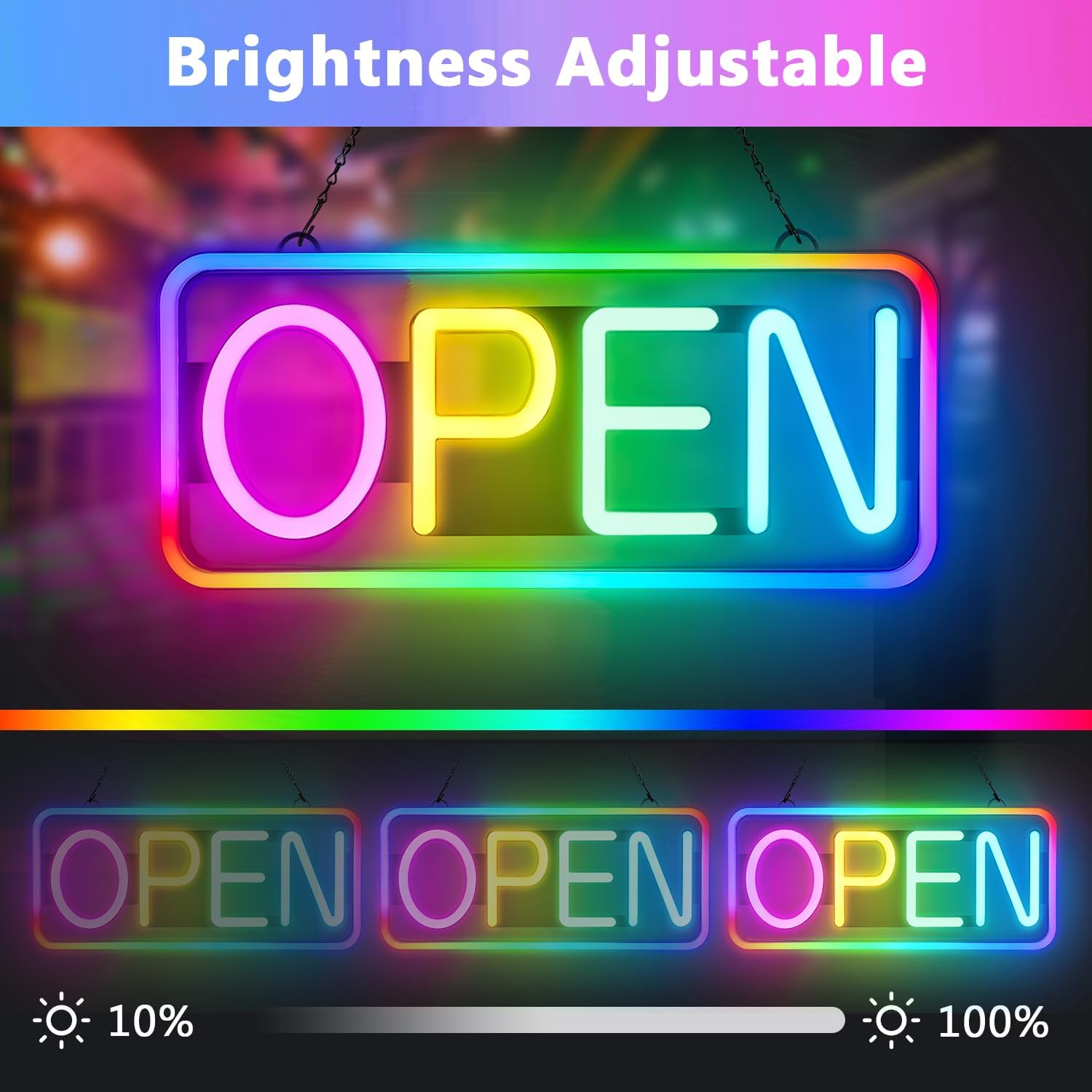
Adjustable brightness levels for optimal visibility day or night.
- Dynamic Modes & Scrolling:
- Press "MODE +" or "MODE -" to cycle through 10 different color changing and scrolling modes.
- Use "SPEED +" or "SPEED -" to adjust the speed of the dynamic effects.

Explore multiple color changing and scrolling modes to attract attention.
Maintenance
- Cleaning: Gently wipe the sign with a soft, dry cloth. Avoid using abrasive cleaners or solvents that may damage the surface or LED components.
- Storage: If storing the sign for an extended period, disconnect it from power, clean it, and store it in its original packaging or a protective container in a cool, dry place.
- Handling: Handle the sign with care to prevent damage to the flexible neon tubes. Avoid bending or applying excessive force.
Troubleshooting
| Problem | Possible Cause | Solution |
|---|---|---|
| Sign does not light up. | No power, loose connection, faulty adapter. | Check power outlet, ensure all cables are securely connected. Verify adapter is working. |
| Remote control not working. | Battery drained, obstruction, out of range. | Replace CR2 battery in remote. Ensure no obstructions between remote and sign. Operate within effective range. |
| Lights do not turn off completely (faint glow). | Residual power in circuit. | Unplug the sign from the power outlet to completely turn off. |
| Inconsistent lighting or flickering. | Loose connection, power fluctuation, internal component issue. | Check all connections. Try a different power outlet. If problem persists, contact customer support. |
Specifications
- Product Dimensions: 21"L x 10"W
- Item Weight: 2 Pounds
- Light Type: Neon LED
- Color: RGB (Red, Green, Blue)
- Mounting Type: Window Mount (Chain included)
- Power: UL certificated 12V2A adapter
- Power Cable Length: 9.8 feet
- Remote Battery: 1 CR2 battery (included)
- Material: Plastic, Acrylonitrile Butadiene Styrene (ABS)
- Model Number: A67
Safety Information
- Ensure the sign is installed securely to prevent falling.
- Do not expose the sign to extreme temperatures or direct water, as it is designed for indoor/covered outdoor use.
- Keep out of reach of children.
- Only use the provided power adapter. Using an incorrect adapter may damage the sign or pose a fire hazard.
- Do not attempt to open or repair the sign yourself. Refer to qualified personnel for service.
Ask a question about this manual
Ask about setup, troubleshooting, compatibility, parts, safety, or missing instructions. Manuals+ will review the question and use this page’s manual context to help answer it.