
1. Introduction
This manual provides essential information for the proper installation, operation, and maintenance of the A-B 5069-IB16 CompactLogix 5000 DC Discrete Input Module. Adhering to these instructions will ensure the module's reliable performance and longevity. This module is designed for industrial automation applications, specifically within the CompactLogix 5000 I/O system.
2. Product Overview
The 5069-IB16 is a CompactLogix 5000 discrete input module. It is a DC input module featuring sixteen (16) sink input channels, which accept a signal voltage range of 10-32 VDC in a single group of input channels. The module has an input current range of 4-7.4 mA per channel at 10-32 VDC. This module requires a Removable Terminal Block (RTB) for signal termination. Supported RTBs include the 5069-RTB18-SPRING RTB and the 5069-RTB18-SCREW RTB.
Key Features:
- 16 DC sink input channels
- 10-32 VDC input voltage range
- 4-7.4 mA input current per channel
- Compatible with 5069-RTB18-SPRING and 5069-RTB18-SCREW RTBs
- Designed for CompactLogix 5000 I/O systems
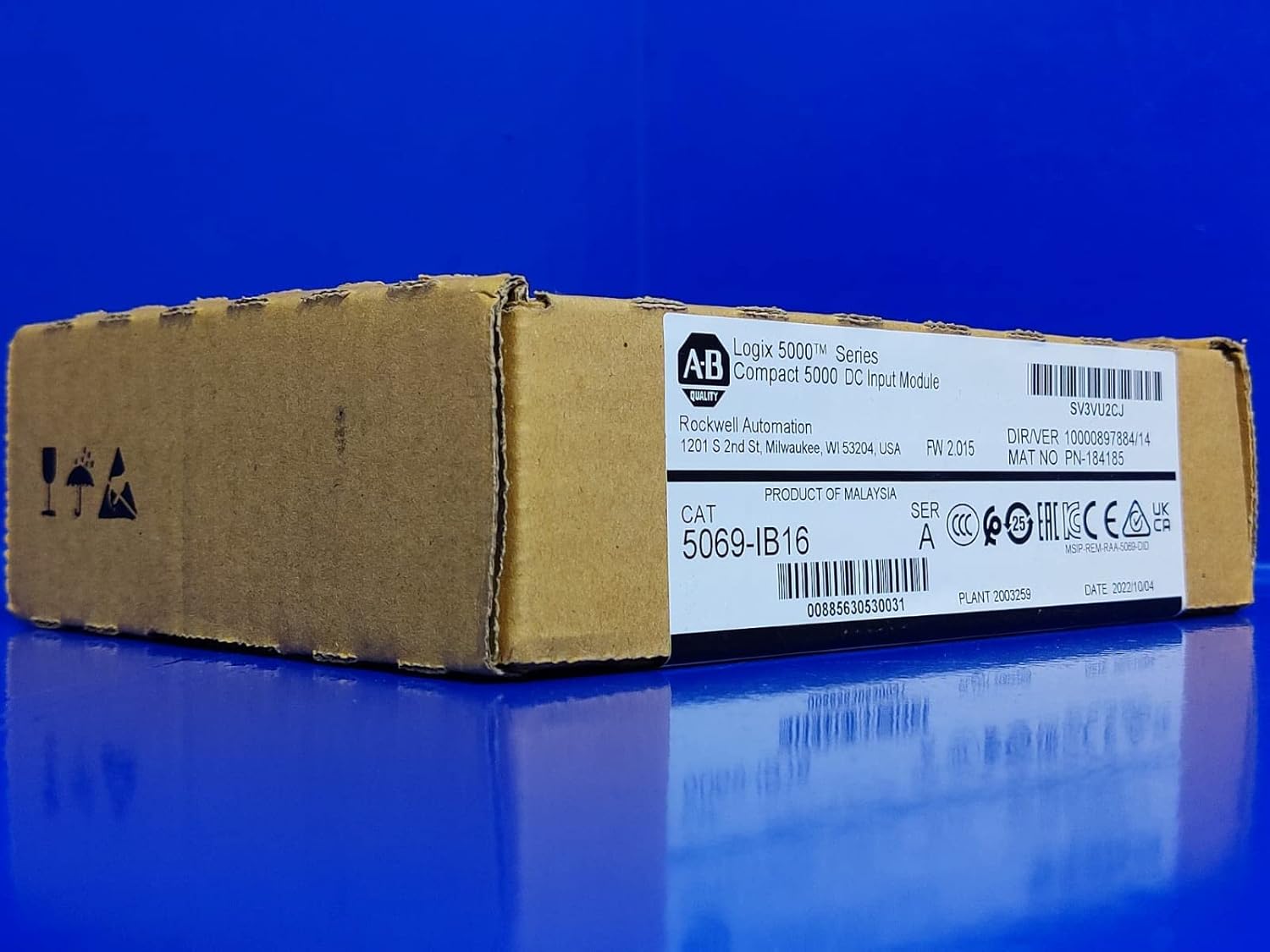
Figure 1: The A-B 5069-IB16 CompactLogix 5000 DC Discrete Input Module in its original manufacturer packaging. The box is brown cardboard with a white label displaying product information.

Figure 2: A close-up view of the product label on the module's packaging. The label indicates 'Logix 5000 Series Compact 5000 DC Input Module', 'Rockwell Automation', 'CAT 5069-IB16', 'PRODUCT OF MALAYSIA', 'FW 2.015', and various certification marks. Key identifiers include SV3VU2CJ and 00885630530031.
3. Specifications
| Specification | Value |
|---|---|
| Model Number | 5069-IB16 |
| Input Type | DC Discrete Input (Sink) |
| Number of Channels | 16 |
| Input Voltage Range | 10-32 VDC |
| Input Current Range | 4-7.4 mA per channel at 10-32 VDC |
| Compatible RTBs | 5069-RTB18-SPRING, 5069-RTB18-SCREW |
| Product Dimensions | 11.81 x 1.18 x 15.75 inches |
| Item Weight | 1.32 pounds |
| Manufacturer | A-B |
| Date First Available | March 10, 2023 |
4. Setup and Installation
Proper installation is crucial for the functionality and safety of the 5069-IB16 module. Always refer to the complete CompactLogix 5000 system documentation for detailed wiring diagrams and safety guidelines.
Installation Steps:
- Power Off: Ensure all power to the CompactLogix 5000 system is disconnected before beginning installation.
- Mounting: Mount the 5069-IB16 module onto the CompactLogix 5000 backplane or DIN rail according to system specifications.
- RTB Connection: Attach the appropriate Removable Terminal Block (RTB), either 5069-RTB18-SPRING or 5069-RTB18-SCREW, to the module.
- Wiring: Connect the DC input devices to the RTB terminals. Ensure correct polarity and wire gauge. The module supports 10-32 VDC sink inputs.
- Verification: Double-check all connections for security and correctness.
- Power On: Restore power to the system and observe module status indicators.

Figure 3: Side view of the module's packaging, displaying standard handling symbols such as 'fragile', 'keep dry', and 'this way up', indicating proper care during transport and storage.
5. Operation
Once installed and powered, the 5069-IB16 module functions as an interface for discrete DC input signals to the CompactLogix 5000 controller. The module converts the physical input signals into digital data that the controller can process.
Operating Principles:
- Each of the 16 channels monitors the state (ON/OFF) of a connected DC input device.
- The module communicates the status of these inputs to the CompactLogix controller via the backplane.
- Configuration of input behavior, such as filtering or event detection, is typically performed within the programming software of the CompactLogix controller.
6. Maintenance
The A-B 5069-IB16 module is designed for robust industrial environments and generally requires minimal maintenance. Regular inspections are recommended to ensure optimal performance.
Maintenance Guidelines:
- Visual Inspection: Periodically inspect the module and its wiring for any signs of damage, loose connections, or environmental contamination (dust, moisture).
- Cleaning: If necessary, gently clean the module's exterior with a soft, dry cloth. Do not use harsh chemicals or abrasive materials.
- Firmware Updates: Refer to Rockwell Automation documentation for information on available firmware updates and procedures.
- Environmental Control: Ensure the operating environment adheres to the specified temperature and humidity ranges to prevent premature failure.
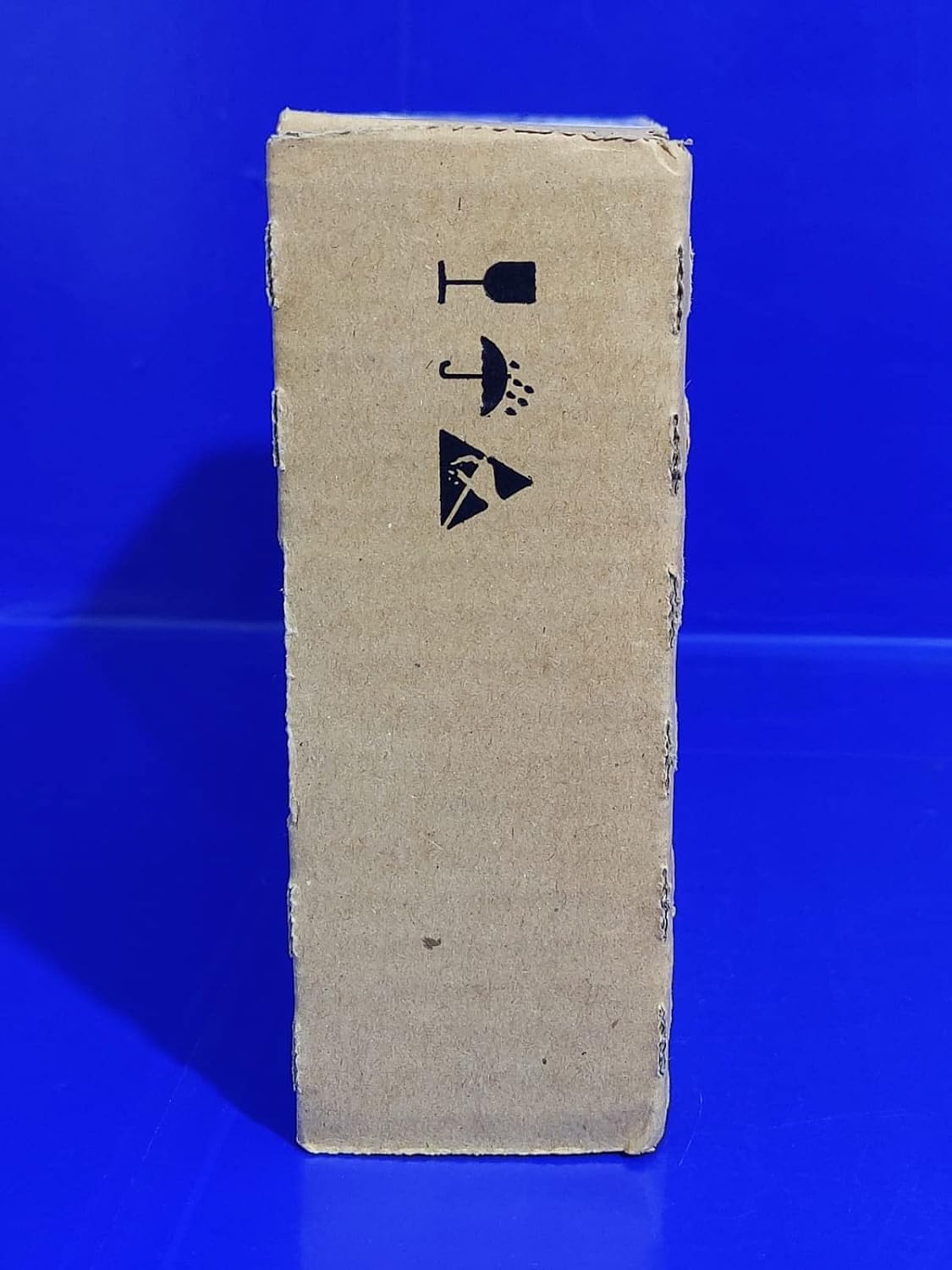
Figure 4: Top view of the module's packaging, clearly showing a 'FACTORY SEAL' label and international recycling symbols (PAP 20 for corrugated cardboard, and symbols for plastic film and other materials).
7. Troubleshooting
If the 5069-IB16 module is not functioning as expected, consider the following troubleshooting steps:
- Power Indicators: Check the status LEDs on the module. Refer to the CompactLogix 5000 system manual for LED indicator meanings.
- Wiring: Verify all input wiring connections are secure and correctly terminated at the RTB. Ensure correct polarity for DC inputs.
- Input Device Functionality: Confirm that the connected input devices (sensors, switches) are operating correctly and providing the expected voltage.
- Controller Configuration: Ensure the module is correctly configured within the CompactLogix controller's programming software. Check I/O mapping and data types.
- RTB Seating: Confirm the Removable Terminal Block is fully seated on the module.
- System Diagnostics: Utilize the diagnostic tools available in the CompactLogix programming environment to identify module or system errors.
8. Warranty and Support
This A-B 5069-IB16 module includes a manufacturer's warranty. For specific warranty terms and conditions, please refer to the documentation provided with your purchase or contact Rockwell Automation directly. For technical support, consult the official Rockwell Automation support channels or your authorized distributor.