
Introduction
This manual provides essential information and instructions for the safe and effective use of your Yustda 5V AC/DC Adapter. This adapter is designed as a replacement power supply for compatible devices, including the UTRAI Jstar 4 2500A 12V Portable Car Jump Starter. Please read this manual thoroughly before use and retain it for future reference.
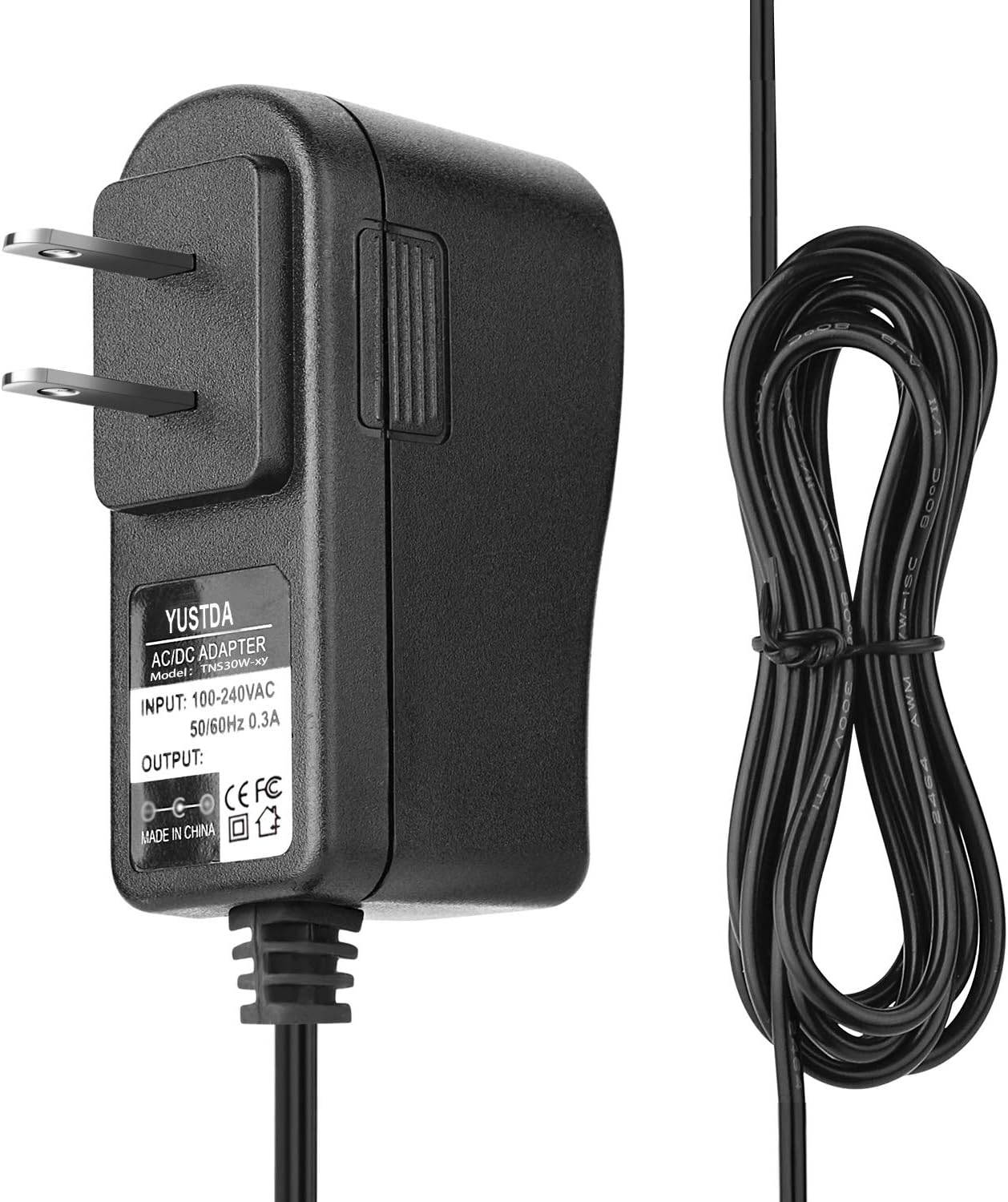
Image: A clear front view of the Yustda 5V AC/DC adapter, showcasing its compact design and the integrated power cord. This adapter is designed for reliable power delivery.
Safety Information
To prevent electric shock, fire, or damage to the product or connected devices, always observe the following safety precautions:
- Do not expose the adapter to rain, moisture, or extreme temperatures.
- Ensure the adapter's input voltage (100-240VAC) matches your power outlet.
- Do not disassemble or modify the adapter. Refer all servicing to qualified personnel.
- Avoid using the adapter if the cord or plug is damaged.
- Keep the adapter away from children.
- Unplug the adapter from the power outlet when not in use for extended periods.
- Ensure proper ventilation around the adapter during operation to prevent overheating.

Image: Back view of the Yustda AC/DC adapter. A yellow warning label is visible, indicating that the device may become hot during operation. This emphasizes the importance of proper ventilation and careful handling.
Setup and Connection
- Verify Compatibility: Confirm that your device requires a 5V DC input with a current draw of 3A (3000mA) or less, and that the connector type matches the adapter's output plug. This adapter is specifically designed for devices like the UTRAI Jstar 4 2500A 12V Portable Car Jump Starter.
- Connect to Device: Plug the DC output connector of the Yustda adapter into the corresponding input port on your device.
- Connect to Power Outlet: Insert the AC input plug of the adapter into a standard 100-240VAC wall outlet.
- Power On: Your device should now receive power or begin charging, depending on its design.

Image: The Yustda AC/DC adapter is shown plugged into a multi-outlet power strip, demonstrating a typical setup for connecting the adapter to a power source. A product box is visible in the background.
Operating Instructions
The Yustda 5V AC/DC Adapter operates automatically once connected. It provides a stable 5V DC output to power or charge your compatible device. No user intervention is required during operation.
- Always ensure the adapter is securely plugged into both the wall outlet and your device.
- Avoid placing the adapter in enclosed spaces where heat can build up.
- If the adapter feels excessively hot to the touch, disconnect it immediately and allow it to cool before re-evaluating its use.
Maintenance
Proper maintenance ensures the longevity and safe operation of your adapter:
- Cleaning: Disconnect the adapter from all power sources before cleaning. Use a soft, dry cloth to wipe the exterior. Do not use liquid cleaners or solvents.
- Storage: Store the adapter in a cool, dry place when not in use. Avoid wrapping the cable too tightly around the adapter to prevent damage to the internal wires.
- Inspection: Periodically inspect the power cord and adapter casing for any signs of damage, such as cuts, fraying, or cracks. If damage is found, discontinue use and replace the adapter.

Image: An illustrative diagram highlighting the internal components of a high-quality power cable, featuring high-quality copper wire and a PVC insulation jacket. This design contributes to the adapter's durability and safety.
Troubleshooting
If you encounter issues with your Yustda AC/DC Adapter, refer to the following common problems and solutions:
| Problem | Possible Cause / Solution |
|---|---|
| Device not powering on/charging. |
|
| Adapter feels excessively hot. |
|
| Visible damage to adapter or cable. |
|
Specifications
The Yustda 5V AC/DC Adapter is engineered with multiple safety features to protect your devices:
- Input: 100-240VAC, 50/60Hz, 0.3A
- Output: 5V DC, 3A (3000mA)
- Power Cord Length: Approximately 6.5 feet (2 meters)
- Safety Features:
- Over Current Protection
- Total Power Protection
- Over Voltage Protection
- Short Circuit Protection
- Over Temperature Protection

Image: This graphic highlights the comprehensive safety design of the Yustda adapter, featuring icons and labels for Over-Temperature Protection, Over Voltage Protection, Over Current Protection, and Short Circuit Protection, ensuring device safety.

Image: The Yustda adapter is presented with descriptions emphasizing its durable and compact design. The durable design is attributed to high-quality control procedures, while the compact design makes it suitable for home, office, and travel.
Warranty and Support
For any questions, concerns, or technical support regarding your Yustda AC/DC Adapter, please contact our customer service team.
Email: epcustomerservice@yahoo.com
Please provide your product model (TNS30W-xy) and a detailed description of your inquiry when contacting support.