INKBIRD Visual Magnetic Timer Instruction Manual
Model: IDT-02-IBUS
Product Overview
The INKBIRD Visual Magnetic Timer is a versatile and user-friendly digital timer designed to enhance time management for various daily activities. Its premium design includes an excellent LED backlit screen for clear visibility, a compact size for portability, and convenient features like a foldable stand and magnetic back for flexible placement. This timer supports both count-up and count-down modes, offering adjustable alarm volumes including a mute option, making it suitable for diverse environments from busy kitchens to quiet libraries. Powered by a USB rechargeable battery, it provides extended operational time and quick recharging.
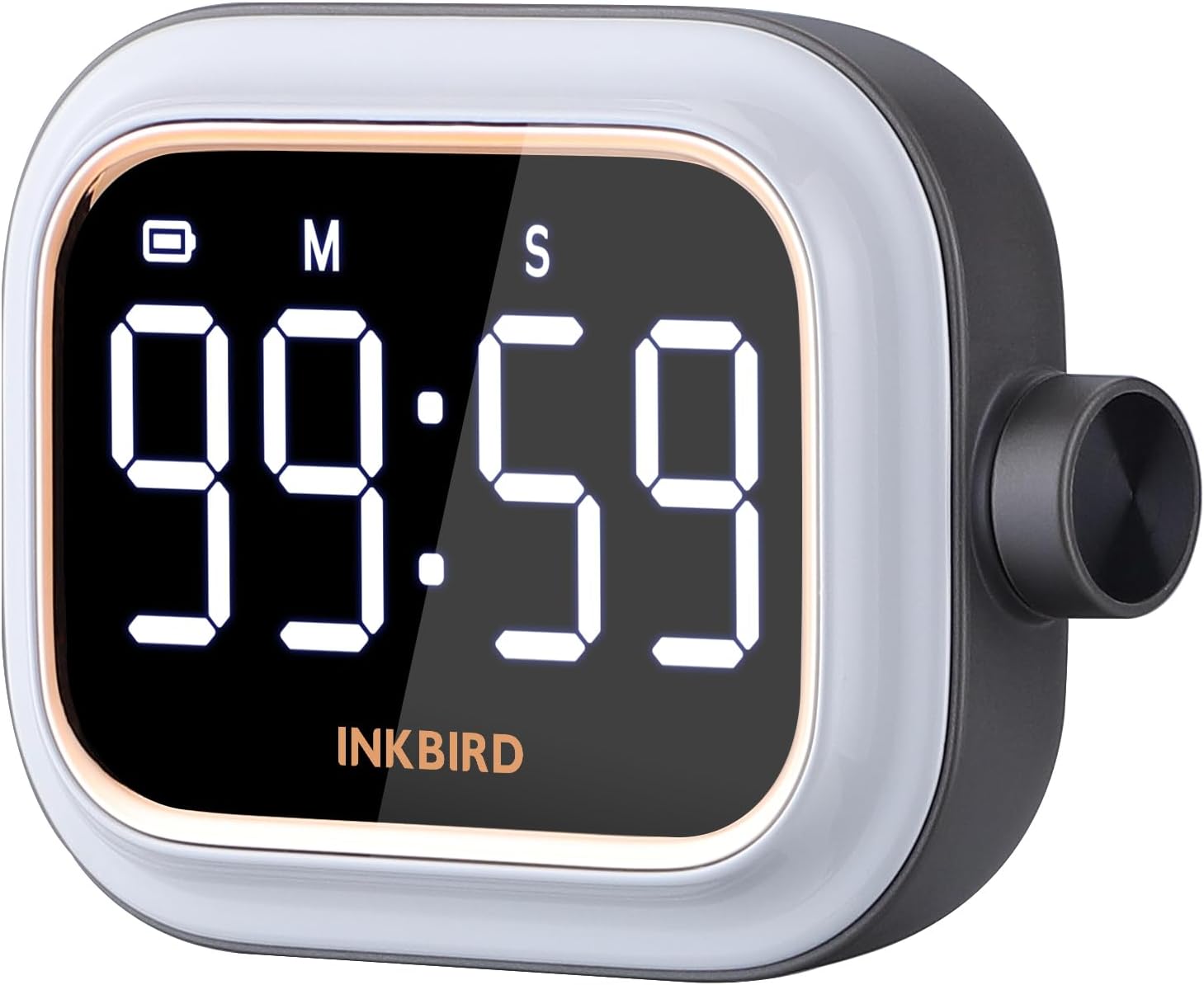
Figure 1: Front view of the INKBIRD Visual Magnetic Timer.
Key Features
- Premium Design: Features an excellent LED backlit screen and compact size for easy portability. Includes a foldable stand and magnetic suction for versatile placement.
- Time Management Tool: Ideal for reading, cooking, jogging, working, and other activities, helping users stay focused and optimize productivity.
- USB Rechargeable Battery: Built-in 650mAh lithium battery provides up to 5.5 days of continuous work (8 hours/day) and fully charges in approximately 100 minutes.
- Count-up/Count-down Timer: Supports both timing modes with an intuitive operation knob for setting time within a minute.
- Adjustable Alarm Volume: Offers Mute (V0), Low (V1), Medium (V2), and High (V3) alarm volume settings, suitable for various environments.
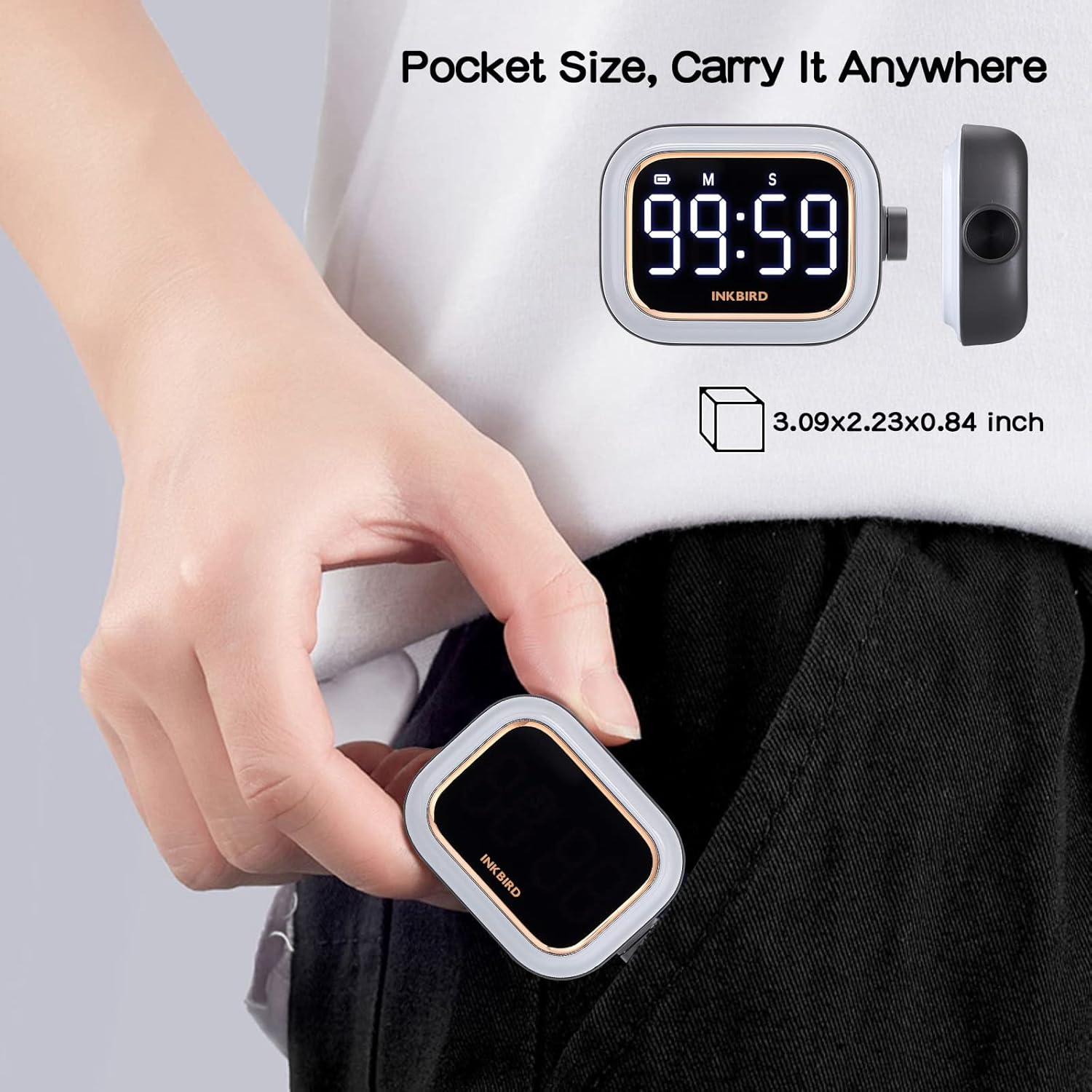
Figure 2: Compact and portable design.
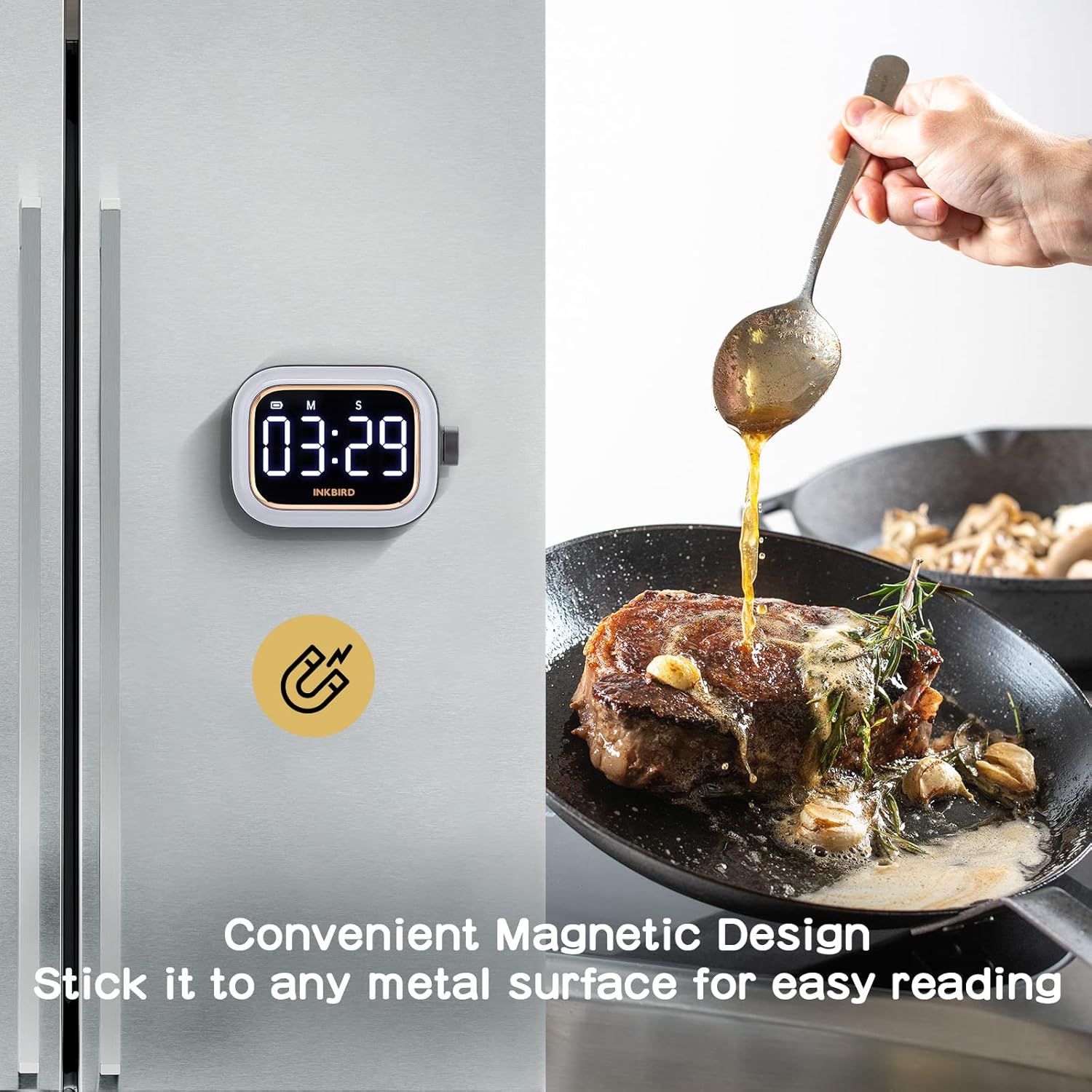
Figure 3: Convenient magnetic design.

Figure 4: Silent mode for quiet environments.
Setup
1. Charging the Timer
Before first use, or when the battery indicator on the display shows low power, charge the timer using the provided USB-C cable. Connect the cable to the timer's USB-C port and a compatible USB power source (e.g., computer, wall adapter). A full charge takes approximately 100 minutes.

Figure 5: Charging the INKBIRD Timer.
2. Placement Options
The INKBIRD timer offers flexible placement options:
- Magnetic Attachment: The strong magnets on the back allow you to securely attach the timer to any metal surface, such as a refrigerator door or oven.
- Foldable Stand: Utilize the integrated foldable stand to prop the timer up on any flat surface, like a desk or countertop, for easy viewing.

Figure 6: Foldable stand for desktop use.

Figure 7: Magnetic attachment to a metal surface.
Operating Instructions
The timer is operated primarily using the single knob on its side.
1. Setting the Timer (Countdown Mode)
- Reset: Press and hold the knob for 3 seconds to reset the timer to 00:00.
- Set Minutes: Turn the knob left or right to adjust the minutes.
- Set Seconds: Press the knob once to switch to setting seconds. Turn the knob left or right to adjust the seconds.
- Start: Press the knob again to start the countdown.

Figure 8: Steps for setting a countdown timer.
2. Using the Timer (Count-up Mode)
- Reset: Press and hold the knob for 3 seconds to reset the timer to 00:00.
- Start Count-up: With the display showing 00:00, press the knob once to start the count-up timer.
- Pause/Resume: Press the knob once during count-up to pause or resume.
- Reset: Press and hold the knob for 3 seconds to reset the count-up timer.

Figure 9: Steps for using the count-up timer.
3. Adjusting Alarm Volume
The timer offers four alarm volume settings:
- Access Volume Settings: From the 00:00 display, press and hold the knob for 3 seconds. The display will show the current volume level (V0, V1, V2, or V3).
- Change Volume: Turn the knob left or right to cycle through the volume levels:
- V0: Mute mode (no sound, only screen flashes).
- V1: Low volume.
- V2: Medium volume.
- V3: High volume.
- Confirm: Press the knob once to confirm your selection and exit volume settings.

Figure 10: Adjusting alarm volume.
4. Product Video Demonstration
Video 1: An introductory video demonstrating the features and usage of the INKBIRD Digital Timer IDT-02.
Maintenance
- Cleaning: Wipe the timer with a soft, damp cloth. Do not use abrasive cleaners or immerse the device in water.
- Storage: Store the timer in a cool, dry place away from direct sunlight and extreme temperatures when not in use for extended periods.
- Battery Care: To prolong battery life, avoid fully discharging the battery frequently. Charge it regularly, even if not in constant use.
Troubleshooting
| Problem | Possible Cause | Solution |
|---|---|---|
| Timer not turning on or display is dim. | Low battery. | Charge the timer using the USB-C cable. |
| Alarm is not audible. | Timer is in Mute (V0) mode. | Adjust the alarm volume to V1, V2, or V3 as described in the "Adjusting Alarm Volume" section. |
| Difficulty setting time with the knob. | Incorrect sequence or knob sensitivity. | Ensure you press the knob to switch between minutes and seconds. Practice turning the knob gently for precise adjustments. Reset the timer (hold knob for 3 seconds) if it becomes unresponsive. |
| Timer stops unexpectedly. | Battery depleted. | Recharge the timer. |
| Count-up timer reaches 99 minutes 59 seconds and stops. | Maximum count-up limit reached. | This is the design limit of the timer. For longer durations, consider using an alternative timing method or resetting the timer after it reaches its maximum. |
Specifications
| Feature | Detail |
|---|---|
| Model Number | IDT-02-IBUS |
| Color | Gray |
| Material | Plastic, Metal |
| Product Dimensions (L x W x H) | 4.84"D x 2.12"W x 3.52"H |
| Item Weight | 2.33 ounces (66 Grams) |
| Battery Type | 1 Lithium Polymer battery (included) |
| Battery Capacity | 650mAh |
| Charging Time | Approx. 100 minutes |
| Continuous Working Time | Up to 5.5 days (8 hours/day usage) |
| Timer Range | 00:00 to 99:59 (Minutes:Seconds) |
| Alarm Volume Levels | Mute (V0), Low (V1), Medium (V2), High (V3) |

Figure 11: Product dimensions.
Warranty and Support
Inkbird products are designed and manufactured to the highest quality standards. For information regarding warranty coverage, technical support, or customer service, please refer to the official Inkbird website or contact their customer support team directly. Please retain your proof of purchase for warranty claims.
Official Website: www.inkbird.com
Contact Support: Refer to the 'Contact Us' section on the official website for email or phone support.


