
KM-G6
Mechanical Keyboard KM-G6 User Manual
Model: KM-G6 | Brand: Generic
Introduction
Thank you for purchasing the KM-G6 Mechanical Keyboard. This user manual provides detailed instructions on how to set up, operate, and maintain your new keyboard. Please read this manual thoroughly before use to ensure optimal performance and longevity of your device.
Package Contents
Upon unboxing, please verify that all the following items are included in your package:
- KM-G6 LED-Backlit 104-Key Mechanical Keyboard
- Keycap Puller
- User Manual

Image: All items included in the KM-G6 Mechanical Keyboard package.
Product Features
The KM-G6 Mechanical Keyboard is designed with advanced features to enhance your typing and gaming experience:
- LED-Backlit: Features a 6-color backlight with each row displaying a different specific color. Includes 9 preset lighting effects and 2 slots for assignable lighting effects, allowing for customization to match your setup.
- Blue Switch: Equipped with individual, clicky Outemu Blue switches that provide accurate, responsive key commands. These switches have a tested lifespan of 50 million keystrokes.
- Full N-Key Rollover: The 104-key rollover ensures that every key-press is registered, preventing missed or confused commands even during rapid input.
- Durable & Water-Resistant: Constructed with double-shot-molded ABS keycaps and a brushed metal panel, making it highly durable and resistant to abrasion and accidental spills.
- 104 Blue Switches: Accessible for new mechanical keyboard users, facilitating faster typing and improved gaming performance for both office work and gaming.

Image: The KM-G6 Mechanical Keyboard showcasing its vibrant 6-color LED backlighting.
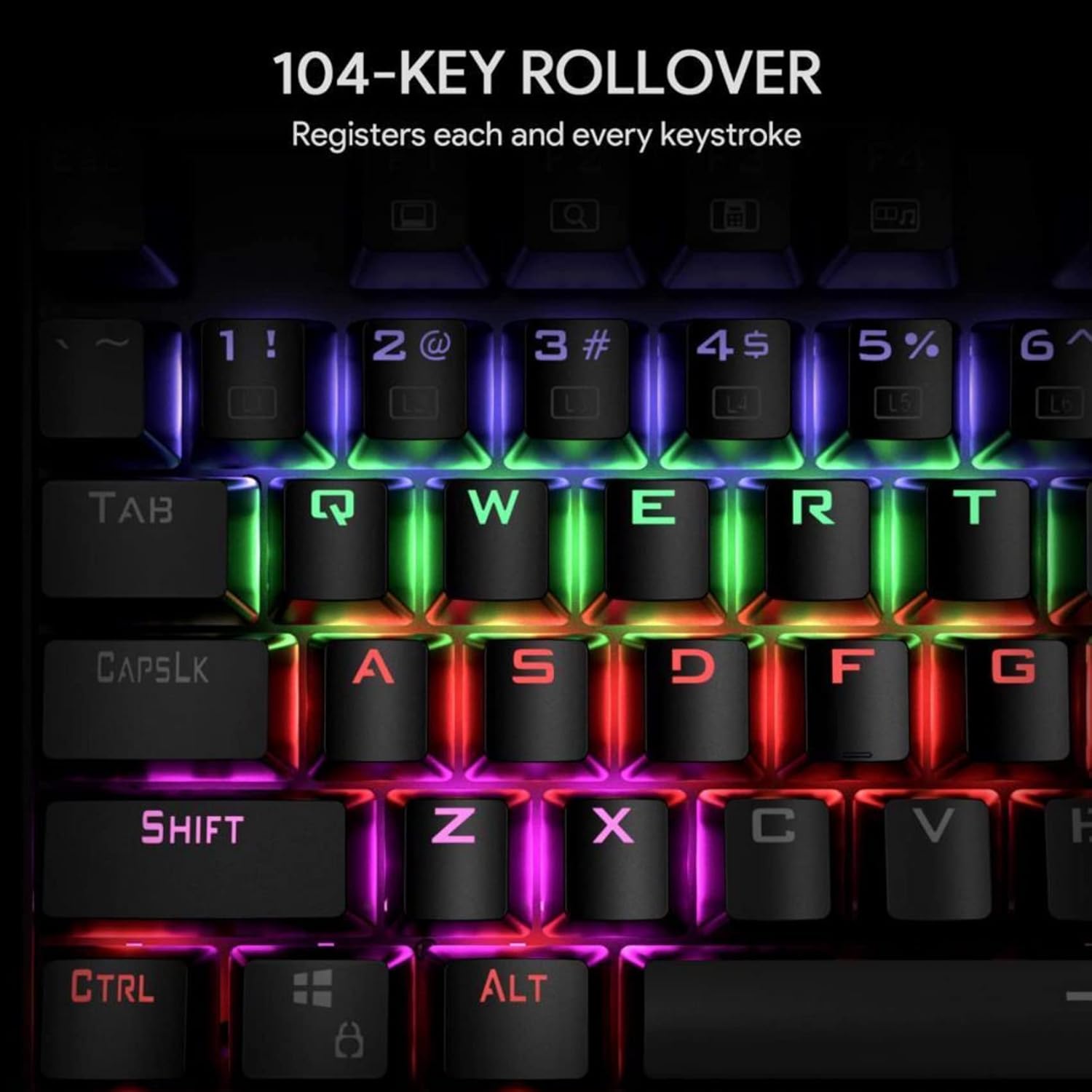
Image: Illustration of the 104-key rollover feature, ensuring every keystroke is registered.
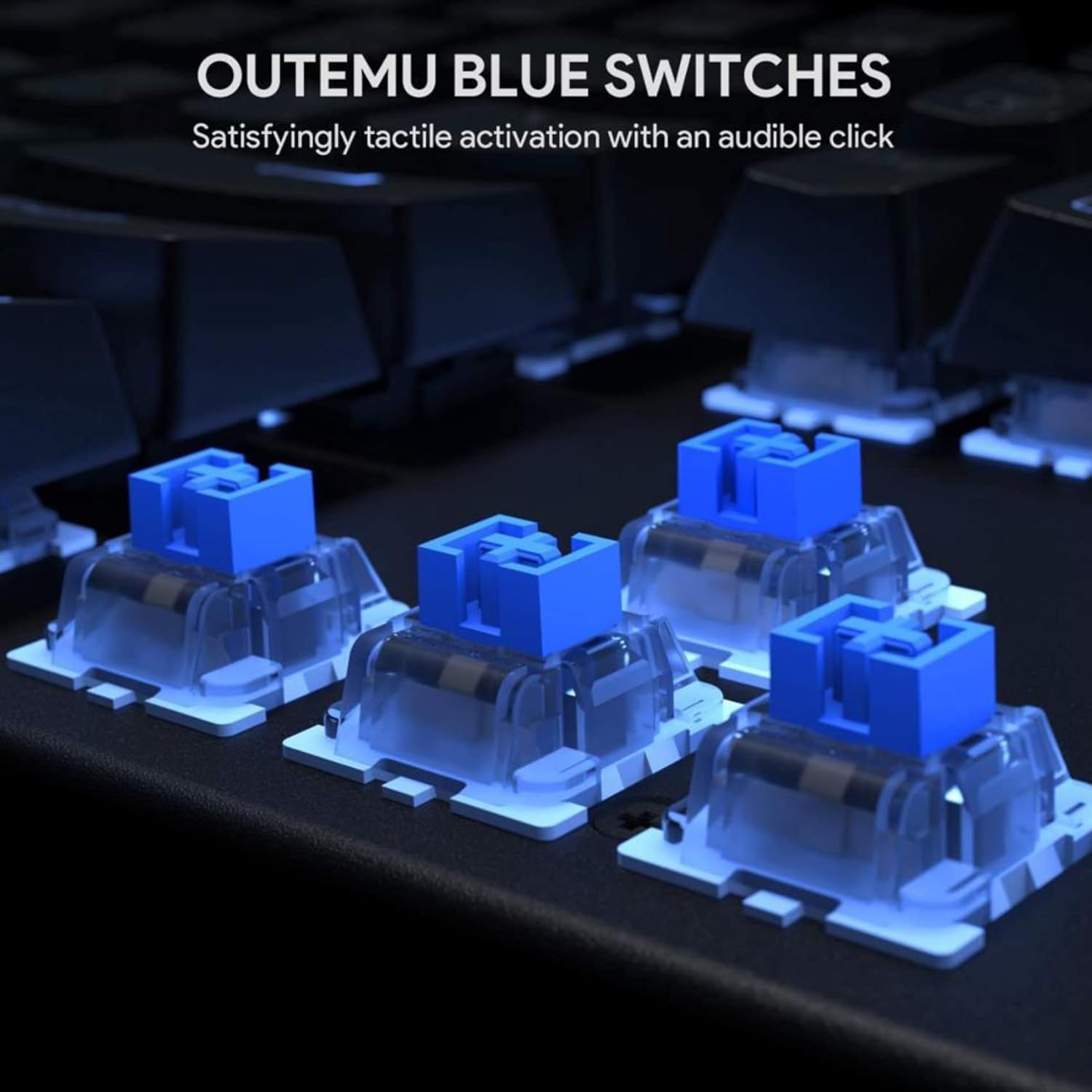
Image: Detailed view of the Outemu Blue mechanical switches, known for their tactile feedback and audible click.

Image: The keyboard illuminated with its 6-color LED backlight, demonstrating different lighting effects.

Image: The keyboard demonstrating its spill-resistance, with water droplets on the keys.
Setup
Setting up your KM-G6 Mechanical Keyboard is straightforward:
- Unpack: Carefully remove the keyboard and all accessories from the packaging.
- Connect: Plug the USB connector of the keyboard into an available USB port on your computer.
- Driver Installation: The keyboard is plug-and-play and typically does not require additional drivers. Your operating system should automatically detect and install the necessary drivers.
- Placement: Place the keyboard on a stable, flat surface.
Operating Instructions
LED Backlight Control
The KM-G6 keyboard offers various lighting modes and customization options:
- Switching Modes: Use the Fn key combined with specific function keys (e.g., Fn + INS, Fn + HOME, Fn + PGUP, Fn + DEL, Fn + END, Fn + PGDN) to cycle through the 9 preset lighting effects.
- Brightness Adjustment: Use Fn + Up Arrow to increase brightness and Fn + Down Arrow to decrease brightness.
- Speed Adjustment: Use Fn + Left Arrow to decrease effect speed and Fn + Right Arrow to increase effect speed.
- Custom Modes: The keyboard supports 2 slots for assignable lighting effects. Refer to the specific key combinations for programming these modes (often involving Fn + 1/2 followed by Fn + ESC to save, and then pressing the keys you want lit).
Multimedia Functions
Access multimedia controls by pressing the Fn key in combination with the F-keys:
- Fn + F1: My Computer
- Fn + F2: Search
- Fn + F3: Calculator
- Fn + F4: Media Player
- Fn + F5: Previous Track
- Fn + F6: Next Track
- Fn + F7: Play/Pause
- Fn + F8: Stop
- Fn + F9: Mute
- Fn + F10: Volume Down
- Fn + F11: Volume Up
- Fn + F12: Lock Keyboard
Maintenance
Proper maintenance ensures the longevity and performance of your keyboard:
- Cleaning Keycaps: Use the included keycap puller to carefully remove keycaps. Clean them with a soft cloth dampened with mild soap and water. Ensure they are completely dry before reattaching.
- Cleaning the Board: Use compressed air to remove dust and debris from between the keys. For stubborn dirt, a cotton swab lightly dampened with isopropyl alcohol can be used.
- Spill Management: While the keyboard is water-resistant, it is not waterproof. In case of a spill, immediately unplug the keyboard, wipe off excess liquid, and allow it to air dry completely before reconnecting.
- Storage: Store the keyboard in a cool, dry place away from direct sunlight and extreme temperatures.
Troubleshooting
If you encounter issues with your KM-G6 keyboard, refer to the following common solutions:
- Keyboard Not Responding:
- Ensure the USB cable is securely plugged into both the keyboard and the computer.
- Try plugging the keyboard into a different USB port.
- Restart your computer.
- Test the keyboard on another computer to rule out system-specific issues.
- Backlight Not Working or Flickering:
- Check if the backlight is turned off (use Fn + Down Arrow to increase brightness).
- Cycle through different lighting modes to see if the issue persists across all modes.
- Ensure your computer's USB port provides sufficient power. Try a different port or a powered USB hub.
- Keys Not Registering:
- Remove the keycap using the keycap puller and check for any debris or obstruction under the switch.
- Ensure the keycap is properly seated on the switch.
Specifications
| Feature | Detail |
|---|---|
| Model Number | KM-G6 |
| Dimensions (L x W x H) | 16.9 x 5.31 x 1.57 inches (434 x 135 x 37 mm) |
| Item Weight | 2.79 pounds |
| Key Switches | Outemu Blue Mechanical Switches |
| Number of Keys | 104 |
| Backlight | 6-Color LED Backlight |
| N-Key Rollover | Full 104-Key Rollover |
| Material | Acrylonitrile Butadiene Styrene (ABS), Metal |
| Connectivity | Wired USB |
| Special Features | Backlit, Water Resistant |

Image: Dimensional overview of the KM-G6 Mechanical Keyboard.
Warranty and Support
This product comes with a standard manufacturer's warranty. For detailed warranty information, please refer to the warranty card included in your package or visit the manufacturer's official website. For technical support, troubleshooting assistance, or any inquiries regarding your KM-G6 Mechanical Keyboard, please contact the retailer or manufacturer's customer service.
Keep your purchase receipt as proof of purchase for warranty claims.
Related documentsKM-G6


Ask a question about this manual
Ask about setup, troubleshooting, compatibility, parts, safety, or missing instructions. Manuals+ will review the question and use this page’s manual context to help answer it.