
Product Overview
The Enclave Eclipse 5.1.2 Dolby Atmos Soundbar system delivers multidimensional spatial sound with its advanced speaker configuration and wireless subwoofer. It features 11 custom speaker drivers, including dedicated up-firing and side-firing units for immersive height and surround channels.
- MULTIDIMENSIONAL SPATIAL SOUND - The Enclave Eclipse 5.1.2 Dolby Atmos Soundbar is equipped with 11 custom speaker drivers with 2 dedicated up-firing and 2 side-firing for height and surround channels delivering immersive sound & clear dialogue.
- DOLBY ATMOS 3D AUDIO TECHNOLOGY - The Eclipse features breathtakingly wide audio soundstage with Dolby Atmos and Dolby Surround technology that draws you in deeper so you hear more and feel more.
- CAPTIONS OFF, ECLIPSE ON - With dialogue enhancement tuning in our Voice EQ preset, you can hear every word without distorting your soundtrack.
- SEE MORE CLEARLY - Compatible with Dolby Vision and HDR 10 & HDR10+ pass-through, you can enjoy the highest quality of video from your compatible media player or gaming console.
- 8” WIRELESS SUBWOOFER - The Eclipse includes a powerful wireless subwoofer that automatically connects to the soundbar right out of the box for a convenient setup experience.
- SOUND AS YOU LIKE IT - With seven custom-tuned EQ presets for movies, music, voice, and more, you can always find your sound the way you want. Boost your bass? Less treble? It’s just a few clicks away, right on our remote.
- SEAMLESS INTEGRATION - Choose from a wide array of ports and connectivity options including HDMI eARC, HDMI 2.0, Optical, Aux In, and of course, Bluetooth 5.1 to stream any music you like from your device.

The complete Enclave Eclipse 5.1.2 system, featuring the sleek soundbar and powerful wireless subwoofer.
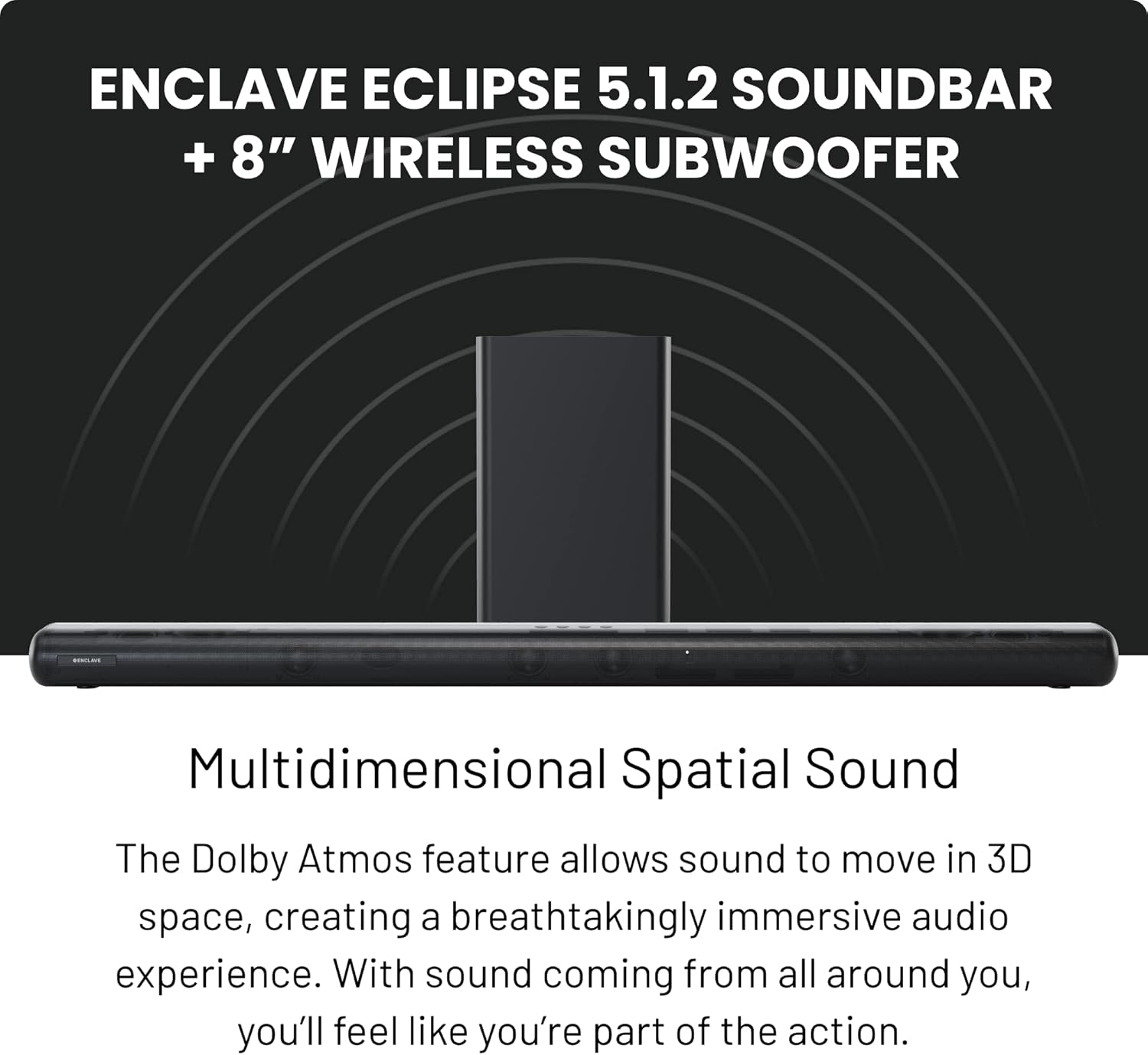
Experience multidimensional spatial sound with the Enclave Eclipse system, designed for immersive audio.
Package Contents
Your Enclave Eclipse system includes the following components:
- Enclave Eclipse 5.1.2 Soundbar
- 8” Wireless Subwoofer
- Remote Control (2 AAA batteries included)
- Power Cable for Soundbar
- Power Cable for Subwoofer
- HDMI Cable
- Aux Cable
- Instruction Manual
- Mounting Kit
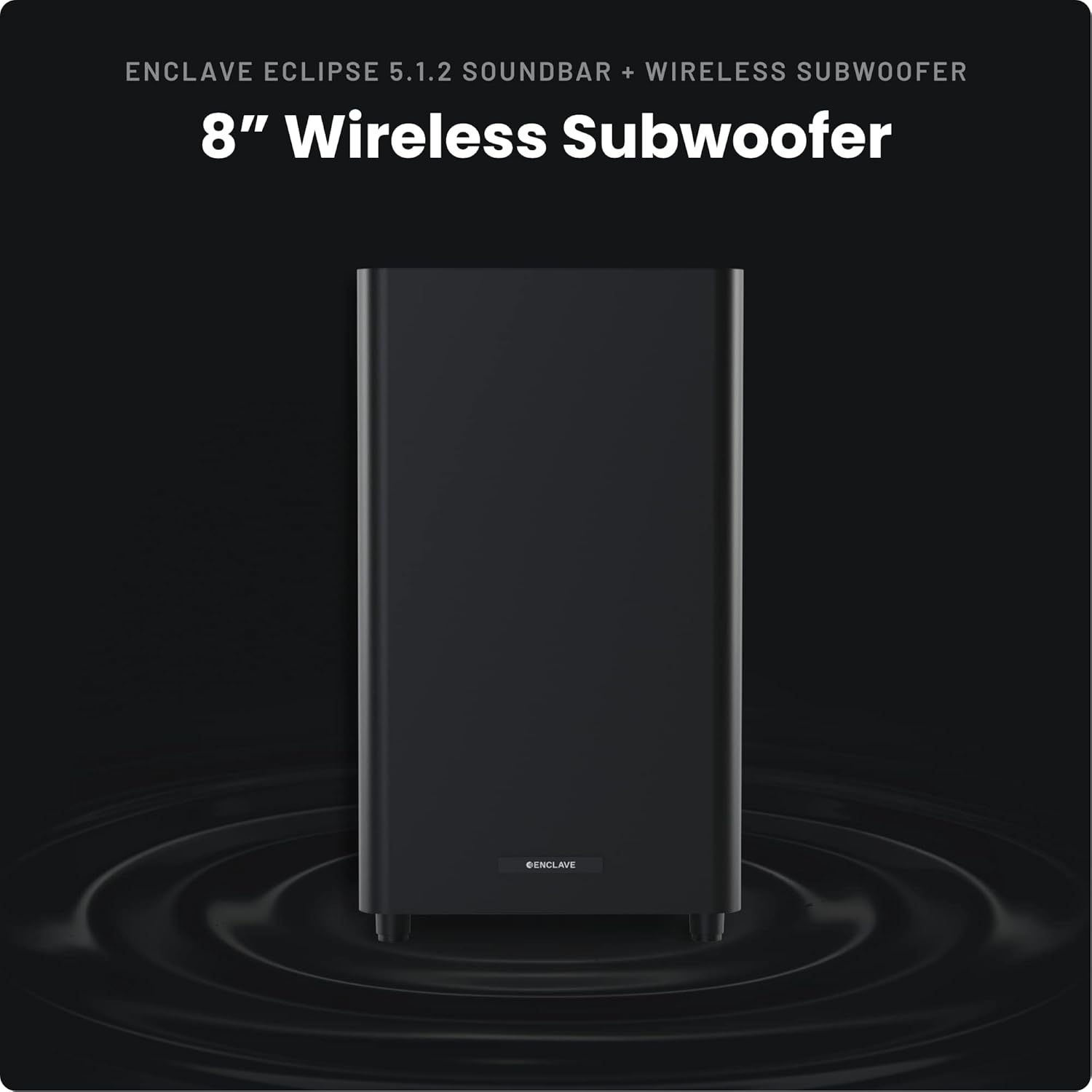
The Enclave Eclipse comes with all necessary cables and accessories for a convenient setup.
Setup Guide
Soundbar Placement
Place the soundbar on a stable, flat surface in front of your television or projector. Ensure it has clear line-of-sight to your viewing area. The included mounting kit allows for wall installation if desired.
Subwoofer Placement
The 8-inch wireless subwoofer automatically connects to the soundbar. Place it anywhere in the room for optimal bass performance. Its wireless design offers flexibility in placement.

The soundbar's internal design with dedicated drivers ensures comprehensive surround sound.
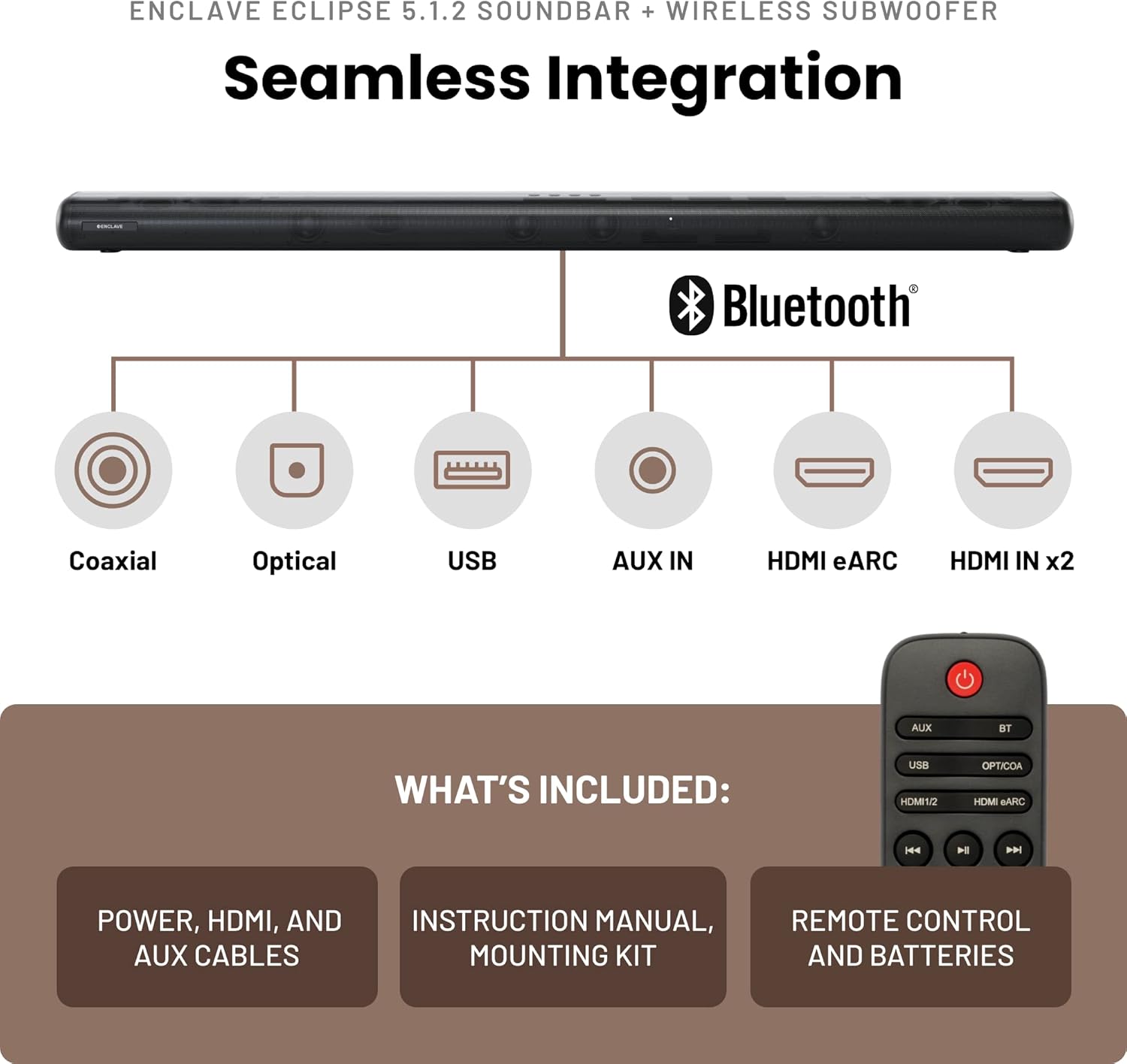
The wireless subwoofer provides powerful bass and can be placed conveniently anywhere in your room.
Connectivity
Connect your devices to the soundbar using the available ports:
- HDMI eARC/ARC: Connect your TV's HDMI eARC/ARC port to the soundbar's HDMI OUT (TV eARC/ARC) port for the best audio experience and control.
- HDMI In: Two additional HDMI 2.0 inputs are available for connecting external devices like gaming consoles or media players.
- Optical: For devices without HDMI ARC, use the optical digital audio input.
- Coaxial: An additional coaxial digital audio input is available.
- Aux In: Use the 3.5mm auxiliary input for analog audio sources.
- Bluetooth 5.1: Wirelessly stream audio from your mobile devices.
This video demonstrates the various input and output ports available on the rear of the Enclave Eclipse Soundbar, including HDMI eARC, HDMI In, Optical, Coaxial, USB, and Aux In.
Operating Instructions
Power On/Off
Press the power button on the soundbar's top panel or the remote control to turn the system on or off.
Controls
The soundbar features integrated controls for power, input selection, and volume adjustment. A comprehensive remote control is also provided for convenient operation from your listening position.

The soundbar can be controlled via its top panel buttons or the included remote control, offering full command over settings and playback.
EQ Presets
Optimize your audio experience with seven custom-tuned EQ presets:
- Movie: Enhances cinematic soundscapes.
- Music: Optimized for musical playback.
- Voice: Improves dialogue clarity.
- News: Clearer speech for news broadcasts.
- Night: Reduces dynamic range for quiet listening.
- Game: Immersive audio for gaming.
- Sport: Enhances sports commentary and crowd sounds.
Fine-tune your sound further by adjusting bass and treble levels directly from the remote control.
Advanced Audio and Video Technologies
The Enclave Eclipse supports cutting-edge audio and video formats for an unparalleled home theater experience.
- Dolby Atmos: Experience breathtaking 3D audio that moves around you, creating an immersive soundstage.
- Dolby Vision & HDR10/HDR10+: Enjoy the highest quality video with enhanced brightness, contrast, and color, ensuring a vivid visual experience.
Maintenance and Care
To ensure the longevity and optimal performance of your Enclave Eclipse system, follow these simple maintenance guidelines:
- Keep the soundbar and subwoofer clean by wiping them with a soft, dry cloth. Avoid using liquid cleaners or abrasive materials.
- Avoid exposing the units to excessive moisture, heat, or direct sunlight, which can damage internal components.
- Ensure proper ventilation around the units to prevent overheating, especially during extended use.
Troubleshooting
If you encounter any issues with your Enclave Eclipse system, refer to the following common troubleshooting steps. For more detailed solutions, consult the full user manual.
- No Power: Check if the power cables are securely connected to both the soundbar, subwoofer, and a working power outlet.
- No Sound: Verify that the correct input source is selected on the soundbar. Ensure the volume is not muted or set too low. Check all audio cables for secure connections.
- Subwoofer Not Connecting: The subwoofer should pair automatically. If not, ensure both units are powered on and within range. Refer to the full user manual for manual pairing instructions if needed.
- Distorted Audio: Check the audio source quality. Try adjusting EQ settings or reducing the volume. Ensure cables are not damaged.
Product Specifications
| Property | Value |
|---|---|
| Model Name | Eclipse |
| Speaker Type | Soundbar |
| Special Feature | Subwoofer |
| Recommended Uses For Product | For Home Theaters, For Music Playback |
| Compatible Devices | Television, Projector |
| Subwoofer Diameter | 8 Inches |
| Controller Type | App Control |
| Surround Sound Channel Configuration | 5.1.2 |
| Included Components | Remote Control |
| Product Dimensions | 4.33"D x 48.23"W x 2.87"H |
| Age Range (Description) | Adult |
| Item Weight | 18 Pounds |
| Is Waterproof | FALSE |
| Warranty Type | 1 Year Onsite |
| Number of Items | 1 |
| Control Method | Remote |
| Wireless Communication Technology | Bluetooth |
| Speaker Size | 8 Inches |
| Power Source | Corded Electric |
| Woofer Diameter | 8 Inches |
| Water Resistance Level | Not Water Resistant |
| Customer Package Type | FFP |
| Number of Batteries | 2 AAA batteries required. (included) |
| Audio Driver Type | Dynamic Driver |
| Bluetooth Range | 10 Meters |
| Audio Driver Size | 8 Inches |
| Subwoofer Connectivity Technology | Wireless |
| Connectivity Protocol | Bluetooth |
| Includes MP3 player? | No |
| Processor Count | 1 |
| UPC | 850839006809 |
| Global Trade Identification Number | 00850839006809 |
| Manufacturer | Enclave Audio |
| Item Weight | 18 pounds |
| ASIN | B0BXBDGTWC |
| Item model number | Eclipse 5.1.2 Dolby Atmos Soundbar |
| Batteries | 2 AAA batteries required. (included) |
| Customer Reviews | 3.8 3.8 out of 5 stars 38 ratings 3.8 out of 5 stars |
| Best Sellers Rank | #245,119 in Electronics (See Top 100 in Electronics) #819 in Home Audio Sound Bars |
| Date First Available | March 2, 2023 |
| Country of Origin | China |
| Brand | Enclave Audio |
| Speaker Maximum Output Power | 760 Watts |
| Connectivity Technology | Bluetooth, HDMI |
| Audio Output Mode | Dolby Atmos |
| Mounting Type | Bar Mount |
Warranty and Support
The Enclave Eclipse 5.1.2 Dolby Atmos Soundbar comes with a 1-Year Onsite Warranty, ensuring peace of mind for your purchase.
For further assistance, technical support, or warranty claims, please visit the official Enclave Audio website or contact their customer service.
You can also visit the Enclave Audio Store on Amazon for more information and products.

