
1. Introduction
The Haiz My Watch I Fit Smartwatch is a versatile and advanced wearable device designed to enhance your daily life by providing comprehensive health monitoring, fitness tracking, and smart notifications. This manual will guide you through the setup, operation, and maintenance of your new smartwatch, ensuring you get the most out of its features.
2. What's in the Box
Please check the package contents to ensure all items are present:
- Haiz My Watch I Fit Smartwatch
- Charging Cable
- Watch Strap
3. Product Overview

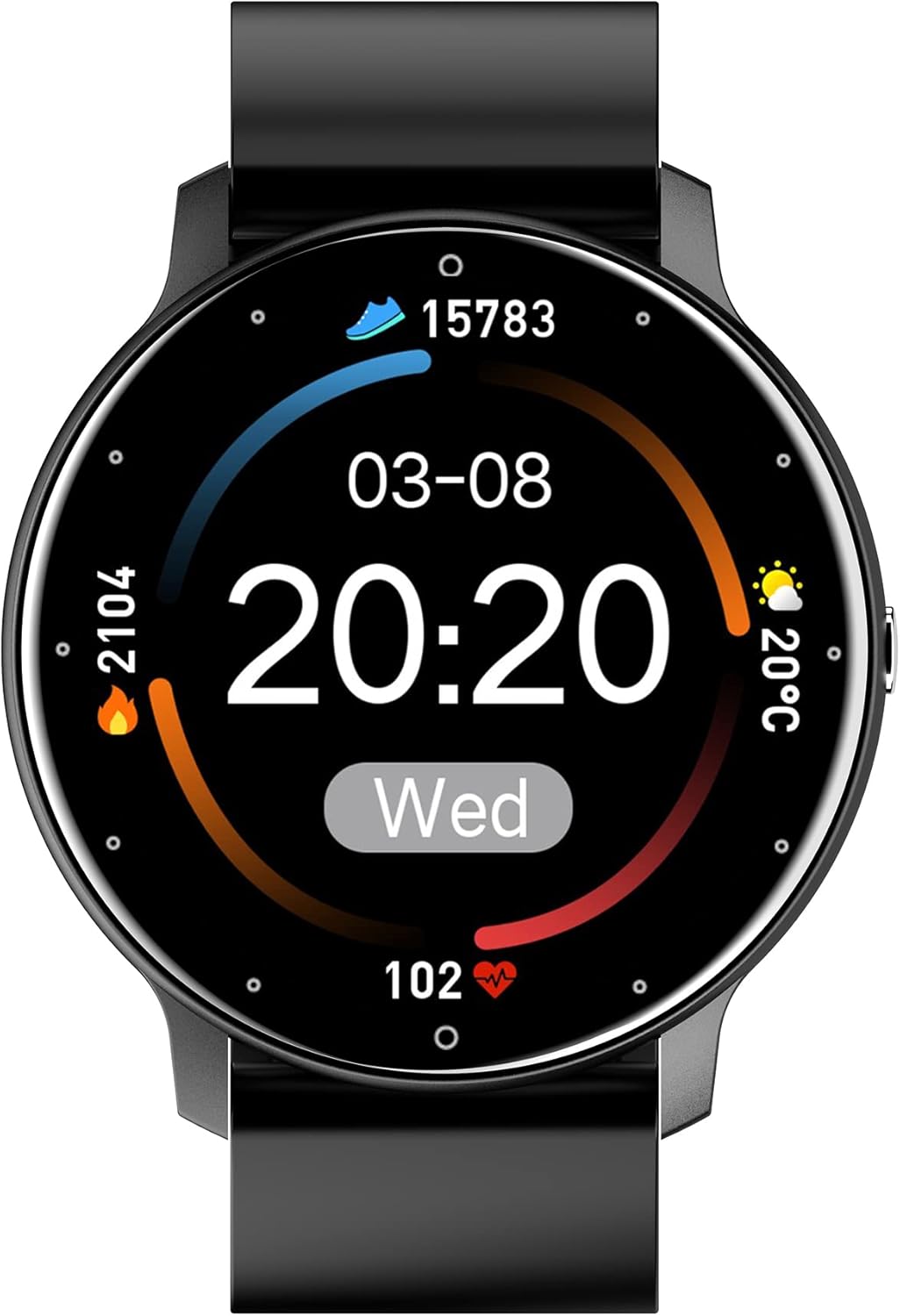
This image shows the front of the Haiz My Watch I Fit Smartwatch. The circular display shows the current time (22:00), date (02/08 MON), step count (78600), calories burned (257), distance (5.58), and a heart rate graph with a current reading of 068 bpm. The watch has a sleek black design with a matching silicone strap.
This image provides a view of the back of the Haiz My Watch I Fit Smartwatch. It clearly shows the two metallic charging contacts and the optical sensor for heart rate monitoring, essential components for its functionality.
Components:
- Display: 1.28-inch Full Touch HD Retina Screen for clear visuals and easy interaction.
- Side Button: Used for power on/off, screen wake/sleep, and navigating menus.
- Sensors: Located on the back, these include heart rate, blood pressure, and blood oxygen sensors.
- Charging Contacts: Two metallic points on the back for connecting the magnetic charging cable.
- Strap: Comfortable and durable silicone strap.
4. Setup
4.1 Charging the Smartwatch
Before first use, fully charge your smartwatch. Connect the magnetic charging cable to the charging contacts on the back of the watch and plug the USB end into a power adapter (not included) or a computer's USB port.
- First Charge: It is recommended to charge the device for 8 hours for the initial charge to optimize battery life.
- Charging Time: Approximately 2 hours for a full charge.
- Battery Life: Up to 7 days of typical use, 48 hours of constant use, and up to 25 days in standby mode.

This infographic provides essential care tips for the Haiz My Watch, including the recommendation for an 8-hour initial charge.
4.2 App Installation
To unlock the full potential of your smartwatch, download and install the companion app on your smartphone. The recommended apps are Haiz or Da Fit, available on both iOS and Android app stores.
- Scan the QR code in the watch manual (if provided) or search for "Haiz" or "Da Fit" in your phone's app store.
- Download and install the app.
- Open the app and follow the on-screen instructions to create an account or log in.
4.3 Pairing with Your Smartphone
Ensure Bluetooth is enabled on your smartphone and the smartwatch is sufficiently charged.
- Open the Haiz or Da Fit app on your smartphone.
- Navigate to the "Device" or "Add Device" section within the app.
- The app will search for nearby Bluetooth devices. Select "My Watch I Fit" or the corresponding device name from the list.
- Confirm the pairing request on both your smartphone and smartwatch if prompted.
- Once paired, the app will synchronize data with your smartwatch.
5. Operating the Smartwatch
5.1 Basic Navigation
- Touch Screen: Swipe left/right to navigate between main functions, swipe up/down for quick settings or notifications. Tap to select.
- Side Button: Press to wake/sleep the screen, return to the home screen, or access the app menu.
5.2 Key Features
Health Monitoring
The smartwatch provides comprehensive health data to help you stay informed about your well-being.
- Heart Rate Monitoring: Continuously tracks your heart rate throughout the day.
- Blood Pressure Monitoring: Provides estimated blood pressure readings.
- Blood Oxygen (SpO2) Monitoring: Measures your blood oxygen saturation levels.
- Sleep Tracking: Monitors your sleep cycles (deep sleep, light sleep, awake time) to help improve sleep quality.

This composite image demonstrates three key functions: 1. Heart rate monitoring, showing 'Medir HR' (Measure HR) and a reading of '94 bpm'. 2. Music control, with play/pause and skip buttons on the watch face. 3. Real-time weather updates, displaying 'Hoje' (Today), '29°C', and '20 min(s) atrás' (20 mins ago).

The smartwatch screen displays sleep monitoring data, including 'Sleeping', 'Total Sleep' (00H 00M), and 'Light Sleep' (00H 00M). This feature helps users track and analyze their sleep patterns for better health management.
Activity Tracking
Track your daily activities and exercise performance.
- Pedometer: Counts your daily steps.
- Calorie Counter: Estimates calories burned based on activity.
- Sports Modes: Dedicated modes for various activities including walking, running, cycling, jump rope, basketball, and soccer, providing specific metrics for each.

Two smartwatches, one black and one pink, are shown alongside icons representing various integrated sports modes. These modes allow users to track specific exercises and calculate calorie consumption, helping them achieve their fitness goals.
Smart Features
- Notifications: Receive call, message, and app notifications directly on your wrist.
- Music Control: Control music playback on your smartphone (play, pause, skip tracks).
- Customization: Choose from a wide variety of watch faces or use your own photos as backgrounds.
- Alarms & Timers: Set alarms, use a stopwatch, or countdown timer.
- Passive GPS: Tracks your route using your smartphone's GPS.

This image highlights the smartwatch's integrated access to popular applications. Above the watch, icons for fitness tracking, alarm, messaging, music, camera, and weather are shown, indicating seamless connectivity with your favorite apps.
Water Resistance (IP67)
The smartwatch is IP67 rated, meaning it is resistant to dust and can withstand immersion in water up to 1 meter for up to 30 minutes. It is suitable for daily use, including hand washing, rain, and swimming in shallow water.
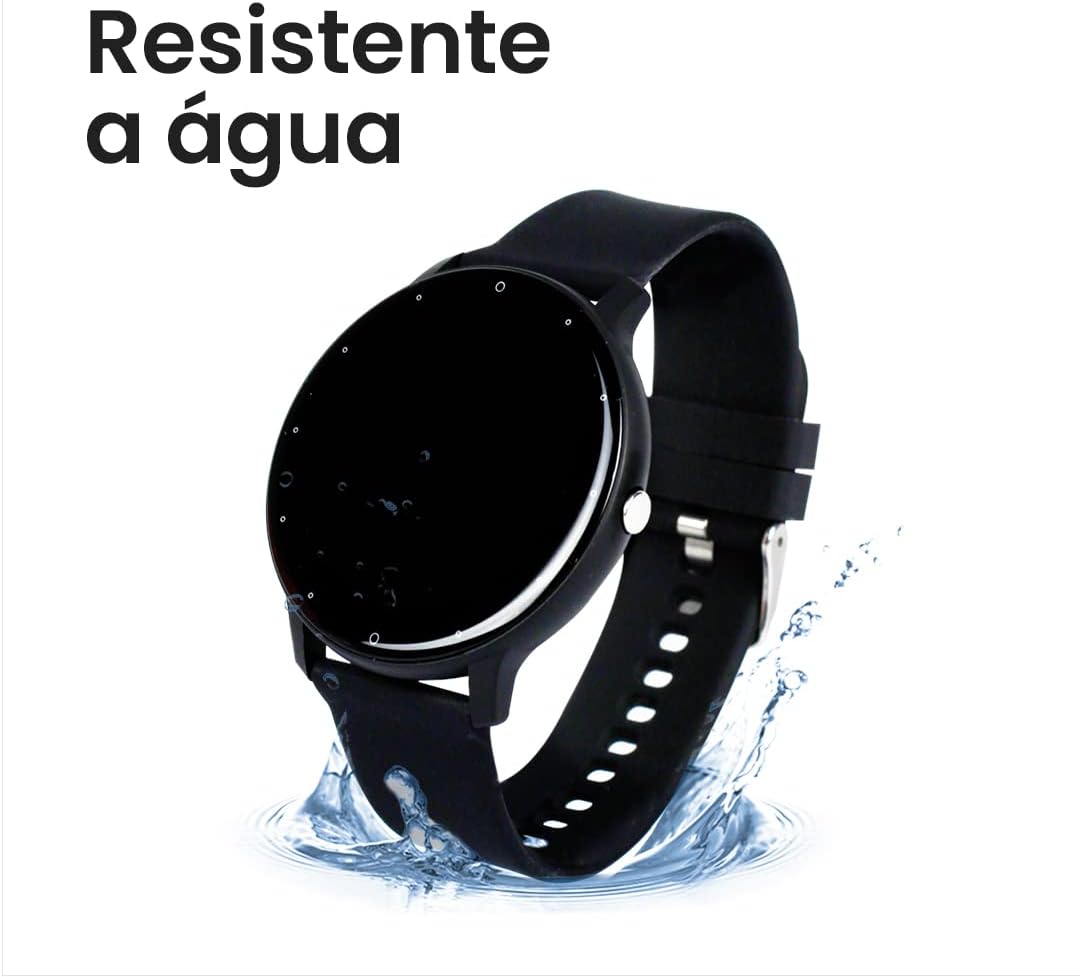
The smartwatch is depicted with water splashing around its base, illustrating its water-resistant capabilities. The text 'Resistente à água' (Water Resistant) is prominently displayed, highlighting its IP67 rating.

An image of the smartwatch surrounded by water splashes, emphasizing its IP67 certification. This certification ensures the watch is resistant to both water and dust, making it durable for various activities.
6. Maintenance
Proper care and maintenance will extend the life of your Haiz My Watch I Fit Smartwatch.
6.1 Cleaning
- Regularly wipe the screen and strap with a soft, dry cloth.
- Clean the charging contacts on the back of the watch with alcohol every 1-3 months to ensure optimal charging.
6.2 Water Resistance Care
While the watch is IP67 water-resistant, certain precautions should be taken:
- Avoid using the watch in very hot baths or saunas, as steam and hot water can compromise the seals.
- Do not wear the smartwatch with a wet wrist for extended periods.
- Always dry the watch thoroughly before use, especially after exposure to water.
- Note that water resistance may decrease over time with regular use.
6.3 Battery Care
- Avoid completely draining the battery frequently.
- Charge the watch using the provided cable and a standard USB power source.
7. Troubleshooting
If you encounter issues with your smartwatch, try the following solutions:
| Problem | Possible Solution |
|---|---|
| Smartwatch won't turn on | Ensure the battery is charged. Connect to the charger for at least 10 minutes. |
| Cannot pair with smartphone | Ensure Bluetooth is enabled on your phone. Restart both the watch and phone. Make sure the app is open and searching for devices. |
| Inaccurate health readings | Ensure the watch is worn snugly on your wrist, not too tight or too loose. Clean the sensor area. Readings are for reference only and not for medical diagnosis. |
| Notifications not received | Check app permissions on your phone to ensure notification access is granted. Ensure the app is running in the background. |
| Short battery life | Reduce screen brightness, turn off continuous heart rate monitoring if not needed, and limit frequent notifications. |
8. Specifications
| Feature | Detail |
|---|---|
| Brand | HAIZ |
| Model Name | My Watch I Fit |
| Model Number | ZL02D |
| Water Resistance Rating | IP67 |
| Screen Size | 44 Millimeters (1.28 inches) |
| Display Type | LED (HD Retina Full Touch) |
| Operating System | Android and iOS compatible |
| Memory Storage Capacity | 66 MB |
| Connectivity Technology | Bluetooth |
| Battery Capacity | 230 Milliamp Hours (Lithium Ion) |
| Average Battery Duration | 7 Days |
| Charging Time | 2 Hours |
| Product Weight | 90 g |
| Product Dimensions | 3 x 7 x 15 cm |
9. Warranty
The Haiz My Watch I Fit Smartwatch comes with a manufacturer's warranty of 90 Days from the date of purchase. This warranty covers manufacturing defects. Please retain your proof of purchase for warranty claims.
10. Support
For further assistance or inquiries, please refer to the following resources:
- Mobile Application: The Haiz or Da Fit app provides additional settings, FAQs, and potentially direct support options.
- Online Resources: Visit the official HAIZ store on Amazon for product information and updates: HAIZ Amazon Store.