
EKAT RM
User Manual
EKAT 10.1 inch Android 11 Double Din Car Stereo
Model: RM
Introduction
Thank you for choosing the EKAT 10.1 inch Android 11 Double Din Car Stereo. This advanced car multimedia system is designed to enhance your driving experience with its powerful features, including Wireless/Wired CarPlay, Android Auto, Mirror Link, GPS navigation, and a responsive touch screen. This manual provides detailed instructions for installation, operation, and troubleshooting to ensure optimal performance and user satisfaction.
Key Features
- Latest Android 11 System: Equipped with a 4-core CPU, 2GB RAM, and 32GB ROM for enhanced performance and access to a wide range of apps.
- 10.1-inch 2.5D Tempered Glass Screen: Durable and scratch-resistant display with 1080P HD video playback support.
- Wireless & Wired CarPlay / Android Auto: Seamless integration with your smartphone for navigation, music, calls, and voice control (Siri/Google Assistant).
- Wired & Wireless Mirror Link: Sync your iOS or Android smartphone screen to the stereo display for content viewing.
- Multi-Functions: Includes Wi-Fi Hotspot, 26 UI Desktop Themes, EQ Audio, Split Screen, GPS Navigation, Bluetooth (phonebook, hands-free), Steering Wheel Control, FM RDS Radio, Dual USB Input, and compatibility with AHD Rear View Camera.
Package Contents
Verify that all items listed below are included in your package:

Figure 1: Package Contents Overview
- 1 x EKAT 10.1 inch Car Radio
- 1 x Camera Input Cable
- 1 x RCA Cable Set
- 1 x Mounting Bracket
- 1 x GPS Antenna
- 1 x External Microphone (MIC)
- 1 x AHD Backup Camera
- 2 x USB Cables
- 1 x User Manual
- 1 x Power Cable
Installation Guide
Professional installation is recommended. Ensure the vehicle's power is disconnected before beginning installation.
Backup Camera Connection
Properly connecting the backup camera is crucial for its functionality. The reversing input must be plugged in even if the camera is not actively used.

Figure 2: Backup Camera Wiring Diagram
- Red Cable (1 & 5): Connect the positive pole of the car reversing light cable.
- Black Cable (2): Connect the negative pole of the car reversing light cable.
- Reversing Trigger Wire Cable (4 - Pink Color): Connect this to the red cable (3), which is an extension of the video input wire.
Steering Wheel Control Setup
After physical installation, you need to configure the steering wheel controls through the stereo's settings.

Figure 3: Steering Wheel Control Learning
Navigate to Car Settings > Factory Settings (password: 000000) > Steering Learn. Follow the on-screen prompts to assign functions to your steering wheel buttons.
Operating Instructions
System Overview
The stereo runs on Android 11, providing a familiar and customizable interface. You can download various applications from the APP Store.
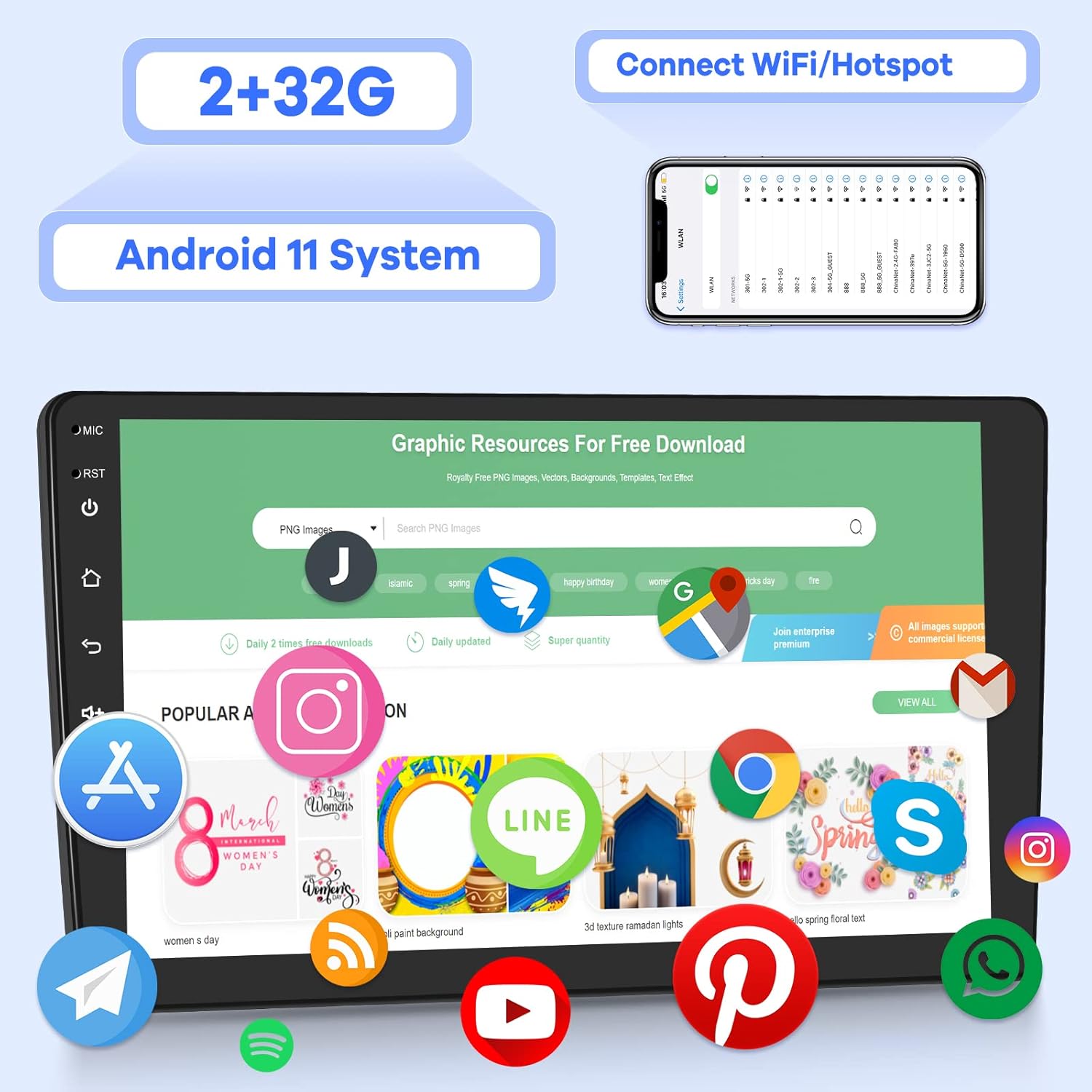
Figure 4: Android 11 System and Connectivity
Wireless & Wired CarPlay / Android Auto
Connect your smartphone to access navigation, music, calls, and more, hands-free.

Figure 5: CarPlay and Android Auto Functionality
- Wired Connection: Use a USB cable to connect your iPhone for CarPlay or Android phone for Android Auto.
- Wireless Connection: For wireless CarPlay/Android Auto, ensure Bluetooth and Wi-Fi are enabled on your phone and follow the pairing instructions on the stereo.
- Utilize voice assistants (Siri, Google Assistant) for hands-free control.
Wired & Wireless Mirror Link
Mirror Link allows you to display your smartphone's screen directly on the car stereo.

Figure 6: Mirror Link Feature
- iOS Mirror Link: Can only be operated from the iPhone itself.
- Android Mirror Link: Supports two-way operation, allowing control from both the phone and the car stereo.
GPS Navigation
The stereo supports online maps and navigation applications. Connect to Wi-Fi for real-time traffic updates and map downloads.

Figure 7: GPS Navigation Interface
Bluetooth Connectivity
Pair your phone via Bluetooth for hands-free calling and audio streaming.
- Access your phonebook directly from the stereo.
- Make and receive calls safely while driving.
FM RDS Radio
Tune into your favorite radio stations and receive RDS information.

Figure 8: FM RDS Radio and Split Screen
EQ Audio
Customize your audio experience with the built-in equalizer.

Figure 9: EQ Audio Settings
Split Screen
Run two applications simultaneously on the screen for enhanced multitasking.
- Example: Use navigation on one side and music playback on the other.
Wi-Fi Hotspot Internet
Connect to a Wi-Fi hotspot (e.g., from your phone) to access online features, download apps, and browse the internet.
Maintenance
To ensure the longevity and optimal performance of your car stereo, follow these general maintenance guidelines:
- Cleaning: Use a soft, dry cloth to clean the screen and exterior. Avoid abrasive cleaners or solvents.
- Temperature: Avoid exposing the unit to extreme temperatures, both hot and cold, for extended periods.
- Software Updates: Periodically check for software updates to ensure you have the latest features and bug fixes. Refer to the manufacturer's website or the stereo's settings for update procedures.
- Cable Connections: Ensure all cables are securely connected to prevent intermittent issues.
Troubleshooting
If you encounter issues with your car stereo, try the following basic troubleshooting steps:
- No Power: Check all power connections and the vehicle's fuse box. Ensure the ignition is on.
- No Sound: Verify speaker connections, volume levels, and audio source selection. Check EQ settings.
- Touch Screen Unresponsive: Try restarting the unit. If the issue persists, a factory reset might be necessary (note: this will erase all user data).
- CarPlay/Android Auto Not Connecting: Ensure your phone's operating system is up to date. Try different USB cables if using a wired connection. Check phone settings for CarPlay/Android Auto permissions.
- GPS Signal Lost: Ensure the GPS antenna is properly installed and has a clear view of the sky.
- Bluetooth Pairing Issues: Delete previous pairings on both the stereo and your phone, then attempt to pair again.
For persistent issues, please refer to the Warranty and Support section for contact information.
Specifications
| Feature | Specification |
|---|---|
| Model Name | RM |
| Operating System | Android 11 |
| RAM | 2GB |
| ROM | 32GB |
| Display Size | 10.1 Inches |
| Screen Type | 2.5D Tempered Glass Touch Screen |
| Video Playback | 1080P HD |
| Connectivity | Bluetooth, Wi-Fi, USB |
| Audio Output Mode | Stereo |
| Mounting Type | Dashboard Mount |
| Item Weight | 2.99 pounds |
| Package Dimensions | 12.8 x 10.35 x 3.5 inches |
| Country of Origin | China |
Warranty and Support
EKAT is committed to providing excellent customer service and support for your product.

Figure 10: Warranty and Support Information
- Technical Support: We provide 7*24 hours of after-sales technical support to assist you with any installation or operation problems.
- Money-Back Service: Enjoy a 30-day money-back guarantee.
- Warranty: The product comes with 24 months (2 years) of after-sales support.
For assistance, please contact our customer service team through the platform where you purchased the product or refer to the contact information provided in the product packaging.
Related Documents - RM
 |
RM NT 93 Front-Loading Double Door Dishwasher - Instruction Manual Comprehensive instruction manual for the RM NT 93 front-loading double door dishwasher, covering installation, operation, maintenance, and troubleshooting. Includes technical specifications and safety guidelines. |
 |
RM Undercounter Dishwasher TT 52 T ABT Instruction Manual This instruction manual provides detailed information on the installation, operation, safety, cleaning, maintenance, and troubleshooting for the RM Undercounter Dishwasher TT 52 T ABT. |
 |
RM SL BLUE+ 3 Chilled Display Unit Instruction Manual - Model 00012045 Comprehensive instruction manual for the RM SL BLUE+ 3 chilled display unit (GN 3-1/1, 150 mm drop-in). Includes technical data, installation, operation, safety measures, user interface, and cleaning/maintenance guidelines. |
 |
RM 502 Universal Planetary Mixer Instruction Manual This instruction manual provides comprehensive guidance for the RM 502 Universal Planetary Mixer, a 10-speed, 5-liter, 230V appliance designed for professional use. It covers declaration of conformity, technical data, installation, electrical connection, operating instructions, safety measures, and cleaning/maintenance procedures. |
 |
RM LM 2350 Kühl- / Gefrierschrank 2x 280 l Bedienungsanleitung Bedienungsanleitung für den RM LM 2350 Kühl- / Gefrierschrank mit zwei 280 l Türen, GN 2/1 Größe, Edelstahlgehäuse. Enthält Installations-, Betriebs-, Reinigungs- und Wartungshinweise. |
 |
Návod k použití: RM Skříň mrazicí MS 70 - 700 l, GN 2/1 Kompletní uživatelský manuál pro profesionální mrazicí skříň RM MS 70. Obsahuje technické specifikace, pokyny k instalaci, bezpečnému provozu, nastavení a údržbě pro zajištění optimálního výkonu. |
Ask a question about this manual
Ask about setup, troubleshooting, compatibility, parts, safety, or missing instructions. Manuals+ will review the question and use this page’s manual context to help answer it.