1. Product Overview
The Amazfit GTS 4 Mini is a compact and feature-rich smart watch designed for daily wear and fitness tracking. It integrates advanced health monitoring, extensive sport modes, and smart assistant capabilities to support an active lifestyle.
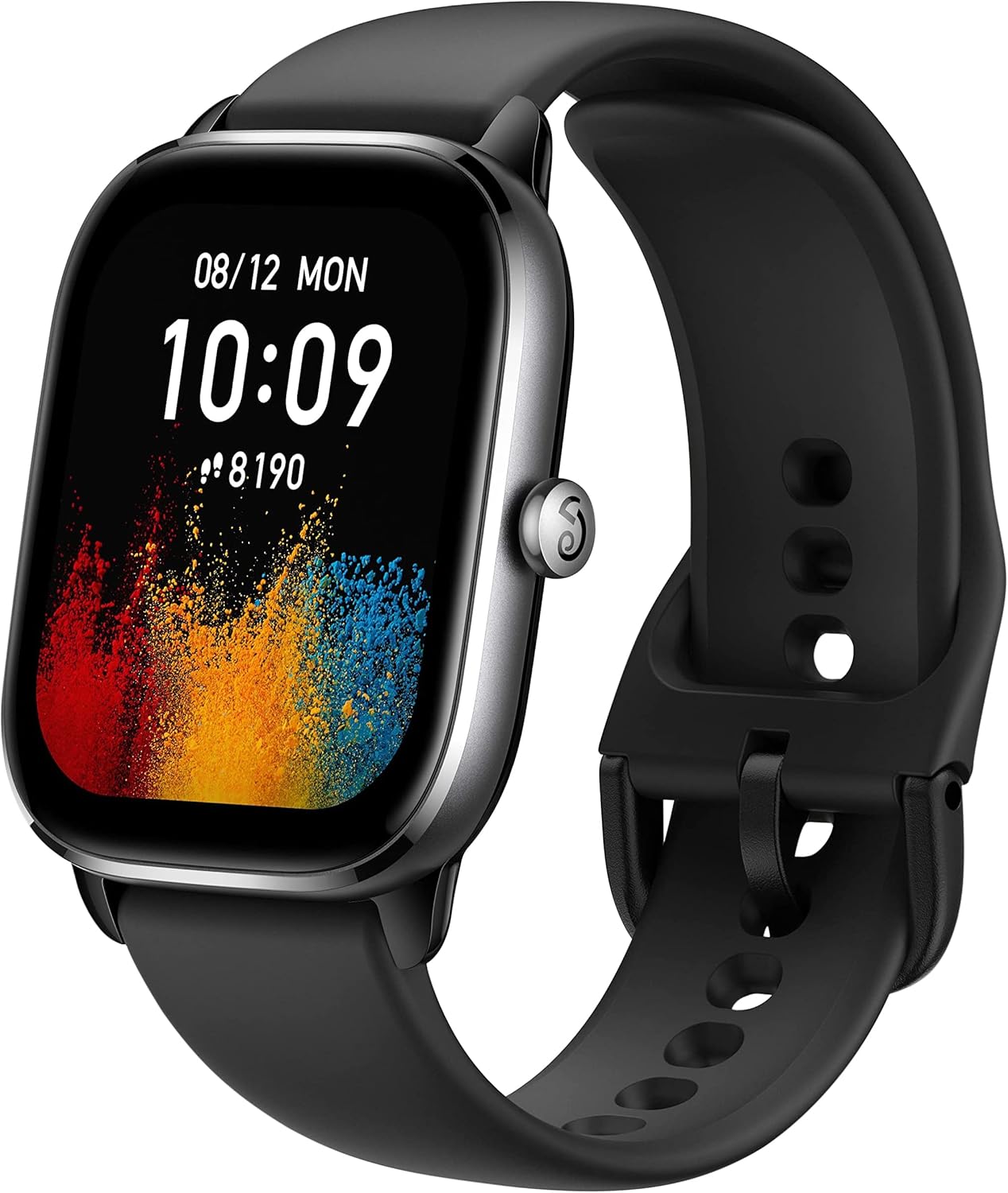
Figure 1: Amazfit GTS 4 Mini Smart Watch, front view. This image displays the sleek, rectangular watch face with a black strap, showcasing the digital time and a colorful background.
2. Setup Guide
2.1. What's in the Box
- Amazfit GTS 4 Mini Smart Watch
- User Manual
- Charging Cable
2.2. Initial Charging
Before first use, fully charge your Amazfit GTS 4 Mini. Connect the provided charging cable to the magnetic charging points on the back of the watch and plug the USB end into a compatible power source. The watch features a 270 mAh battery, offering up to 15 days of typical usage and up to 45 days in battery saver mode.
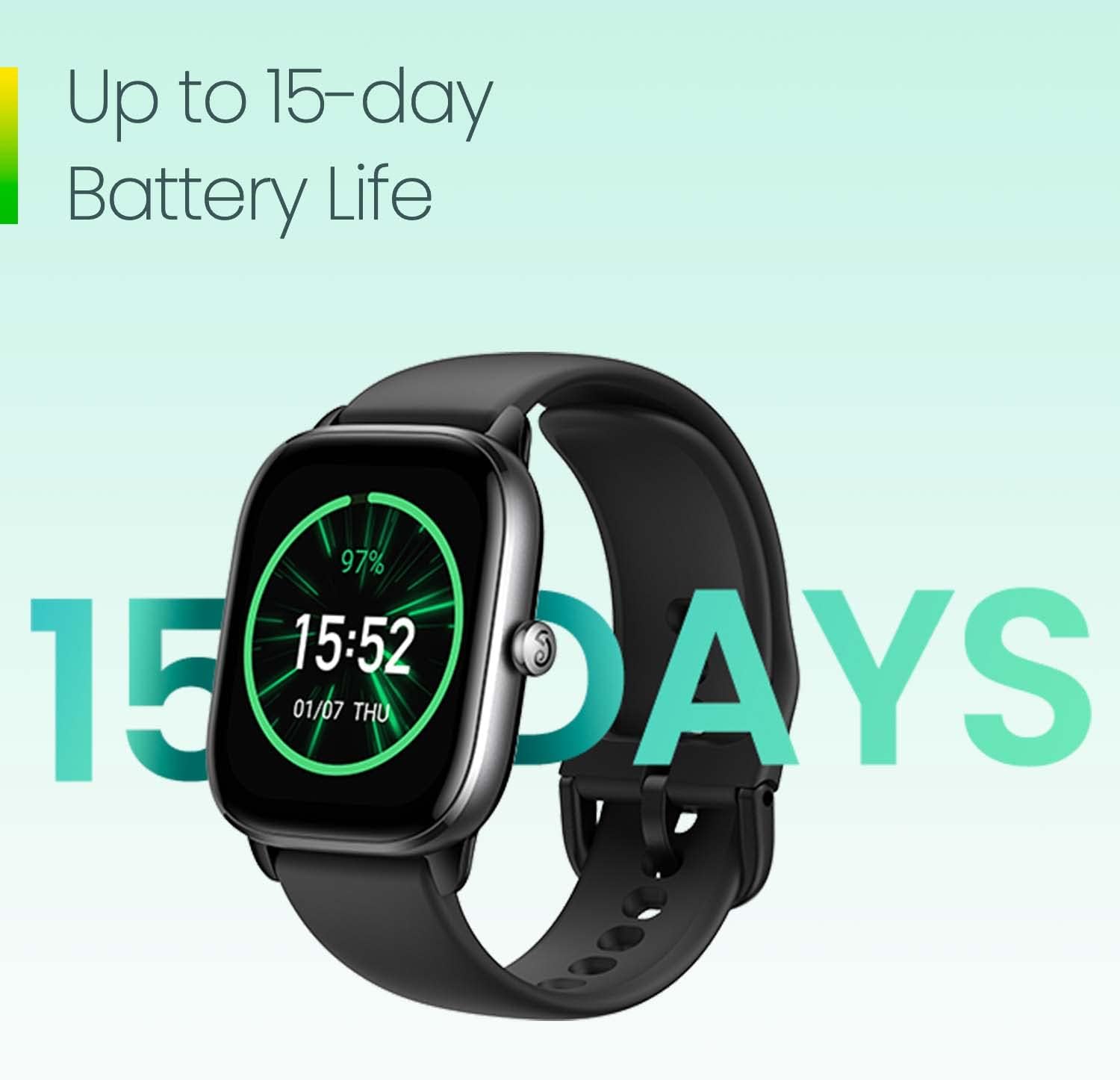
Figure 2: Watch face displaying battery percentage and '15 DAYS' text, indicating the extended battery life of the device.
2.3. App Installation and Pairing
To unlock the full potential of your smart watch, download and install the Zepp app on your Android or iPhone device. The watch connects via Bluetooth 5.2.
- Scan the QR code in the manual or search for 'Zepp' in your device's app store.
- Open the Zepp app and create an account or log in.
- Follow the in-app instructions to pair your Amazfit GTS 4 Mini. Ensure Bluetooth is enabled on your smartphone.
3. Operating Instructions
3.1. Basic Navigation
The Amazfit GTS 4 Mini features a vibrant 1.65-inch AMOLED display for clear visuals and easy interaction.
- Side Button: Press to open the app list or return to the home screen.
- Swipe Left/Right: Navigate through various shortcut cards (widgets) on the home screen.
- Swipe Down: Access quick settings toggles (e.g., brightness, DND).
- Swipe Up: View incoming notifications. You can respond to messages using predefined answers customizable via the Zepp app.

Figure 3: Close-up of the watch face, highlighting the clarity and detail of the 1.65-inch HD AMOLED display.
3.2. Health Monitoring
The watch provides comprehensive health tracking features:
- Heart Rate: Continuous monitoring with the BioTracker PPG HR sensor.
- Blood Oxygen Saturation (SpO2): On-demand measurement.
- Stress Level: Tracks your stress levels throughout the day.
- Sleep Quality: In-depth monitoring of sleep stages (deep, light, REM) and breathing quality.
- One-tap Measuring: Quickly test heart rate, blood-oxygen saturation, and stress level simultaneously in as quick as 45 seconds.
- PAI Health Assessment System: Provides a personalized health score based on your activity and physiological data.
- Readiness: A new feature that summarizes your physical and mental recovery status based on measurements.

Figure 4: Watch displaying various health metrics including blood oxygen, heart rate, stress, and sleep data, illustrating the ease of health data measurement.
3.3. Sports Modes and GPS
Engage in your favorite activities with precise tracking:
- 120+ Sport Modes: Covers a wide range of activities including walking, running, cycling, yoga, and more.
- Smart Recognition: Automatically recognizes 7 sports for quick activity tracking.
- Advanced GPS: Supports 5 satellite positioning systems and uses circularly-polarized antenna technology for improved positioning performance and accuracy, especially useful for outdoor activities.
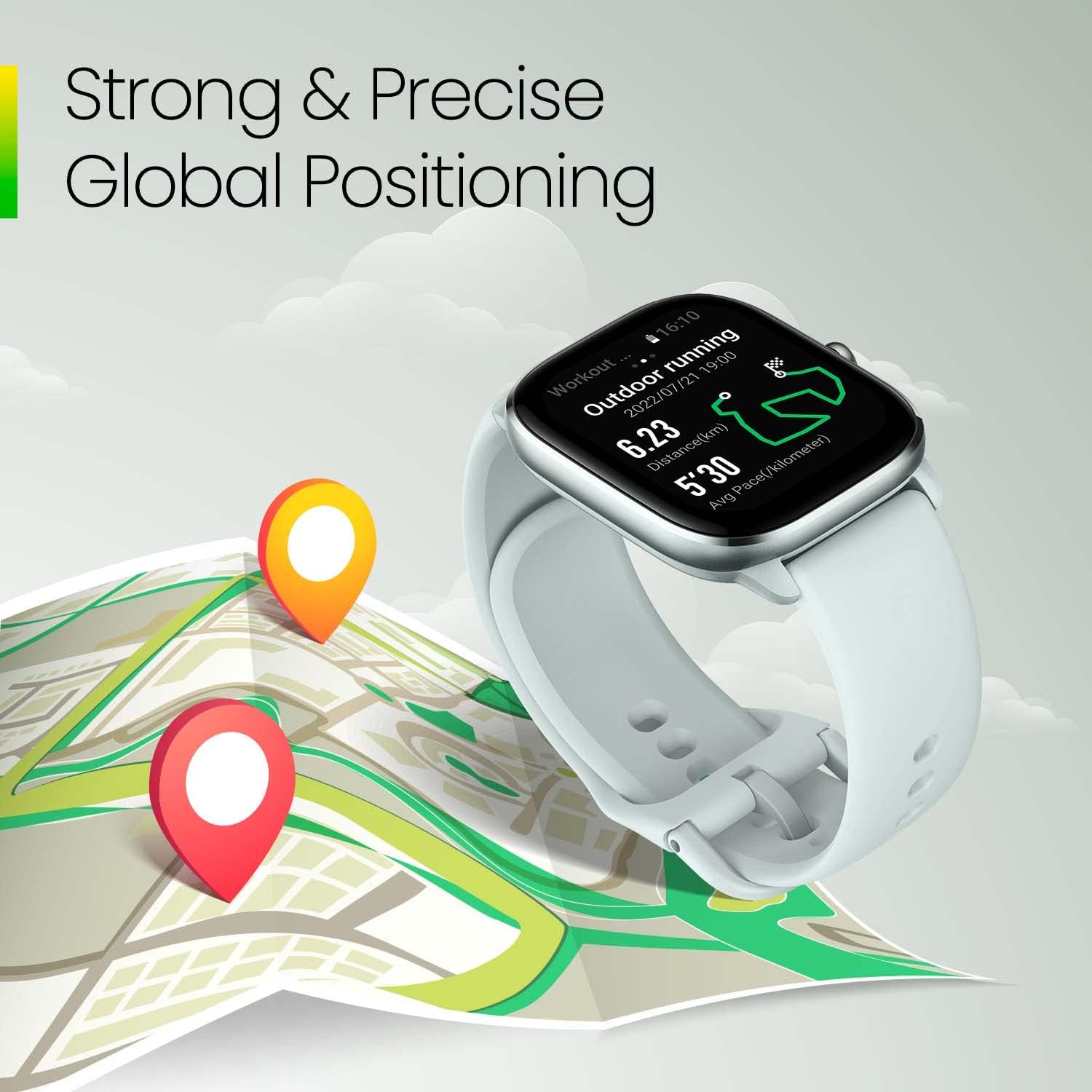
Figure 5: Watch displaying an outdoor running workout with a map trace and location pins, demonstrating its strong and precise global positioning capabilities.
3.4. Smart Features
The Amazfit GTS 4 Mini runs on the efficient Zepp OS, offering various smart functionalities:
- Alexa Built-in: Easily set alarms, ask questions, get translations, and more using voice commands.
- Mini Apps: Access over 10 mini apps, including the Home Connect third-party app, to enhance daily life.
- Music Control: Control music playback on your paired smartphone directly from the watch.
- Productivity Tools: Includes timers, alarms, calendar, and task lists.
- Find My Phone/Watch: Locate your paired device.

Figure 6: A person interacting with the watch, which displays an Alexa reminder, highlighting the built-in Alexa feature.
3.5. Water Resistance
The watch has a water resistance depth of 50 meters (5 ATM), making it suitable for swimming and other water activities.

Figure 7: A person swimming with the watch, emphasizing its 5 ATM water resistance rating.
4. Maintenance
4.1. Cleaning Your Watch
Regularly clean your watch to maintain its appearance and sensor accuracy. Use a soft, lint-free cloth to wipe the screen and watch body. For stubborn spots, slightly dampen the cloth with water. Avoid using harsh chemicals or abrasive materials.
4.2. Charging
Charge the watch using the provided magnetic charging cable. Ensure the charging pins align correctly with the contacts on the back of the watch. Avoid exposing the charging contacts to water or sweat.
4.3. Strap Replacement
The Amazfit GTS 4 Mini uses standard 20mm removable straps, allowing for customization. To replace the strap, locate the quick-release pins on the underside of the strap and gently slide them to detach. Attach a new 20mm strap by aligning the pins and securing them into the watch lugs.

Figure 8: Top and side views of the watch, showcasing its ultra-slim and light design, which also highlights the strap attachment points.
5. Troubleshooting
5.1. Common Issues and Solutions
- Watch not turning on: Ensure the watch is fully charged. Connect it to the charger for at least 10 minutes.
- Pairing issues: Ensure Bluetooth is enabled on your phone and the watch is within range. Restart both the watch and your phone, then try pairing again via the Zepp app.
- Data not syncing to app: Open the Zepp app on your smartphone to manually trigger a sync. Ensure the watch is connected via Bluetooth.
- Inaccurate sleep tracking: While the watch provides in-depth sleep monitoring, external factors or movement during sleep may affect accuracy. Ensure the watch is worn snugly.
- GPS signal acquisition: For best GPS performance, ensure you are in an open outdoor area. The circularly-polarized antenna technology is designed to improve accuracy.
5.2. System Updates
Regularly check for system updates via the Zepp app to ensure your watch has the latest features, performance improvements, and bug fixes. Updates are typically downloaded through the app and then transferred to the watch.
6. Specifications
| Feature | Detail |
|---|---|
| Brand | Amazfit |
| Model Number | W2176OV1N-REF |
| Product Dimensions | 1.64 x 1.44 x 0.36 inches |
| Item Weight | 0.96 ounces (27.22 g) |
| Screen Size | 1.65 Inches AMOLED |
| Operating System | Zepp OS |
| Battery Capacity | 270 mAh Lithium Polymer |
| Connectivity Technology | Bluetooth |
| Water Resistance | 50 meters (5 ATM) |
| GPS | GPS Enabled (5 satellite systems, circularly-polarized antenna) |
| Sensors | BioTracker PPG HR sensor, Temperature sensor |
| Strap Size | 20mm (removable) |
7. Warranty and Support
As this is a renewed product, please refer to the specific warranty and return policies provided by Amazon Renewed at the time of purchase. For product support, technical assistance, or further inquiries, please visit the official Amazfit support website or contact their customer service channels.
© 2024 Amazfit. All rights reserved.