
KAMRUI GK3PRO
KAMRUI GK3 Pro Mini PC User Manual
Model: GK3PRO
Introduction
The KAMRUI GK3 Pro Mini PC is a compact and powerful computing solution designed for various applications, including home office, education, business, and entertainment. Featuring an Intel 11th Gen Celeron N5105 Quad-Core CPU, 12GB DDR4 RAM, and a 256GB M.2 SSD, this mini PC delivers efficient performance for daily tasks and supports 4K UHD triple display output.

Image: The KAMRUI GK3 Pro Mini PC, showcasing its compact design and front-facing ports.
Its small footprint makes it ideal for environments where space is limited, while its robust connectivity options ensure seamless integration with your existing setup.
Setup Guide
Follow these steps to set up your KAMRUI GK3 Pro Mini PC:
- Unpack the Contents: Carefully remove the mini PC and all accessories from the packaging. Verify that all components listed in the "What's in the Box" section are present.
- Connect to Power: Plug the power adapter into the DC-in port on the mini PC, then connect the adapter to a power outlet.
- Connect to Display: Use an HDMI or VGA cable to connect your monitor(s) to the corresponding ports on the mini PC. The GK3 Pro supports up to three displays simultaneously (2x HDMI, 1x VGA).
- Connect Peripherals: Connect your USB keyboard and mouse to any available USB ports. The mini PC features both USB 2.0 and USB 3.0 ports.
- Initial Boot-up: Press the power button on the front of the mini PC. The system will boot into Windows 11 Pro. Follow the on-screen instructions for initial setup, including language, region, and network configuration.
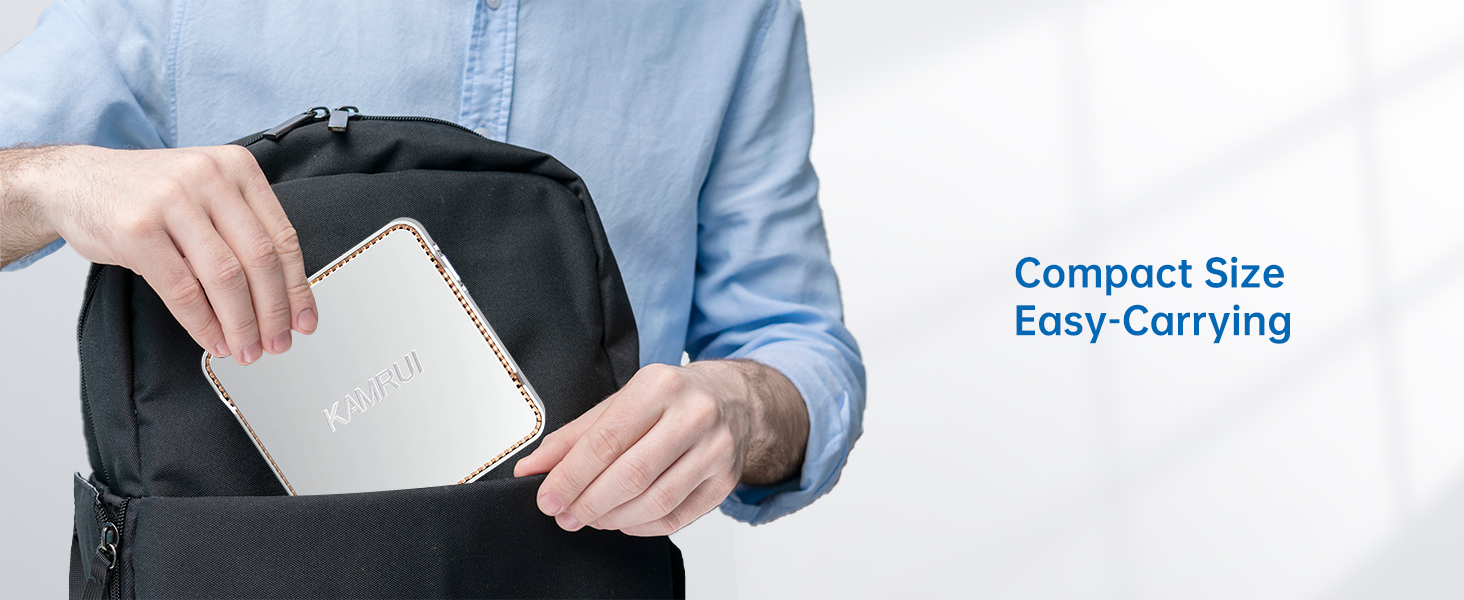
Image: The KAMRUI GK3 Pro Mini PC and its included accessories, such as the power adapter, HDMI cable, and VESA mount.

Image: Detailed view of the mini PC's ports, including HDMI, VGA, Ethernet, and various USB ports, highlighting its triple display capability.
Operating Instructions
Network Connectivity
- Wi-Fi: The mini PC supports 2.4G and 5.0G dual-band Wi-Fi. To connect, click the Wi-Fi icon in the system tray, select your network, enter the password, and click Connect.
- Ethernet: For a wired connection, plug an Ethernet cable into the LAN port on the back of the mini PC. The system will automatically detect and connect to the network.
Multi-Display Setup
The KAMRUI GK3 Pro supports up to three displays simultaneously, allowing for extended desktop or mirrored display configurations. Once monitors are connected, Windows will automatically detect them. You can configure display settings by right-clicking on the desktop and selecting "Display settings."
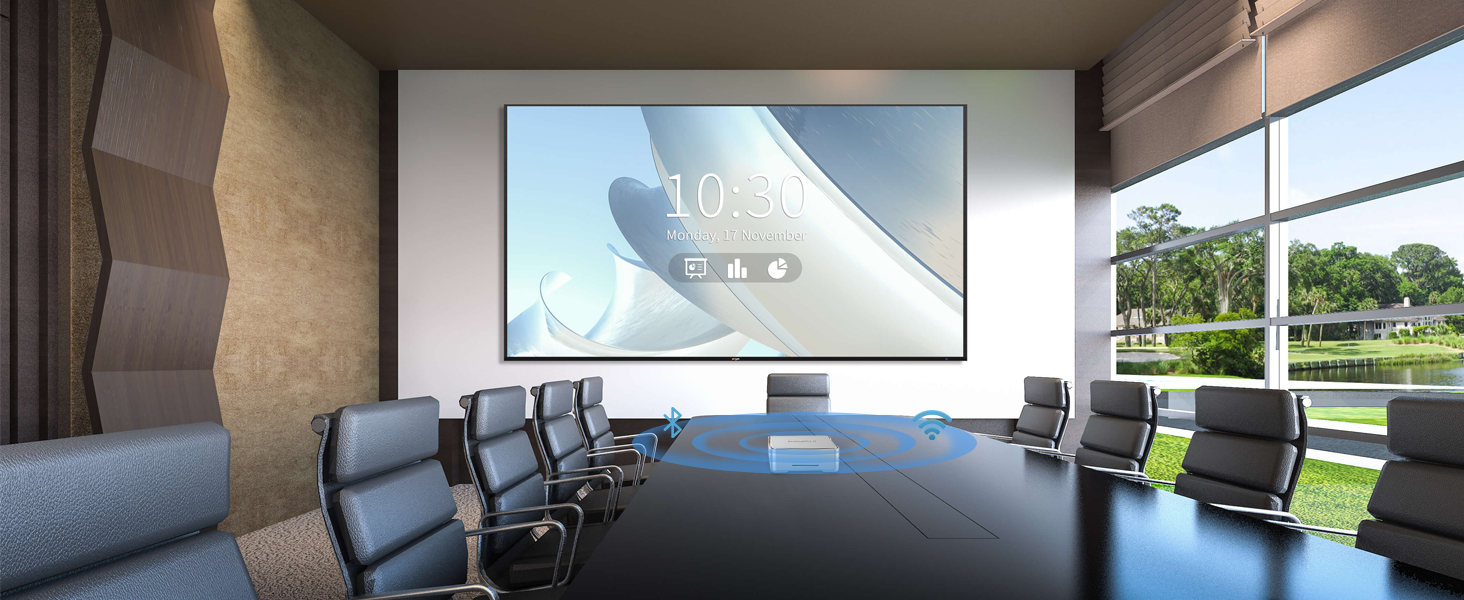
Image: A visual representation of the mini PC connected to three external monitors, illustrating its capability for multi-display setups.
Storage Expansion
The mini PC comes with a 256GB M.2 2280 SSD. For additional storage, you can install a 2.5-inch SSD (not included) up to 2TB. Refer to the internal diagram for the location of the 2.5-inch drive bay.

Image: An exploded diagram illustrating the internal components of the mini PC, including the CPU, RAM, M.2 SSD, and the slot for an additional 2.5-inch SSD.
Typical Applications
The KAMRUI GK3 Pro Mini PC is versatile and suitable for various uses:
- Business Work: Ideal for office tasks, document editing, presentations, and video conferencing.
- Home Theater: Supports 4K UHD video playback for an immersive entertainment experience.
- Education: Suitable for online learning, research, and educational software.
- Meetings: Compact size and connectivity make it perfect for conference rooms and presentations.
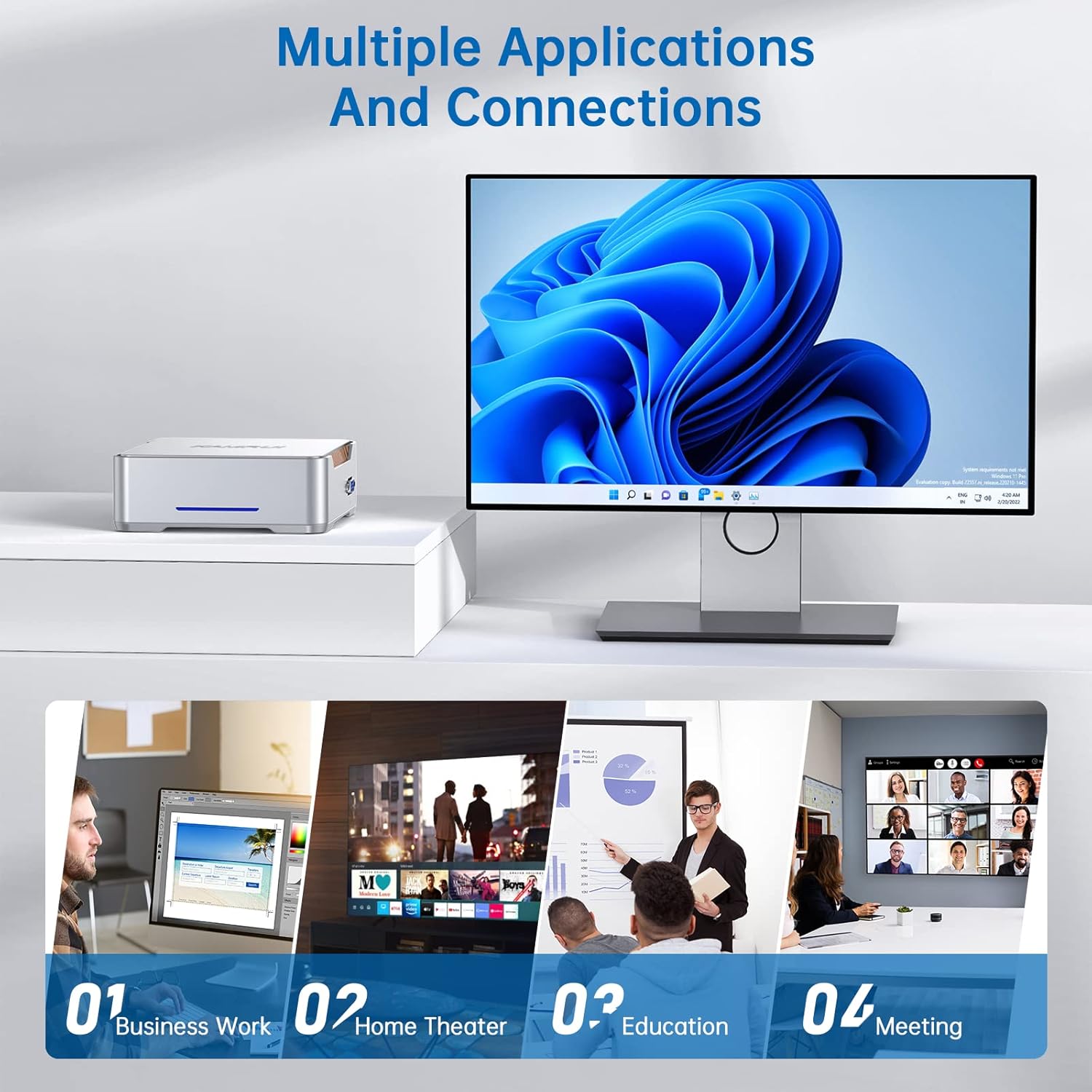
Image: A collage demonstrating the diverse applications of the mini PC, from professional business use to home entertainment and educational settings.
Maintenance
To ensure the longevity and optimal performance of your KAMRUI GK3 Pro Mini PC, follow these maintenance guidelines:
- Cleaning: Regularly clean the exterior of the mini PC with a soft, dry cloth. Use compressed air to gently clear dust from the ventilation grilles to prevent overheating. Do not use liquid cleaners directly on the device.
- Ventilation: Ensure the mini PC is placed in a well-ventilated area. Do not block the air vents. Proper airflow is crucial for heat dissipation and maintaining stable operation.
- Software Updates: Keep your Windows 11 Pro operating system and drivers updated. Regular updates improve security, performance, and compatibility.
- Safe Shutdown: Always shut down the mini PC properly through the Windows Start menu. Avoid abrupt power disconnections to prevent data corruption.

Image: The mini PC highlighting its efficient cooling system and energy-saving features, crucial for long-term performance.
Troubleshooting
If you encounter issues with your KAMRUI GK3 Pro Mini PC, refer to the following common problems and solutions:
- No Power:
- Ensure the power adapter is securely connected to both the mini PC and a working power outlet.
- Verify the power outlet is functional by plugging in another device.
- No Display Output:
- Check that the HDMI or VGA cable is firmly connected to both the mini PC and the monitor.
- Ensure the monitor is powered on and set to the correct input source (HDMI 1, HDMI 2, VGA).
- Try a different display cable or monitor if available.
- Slow Performance:
- Close unnecessary applications running in the background.
- Check for sufficient free space on the SSD.
- Ensure the system is not overheating; check ventilation.
- Run a system scan for malware or viruses.
- Network Connectivity Issues:
- For Wi-Fi, ensure you are within range of your router and have entered the correct password.
- For Ethernet, check the cable connection and ensure your router/modem is working correctly.
- Restart your router/modem and the mini PC.
Specifications
Detailed technical specifications for the KAMRUI GK3 Pro Mini PC:
| Feature | Specification |
|---|---|
| Processor | Intel 11th Gen Celeron N5105 Quad-Core (up to 2.9GHz) |
| Graphics Coprocessor | Intel UHD Graphics 600 |
| RAM | 12GB DDR4 |
| Storage | 256GB M.2 2280 SSD (Expandable with 2.5-inch SSD up to 2TB) |
| Operating System | Windows 11 Pro |
| Display Output | 2x HDMI (4K UHD), 1x VGA (1080P) - Triple Display Support |
| Wireless Connectivity | Wi-Fi 5 (2.4G+5.0G Dual Band), Bluetooth 4.2 |
| Ports | 2x USB 3.0, 2x USB 2.0, 2x HDMI, 1x VGA, 1x Gigabit Ethernet, 1x Microphone Port, 1x DC-in |
| Dimensions | Approx. 5.1 x 5.1 x 1.7 inches |
| Weight | Approx. 1.67 pounds |
| Color | Black |

Image: A graphic detailing the Intel Celeron N5105 processor's specifications and a performance comparison chart.
Warranty and Support
KAMRUI offers a 2-Year Replacement Promise for the GK3 Pro Mini PC, ensuring peace of mind regarding your purchase. This warranty covers manufacturing defects and ensures product reliability.
Image: The mini PC and its accessories, accompanied by a badge indicating a 2-year replacement promise.
For technical support, warranty claims, or further assistance, please visit the official KAMRUI website or contact their customer service. Keep your purchase receipt or order details handy when seeking support.
Ask a question about this manual
Ask about setup, troubleshooting, compatibility, parts, safety, or missing instructions. Manuals+ will review the question and use this page’s manual context to help answer it.