Introduction
The LG SC9S 3.1.3-Channel Soundbar is engineered to deliver an immersive listening experience, perfectly complementing your LG OLED evo C Series TV. Featuring triple up-firing height channels with Dolby Atmos and DTS:X, this soundbar creates a wider and richer soundstage. It is WOWCAST ready for wireless Dolby Atmos audio and includes the LG OLED Synergy Bracket for seamless integration with compatible LG OLED TVs. This manual provides essential information for setting up, operating, and maintaining your soundbar to ensure optimal performance.
What's in the Box
Please ensure all the following components are included in your package:
- Soundbar
- Subwoofer

Image: LG SC9S Soundbar, Subwoofer, and Synergy Bracket components.
Features
- Triple Up-Firing Speaker: The world's first Dolby Atmos soundbar with triple up-firing channels, including an industry-exclusive up-firing center channel for dialogue clarity. Delivers a wider and richer soundstage for an immersive experience.

Image: Top view of LG SC9S Soundbar showing up-firing speakers.
- Upgraded AI Room Calibration Pro: Balances soundbar audio settings to find your optimal sweet spot for sound.
- WOW Orchestra: Creates perfect harmony by utilizing audio from both the LG TV and LG soundbar speakers simultaneously for an enhanced listening experience. Control settings interchangeably with one remote.

Image: LG Soundbar and TV with sound waves illustrating WOW Orchestra.
Video: The LG OLED Synergy Bracket - Demonstrates WOW Orchestra feature.
- Triple Level Spatial Sound: Pushes the boundary of entertainment with a virtual dome that delivers a more immersive cinematic experience.
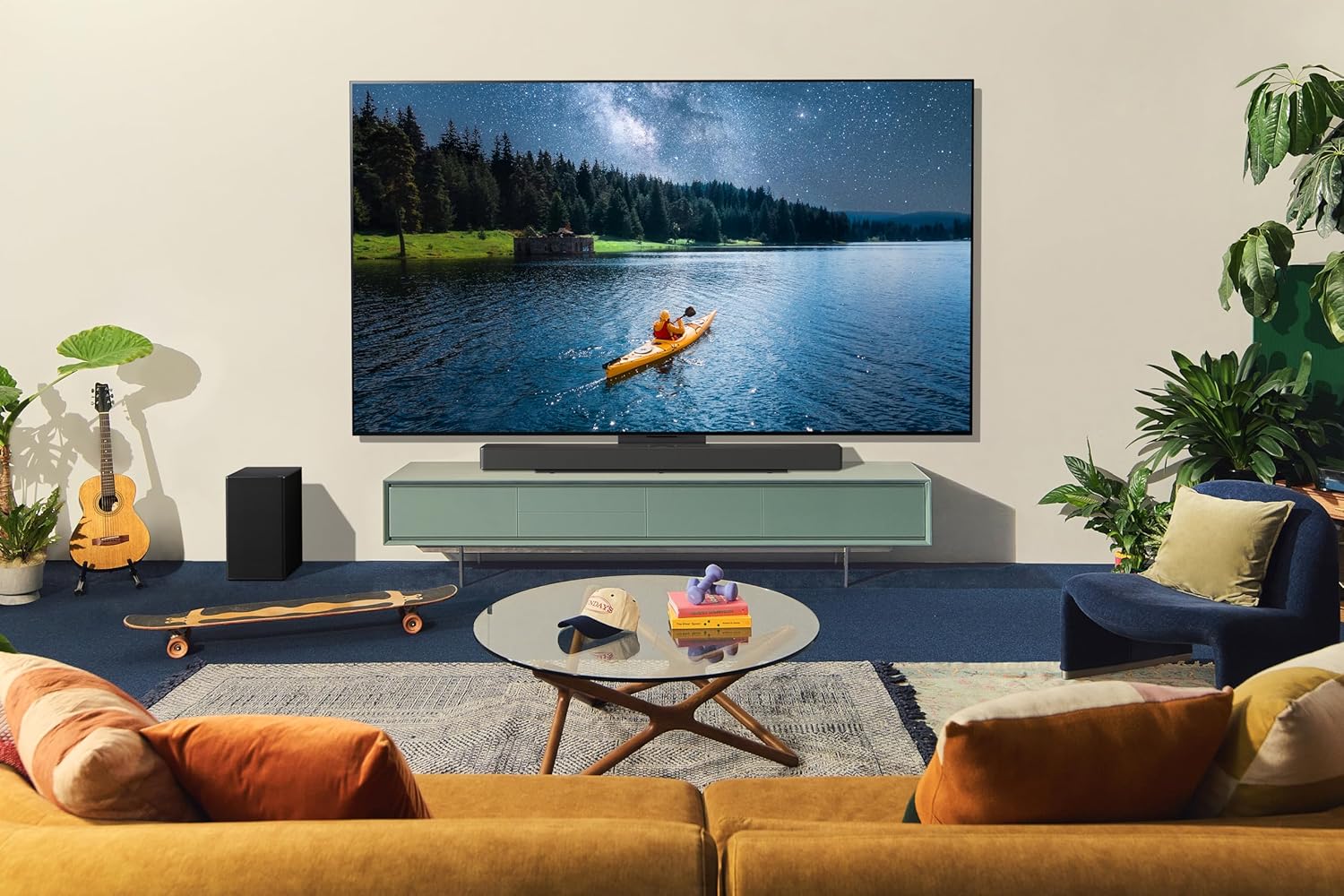
Image: Sound waves emanating from the soundbar and TV for spatial sound.
- LG OLED Synergy Bracket: A sleek bracket that can be used as a TV stand or mounted with your LG OLED evo C Series TV on the wall. Designed for optimal sound experience and easy installation.

Image: LG SC9S Soundbar with matching OLED TV and Synergy Bracket.
Video: SC9S bracket installation for OLED C2,C3 (Wall-mount type).
Video: SC9S bracket installation for OLED C2,C3 (Stand type).
Specifications
| Feature | Detail |
|---|---|
| Model Name | SC9S.DUSAJLM |
| Speaker Type | Soundbar |
| Surround Sound Channel Configuration | 3.1.3 |
| Product Dimensions | 4"D x 36.2"W x 2.3"H |
| Item Weight | 26.3 Pounds |
| Connectivity Technology | Bluetooth, Wi-Fi |
| Special Features | 4K Passthrough, High Resolution Audio, Apple AirPlay 2 Supported, Chromecast Built-in, Amazon Alexa Supported, Dolby Vision and HDR10 Passthrough |
| Included Components | Soundbar, Subwoofer |
Setup
Proper setup is crucial for optimal sound performance. Follow these steps for installation:
- Placement: Position the soundbar directly below your LG OLED evo C Series TV. The LG OLED Synergy Bracket is designed to perfectly align the soundbar with your TV, whether it's on a stand or wall-mounted.
- Bracket Installation:
- For wall-mount setup, refer to the