
Bang & Olufsen 1309104
Bang & Olufsen Beosound 2 (3rd Generation) Multiroom Wi-Fi Speaker User Manual
Model: 1309104
Introduction
This manual provides comprehensive instructions for the setup, operation, maintenance, and troubleshooting of your Bang & Olufsen Beosound 2 (3rd Generation) Multiroom Wi-Fi Speaker. Please read this manual carefully to ensure optimal performance and longevity of your device.
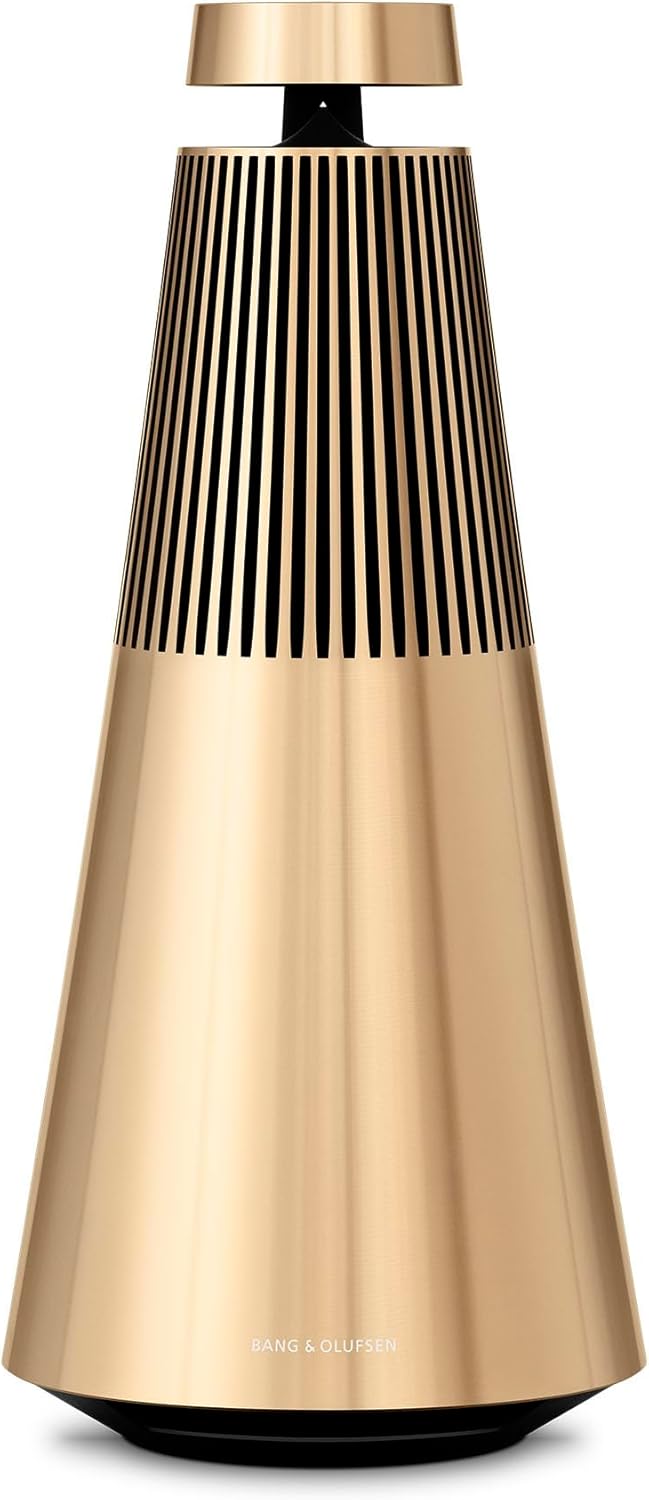
Figure 1: Front view of the Bang & Olufsen Beosound 2 (3rd Generation) Multiroom Wi-Fi Speaker in Gold Tone.
What's in the Box
Upon unboxing your Beosound 2 speaker, verify that all components are present:
- Beosound 2 Speaker
- Power Cord
- USB-C to AUX Adapter
- Quick Start Guide
Setup
Initial Placement
The Beosound 2 is designed for optimal sound distribution in a 360-degree pattern. Place the speaker on a stable, flat surface, ideally in a central location within the room to maximize its acoustic performance. Avoid placing it directly against walls or in corners, as this may affect sound quality.

Figure 2: The Beosound 2 speaker positioned on a side table, demonstrating suitable placement for optimal sound dispersion.
Power Connection
- Connect the provided power cord to the power input port on the base of the Beosound 2 speaker.
- Plug the other end of the power cord into a suitable wall outlet.
- The speaker will power on automatically or can be activated via the touch interface on top.
App Installation and Initial Configuration
For full functionality and control, download the Bang & Olufsen app on your smartphone or tablet.
- Download the "Bang & Olufsen" app from your device's app store (Apple App Store or Google Play Store).
- Open the app and follow the on-screen instructions to add your Beosound 2 speaker.
- The app will guide you through connecting the speaker to your Wi-Fi network. This is essential for multiroom audio and streaming services.
- During setup, the app may prompt you to update the speaker's firmware (Mozart software platform). Ensure the speaker is connected to power and has a stable internet connection during updates.

Figure 3: The Bang & Olufsen mobile application, used for controlling and customizing the speaker settings.
Operating the Beosound 2
Touch Interface Overview
The top of the Beosound 2 features a sensitive touch interface for direct control.
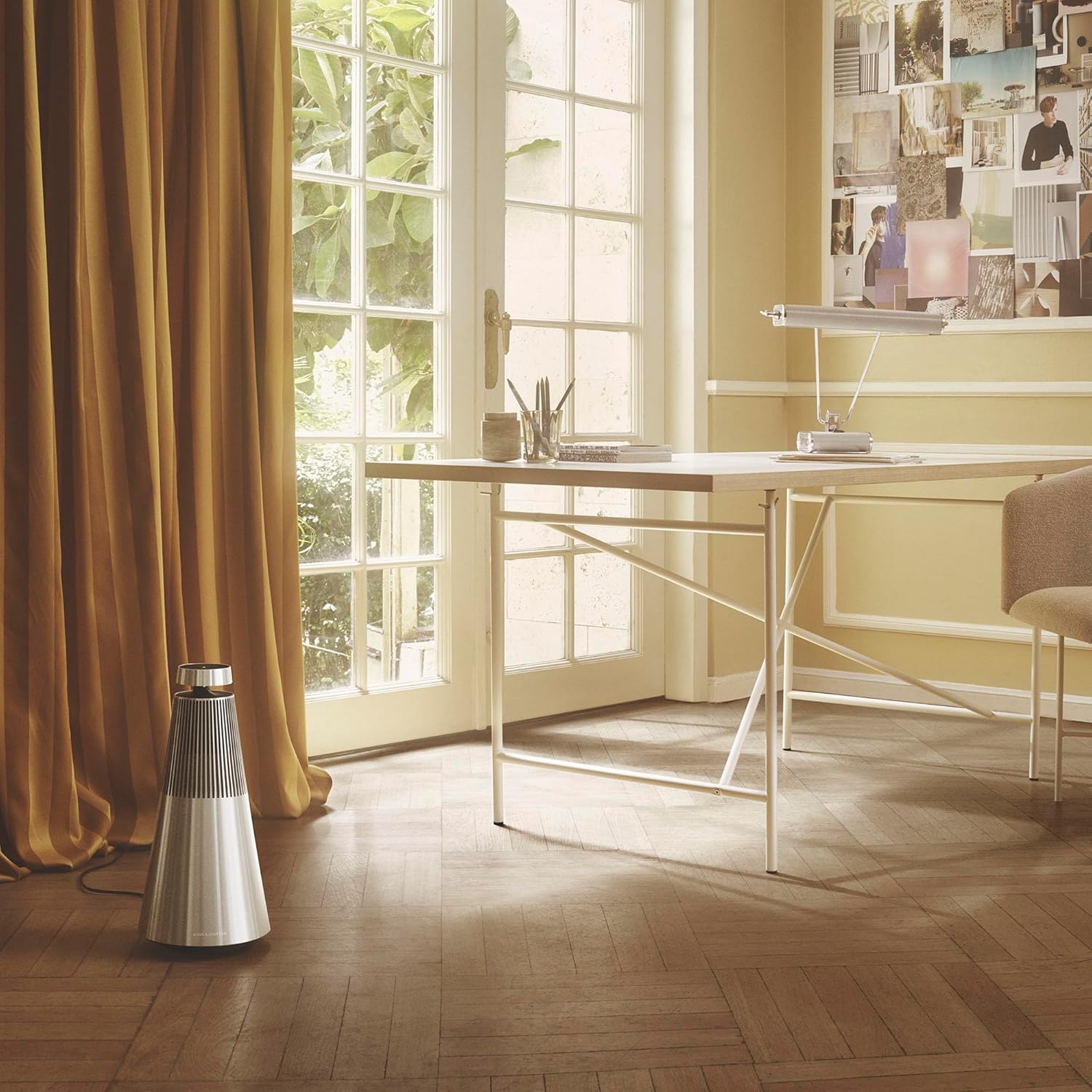
Figure 4: Detailed view of the Beosound 2's touch-sensitive control panel located on the top of the speaker.
- Volume Control: Rotate the top ring clockwise to increase volume, counter-clockwise to decrease.
- Play/Pause: Tap the center button.
- Skip Track: Tap the forward arrow button.
- Previous Track: Tap the backward arrow button.
- Favorite Buttons: Four LED-lit buttons allow you to save and quickly access preferred radio stations, playlists, or sound profiles. Configure these via the Bang & Olufsen app.
Connectivity Options
The Beosound 2 offers multiple ways to connect and stream audio:
- Wi-Fi: For high-quality streaming and multiroom functionality via Chromecast built-in, Apple AirPlay 2, DLNA-dir., Spotify Connect, and Play 2.0.
- Bluetooth 5.2: For direct wireless connection from your smartphone or other Bluetooth-enabled devices.
- Auxiliary Input: Use the provided USB-C to AUX adapter to connect external audio sources via a 3.5mm jack.
- Ethernet: For a stable wired network connection.
Multiroom Audio
The Beosound 2 supports multiroom audio setups, allowing you to stream music throughout your home with other compatible Bang & Olufsen speakers using Beolink Multiroom or AirPlay 2. Control individual speakers or groups via the Bang & Olufsen app.
Maintenance
Cleaning
To maintain the aesthetic and functional integrity of your Beosound 2:
- Wipe the aluminum surfaces with a soft, dry, lint-free cloth.
- For stubborn marks, slightly dampen the cloth with water. Avoid abrasive cleaners or solvents.
- Do not spray cleaning liquids directly onto the speaker.
Storage
If storing the speaker for an extended period, ensure it is powered off and disconnected from the mains. Store in a cool, dry place away from direct sunlight and extreme temperatures.
Troubleshooting
This section addresses common issues you might encounter with your Beosound 2 speaker.
| Problem | Possible Cause | Solution |
|---|---|---|
| No sound from speaker | Speaker not powered on; volume too low; incorrect input source selected; network issue for streaming. | Check power connection. Increase volume. Verify selected input source in the app. Restart speaker and router. |
| Cannot connect to Wi-Fi | Incorrect Wi-Fi password; speaker too far from router; network interference. | Double-check Wi-Fi password. Move speaker closer to router. Try connecting to a different Wi-Fi band (2.4GHz vs. 5GHz). |
| Bluetooth connection issues | Speaker not in pairing mode; device already connected to another speaker; interference. | Ensure speaker is discoverable. Disconnect from other Bluetooth devices. Try re-pairing. |
| App not recognizing speaker | Speaker not on the same network; app needs update; speaker firmware outdated. | Ensure both device and speaker are on the same Wi-Fi network. Update the B&O app. Check for speaker firmware updates via the app. |
| Intermittent audio dropouts | Weak Wi-Fi signal; network congestion; Bluetooth range issues. | Improve Wi-Fi signal strength. Reduce network traffic. Move Bluetooth device closer to speaker. |
Factory Reset
If issues persist, a factory reset may resolve them. Refer to the Bang & Olufsen app or the official support website for specific instructions on performing a factory reset for your Beosound 2 model.
Specifications
| Feature | Detail |
|---|---|
| Model Name | Beosound 2 3rd Gen |
| Model Number | 1309104 |
| Dimensions (D x W x H) | 7.9"D x 7.9"W x 16.9"H |
| Weight | 9 Pounds (4.08 kg) |
| Material | Aluminum, Plastic, Metal |
| Speaker Type | Multi Room |
| Connectivity | Bluetooth 5.2, Wi-Fi (Chromecast built-in, Apple AirPlay 2, DLNA-dir., Spotify Connect, Play 2.0), Ethernet, USB-C (for AUX adapter) |
| Audio Output Mode | Stereo |
| Signal-to-Noise Ratio | 94 dB |
| Power Source | Corded Electric |
| Special Features | 360 Sound, Multi Room Audio, App Control, Touchpad Control |
Warranty Information
The Bang & Olufsen Beosound 2 (3rd Generation) Multiroom Wi-Fi Speaker comes with a manufacturer's warranty. For detailed information regarding warranty terms, coverage, and how to make a claim, please refer to the official Bang & Olufsen website or the warranty card included with your product. Keep your proof of purchase for warranty validation.
Customer Support
For further assistance, technical support, or service inquiries, please contact Bang & Olufsen customer support through their official website or the contact information provided in your Quick Start Guide. You can also visit the Bang & Olufsen Store on Amazon for additional resources.
Important Safety Information
Always adhere to the following safety guidelines:
- Do not expose the speaker to water or excessive moisture.
- Do not attempt to disassemble or repair the speaker yourself. Refer to qualified service personnel.
- Ensure proper ventilation around the speaker to prevent overheating.
- Use only the power cord and accessories supplied by Bang & Olufsen.
- Keep the speaker away from heat sources, direct sunlight, and open flames.
Related documents1309104


Ask a question about this manual
Ask about setup, troubleshooting, compatibility, parts, safety, or missing instructions. Manuals+ will review the question and use this page’s manual context to help answer it.