
1. Introduction
This manual provides essential information for the proper installation and use of your AsiaHorse 16AWG PSU Cable Extension Kit. These cables are designed to extend your existing power supply unit (PSU) cables, offering enhanced aesthetics and improved cable management within your computer build. They are not intended to replace your original modular PSU cables directly.
2. Package Contents
The AsiaHorse 16AWG PSU Cable Extension Kit includes the following components:
- 1 x 24 Pin ATX Extension Cable (for Motherboard)
- 1 x 4+4 Pin EPS Cable (for CPU)
- 2 x 6+2 Pin PCI-E Cables (for GPU)
- Multiple Cable Combs (4 for each cable type)

3. Setup and Installation
Follow these steps to properly install your AsiaHorse PSU Cable Extensions:
- Preparation: Ensure your computer is powered off and unplugged from the wall outlet. Open your PC case to access the power supply and motherboard connections.
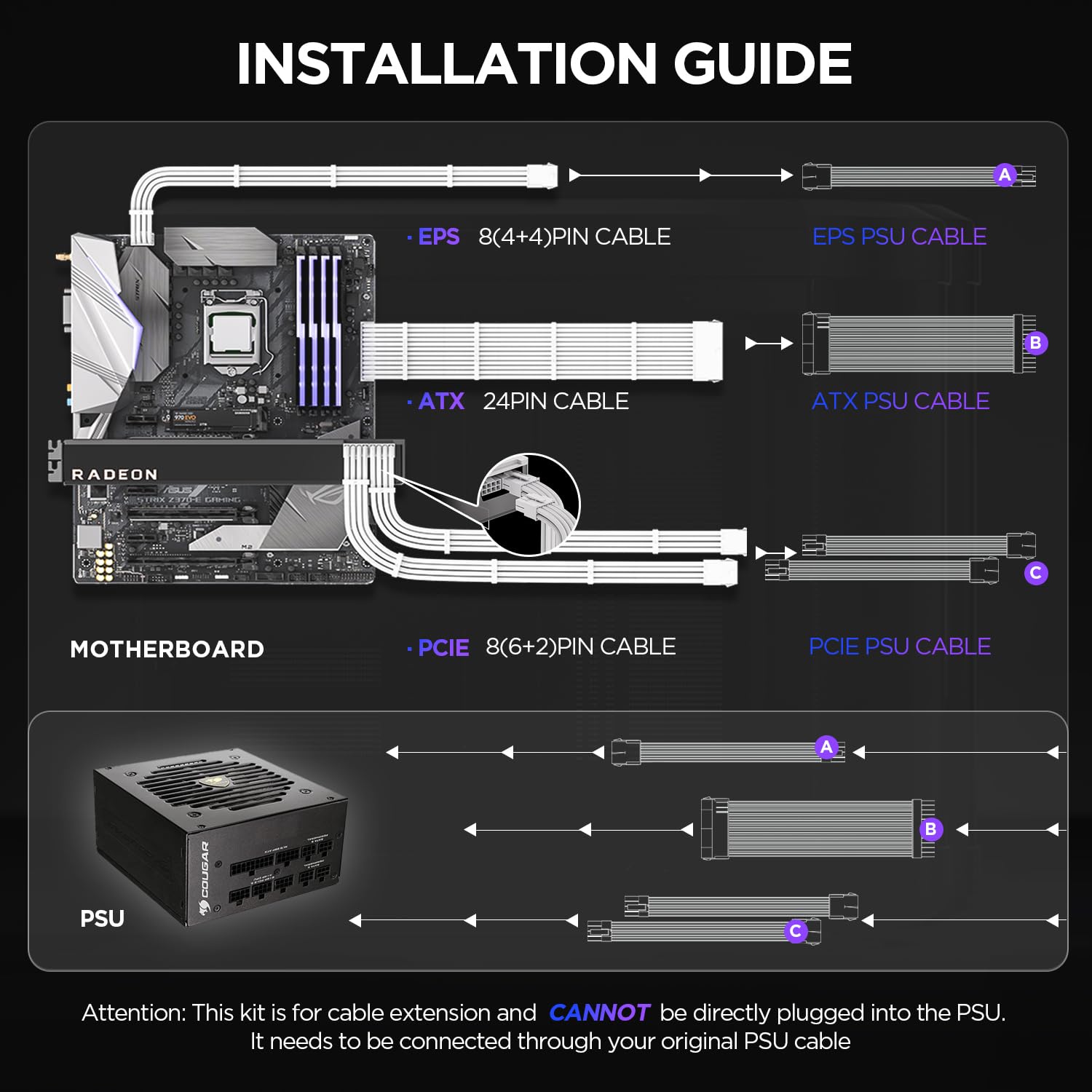
- Identify Cables: Locate the corresponding original PSU cables for your motherboard (24-pin ATX), CPU (4+4-pin EPS), and GPU (6+2-pin PCI-E).
- Connect Extensions: Connect the male end of each AsiaHorse extension cable to the female end of your original PSU cable. Ensure a secure and firm connection.
- Connect to Components: Connect the female end of the AsiaHorse extension cables to the respective ports on your motherboard, CPU, and GPU.
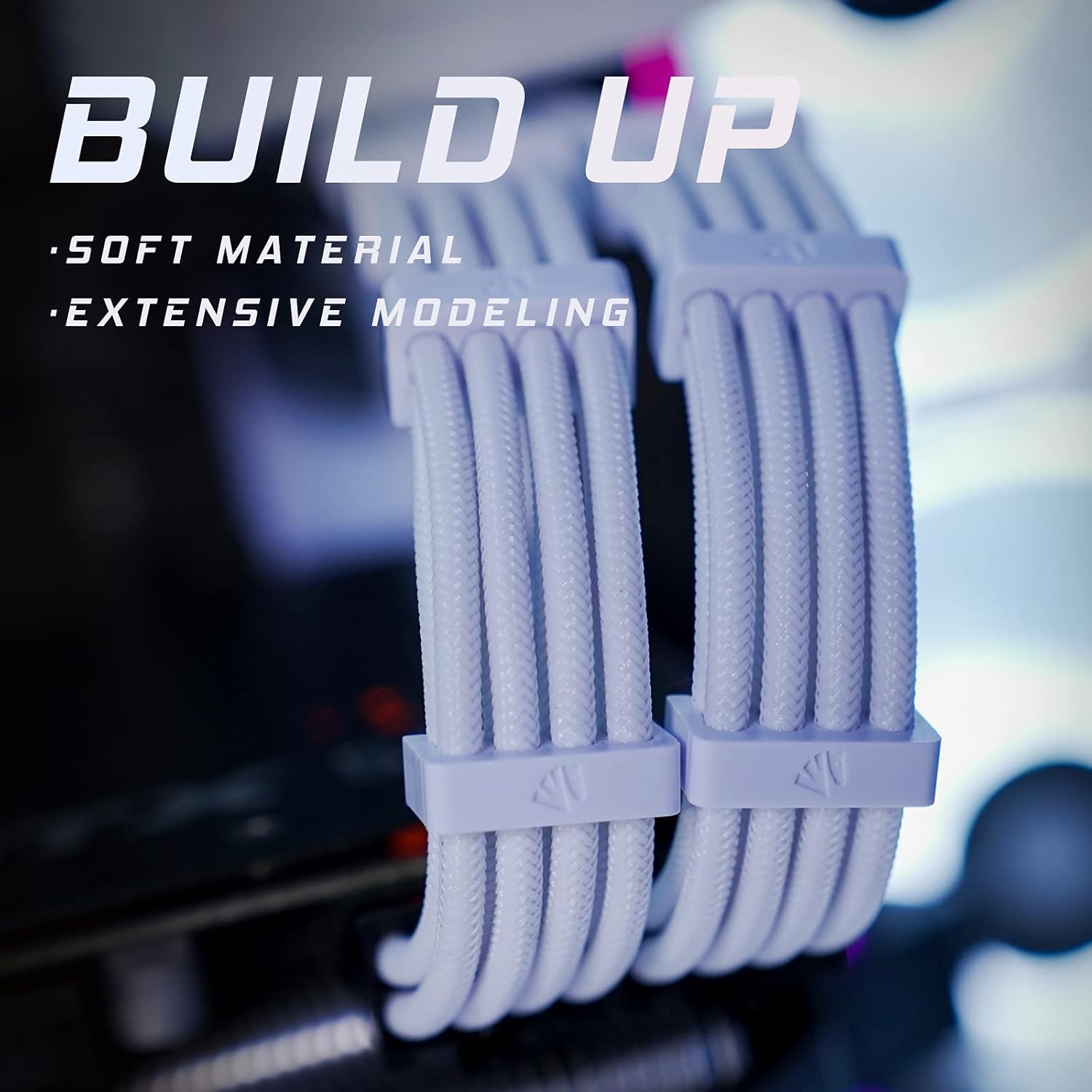
- Cable Management: Use the included cable combs to organize and route the sleeved extension cables for a clean and aesthetically pleasing look. The flexible nylon braiding allows for easy shaping.
Important Note: These cables are extensions and must be connected to your existing PSU cables. They cannot be plugged directly into the power supply unit.
4. Features and Benefits
The AsiaHorse 16AWG PSU Cable Extension Kit offers several key features designed to enhance your PC build:
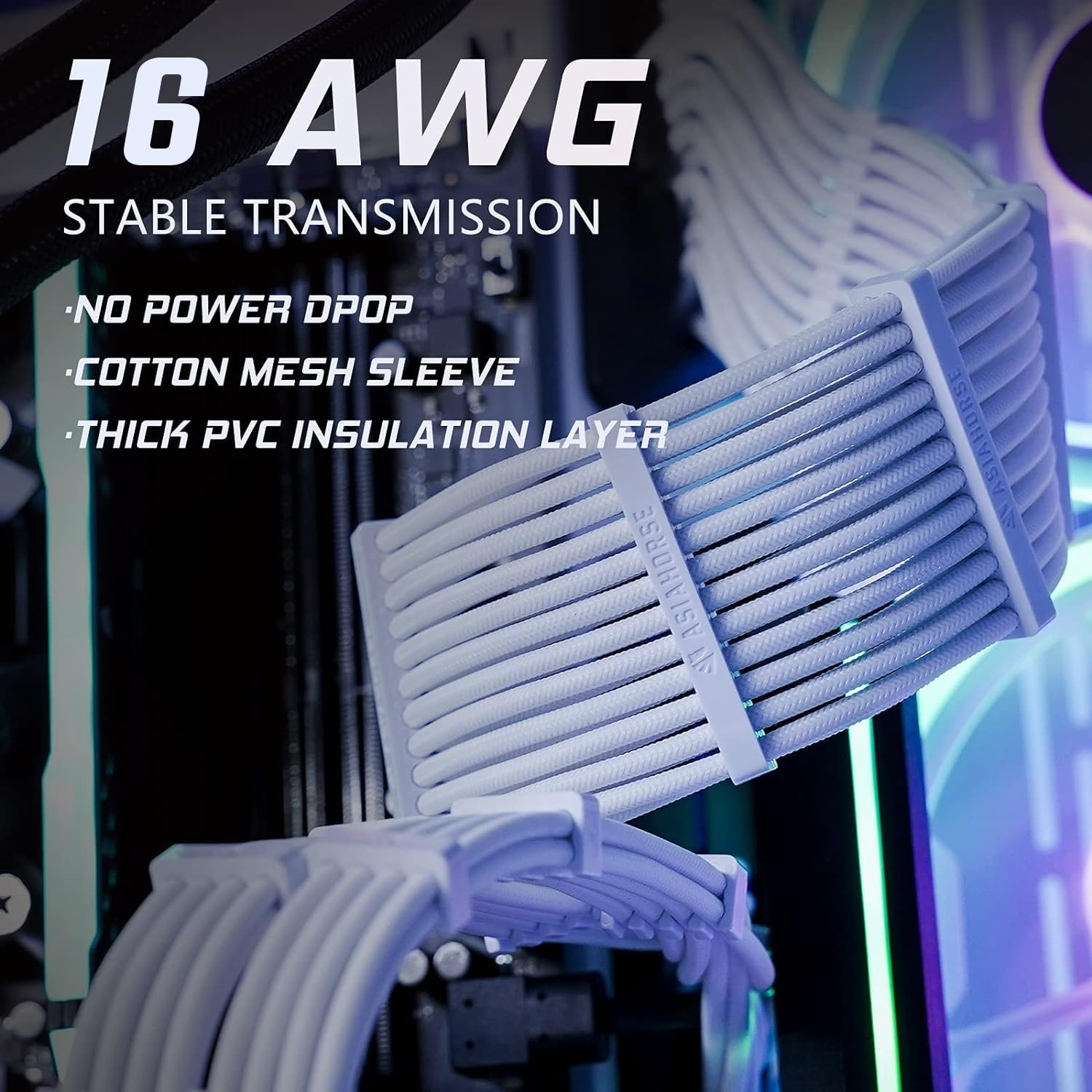
- Stable Performance: Constructed with UL1015 16AWG copper tinned wire, these cables provide stronger energizing and heat resistance, ensuring stable power delivery without concerns of high temperature issues.
- Premium Soft Material: The cables feature an exclusive nylon braided technology, making them exceptionally soft and flexible. This allows for easy routing and shaping, even in confined spaces, contributing to a cleaner build.
- Upgraded Connectors: Precision-engineered connectors facilitate easier and more secure connections to your GPU and motherboard, eliminating difficulties often encountered with standard cables.
- Enhanced Aesthetics: The sleeved design and included cable combs help maintain a neat and organized appearance, significantly improving the visual appeal of your PC interior.

5. Maintenance
To ensure the longevity and optimal performance of your AsiaHorse PSU Cable Extensions, consider the following maintenance tips:
- Keep Clean: Periodically clean the cables and connectors to prevent dust buildup, which can affect conductivity and aesthetics. Use a soft, dry cloth or compressed air.
- Avoid Excessive Bending: While the cables are flexible, avoid sharp or extreme bends that could stress the internal wires or outer sleeving.
- Secure Connections: Ensure all connections remain firm and seated correctly. Loose connections can lead to instability or component damage.
6. Troubleshooting
If you encounter any issues with your AsiaHorse PSU Cable Extension Kit, consider these troubleshooting steps:
- No Power/Intermittent Power: Double-check all cable connections at both the PSU cable end and the component end (motherboard, CPU, GPU). Ensure they are fully seated.
- System Instability: Verify that the extension cables are correctly connected to the appropriate original PSU cables and that your PSU has sufficient wattage for your components.
- Visual Inspection: Inspect the cables for any visible damage, fraying, or bent pins on the connectors. If damage is found, discontinue use and contact support.
- Compatibility: Confirm that your PSU and components are compatible with the 16AWG cable extensions.
If problems persist after following these steps, please contact AsiaHorse customer support for further assistance.
7. Specifications
| Feature | Specification |
|---|---|
| Brand | AsiaHorse |
| Model | psu cable-1 |
| Cable Type | 24 Pin ATX, 4+4 Pin EPS, 6+2 Pin PCI-E Extension Cables |
| Wire Gauge | 16AWG (UL1015 copper tinned wire) |
| Cable Length | 30CM (11.8 Inches) |
| Outer Material | Nylon Braided Sleeve |
| Color | Snow White |
| Included Components | 1x 24 Pin ATX, 1x 8 Pin EPS, 2x 6+2 Pin PCI-E Cables, Cable Combs |
| Compatible Devices | Gaming Computers, High-end PCs (compatible with various GPUs like 4070/4060Ti/3090/3080/3070/3060/2080/2070/2060 series, 7900XTX/7800XT/7700XT/6950XT/6800XT/6700XT/6600XT/5700XT series) |
8. Warranty and Support
AsiaHorse provides a 1-Year Warranty for this product, covering manufacturing defects and ensuring your satisfaction.
For technical support, warranty claims, or any questions regarding your AsiaHorse PSU Cable Extension Kit, please contact us via email. We are committed to providing a satisfactory solution within 24 hours.
Thank you for choosing AsiaHorse.