1. Introduction
Thank you for purchasing the Zoook Hurricane 100 W Bluetooth Party Speaker. This manual provides essential information for the safe and efficient operation of your device. Please read it thoroughly before use and retain it for future reference.
2. Safety Information
- Do not expose the speaker to water or moisture.
- Avoid placing the speaker near heat sources or in direct sunlight.
- Do not attempt to disassemble or modify the speaker. Refer all servicing to qualified personnel.
- Use only the provided charging cable and adapter.
- Keep out of reach of children.
3. Package Contents
Please check the package for the following items:
- Zoook Hurricane 100 W Bluetooth Speaker
- Charging Cable
- User Manual
4. Product Overview
Familiarize yourself with the speaker's components and controls.
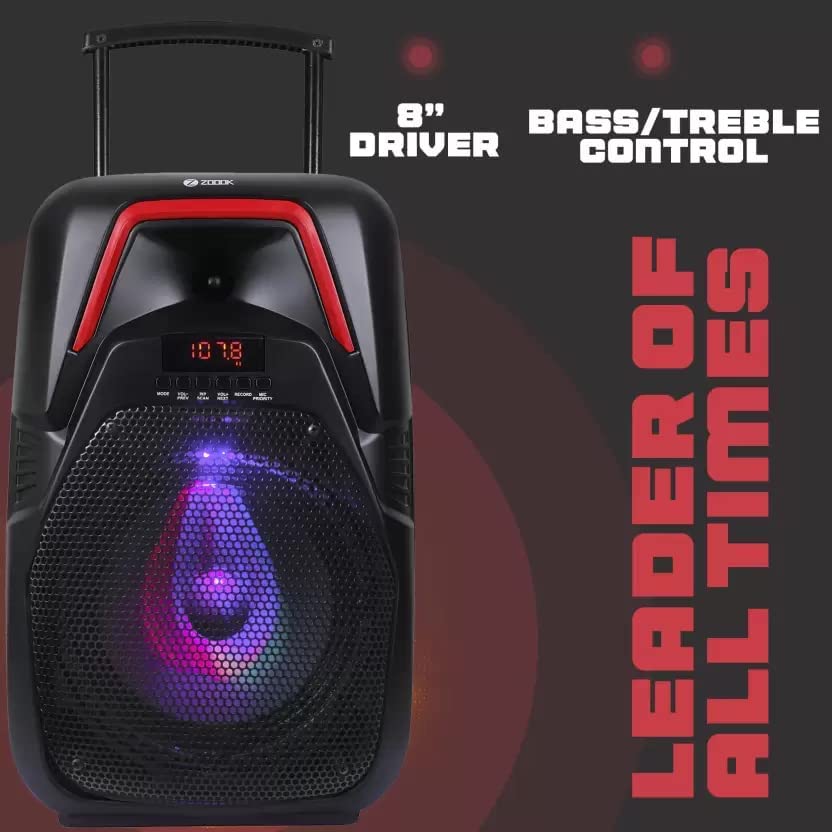
Figure 4.1: Speaker Front View
This image displays the front of the Zoook Hurricane 100 W Bluetooth Party Speaker, featuring its prominent 8-inch audio driver. The control panel, located above the driver, allows for adjustment of bass and treble levels, providing customized sound output.
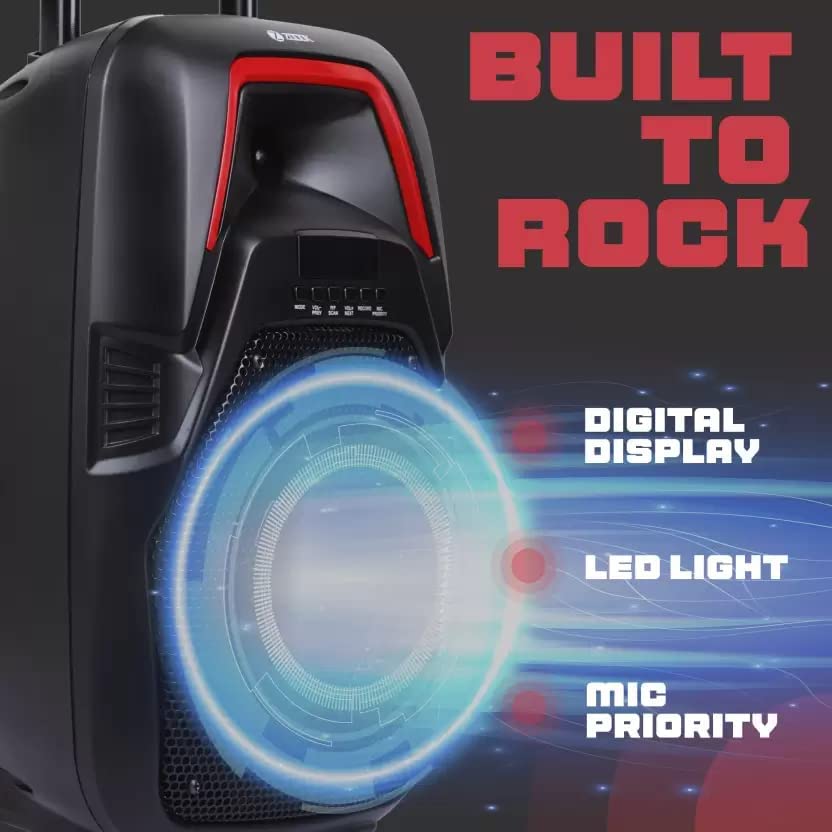
Figure 4.2: Control Panel Detail
A detailed view of the speaker's control interface. It features a clear digital display for mode and track information, an integrated LED light for visual effects, and a dedicated microphone priority function, which lowers music volume when the microphone is in use.
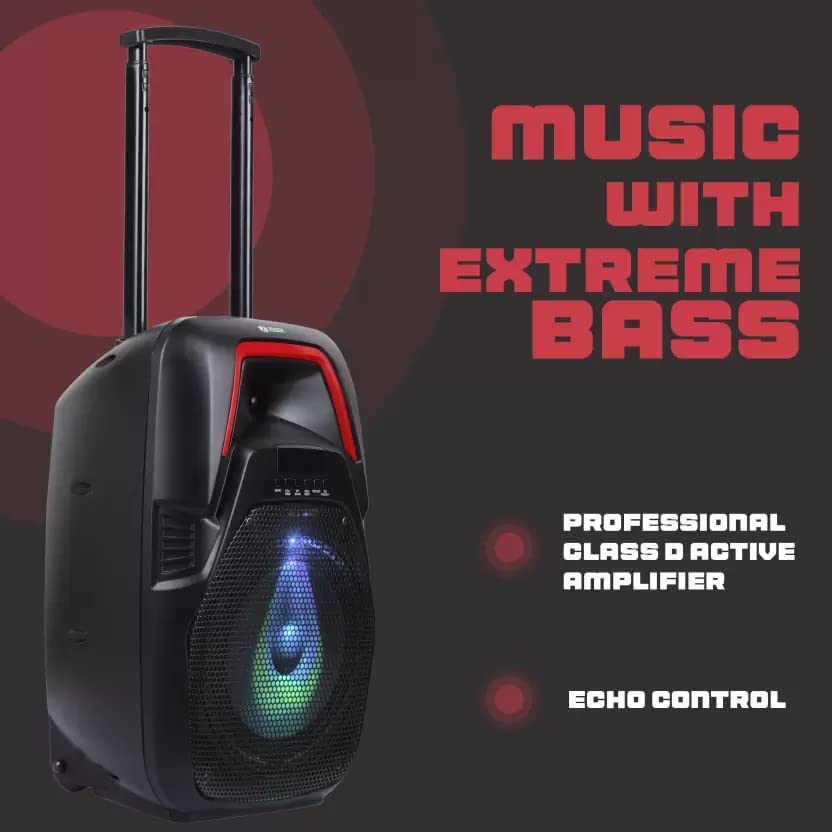
Figure 4.3: Speaker Side View with Features
This image illustrates the speaker's design, highlighting its capacity for producing extreme bass. It is powered by a professional Class D active amplifier for efficient audio delivery and includes an echo control feature for microphone effects.
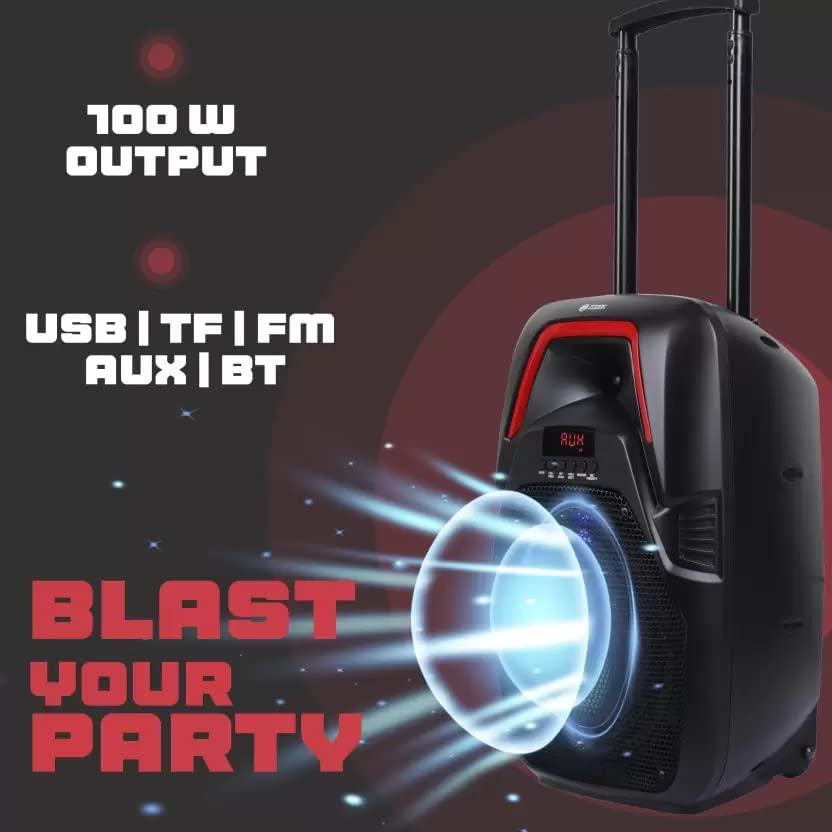
Figure 4.4: Connectivity Options
The speaker is shown with an emphasis on its 100W power output, indicating robust sound. It supports various input methods including USB drives, TF (microSD) cards, FM radio, a 3.5mm AUX input, and Bluetooth wireless connectivity.
5. Setup
5.1 Charging the Speaker
- Connect the charging cable to the speaker's charging port.
- Plug the other end of the cable into a suitable power adapter (not included) or a USB power source.
- The charging indicator light will illuminate. It will turn off or change color once fully charged.
5.2 Powering On/Off
- To power on, press and hold the Power button until the display illuminates.
- To power off, press and hold the Power button again until the display turns off.
6. Operating Instructions
6.1 Bluetooth Pairing
- Power on the speaker. It will automatically enter Bluetooth pairing mode, indicated by a flashing Bluetooth icon on the display.
- Enable Bluetooth on your mobile device (smartphone, tablet, etc.).
- Search for "Zoook Hurricane" in the list of available devices and select it to pair.
- Once paired, the speaker will emit a confirmation sound, and the Bluetooth icon will stop flashing.
6.2 USB/TF Card Playback
- Insert a USB drive or TF (microSD) card into the respective port.
- The speaker will automatically switch to USB or TF card mode and begin playing audio files.
- Use the Play/Pause, Next, and Previous buttons on the speaker to control playback.
6.3 AUX Input
- Connect one end of a 3.5mm audio cable (not included) to the AUX input port on the speaker.
- Connect the other end to the audio output of your external device.
- Press the Mode button on the speaker to select AUX mode.
6.4 FM Radio
- Press the Mode button to switch to FM radio mode.
- Press and hold the Play/Pause button to initiate an automatic station scan. The speaker will save available stations.
- Use the Next and Previous buttons to navigate through saved FM stations.
6.5 Microphone Usage (Karaoke)
- Connect a microphone (not included) to the microphone input port.
- Adjust the microphone volume using the dedicated knob.
- Activate the Microphone Priority function (if available on your model) to automatically lower music volume when speaking into the microphone.
- Adjust the Echo control knob for desired vocal effects.
6.6 Bass and Treble Control
Use the dedicated Bass and Treble control knobs on the speaker's control panel to adjust the low and high frequencies of the audio output according to your preference.
6.7 LED Light Control
The speaker features an integrated LED light. Refer to the control panel for a dedicated button or setting to cycle through light modes or turn the light on/off.
7. Maintenance
- Clean the speaker with a soft, dry cloth. Do not use abrasive cleaners or solvents.
- Store the speaker in a cool, dry place when not in use.
- Avoid blocking the speaker's vents to ensure proper airflow.
8. Troubleshooting
| Problem | Possible Cause | Solution |
|---|---|---|
| Speaker does not power on. | Low battery or no power. | Charge the speaker. Ensure the power adapter is working. |
| No sound from speaker. | Volume too low, incorrect mode, or device not connected. | Increase volume. Check selected input mode (Bluetooth, AUX, USB/TF, FM). Ensure device is properly paired/connected. |
| Bluetooth pairing fails. | Speaker not in pairing mode, device too far, or interference. | Ensure speaker is in pairing mode. Move device closer to speaker. Turn off other Bluetooth devices. |
| FM radio reception is poor. | Weak signal or interference. | Relocate the speaker to an area with better reception. Extend the antenna if available. |
9. Specifications
| Feature | Detail |
|---|---|
| Model Name | Hurricane 100 W |
| Power Output (RMS) | 100 W |
| Speaker Type | Tweeter |
| Connectivity Technology | Bluetooth, Wireless |
| Wireless Communication Technology | Bluetooth |
| Audio Output Mode | Stereo |
| Compatible Devices | Smartphone, Tablet |
| Control Method | Touch |
| Product Dimensions | 14D x 22W x 39H Centimeters |
| Item Weight | 1 kg |
| Color | Black |
| Manufacturer | Zoook |
10. Warranty and Support
The Zoook Hurricane 100 W Bluetooth Party Speaker comes with a 6-month warranty from the date of purchase. Please retain your proof of purchase for warranty claims.
For technical support or warranty inquiries, please contact Zoook customer service through their official website or designated support channels.


