
1. Product Overview
The Verbatim Portable Touchscreen Monitor (Model 49592) is a 15.6-inch Full HD 1080p IPS display designed to extend your digital workspace or enhance your portable entertainment. Featuring a responsive 10-point touchscreen and a durable metal housing, it offers versatile connectivity via USB-C and HDMI, making it compatible with laptops, smartphones, tablets, and gaming consoles. Its integrated kickstand provides flexible viewing angles, and the included neoprene sleeve ensures protection during travel.
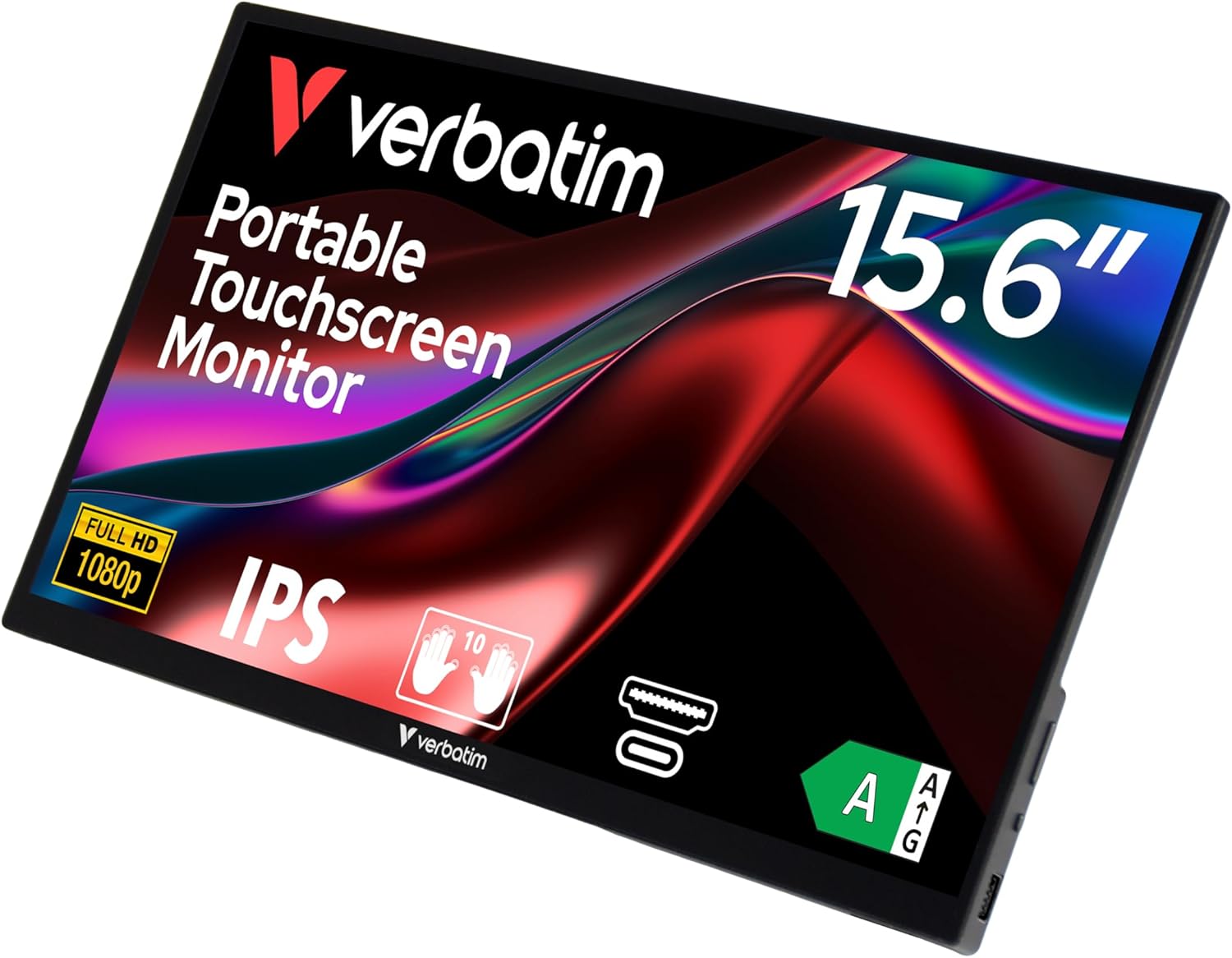
Image: Front view of the Verbatim Portable Touchscreen Monitor, showcasing its sleek design and 15.6-inch display.
2. What's in the Box
Verify that all items listed below are included in your package:
- Verbatim PMT-15 Portable Monitor Full HD 1080p 15.6" Metal Housing
- USB-C to USB-C cable (1.0m)
- HDMI-HDMI cable (1.5m)
- USB-A to USB-C cable (1.2m)
- USB-A to AC power adapter
- Neoprene protection sleeve
- Quick start guide

Image: A person holding the Verbatim Portable Monitor, partially inserted into its protective neoprene sleeve, highlighting its portability.
3. Setup and Connections
The Verbatim Portable Touchscreen Monitor offers flexible connectivity options to suit various devices. Ensure your device has a USB-C port supporting DisplayPort Alt Mode and power delivery for single-cable operation, or use HDMI for video and USB-C for power/touch.
3.1 Connecting to a Laptop/PC (USB-C)
- Connect one end of the provided USB-C to USB-C cable to a compatible USB-C port on your laptop/PC.
- Connect the other end of the USB-C to USB-C cable to either USB-C1 or USB-C2 port on the monitor.
- The monitor should automatically detect the signal and display your desktop. If not, adjust display settings on your laptop/PC.
- For touchscreen functionality, ensure the USB-C connection is active and recognized by your operating system.

Image: The Verbatim Portable Monitor connected to a laptop via a single cable, demonstrating its use as a second screen.
3.2 Connecting to a Laptop/PC (HDMI + USB-C)
- Connect one end of the provided HDMI-HDMI cable to the HDMI port on your laptop/PC.
- Connect the other end of the HDMI-HDMI cable to the HDMI port on the monitor.
- Connect the USB-A to USB-C cable from a USB-A port on your laptop/PC to either USB-C1 or USB-C2 port on the monitor for power and touchscreen data. Alternatively, use the USB-A to AC power adapter for power.
- The monitor should display the video signal. Adjust display settings on your laptop/PC if necessary.
3.3 Connecting to Smartphones/Tablets (USB-C)
- Ensure your smartphone/tablet supports DisplayPort Alt Mode over USB-C.
- Connect the USB-C to USB-C cable from your device to either USB-C1 or USB-C2 port on the monitor.
- The monitor will mirror or extend your device's display. Touchscreen functionality is supported for Android and Windows devices. iOS/iPadOS devices do not support touchscreen functionality with this monitor.
Note: An adapter may be required for Lightning devices (not included).
3.4 Port Diagram

Image: Detailed diagram showing the various ports on the Verbatim Portable Monitor, including HDMI, USB-C (C1 and C2), Audio Jack, USB-A, and power/menu buttons.
4. Operating the Monitor
The Verbatim Portable Touchscreen Monitor is designed for intuitive use, whether for productivity or entertainment.
4.1 Power On/Off and Menu Navigation
- To power on/off, press and hold the Power/Menu button located on the side of the monitor.
- To access the On-Screen Display (OSD) menu, short press the Power/Menu button.
- Use the Audio/Brightness buttons (+/-) to navigate through menu options and adjust settings.
4.2 Touchscreen Functionality
The 10-point capacitive touchscreen allows for precise and responsive interaction. Simply touch the screen with your fingers to navigate, select, drag, pinch, and zoom. This feature is ideal for presentations, creative work, and interactive applications.

Image: A hand interacting with the touchscreen of the Verbatim Portable Monitor, demonstrating its responsive touch capabilities.
4.3 Using the Integrated Kickstand
The built-in kickstand allows you to position the monitor at various angles for optimal viewing comfort. Gently pull out the kickstand from the back of the monitor and adjust it to your desired tilt.

Image: Rear view of the Verbatim Portable Monitor showing its integrated kickstand extended, providing stable support.
4.4 Gaming Compatibility
The monitor is compatible with various gaming consoles via HDMI. Connect your console to the monitor using an HDMI cable for an immersive portable gaming experience.

Image: A person playing a video game on the Verbatim Portable Monitor, demonstrating its compatibility with gaming devices.
5. Maintenance
Proper care and maintenance will ensure the longevity of your Verbatim Portable Touchscreen Monitor.
- Cleaning the Screen: Use a soft, lint-free cloth slightly dampened with water or a non-abrasive screen cleaner. Avoid using harsh chemicals, alcohol, or ammonia-based cleaners.
- Cleaning the Housing: Wipe the metal housing with a soft, dry cloth.
- Storage: When not in use, store the monitor in its neoprene protection sleeve to prevent scratches and dust accumulation.
- Avoid Extreme Conditions: Do not expose the monitor to extreme temperatures, humidity, or direct sunlight.
- Handle with Care: Avoid dropping or subjecting the monitor to strong impacts.
6. Troubleshooting
If you encounter issues with your monitor, refer to the following common problems and solutions:
| Problem | Possible Cause | Solution |
|---|---|---|
| No display/No signal | Incorrect cable connection, insufficient power, incorrect input source selected. |
|
| Touchscreen not working | Incorrect connection, driver issue, iOS/iPadOS device. |
|
| Flickering or unstable display | Cable quality, power fluctuations, resolution mismatch. |
|
| No audio | Audio output settings, volume level. |
|
7. Technical Specifications
| Feature | Specification |
|---|---|
| Screen Size | 15.6 Inches |
| Screen Resolution | 1920x1080 (Full HD) |
| Panel Type | IPS (In-Plane Switching) |
| Touchscreen | 10-Point Capacitive Touch |
| Aspect Ratio | 16:9 |
| Connectivity | 2x USB-C (DisplayPort Alt Mode, Power Delivery), 1x HDMI, 1x USB-A, 1x 3.5mm Audio Jack |
| Housing Material | Metal |
| Item Weight | 2.6 pounds (approx. 1.18 kg) |
| Product Dimensions (LxWxH) | 0.02 x 14.06 x 8.46 inches (approx. 0.05 x 35.7 x 21.5 cm) |
| Model Number | 49592 |
8. Warranty and Support
Verbatim guarantees this product with a 2-year limited warranty from the date of purchase. This warranty covers defects in materials and workmanship under normal use.
For technical support, warranty claims, or additional information, please visit the official Verbatim website or contact their customer service department. Refer to the Quick Start Guide included in your package for specific contact details.
Official User Guide (PDF): Download PDF