
Introduction
Thank you for choosing the Sxhlseller H806 4G LTE Mobile WiFi Router. This portable device is designed to provide high-speed 3G/4G internet access, allowing up to 10 users to connect simultaneously. Its compact and lightweight design makes it ideal for use in cars, for business travelers, and for outdoor activities. This manual will guide you through the setup, operation, and maintenance of your device.

Image: Front view of the Sxhlseller H806 4G LTE Mobile WiFi Router, showcasing its sleek black design and LED indicators.
Setup Instructions
- Unpack the Device: Carefully remove the router, charging cable, and user manual from the packaging.
- Install the SIM Card:
- Locate the back cover of the router.
- Gently open the back cover.
- Insert a standard-sized SIM card into the designated slot. Ensure the SIM card is correctly oriented according to the diagram inside the slot.
- Close the back cover securely.
- Battery Check: Before powering on, check if there is a protective separation sticker on the integrated battery interface. If present, remove this sticker to ensure proper battery contact. Failure to do so will prevent the device from powering on.
- Initial Charge: Connect the router to a power source using the provided charging cable. Allow the device to charge fully before first use.
- Power On: Press and hold the power button until the LED indicators illuminate.
Important Note on SIM Card Compatibility:
The 4G LTE band supported by this router is B1/B3/B5/B40. Please verify that these bands are compatible with your local network provider before use. This product is not suitable for use in the American continent due to differing band requirements.

Image: The Sxhlseller H806 router shown alongside its USB charging cable, illustrating the included components for setup.
Operating Instructions
Powering On/Off
- To Power On: Press and hold the power button for approximately 3 seconds until the LED indicators light up.
- To Power Off: Press and hold the power button for approximately 3 seconds until the LED indicators turn off.
Connecting Devices
Once the router is powered on and has established a network connection (indicated by the signal strength LED), you can connect your devices:
- On your smartphone, laptop, tablet, or other Wi-Fi enabled device, search for available Wi-Fi networks.
- Select the network name (SSID) corresponding to your Sxhlseller H806 router. The default SSID and password are usually printed on a sticker inside the battery compartment or on the device itself.
- Enter the Wi-Fi password when prompted.
- Your device should now be connected to the internet. The router supports up to 10 users simultaneously.
LED Indicators
The router features an LED smart display to provide status information:
- Signal Strength Indicator: Displays the current 4G/3G network signal strength.
- Wi-Fi Indicator: Shows the status of the Wi-Fi network.
- Battery Indicator: Displays the current battery level.
- Message Indicator: May indicate new SMS messages received on the SIM card (functionality depends on network and device firmware).
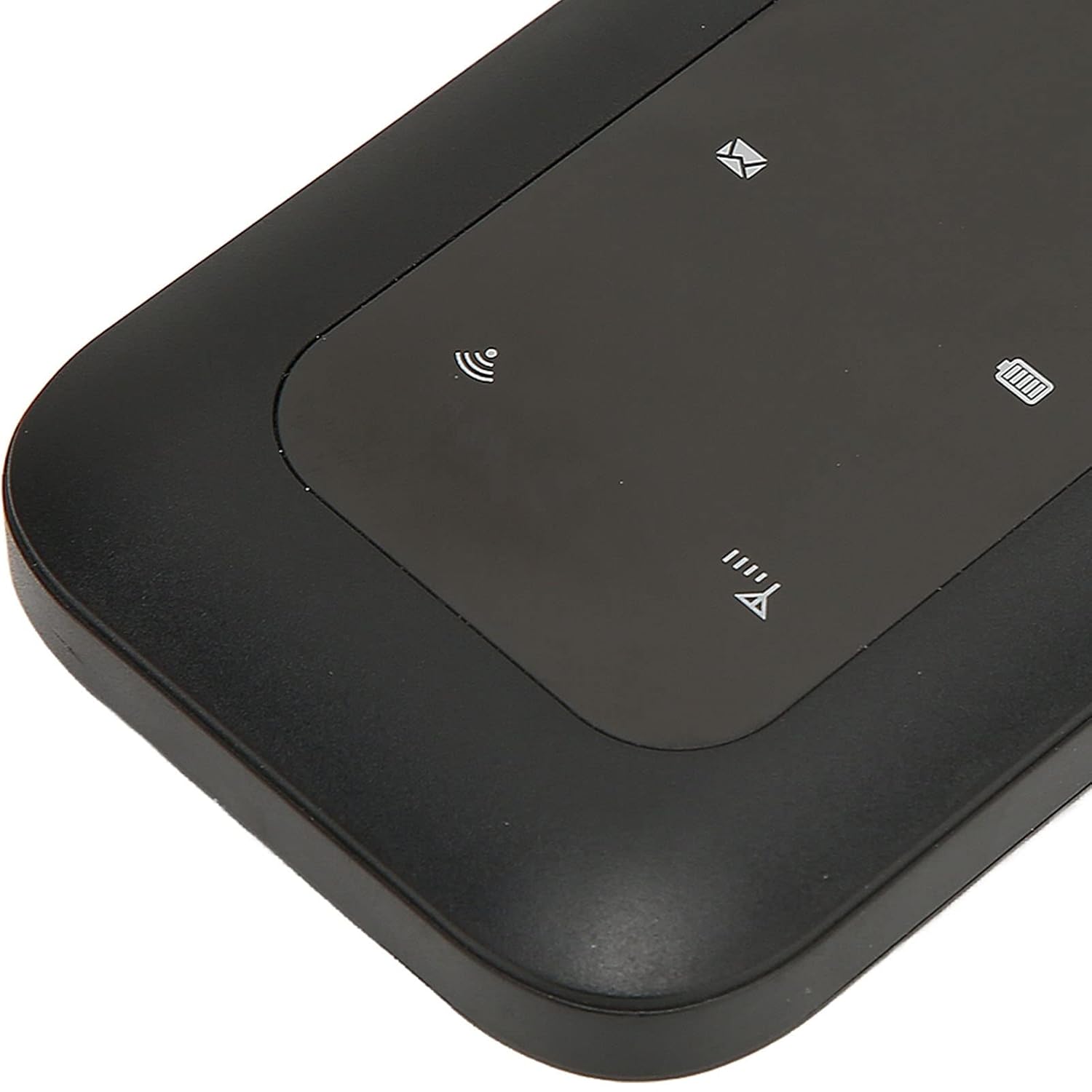
Image: A close-up view of the Sxhlseller H806 router's LED display, showing indicators for signal, Wi-Fi, battery, and messages.
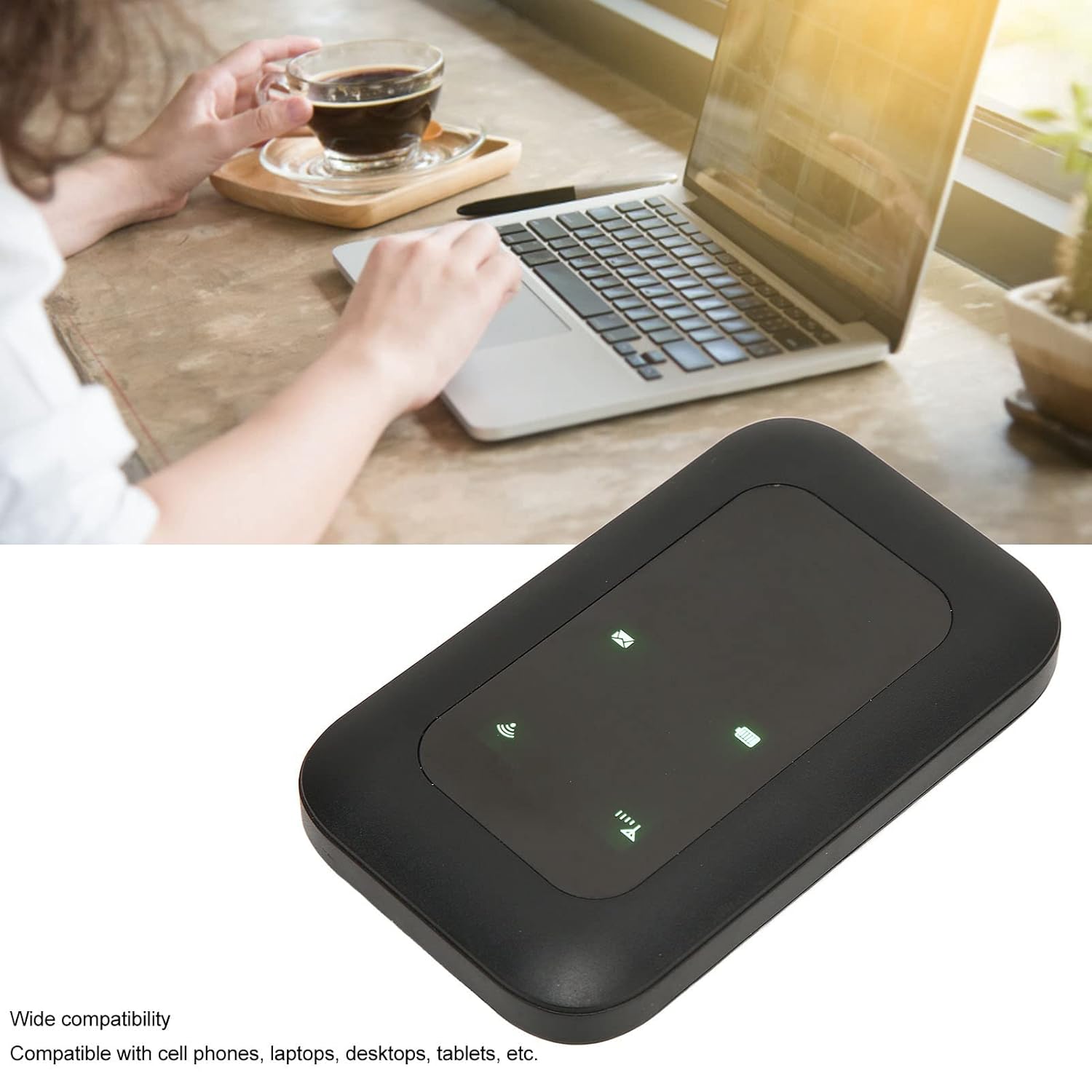
Image: The Sxhlseller H806 router positioned near a person using a laptop, demonstrating its compatibility with various devices.
Maintenance
Battery Care
The H806 router is equipped with a 2100 mAh integrated lithium battery, offering up to 72 hours of standby time. To prolong battery life:
- Avoid exposing the device to extreme temperatures.
- Charge the device regularly, but avoid overcharging for extended periods.
- Use only the provided charging cable or a compatible USB charger.
Cleaning
Wipe the device with a soft, dry cloth. Do not use liquid cleaners or abrasive materials.

Image: The Sxhlseller H806 router connected to a charging cable, illustrating the charging process.
Troubleshooting
If you encounter issues with your Sxhlseller H806 router, please refer to the following common problems and solutions:
| Problem | Possible Cause | Solution |
|---|---|---|
| Device does not power on. | Battery separation sticker not removed; battery drained; faulty battery. | Ensure the battery separation sticker is removed. Charge the device fully. If the issue persists, contact support. |
| No SIM card detected. | SIM card incorrectly inserted; incompatible SIM card size; faulty SIM card. | Reinsert the standard SIM card correctly. Ensure it is a standard SIM. Test with another known working SIM card if possible. |
| No internet connection. | No network coverage; SIM card data plan expired/inactive; incorrect APN settings; incompatible 4G LTE bands. | Check for network coverage in your area. Verify your SIM card's data plan status with your provider. Ensure the router's 4G LTE bands (B1/B3/B5/B40) are supported by your local network. Consult your network provider for APN settings if needed. |
| Cannot connect to Wi-Fi. | Incorrect Wi-Fi password; Wi-Fi disabled on router; device too far from router. | Verify the Wi-Fi password. Ensure the Wi-Fi indicator on the router is active. Move your device closer to the router. |
For further assistance, please refer to the detailed manual included with your product or contact customer support.
Specifications
| Feature | Detail |
|---|---|
| Product Type | 4G WiFi Router |
| Model | H806 (Pomyavm74kht12i) |
| Material | ABS |
| Color | Black |
| SIM Card Slot | Standard SIM |
| Battery Type | Integrated 2100 mAh Lithium Battery |
| 4G LTE Bands | B1, B3, B5, B40 |
| 3G UMTS WCDMA | B1 |
| Download Speed | Up to 150 Mbps |
| Upload Speed | Up to 50 Mbps |
| Wi-Fi Standard | 802.11 b/g/n |
| Max. Users Supported | 10 users |
| Dimensions | 11.3 x 7.2 x 3.4 cm |
| Weight | 110 grams |
| Connectivity Technology | Wi-Fi |
| Compatible Devices | Personal Computer, Laptop, Smartphone, Tablet |
| Recommended Uses | Travel, Driving, Multi-device Internet Access |
| Included Components | 4G WiFi Router, Charging Cable, User Manual |
Warranty Information
Specific warranty details for the Sxhlseller H806 4G LTE Mobile WiFi Router are not provided in the available product information. Please refer to the warranty card or documentation included in your product packaging for comprehensive warranty terms and conditions. Alternatively, contact your point of purchase or the manufacturer directly for warranty inquiries.
Customer Support
For technical assistance, troubleshooting beyond this manual, or other inquiries regarding your Sxhlseller H806 4G LTE Mobile WiFi Router, please refer to the contact information provided in the full user manual included with your product. If no specific contact details are available, please reach out to the retailer from whom you purchased the device.


