1. Important Safety Instructions
Please read and understand all safety instructions before operating this appliance. Failure to do so may result in injury or damage to the product.
- Ensure the power supply voltage matches the rating label on the pump.
- Always disconnect the power supply before performing any maintenance or cleaning.
- Do not operate the pump dry. Ensure it is fully submerged in water during operation.
- Keep the power cord away from high temperatures and sharp objects.
- This appliance is for indoor use only and should not be exposed to extreme weather conditions.
- Do not use this pump for flammable or corrosive liquids.
- If the power cord is damaged, it must be replaced by the manufacturer or a qualified service agent to avoid hazards.
2. Product Overview
The TARARIUM JQP2500F Aquarium Filter is designed for efficient water purification and circulation in various aquatic environments. It features a powerful pump and a multi-stage filtration system.
Key Features:
- 3-Stage Deep Filtration: Utilizes multiple layers of filter media for comprehensive water cleaning.
- Transparent Filter Box: Allows for easy visual monitoring of filter media condition.
- Powerful 660 GPH Pump: Provides strong water flow for effective filtration and circulation.
- Wave-Making Function: Generates water movement to enhance oxygenation and fish activity.
- Versatile Application: Suitable for fish tanks, aquariums, saltwater tanks, small ponds, and turtle tanks.
- Easy Setup and Maintenance: Designed for straightforward installation and simple cleaning procedures.
Components:
The filter unit consists of the main pump head, multiple removable filter boxes, and various accessories for water output and air supply.

Figure 1: TARARIUM JQP2500F Aquarium Filter. This image shows the assembled filter unit with water being expelled from the outlet, demonstrating its primary function.

Figure 2: Filtration System Diagram. This diagram illustrates the three-layer deep filtration process, the water circulation system within the aquarium, and the transparent design allowing visibility of accumulated dirt.

Figure 3: Multi-functional Use. This image displays the filter's capabilities including wave generation, air supply, water cycling, and water pumping for various applications.

Figure 4: Product Dimensions and Nozzles. This image provides the physical dimensions of the filter and illustrates the two types of water outlet nozzles included for different functions.
3. Setup Instructions
- Unpack Components: Carefully remove all parts from the packaging. Verify that all components listed in the product overview are present.
- Assemble Filter Boxes: The filter features removable filter boxes. Rotate the sections to connect or disconnect them as needed. You can adjust the number of filter boxes based on your tank size and filtration requirements.
Video 1: Assembly and Disassembly of Filter Boxes. This video demonstrates how to rotate and separate the filter boxes, and how to reassemble them. It also shows the two types of water outlet nozzles and how to attach them.
- Insert Filter Media: Place the biochemical filter sponges into the filter boxes. These sponges are designed to cultivate nitrifying bacteria and filter out food residues and waste. They are reusable and do not require frequent replacement.
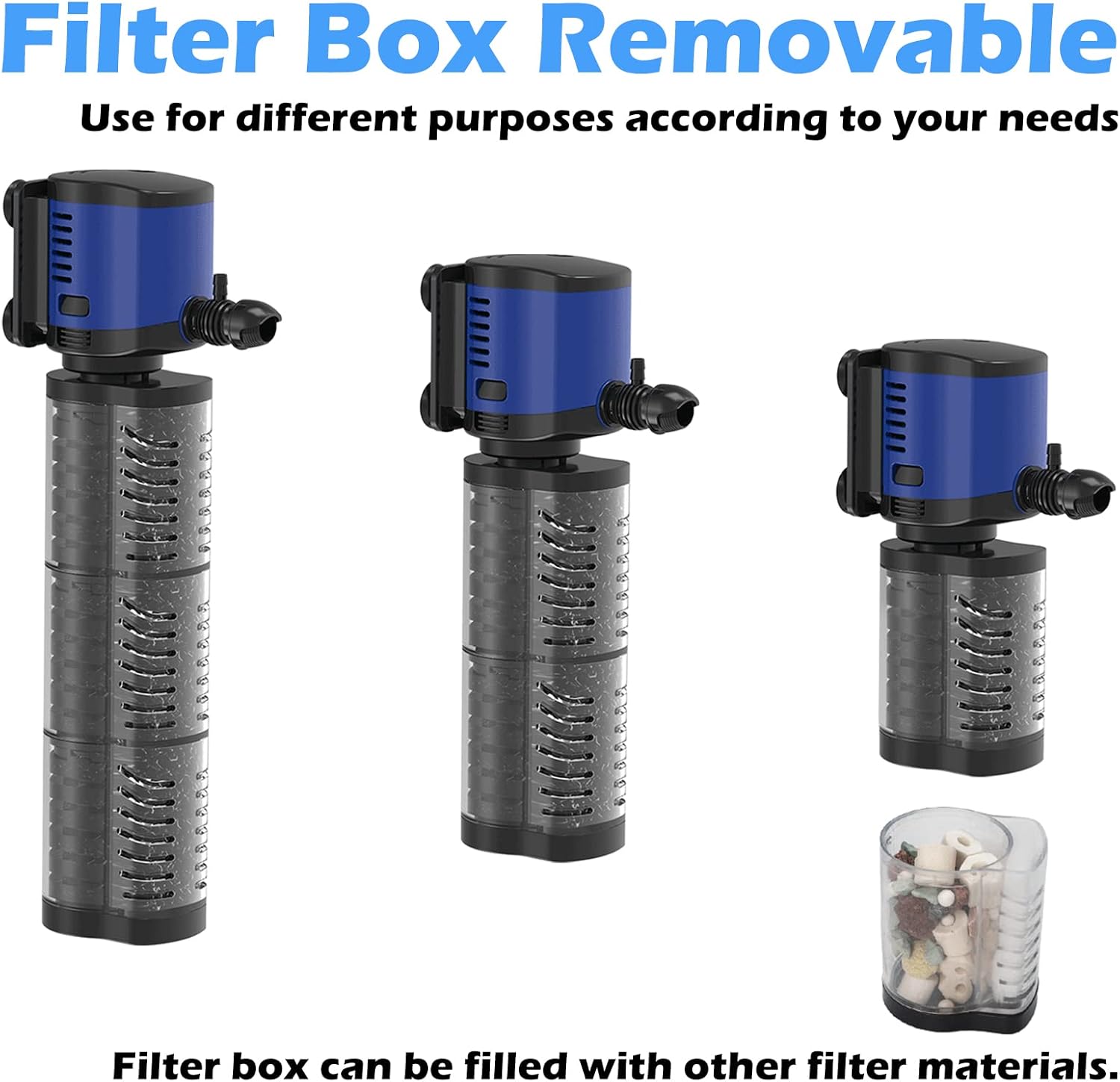
Figure 5: Removable Filter Box. This image shows the filter boxes detached, highlighting their modular design and the biochemical filter sponges inside.
- Attach Water Outlet Nozzle: Select the appropriate water outlet nozzle. One nozzle is for connecting a water pipe for pumping, and the other is for connecting an air tube for air supply. Rotate to securely attach the chosen nozzle to the pump head.
- Position the Filter: Submerge the filter completely in your aquarium or pond. Ensure it is securely attached to the tank wall using suction cups if provided, or placed stably on the bottom.
- Connect Power: Once the filter is fully submerged and positioned, connect the power plug to a suitable electrical outlet.
4. Operating Instructions
The TARARIUM JQP2500F filter is designed for continuous operation to maintain optimal water quality.
- Initial Start-up: After connecting to power, the pump will begin circulating water and initiating the filtration process.
- Wave-Making Function: The powerful water flow can create a wave effect. This helps in water oxygenation and provides a dynamic environment for aquatic life.
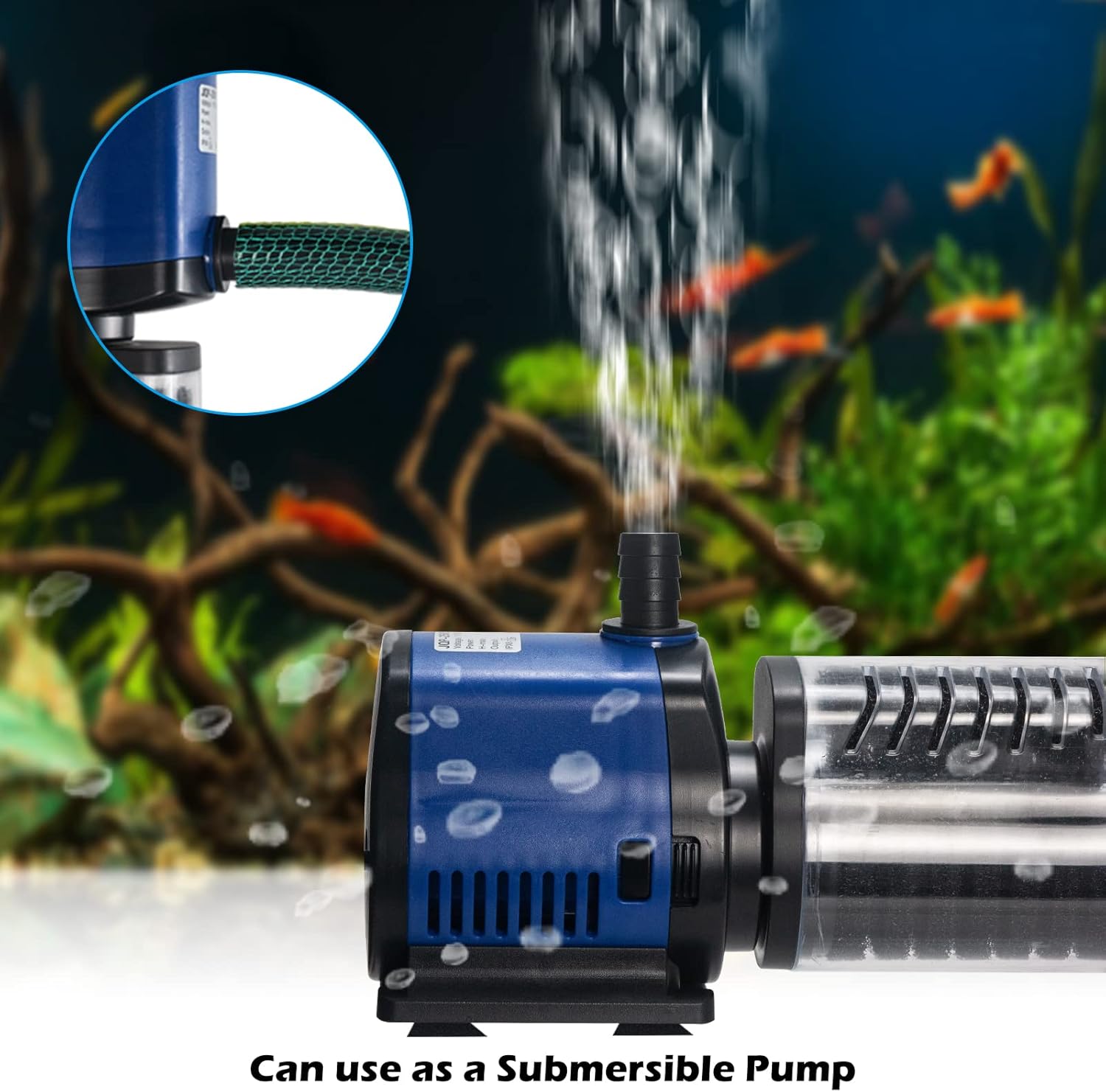
Figure 6: Submersible Pump Operation. This image shows the filter functioning as a submersible pump, demonstrating its water movement capabilities.
- Air Supply: If the air supply tube is connected, the filter will also introduce air bubbles into the water, further enhancing oxygen levels.
Video 2: Powerful Filtration Pump in Use. This video demonstrates the pump's powerful filtration and water movement in a tank, highlighting its effectiveness.
- Water Clarity: The 3-stage filtration system will progressively clear the water. The transparent filter boxes allow you to observe the accumulation of debris on the sponges.
5. Maintenance
Regular maintenance ensures the longevity and optimal performance of your TARARIUM filter.
- Disconnect Power: Always unplug the filter from the power outlet before any maintenance.
- Clean Filter Sponges: When the transparent filter boxes show significant accumulation of dirt, it's time to clean the sponges. Rotate and remove the filter boxes from the pump head. Take out the biochemical filter sponges and rinse them thoroughly with old aquarium water (not tap water, to preserve beneficial bacteria) until clean.

Figure 7: Dirty Visualization. This image provides a visual comparison of a dirty filter sponge before cleaning and a clean sponge after maintenance, demonstrating the effectiveness of the transparent design.
- Clean Pump Rotor: Regularly clean the pump rotor (impeller) to prevent blockages and maintain efficient operation. Press and hold the buttons on the pump part to disassemble it, then carefully remove the rotor for cleaning. Clean the rotor and its chamber with a soft brush. Reassemble after cleaning.
- Reassemble and Restart: Reassemble the filter boxes and pump head. Place the filter back into the aquarium, ensuring it is fully submerged, then reconnect the power.
- Frequency: The frequency of cleaning depends on the bioload of your tank. Visual inspection of the transparent filter boxes will guide you on when cleaning is necessary.
6. Troubleshooting
| Problem | Possible Cause | Solution |
|---|---|---|
| Pump not starting | No power; Impeller jammed; Air trapped. | Check power connection; Clean impeller; Ensure pump is fully submerged and free of air. |
| Reduced water flow | Clogged filter media; Blocked impeller; Kinked tubing. | Clean filter sponges; Clean impeller; Check and straighten tubing. |
| Excessive noise | Impeller dirty or damaged; Air trapped in pump; Pump not stable. | Clean or replace impeller; Gently shake pump to release air; Ensure pump is securely placed. |
| Cloudy water persists | Filter media saturated; Insufficient filtration for tank size; Water parameters imbalance. | Clean or replace filter media; Consider additional filtration or more frequent cleaning; Test water parameters. |
| No air bubbles from air supply | Air tube blocked or disconnected; Air stone clogged. | Check air tube for blockages or disconnections; Clean or replace air stone. |
Video 3: Air Bubble Issue. This video addresses a common issue where air bubbles are not produced or water comes out of the air hose, providing visual context for troubleshooting.
7. Specifications
- Model: JQP-2500F
- Brand: TARARIUM
- Flow Rate: 660 Gallons Per Hour (GPH)
- Recommended Tank Size: 100-300 Gallons
- Filtration Stages: 3-stage deep filtration
- Filter Media: Biochemical filter sponges (reusable)
- Dimensions (L x W x H): Approximately 16.97 x 5.24 x 3.66 inches
- Weight: 2.6 pounds
- Application: Freshwater and Saltwater aquariums, fish tanks, small ponds, turtle tanks.
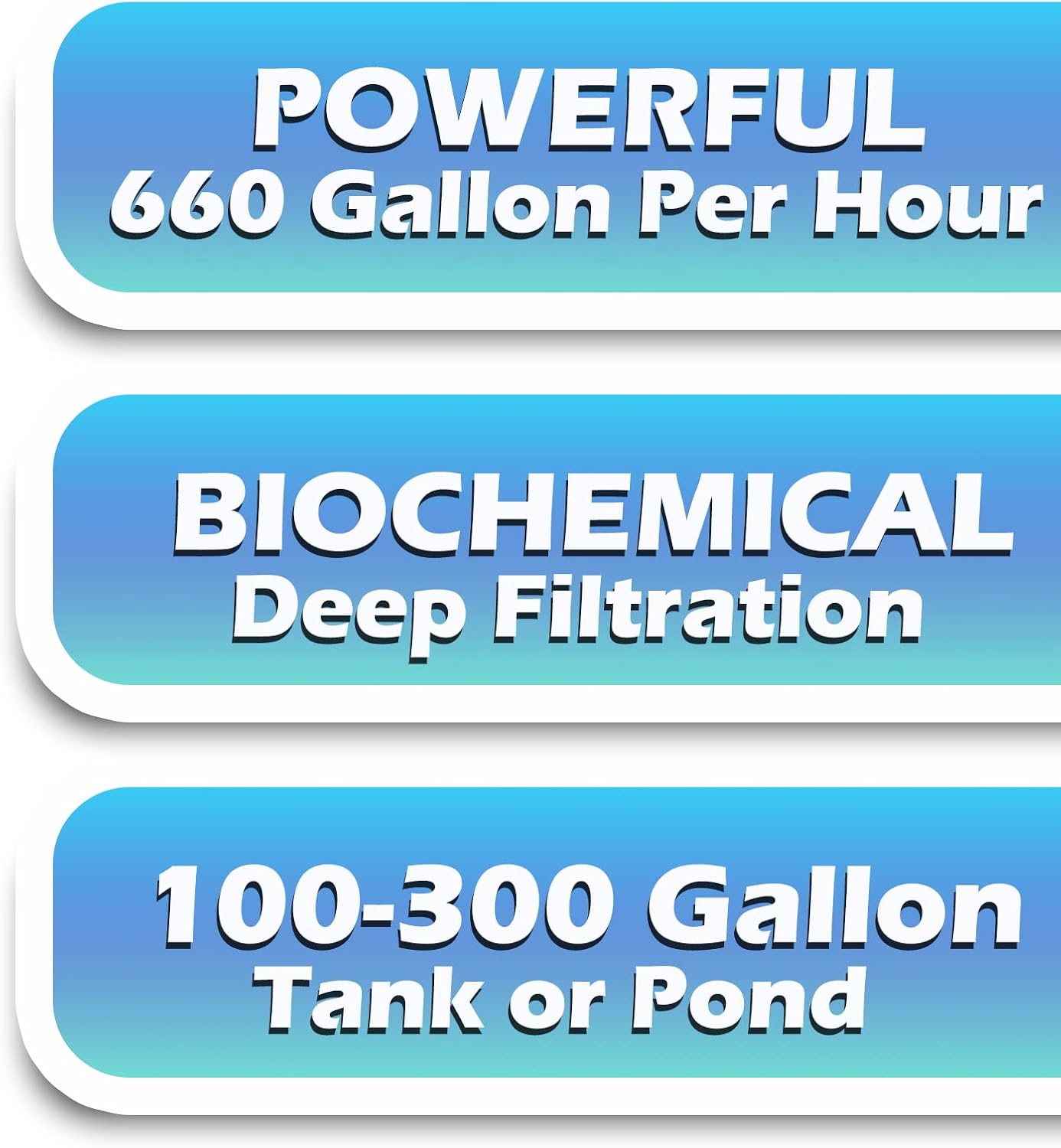
Figure 8: Key Specifications. This infographic highlights the filter's powerful 660 GPH flow rate, biochemical deep filtration, and suitability for 100-300 gallon tanks or ponds.
8. Warranty and Support
For warranty information, technical support, or any inquiries regarding your TARARIUM JQP2500F Aquarium Filter, please contact TARARIUM customer service through the retailer where the product was purchased or visit the official TARARIUM website.
Keep your purchase receipt as proof of purchase for warranty claims.