
Bisofice D1102B
BISOFICE D1102B Cordless Phone User Manual
Model: D1102B | Brand: Bisofice
1. Introduction
Thank you for purchasing the BISOFICE D1102B Cordless Phone. This manual provides comprehensive instructions to help you set up, operate, and maintain your new phone. Please read this manual thoroughly before using the device to ensure proper functionality and safety.
The BISOFICE D1102B is designed for ease of use, featuring a 1.6-inch backlit LCD, large buttons, caller ID, call waiting, and speakerphone capabilities. It supports up to 5 handsets and offers multi-language interface options.
2. Safety Information
- Use only the provided power adapter and rechargeable batteries.
- Do not expose the phone to water or excessive humidity.
- Avoid placing the phone near heat sources or direct sunlight.
- Keep the phone away from strong magnetic fields.
- Do not attempt to disassemble or repair the phone yourself. Contact qualified service personnel.
- Ensure the phone is placed on a stable surface to prevent falls.
3. Package Contents
Verify that all items are present in your package:
- 1 x BISOFICE D1102B Cordless Handset
- 1 x Base Unit
- 1 x Power Adapter
- 1 x Telephone Line Cord
- Rechargeable Batteries (pre-installed or separate)
- User Manual (this document)
4. Product Overview
Familiarize yourself with the components and features of your BISOFICE D1102B Cordless Phone.

Figure 4.1: The BISOFICE D1102B cordless phone handset resting in its charging base unit. The phone features a large keypad and a clear LCD screen.

Figure 4.2: A detailed diagram highlighting the key components and buttons of the BISOFICE D1102B handset, including the backlit LCD, navigation keys, and illuminated keypad.
Key Features:
- 1.6-inch Backlit LCD: Provides clear display of call information and menu options.
- 3-Line Display: Allows for easy viewing of multiple lines of text.
- Large Buttons: Designed for comfortable and accurate dialing.
- Speakerphone: Enables hands-free conversations.
- Caller ID/Call Waiting: Displays incoming caller information.
- Multi-Language Support: Supports 16 interface languages including English, Spanish, French, German, Italian, Portuguese, Dutch, Hungarian, Greek, Polish, Danish, Norwegian, Swedish, Turkish, Russian, and Ukrainian.
- Expandable System: Supports registration of up to 5 handsets to one base unit.
- Phonebook: Stores up to 50 contacts with 12 characters and 20 digits maximum.
- Adjustable Ringtones: 10 ringtone melodies with adjustable volume.
- Mute Mode: Silences the ringer on the handset and base unit.
- Three-way Conference Call: Allows multiple users to participate in a conversation simultaneously.
5. Setup
5.1 Battery Installation and Charging
- If batteries are not pre-installed, open the battery compartment cover on the back of the handset and insert the rechargeable batteries, observing polarity.
- Place the handset on the base unit. Ensure it is properly seated. You will hear a beep if correctly placed.
- Connect the power adapter to the base unit's power jack and plug the other end into a wall outlet.
- Important: Charge the battery for at least 12 hours before initial use. This ensures optimal battery performance and longevity.

Figure 5.1: Illustration showing the cordless phone handset placed on its charging base, with a reminder to charge for at least 12 hours before first use.
5.2 Connecting the Base Unit
- Connect one end of the telephone line cord to the TEL LINE jack on the base unit.
- Plug the other end of the telephone line cord into a telephone wall jack.
- Ensure all connections are secure.
5.3 Handset Registration (for additional handsets)
The system supports up to 5 handsets. If you have additional handsets, they must be registered to the base unit.
- On the base unit, press and hold the PAGE button (or equivalent registration button) until the registration indicator light flashes.
- On the handset, navigate to the "Registration" menu option (refer to the handset's on-screen menu).
- Follow the on-screen prompts to enter the PIN (default is usually 0000).
- Once registered, the handset will display a confirmation message.

Figure 5.2: Visual representation of the BISOFICE D1102B system supporting connection with up to five handsets, all linked to a central base unit.
6. Operating Instructions
6.1 Making and Receiving Calls
- To Make a Call:
- Pick up the handset or press the TALK/GREEN button.
- Dial the desired phone number.
- Press the TALK/GREEN button again if needed, or wait for the call to connect.
- To Receive a Call:
- When the phone rings, press the TALK/GREEN button.
- To End a Call:
- Press the END/RED button or place the handset back on the base unit.
6.2 Caller ID and Call Waiting
When an incoming call is received, the caller's number and name (if available in your phonebook or provided by your service) will be displayed on the LCD screen.
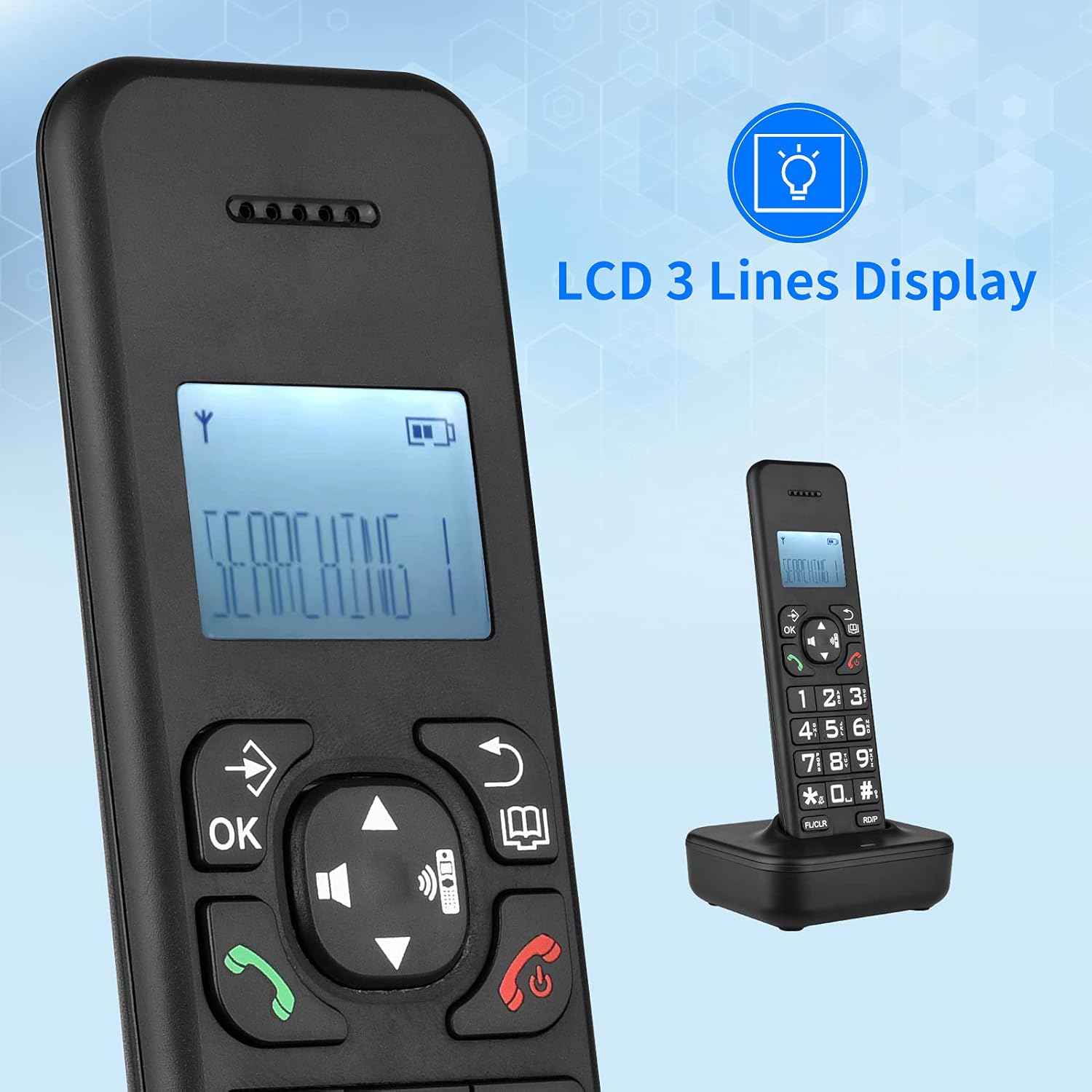
Figure 6.1: Close-up view of the BISOFICE D1102B's 3-line LCD display, showing clear text for call information or menu navigation.
6.3 Speakerphone Function
To activate the speakerphone during a call, press the SPEAKER button (often indicated by a speaker icon). Press it again to switch back to handset mode.
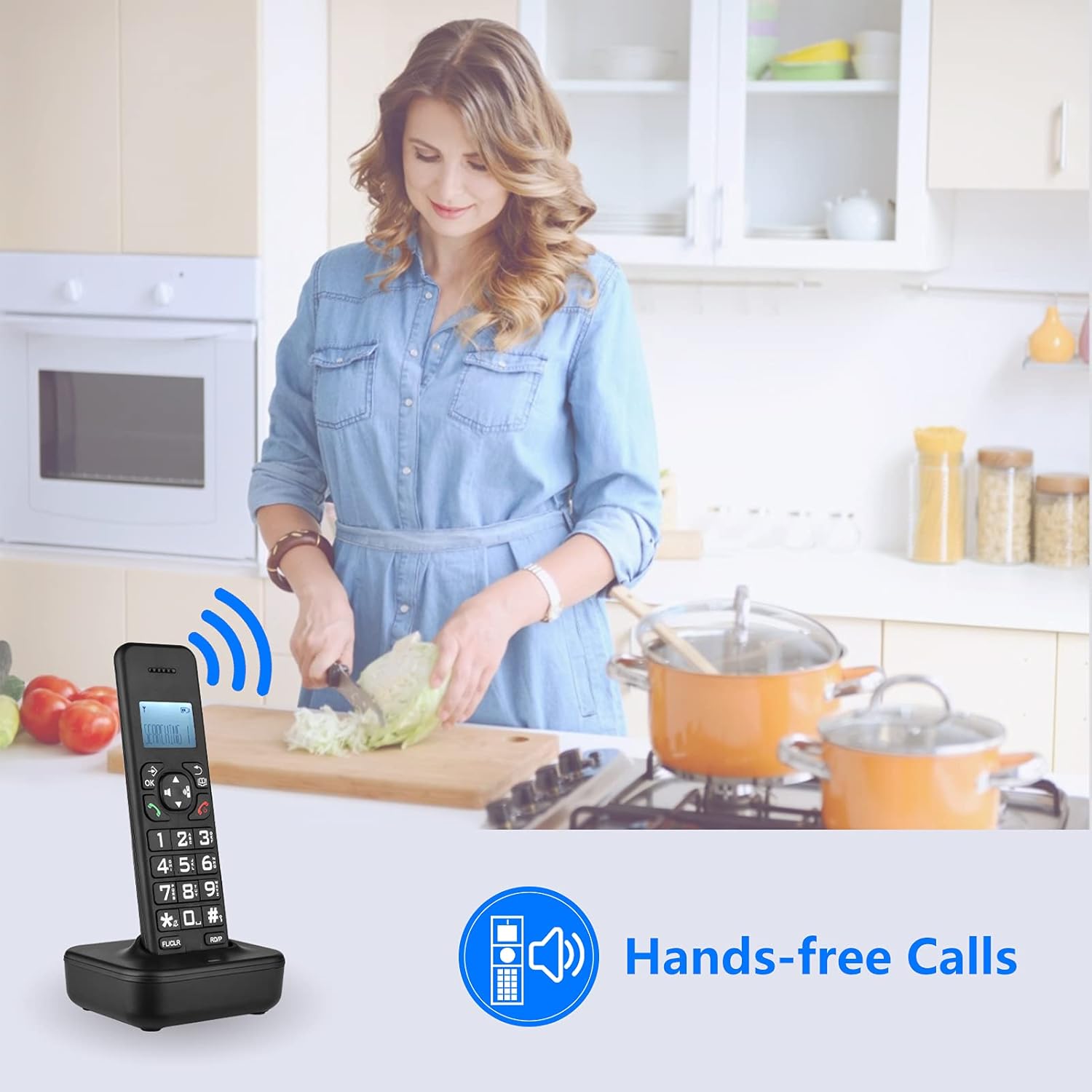
Figure 6.2: A user in a kitchen setting demonstrating hands-free calling with the BISOFICE D1102B phone, highlighting its speakerphone capability.
6.4 Phonebook
The phonebook can store up to 50 entries. Each entry can have a name (up to 12 characters) and a number (up to 20 digits).
- To Access Phonebook: Press the PHONEBOOK button (often indicated by a book icon).
- To Add a Contact: Navigate to "Add New" in the phonebook menu, enter the name and number, then save.
- To Dial from Phonebook: Select the desired contact and press the TALK/GREEN button.
6.5 Language Settings
The phone supports 16 interface languages.

Figure 6.3: The BISOFICE D1102B phone displayed with a globe background, illustrating its support for 16 different interface languages.
- Navigate to the "Settings" or "Language" menu on the handset.
- Select your preferred language from the list.
6.6 Ringtone and Volume Adjustment
You can choose from 10 ringtone melodies and adjust the volume.
- Access the "Ringtone" or "Sound Settings" menu.
- Select a melody and adjust the volume level using the navigation keys.
6.7 Mute Mode
To silence the ringer, activate the mute mode through the handset's menu. This will silence both the handset and base unit ringer.
6.8 Redial/Pause
- Redial: Press the REDIAL button (often labeled RD/P) to redial the last number called.
- Pause: In on-hook or off-hook state, press the RD/P button to insert a 3.6-second pause between digits when dialing.
6.9 Intercom and Conference Calls
If you have multiple registered handsets, you can use the intercom function or set up a three-way conference call.
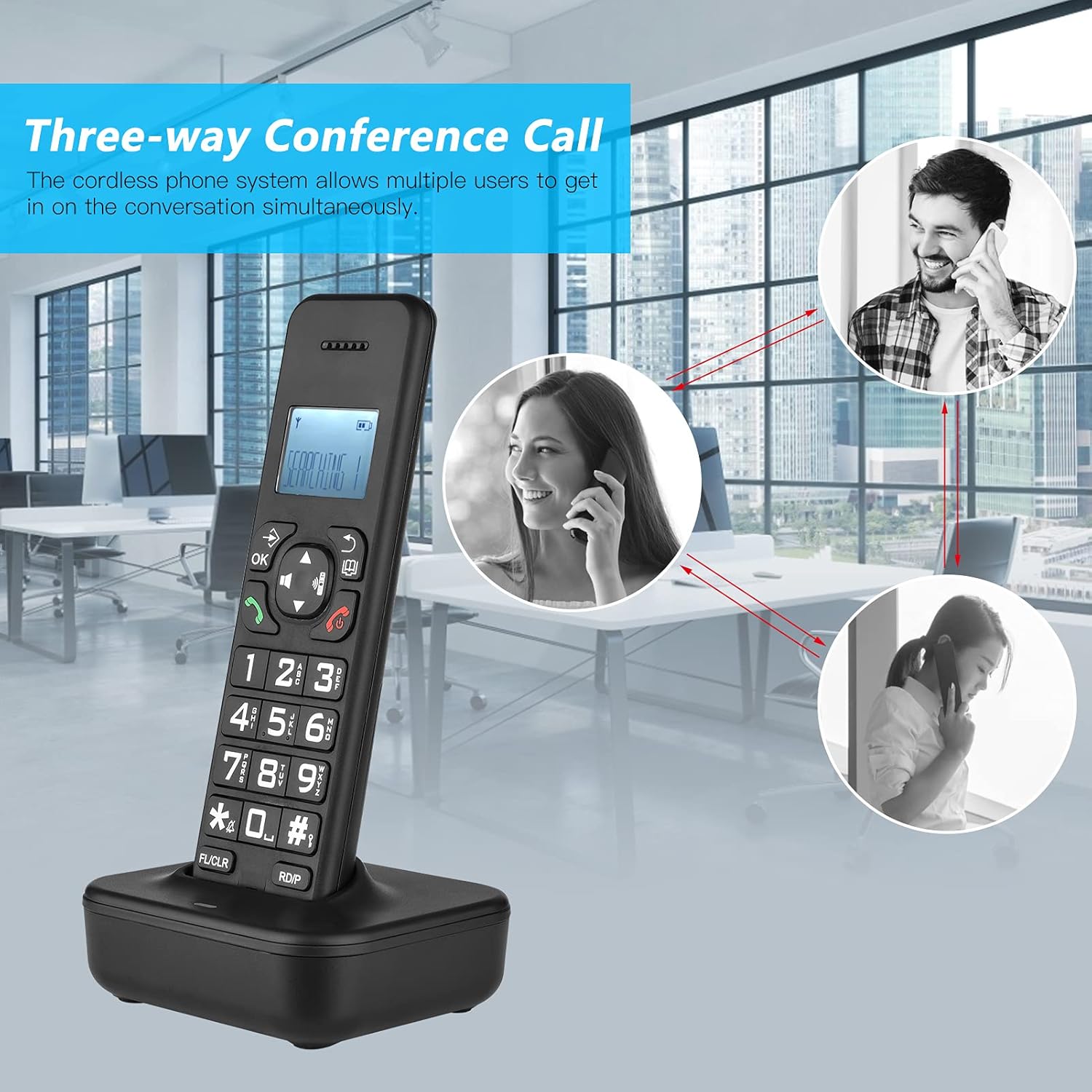
Figure 6.4: Diagram illustrating the three-way conference call feature of the BISOFICE D1102B, showing multiple users connected simultaneously.
- Intercom: From an idle handset, press the INTERCOM button (or navigate through menu) and select the target handset to initiate an internal call.
- Three-way Conference Call: While on an external call, you can initiate an intercom call to another handset. Once the second handset answers, select the "Conference" option to merge the calls.
7. Maintenance
- Cleaning: Wipe the phone and base unit with a soft, damp cloth. Do not use harsh chemicals or abrasive cleaners.
- Battery Care: To prolong battery life, avoid overcharging or completely draining the batteries frequently. If the phone will not be used for an extended period, remove the batteries.
- Storage: Store the phone in a cool, dry place away from direct sunlight and extreme temperatures.
8. Troubleshooting
| Problem | Possible Cause | Solution |
|---|---|---|
| No dial tone | Telephone line cord is disconnected or faulty. | Check all connections. Try connecting another phone to the wall jack to verify line service. |
| Handset not charging | Handset not properly seated on base; dirty charging contacts; faulty battery. | Ensure handset is correctly placed. Clean charging contacts with a dry cloth. Replace batteries if old. |
| Poor call quality/static | Interference from other electronic devices; handset too far from base. | Move handset closer to base. Move base away from other electronics (Wi-Fi routers, microwaves). |
| Handset displays "Searching" | Handset is out of range or not registered to the base unit. | Move handset closer to the base. If issue persists, re-register the handset (refer to Section 5.3). |
| No display on LCD | Batteries are low or not installed correctly. | Charge the handset for at least 12 hours. Check battery installation. |
9. Specifications
| Feature | Detail |
|---|---|
| Model | D1102B |
| Brand | Bisofice |
| Display Type | LCD, 3-line, Backlit |
| Compatible Devices | Traditional telephone network (PSTN) |
| Power Source | Battery operated |
| Number of Handsets Supported | Up to 5 per base unit |
| Phonebook Capacity | 50 entries (max 12 chars name, 20 digits number) |
| Interface Languages | 16 (English, Spanish, French, German, Italian, Portuguese, Dutch, Hungarian, Greek, Polish, Danish, Norwegian, Swedish, Turkish, Russian, Ukrainian) |
| Ringtone Melodies | 10 |
| Flash Time | 100/300/600/1000 ms (optional) |
| Material | Plastic |
| Dimensions (Handset) | 17 x 5 x 2.5 cm (approx.) |
| Weight | 340 g (approx.) |
10. Warranty and Support
Bisofice products are manufactured to high-quality standards. For information regarding warranty coverage, technical support, or service, please refer to the warranty card included with your product or visit the official Bisofice website.
Please retain your purchase receipt as proof of purchase for any warranty claims.
Related Documents - D1102B
 |
BISOFICE Portable Projector Quick Installation and Use Guide Official quick installation and use guide for the BISOFICE Portable Projector. Learn about setup, settings, connectivity options like Wi-Fi, Bluetooth, and screen mirroring, and FCC compliance information. |
 |
Bisofice 12HD-A Drawing Tablet: Quick Start Guide A comprehensive quick start guide for the Bisofice 12HD-A drawing tablet, covering setup, driver installation, pen configuration, and technical specifications. |
 |
BISOFICE Money Counter Machine Calibration Guide Detailed instructions for calibrating the BISOFICE counterfeit bill detector and money counter machine, covering sensor voltage and length calibration steps for accurate operation. |
 |
Riepilogo Parametri Incisione Laser K6 3W per Materiali Vari Questo documento riassume i parametri ottimali di incisione e taglio per l'incisore laser Bisofice K6 3W su una vasta gamma di materiali. Include dettagli su potenza, velocità, tempi e note specifiche per ogni materiale. |
 |
Bisofice K6 3W Laser Engraving Machine Parameters and Specifications Detailed technical specifications and engraving parameters for the Bisofice K6 3W laser engraving machine, covering various materials, settings, and performance notes for optimal laser engraving and cutting. |
 |
Shenzhen Fuxi D1102B Fixed Caller Cordless Telephone - Product Overview Detailed specifications and features of the Shenzhen Fuxi D1102B cordless fixed caller telephone, including model information, technical specs, package contents, and safety warnings. |
Ask a question about this manual
Ask about setup, troubleshooting, compatibility, parts, safety, or missing instructions. Manuals+ will review the question and use this page’s manual context to help answer it.