
Introduction
Thank you for choosing the Arrow Dancer AD A-90 Pro True Wireless Earbuds. This manual provides detailed instructions to help you get the most out of your new earbuds, ensuring optimal performance and longevity. Please read this manual thoroughly before use and retain it for future reference.
What's in the Box
- AD A-90 Pro True Wireless Earbuds
- Wireless Charging Case
- USB Type-C Charging Cable
- Ear Cushions (Multiple Sizes)
- User Manual
- Gift Box
Setup
1. Initial Charging
Before first use, fully charge the earbuds and the charging case. Connect the provided USB Type-C cable to the charging case and a power source. The digital LED display on the case will show the charging progress, indicating 1 to 100% when fully charged. A full charge typically takes approximately 90 minutes for the case.
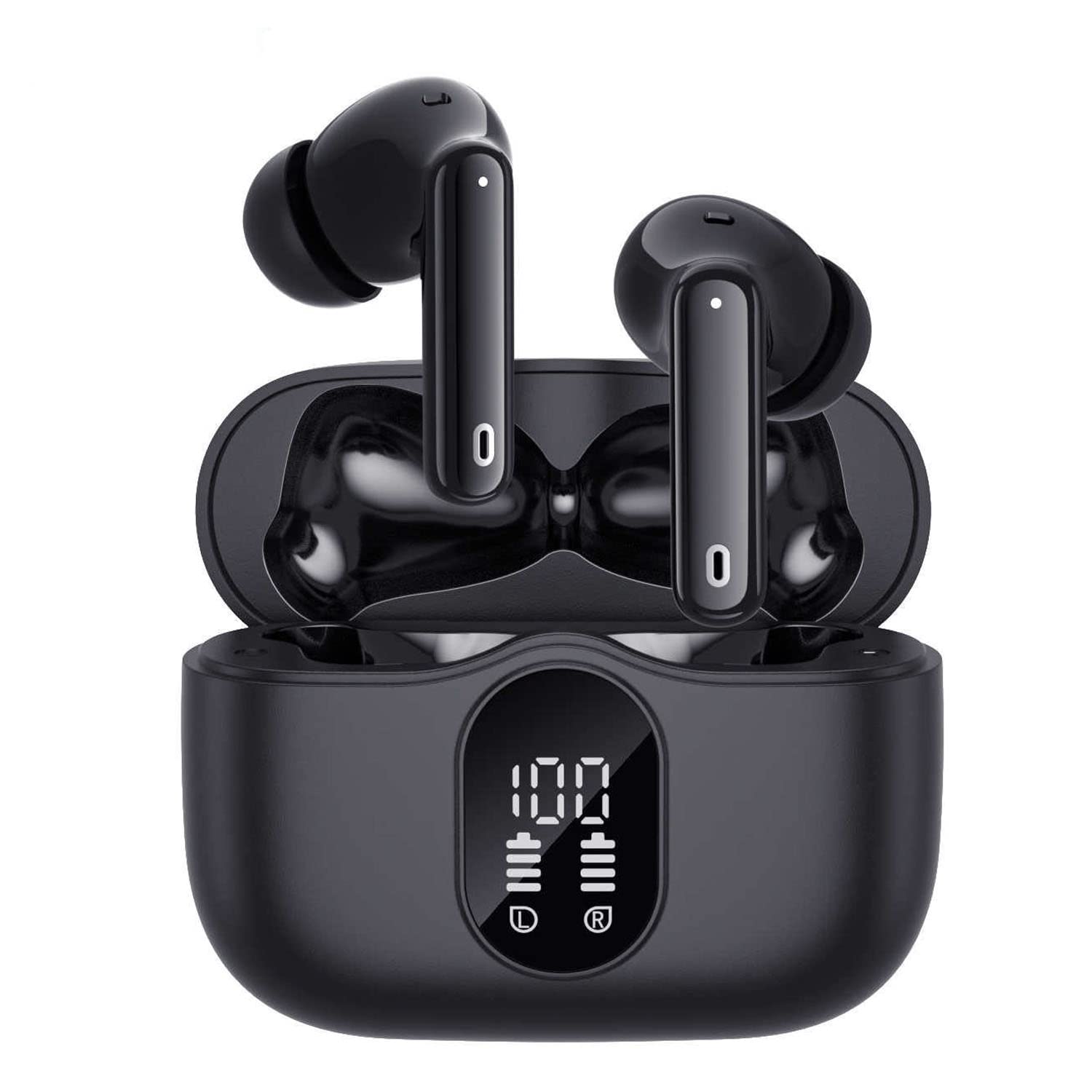
Figure 1: Digital LED Power Display on Charging Case
The charging case provides approximately 4 full charges for both earbuds, offering up to 60 hours of total playtime. Each earbud provides up to 6 hours of music playtime on a single charge.

Figure 2: Extended Playtime and Fast Charging
2. Pairing with Your Device
- Power On: Open the charging case. The earbuds will automatically power on and enter pairing mode.
- Activate Bluetooth: On your smartphone or other Bluetooth-enabled device, go to the Bluetooth settings and turn on Bluetooth.
- Select Device: Look for "A90 Pro" or "AD A-90 Pro" in the list of available devices and select it to connect.
- Confirmation: Once connected, you will hear an audio prompt from the earbuds, and the device will show "Connected".
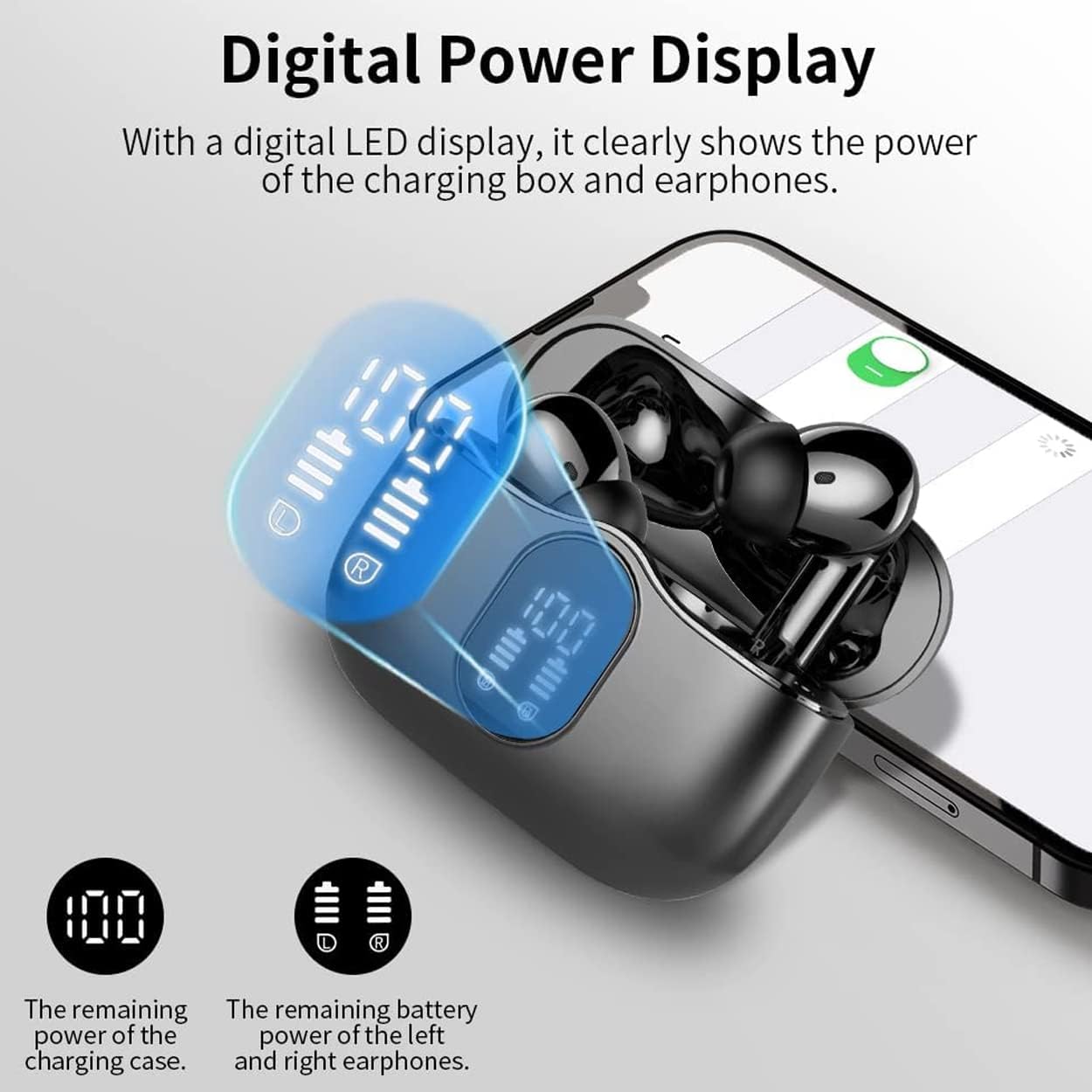
Figure 3: One-Step Pairing Process
The earbuds support Bluetooth 5.3 for a solid and stable connection with reduced power consumption. They will automatically reconnect to the last paired device when taken out of the case.
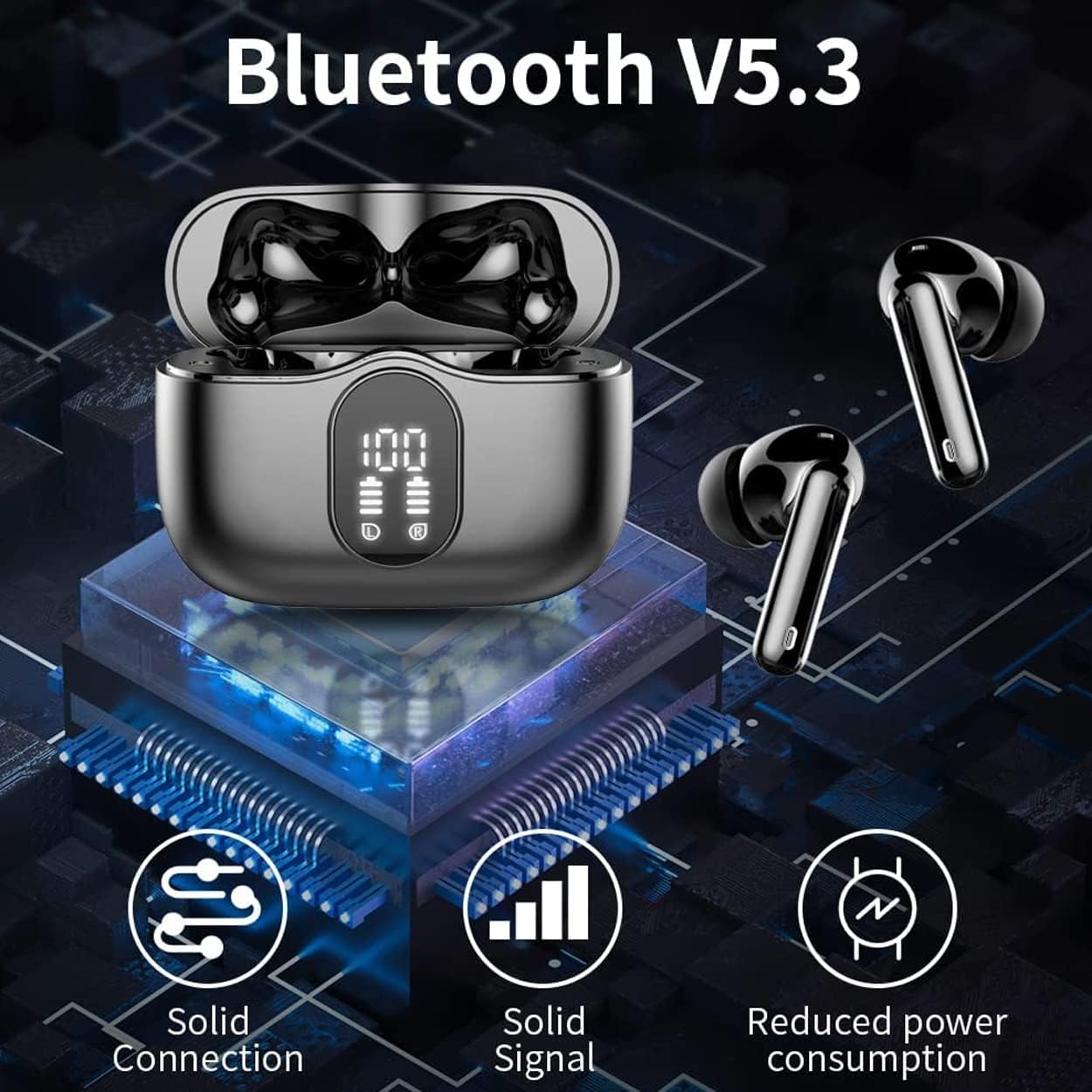
Figure 4: Bluetooth 5.3 Connectivity
3. Wearing the Earbuds
Choose the ear tips that best fit your ears for optimal comfort and sound quality. The earbuds are designed to fit ergonomically, reducing noise and ensuring a secure fit during various activities.

Figure 5: Ergonomic Design and Acoustic Sound
Operating Instructions
Touch Controls
The AD A-90 Pro earbuds feature intuitive touch control sensors on each earbud. Specific functions may vary slightly depending on your device and operating system.
| Action | Function |
|---|---|
| Single Tap (Left/Right) | Play/Pause Music, Answer/End Call |
| Double Tap (Right) | Next Track |
| Double Tap (Left) | Previous Track |
| Triple Tap (Right) | Volume Up |
| Triple Tap (Left) | Volume Down |
| Long Press (2 seconds) | Activate Voice Assistant (Siri, Google Assistant) / Reject Call |
| Long Press (Left/Right, 3 seconds) | Switch ANC/ENC/Transparency Mode |
Active Noise Cancellation (ANC) & Environmental Noise Cancellation (ENC)
The AD A-90 Pro earbuds feature both Active Noise Cancellation (ANC) to reduce ambient noise for an immersive listening experience, and Environmental Noise Cancellation (ENC) for clearer calls by separating your voice from background noise. You can switch between ANC, ENC (or Transparency Mode, if available) using the touch controls.
Making and Receiving Calls
The earbuds are equipped with dual microphones for clear call quality. Use the touch controls to answer, end, or reject calls.
- Answer/End Call: Single tap either earbud.
- Reject Call: Long press either earbud for 2 seconds.

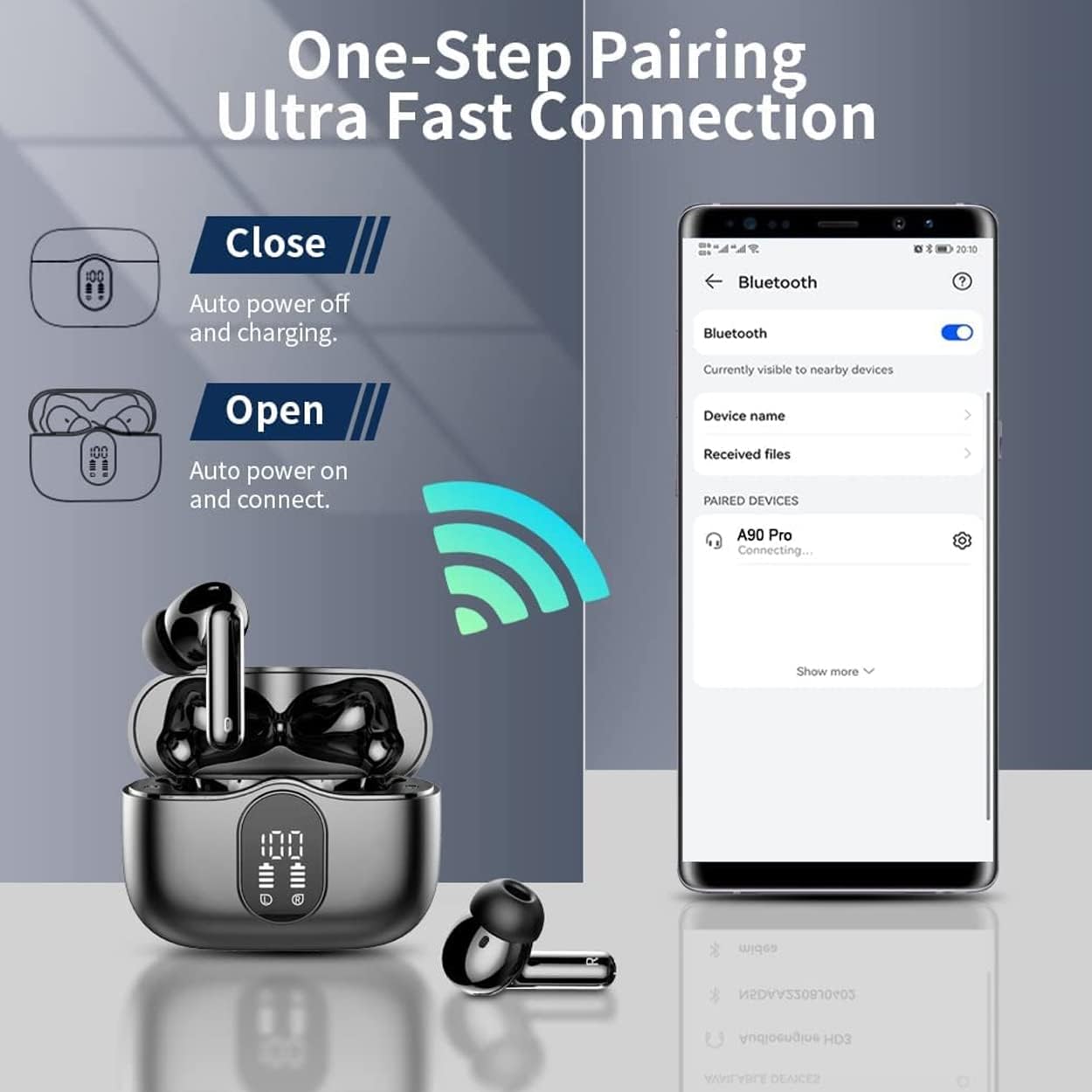
Figure 6: Earbuds in Use (Exercise, Leisure, Business)
Maintenance
Cleaning
Regular cleaning helps maintain sound quality and hygiene. Use a soft, dry, lint-free cloth to wipe the earbuds and charging case. For ear tips, you may gently remove them and clean with a mild soap solution, then rinse and dry completely before reattaching.
- Do not use abrasive cleaners, alcohol, or chemical solvents.
- Ensure earbuds and charging case are completely dry before charging or storing.
Storage
When not in use, store the earbuds in their charging case to protect them from dust, damage, and to keep them charged. Store the case in a cool, dry place away from direct sunlight and extreme temperatures.
Water Resistance
The earbuds feature an IPX7 water-resistant design, making them suitable for workouts and protection against sweat and light rain. However, they are not designed for swimming or submersion in water. Ensure the earbuds are dry before placing them back in the charging case.
Troubleshooting
Earbuds Not Pairing or Connecting
- Ensure both earbuds are charged.
- Turn off and on Bluetooth on your device.
- Place earbuds back in the charging case, close the lid, wait a few seconds, then open the lid to re-initiate pairing mode.
- Forget "A90 Pro" from your device's Bluetooth list and try pairing again.
- Ensure no other devices are actively connected to the earbuds.
Only One Earbud Working
- Check if both earbuds are charged.
- Place both earbuds back in the charging case, close the lid, and then open it again. This often resets the connection between the two earbuds.
- Try resetting the earbuds (refer to the full reset procedure if available in a more detailed manual, otherwise, the above step is a common soft reset).
Poor Sound Quality or Low Volume
- Ensure the ear tips provide a good seal in your ear canal. Try different sizes.
- Clean any debris from the earbud speakers and ear tips.
- Adjust the volume on both your device and using the earbud touch controls.
- Ensure there are no obstructions between your device and the earbuds.
Charging Issues
- Verify the charging cable is securely connected to both the case and the power source.
- Try a different USB Type-C cable and power adapter.
- Ensure the charging contacts on the earbuds and inside the case are clean and free of debris.
- Confirm the power source is functional.
Specifications
| Feature | Detail |
|---|---|
| Model Name | AD-90 PRO-S-TWS-Earbuds |
| Bluetooth Version | 5.3 |
| Noise Control | Active Noise Cancellation (ANC) |
| Wireless Communication Technology | Bluetooth |
| Earbud Battery Capacity | 33mAh (per earbud) |
| Charging Case Battery Capacity | 320mAh |
| Music Playtime (Single Charge) | Up to 6 Hours |
| Total Playtime (with Charging Case) | Up to 60 Hours |
| Talk Time | Up to 4 Hours |
| Charging Time | Approx. 90 Minutes (for case) |
| Standby Time | 140 Days |
| Transmission Distance | 10-15 Meters (33-49 feet) |
| Water Resistance Level | IPX7 (Sweat and Water Resistant) |
| Control Method | Touch |
| Ear Placement | In Ear |
| Form Factor | In Ear |
| Driver Size | 13mm Dynamic Drivers |
| Material | Metal, Plastic, Rubber |
| Product Dimensions | 3.9 x 3.9 x 1.34 inches |
| Item Weight | 3.2 ounces (total package) |
Warranty Information
The Arrow Dancer AD A-90 Pro Earbuds come with a 7-day checking warranty. This warranty covers manufacturing defects identified within 7 days of purchase. Please retain your proof of purchase for any warranty claims.
Note: This warranty typically covers defects in materials and workmanship. It does not cover damage caused by misuse, accidents, unauthorized modifications, or normal wear and tear.
Customer Support
If you encounter any issues not covered in the troubleshooting section or require further assistance, please contact your retailer or the Arrow Dancer customer support team. Refer to the product packaging or the retailer's website for specific contact details.
For more information and updates, you may visit the official Arrow Dancer store on Amazon: Arrow Dancer Store