
Introduction
This manual provides detailed instructions for the setup, operation, and maintenance of your ZCGIOBN 1500 ANSI Wireless Projector. Designed for both home theater and office use, this projector features 1500 ANSI lumens brightness, native 1080P resolution with 4K decoding, WiFi 6, Bluetooth connectivity, and an Android TV operating system. Please read this manual thoroughly before using the product to ensure proper function and longevity.
What's in the Box
- ZCGIOBN 1500 ANSI Wireless Projector
- Remote Control
- Power Cord
- HDMI Cable
- User Manual (this document)
Product Overview

Front view of the ZCGIOBN projector, showcasing its sleek black design and prominent lens.

Rear view of the projector, highlighting the various input and output ports for connectivity.
Physical Features
- Lens and Focus: The projector features a manual focus lens. A lens cover is included for protection.
- Keystone Correction: Equipped with 4D/Auto Keystone Correction for distortion-free projection from various angles.
- Digital Zoom: Adjust image size from 100% to 500% without moving the projector.
- Control Panel: Intuitive controls located on the top surface for easy access.
- Cooling System: Large vents on the sides ensure efficient cooling and quiet operation.
Connectivity Ports
- HDMI Inputs: Two HDMI ports for connecting devices like laptops, game consoles, and TV sticks.
- USB Inputs: Two USB ports for media playback from USB flash drives.
- VGA Port: Standard VGA input for older devices.
- LAN Port: RJ45 Ethernet port for stable wired network connection.
- AV Input: For connecting analog audio/video sources.
- 3.5mm Headphone Jack: For external audio output.
Setup
Placement
Position the projector on a stable, flat surface. Ensure there is adequate space around the projector for ventilation. The throw ratio is 1:1.47, allowing for a maximum display size of 300 inches. For optimal viewing, consider the distance from the screen and adjust accordingly.
Power Connection
- Connect the provided power cord to the projector's power input.
- Plug the other end of the power cord into a suitable electrical outlet.
- Press the power button on the projector or remote control to turn it on.
Focus and Keystone Adjustment

Illustration of the 4D Keystone Correction and Digital Zoom features for image adjustment.
- Manual Focus: Rotate the focus ring around the lens until the projected image is clear and sharp.
- 4D/Auto Keystone Correction: This feature automatically corrects image distortion. Manual adjustments can also be made via the settings menu to achieve a perfectly rectangular image.
- Digital Zoom: Use the remote control or on-device controls to adjust the image size from 100% down to 50% without physically moving the projector.
Mounting Options

Visual guide for various mounting configurations, including ceiling and tripod setups.
The projector supports front, rear, and ceiling projection. For ceiling mounting, remove the four foot-pads on the bottom of the unit to access the M4-size mounting holes.
Operating Instructions
Smart Android TV OS

The projector's smart interface displaying various streaming applications.
Your projector comes with an upgraded Android TV 9.0 system, featuring 2GB RAM and 16GB storage, powered by a fast 1.55GB MStar 4Core CPU. This allows you to download and enjoy a variety of apps such as Prime Video, YouTube, and Disney+. The system provides real-time intelligent push notifications for news and entertainment.
Wireless Connectivity (WiFi 6 & Bluetooth)

Visual representation of the projector's ultra-fast wireless sync capabilities with mobile devices.
- WiFi 6: Enjoy high-speed data transfer and lower latency with dual-band 2.4G/5G Wi-Fi connection for seamless wireless mirroring from your mobile phone, tablet, or laptop.
- Bluetooth 5.0: The built-in Bluetooth 5.0 chip ensures stable, high-speed transmission, compatible with a variety of Bluetooth audio devices for enhanced sound.
Audio Output
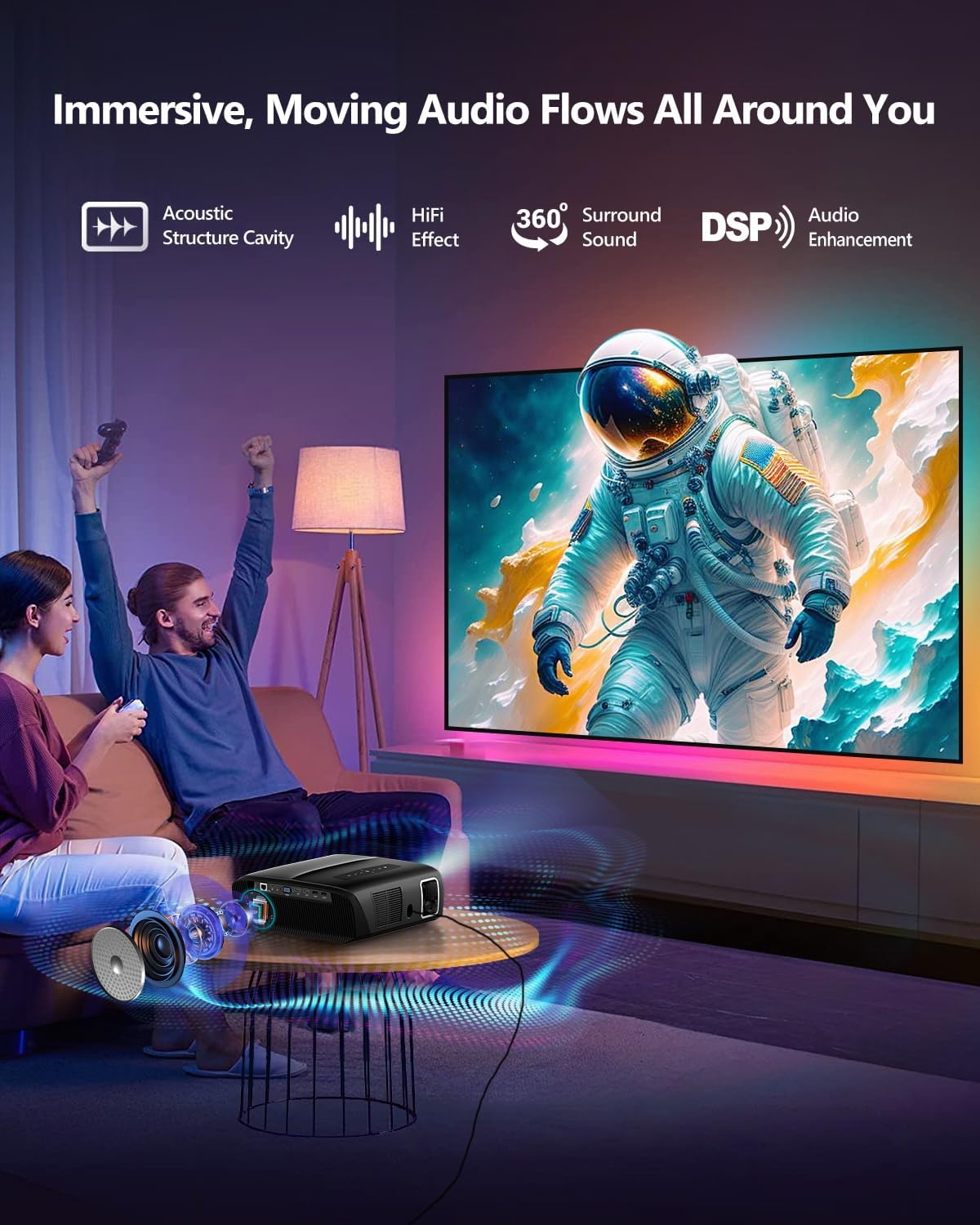
Depiction of the projector's immersive audio experience with sound flowing around the user.
The projector features powerful 30W speakers for crisp highs, strong midranges, and booming bass. For external audio, use the 3.5mm headphone jack to connect soundbars or other audio systems.
Connecting External Devices
Utilize the 2 HDMI/USB inputs, AV, and 3.5mm headphone jacks for a wide range of connectivity. The projector is compatible with laptops, PCs, TV sticks, game consoles, DVD/Blu-ray players, USB flash drives, and external speakers.
Maintenance
Cleaning the Air Filter
Regularly clean the air filter to ensure optimal performance and prevent dust accumulation. The projector features an easily accessible filter for convenient maintenance.
- Locate the filter compartment on the side of the projector.
- Gently pull the filter cover to remove the filter.
- Clean the filter using a soft brush or a vacuum cleaner. Do not use water or harsh chemicals.
- Once clean and dry, reinsert the filter into its compartment until it clicks into place.
Troubleshooting
If you encounter any issues with your ZCGIOBN projector, please refer to the following common solutions. For more detailed troubleshooting or persistent problems, contact customer support.
- No Image/Poor Image Quality:
- Ensure all cables are securely connected.
- Adjust the focus ring for clarity.
- Check keystone correction settings to eliminate distortion.
- Verify the input source is correctly selected.
- Clean the projector lens and air filter.
- No Sound:
- Check the volume level on the projector and connected device.
- Ensure audio output settings on the source device are correct.
- If using external speakers, verify their connection and power.
- Remote Control Not Working:
- Replace the batteries in the remote control.
- Ensure there are no obstructions between the remote and the projector's IR receiver.
- Overheating/Fan Noise:
- Ensure proper ventilation around the projector.
- Clean the air filter regularly to prevent blockages.
Specifications
| Feature | Specification |
|---|---|
| Brand Name | ZCGIOBN |
| Item Weight | 8.33 pounds |
| Product Dimensions | 12 x 9.25 x 4.92 inches |
| Color Name | black |
| Display Resolution | 1920 x 1080 (Native 1080P, 4K Support) |
| Brightness | 1500 ANSI Lumens |
| Operating System | Android TV 9.0 |
| RAM + Storage | 2G + 16GB |
| CPU | 1.55GB MStar 4Core CPU |
| Connectivity Technology | Bluetooth 5.0, Ethernet, Wi-Fi 6 (2.4G/5G) |
| Speakers | 30W Powerful Speakers |
| Max Display Size | 300 inches |
| Throw Ratio | 1:1.47 |
| Special Features | HDR10+, DCI-P3, MEMC, Eyecare 2.0, Diffuse Reflection Technology, Ceiling Mountable, Digital Zoom, 4D Keystone |
Warranty and Support
ZCGIOBN is committed to providing high-quality products and excellent customer service. Your projector comes with comprehensive support:
- 24 Hours: Quick reply within 24 hours for inquiries.
- 30 Days: Hassle-free return privilege.
- Lifetime: After-sale and technical support.
For any questions or assistance, please feel free to contact us:
Email: zcgiobn@outlook.com