
Hiacinto ES550
Hiacinto ES550 Autofocus Endoscope User Manual
Industrial Borescope Inspection Camera with 5" IPS LCD Screen
1. Introduction
The Hiacinto ES550 Autofocus Endoscope is a professional industrial inspection camera designed for detailed visual inspection in hard-to-reach areas. Featuring a 5.0 MP HD autofocus lens and a large 5-inch IPS LCD screen, it provides clear, high-resolution images and videos. Its durable, detachable gooseneck probe with adjustable LED lights and IP68 waterproof rating makes it suitable for various applications, including automotive repair, plumbing, HVAC, and general home maintenance.
2. Safety Information
- Do not use the endoscope in environments with flammable or explosive gases.
- Ensure the device is fully charged before use to avoid interruptions during inspection.
- Do not attempt to disassemble or modify the device. Refer all servicing to qualified personnel.
- Keep the camera probe clean and free from debris to ensure optimal image quality.
- Avoid direct exposure of the camera lens to strong light sources to prevent damage.
- Store the device and accessories in the provided carrying case when not in use to prevent damage.
3. Package Contents
Verify that all items are present and in good condition upon opening the package:
- Hiacinto ES550 Endoscope Main Unit with 5-inch IPS Screen
- 5-meter (16.5 ft) Detachable Gooseneck Probe with 5.0 MP HD Autofocus Camera
- 32GB TF Card (pre-installed or included separately)
- USB Charging Cable
- Accessory Kit (includes magnet and hook attachments)
- Durable Carrying Case
- User Manual

Image: The Hiacinto ES550 Endoscope main unit with its 5-inch screen, the coiled 5-meter gooseneck probe, and the included carrying case.
4. Product Overview
4.1 Main Unit
- 5-inch IPS LCD Screen: High-definition display for real-time viewing of inspection footage.
- Control Panel: Buttons for power, menu navigation, photo/video capture, LED light adjustment, and screen functions.
- Probe Connector: Port for attaching the detachable gooseneck probe.
- Charging Port: USB port for charging the internal battery.
- TF Card Slot: For inserting or removing the 32GB memory card.
4.2 Gooseneck Probe
- 5.0 MP HD Autofocus Camera: Provides clear images and automatically adjusts focus from 3 cm to 100 cm.
- Adjustable LED Lights: 10 integrated LED lights with 3 levels of brightness for illuminating dark inspection areas.
- IP68 Waterproof Rating: Allows the probe to be submerged in water for inspection of pipes and drains.
- Detachable Design: The probe cable can be easily detached and replaced.

Image: A detailed view of the 5-inch IPS HD screen, highlighting its clarity and size.

Image: Illustration demonstrating the detachable cable design, allowing for easy replacement or repair.
5. Setup
5.1 Charging the Device
- Connect the provided USB charging cable to the charging port on the main unit.
- Plug the other end of the USB cable into a standard USB power adapter (not included) or a computer USB port.
- The charging indicator light will illuminate. A full charge typically takes approximately 3-4 hours and provides up to 4 hours of continuous operation.
- Once fully charged, the indicator light may change or turn off. Disconnect the charging cable.
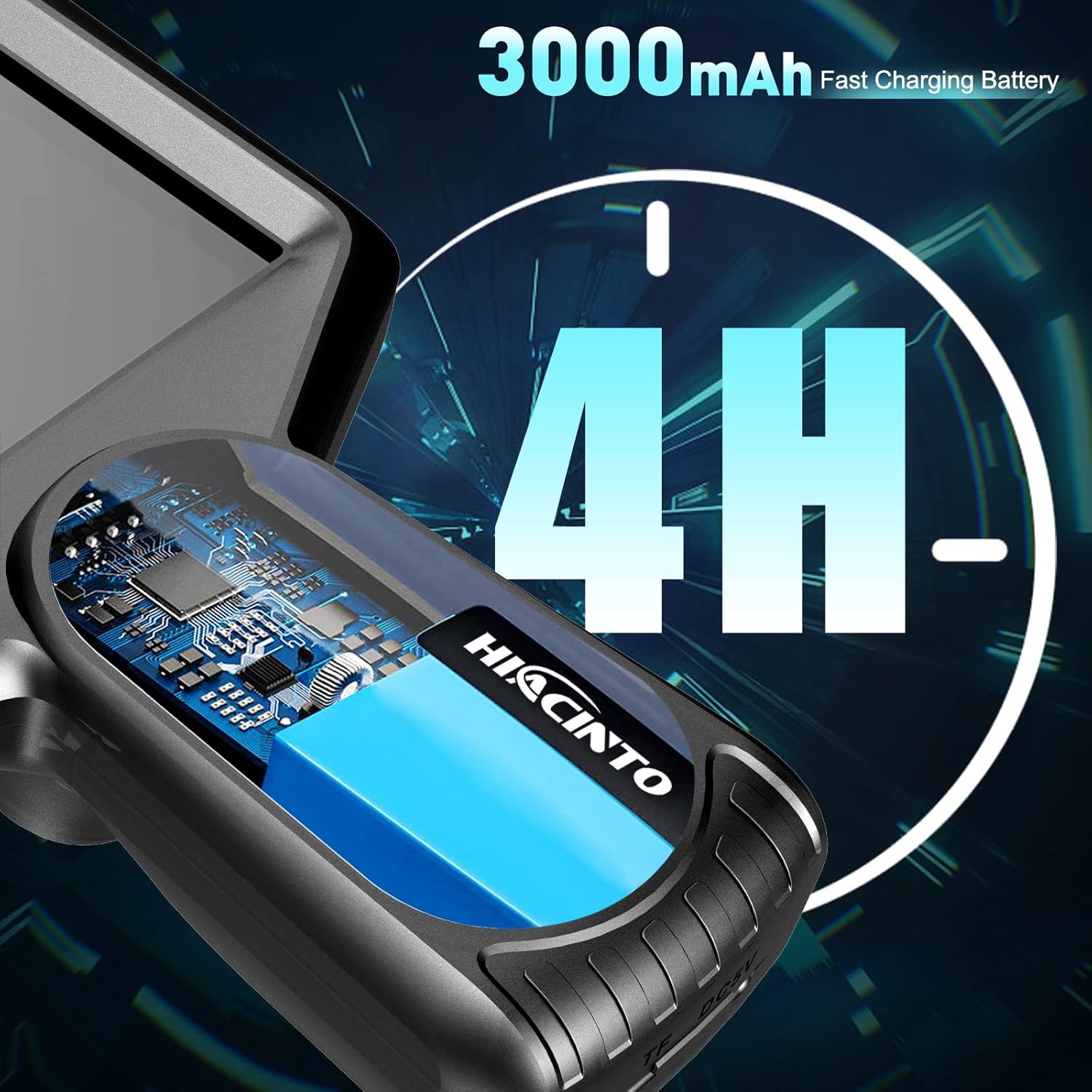
Image: Visual representation of the 3000mAh battery capacity, indicating up to 4 hours of continuous use.
5.2 Attaching the Probe
- Ensure the main unit is powered off.
- Align the connector of the gooseneck probe with the probe port on the main unit.
- Gently push the connector in until it clicks securely into place.
- To detach, press the release button (if present) or pull firmly but carefully on the connector.
5.3 Inserting the TF Card
The device comes with a 32GB TF card for storing photos and videos. If not pre-installed:
- Locate the TF card slot on the side of the main unit.
- Insert the TF card with the metal contacts facing down (or as indicated by a diagram near the slot) until it clicks into place.
- To remove, gently push the card in until it springs out.
6. Operating Instructions
6.1 Powering On/Off
- Power On: Press and hold the Power button (⏻) for a few seconds until the screen illuminates.
- Power Off: Press and hold the Power button (⏻) again until the screen turns off.
6.2 Adjusting LED Lights
The probe features 10 LED lights with adjustable brightness:
- Press the Light button (☀) repeatedly to cycle through 3 levels of brightness (Low, Medium, High) and Off.
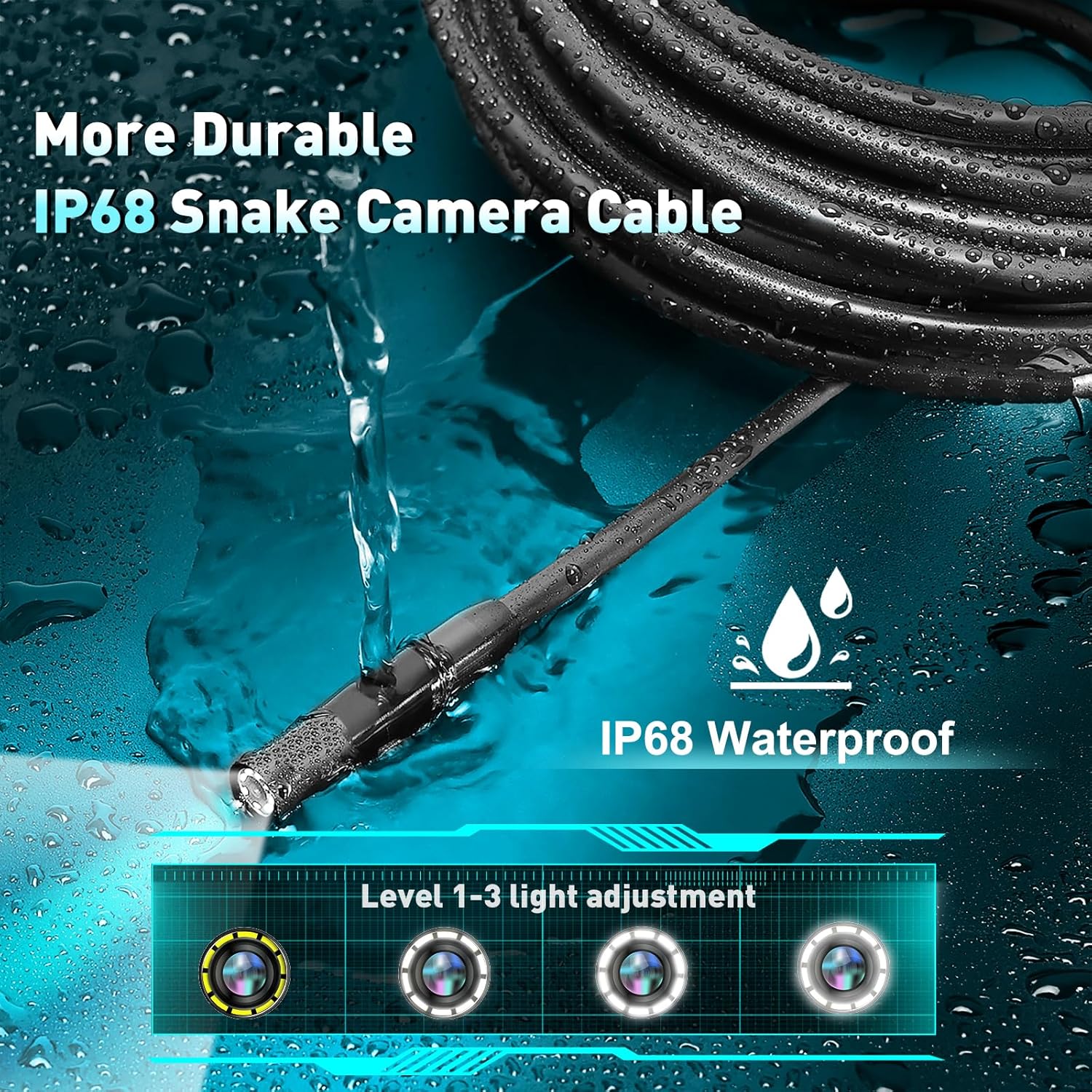
Image: The IP68 waterproof probe tip with its 10 LED lights, illustrating the three levels of light adjustment.
6.3 Capturing Photos and Videos
- Take Photo: While viewing live footage, press the Photo button (📷) once to capture an image. The image will be saved to the TF card.
- Record Video: Press the Video button (●) once to start recording. Press it again to stop recording. Videos are saved to the TF card.
6.4 Screen Functions
The ES550 offers several screen display options:
- Zoom: Use the Up/Down arrow buttons to zoom in or out (up to 3x magnification).
- Screen Reversal: Press the OK button to rotate the image 180 degrees, useful when the probe is inverted.
- Image Freeze: Some models may have a dedicated button or a long press function to freeze the current image on screen. Consult the on-screen icons for specific controls.

Image: A technical diagram illustrating the 5.0 MP HD autofocus lens and its focal distance range of 3cm to 1 meter.
6.5 Using Accessories
The included magnet and hook attachments can be screwed onto the end of the probe for retrieving small objects:
- Magnet: Useful for picking up metallic items like dropped screws or keys.
- Hook: Can be used to retrieve non-magnetic items or to maneuver cables.
7. Maintenance
7.1 Cleaning
- Camera Lens: Gently wipe the camera lens with a soft, lint-free cloth. For stubborn dirt, use a small amount of lens cleaning solution.
- Probe Cable: Wipe the probe cable with a damp cloth after use, especially if it has been in dirty or wet environments.
- Main Unit: Clean the main unit with a dry, soft cloth. Avoid using abrasive cleaners or solvents.
7.2 Storage
- Store the endoscope and all accessories in the provided durable carrying case.
- Keep the device in a cool, dry place, away from direct sunlight and extreme temperatures.
- If storing for an extended period, ensure the battery is partially charged (around 50%) to prolong its lifespan. Recharge every 3-6 months.
8. Troubleshooting
| Problem | Possible Cause | Solution |
|---|---|---|
| Device does not power on. | Battery is depleted. | Charge the device fully. |
| No image on screen. | Probe not connected properly. | Ensure the probe is securely connected to the main unit. |
| Image is blurry. | Camera lens is dirty; Object is outside focal range. | Clean the camera lens. Reposition the probe to be within the 3cm-100cm autofocus range. |
| Cannot save photos/videos. | TF card is full or not inserted correctly; TF card is faulty. | Check TF card insertion. Delete old files or replace the TF card. |
| LED lights not working. | Lights are turned off or set to lowest brightness. | Press the Light button to cycle through brightness levels. |
9. Specifications
| Feature | Detail |
|---|---|
| Model Number | ES550 |
| Screen Size | 5-inch IPS LCD |
| Camera Resolution | 5.0 Megapixels HD |
| Focal Range | 3 cm to 100 cm (Autofocus) |
| Probe Length | 5 meters (16.5 feet) |
| LED Lights | 10 adjustable LEDs |
| Waterproof Rating | IP68 (Probe only) |
| Battery Capacity | 3000mAh Lithium Polymer |
| Operating Time | Up to 4 hours |
| Storage | 32GB TF Card (included) |
| Video Capture Resolution | 1080p |
| Product Dimensions | 10 x 9 x 3 inches (Main Unit & Case) |
| Item Weight | 1.98 Pounds |
10. Warranty and Support
Hiacinto provides a 24-month return policy and helpful customer support for the ES550 Autofocus Endoscope.
- For technical assistance, troubleshooting, or warranty claims, please contact Hiacinto customer support.
- Refer to the product packaging or the official Hiacinto website for the most current contact information.
Ask a question about this manual
Ask about setup, troubleshooting, compatibility, parts, safety, or missing instructions. Manuals+ will review the question and use this page’s manual context to help answer it.