
1. Introduction
This manual provides instructions for the ZORSOME HD01-TB-132FU EVA shockproof tablet case. This case is designed to protect your Lenovo Tab P11 Pro 11.2'' (2nd Gen) (models TB-132FU/TB-138FC) from impacts and daily wear. It features a durable, lightweight design with a built-in handle and kickstand for enhanced usability, especially for children.
2. Product Features
- Eco-friendly EVA Material: Constructed from non-toxic, shock-absorbing EVA foam, suitable for children.
- Enhanced Protection: Provides shock-absorbing, skid-proof, and anti-scratch protection. Flexible rubber covers the back, frame, and extends over the screen.
- Impact Resistance: Designed to be shock absorbent and impact resistant for safe use.
- Integrated Handle: Non-slip handle grip for easy carrying by small hands, also suitable for adults.
- Creative Kickstand: Features two foldable kickstands for hands-free horizontal viewing or typing.
- Precise Cutouts: Allows easy access to all ports, buttons, and cameras without removing the case.

Figure 1: Illustration of the case's effective shock absorption and military-level protection.

Figure 2: Detail of the 3mm raised edges designed to protect the camera and screen from scratches.
3. Compatibility
This tablet case is specifically designed for the following models:
- Lenovo Tab P11 Pro 11.2'' (2nd Gen)
- Model Numbers: TB-132FU, TB-138FC
Please verify your tablet model number before installation to ensure proper fit.
4. Setup and Installation
Follow these steps to install your tablet into the ZORSOME case:
- Prepare Tablet: Ensure your Lenovo Tab P11 Pro 11.2'' (2nd Gen) is clean and free of debris.
- Insert Tablet: Gently align your tablet with the case. Start by inserting one side of the tablet into the flexible rubber frame.
- Secure Tablet: Carefully push the remaining edges of the tablet into the case until it is fully seated and all corners are protected. Ensure all ports and buttons align with the case cutouts.
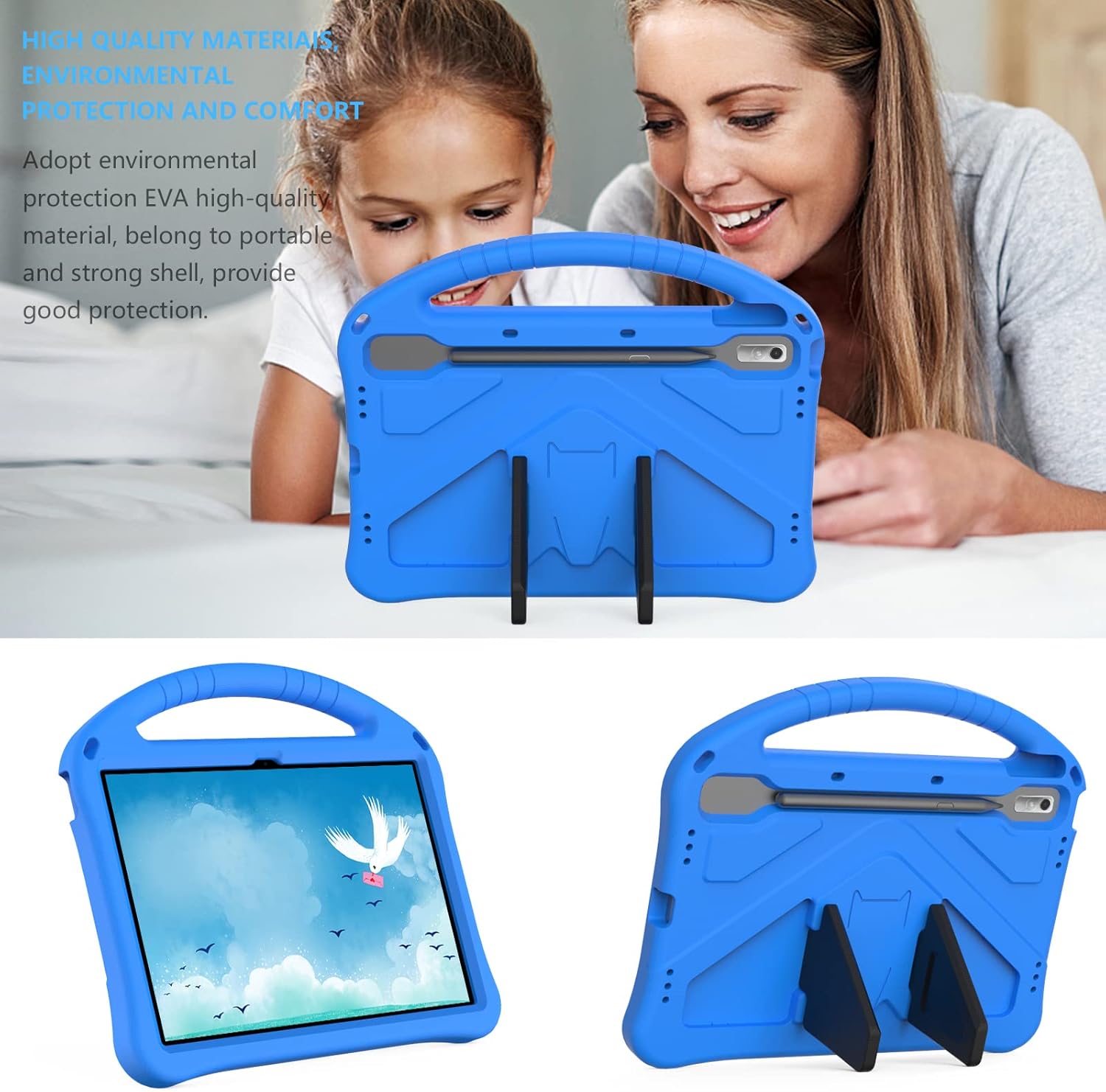
Figure 3: Tablet case with tablet inserted, demonstrating handle and kickstand functionality.
5. Operating Instructions
5.1 Using the Handle
The integrated handle at the top of the case allows for easy and secure carrying of the tablet. It is designed to be comfortable for both children and adults.

Figure 4: Child carrying the tablet case using the integrated handle.
5.2 Using the Kickstand
The case features two foldable kickstands on the back. To use:
- Gently unfold the two kickstands from the back of the case.
- Position the tablet on a flat surface, resting it on the extended kickstands for a stable viewing or typing angle.
- To store, fold the kickstands back into their recessed positions until they are flush with the case.
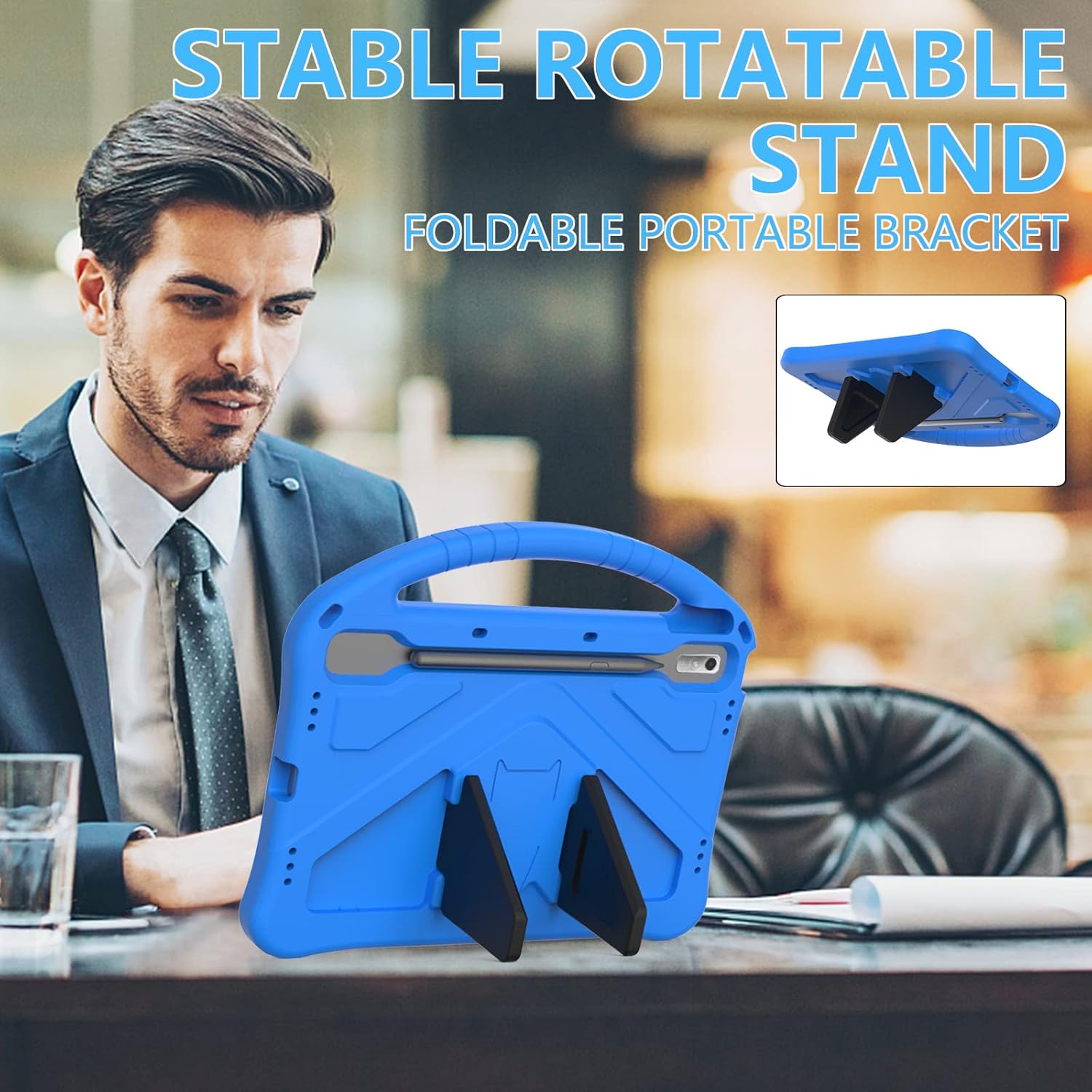
Figure 5: Tablet case with kickstand in use, providing a hands-free viewing experience.
6. Maintenance
- Cleaning: Wipe the case with a soft, damp cloth to remove dust and dirt. Avoid harsh chemicals or abrasive cleaners.
- Storage: Store the case in a cool, dry place away from direct sunlight when not in use for extended periods.
- Inspection: Periodically inspect the case for any signs of wear or damage. Replace if significant damage is observed to ensure continued protection.
7. Troubleshooting
- Issue: Tablet does not fit correctly.
- Solution: Ensure your tablet is a Lenovo Tab P11 Pro 11.2'' (2nd Gen) (models TB-132FU/TB-138FC). This case is designed specifically for these models. If it is the correct model, ensure the tablet is aligned properly and gently pressed into place.
- Issue: Kickstands are difficult to fold or unfold.
- Solution: Apply gentle, even pressure when folding or unfolding the kickstands. They are designed to be snug to provide stable support. Avoid forcing them.
- Issue: Buttons are hard to press or ports are obstructed.
- Solution: Verify that the tablet is fully seated and correctly aligned within the case. The case has precise cutouts for all ports and buttons. If misalignment occurs, remove the tablet and re-insert it carefully.
8. Specifications
| Feature | Detail |
|---|---|
| Brand | ZORSOME |
| Model Number | HD01-TB-132FU |
| Compatible Devices | Lenovo Tab P11 Pro 11.2'' (2nd Gen) (TB-132FU/TB-138FC) |
| Material | Eco-friendly, non-toxic EVA foam |
| Special Features | Flexible, Heavy Duty Protection, Integrated Handle, Kickstand |
| Color | Blue |
| Item Weight | 8 ounces (approx. 227 grams) |
| Package Dimensions | 12.24 x 10.75 x 1.69 inches |
9. Warranty and Support
For warranty information or technical support, please refer to the seller's policy on the platform where the product was purchased or contact ZORSOME customer service directly. Contact details are typically available on the product packaging or the official ZORSOME brand store page.
Note: This manual is for informational purposes only. Product specifications and features are subject to change without notice.