
Garmin 010-02813-00
Garmin GPSMAP 67 Rugged GPS Handheld User Manual
Model: 010-02813-00
Introduction
The Garmin GPSMAP 67 is a premium, rugged GPS handheld device designed for outdoor navigation. It features multi-band GNSS support for enhanced accuracy, a 3-inch color display, and extended battery life. This manual provides essential information for setting up, operating, maintaining, and troubleshooting your device.

Figure 1: Garmin GPSMAP 67 Rugged GPS Handheld Device.
What's in the Box
- GPSMAP 67 handheld device
- Type-A to Type-C USB cable
- Carabiner clip
- Documentation (this manual)
Getting Started: Setup
1. Charging the Device
The GPSMAP 67 is powered by an internal Li-ion rechargeable battery. Before first use, fully charge the device using the provided USB-C cable.
- Connect the small end of the USB-C cable to the USB port on the device.
- Connect the large end of the USB-C cable to a USB power adapter or a computer USB port.
- Allow the device to charge until the battery indicator shows full.
A full charge provides up to 180 hours of battery life in standard mode and up to 840 hours in expedition mode.
2. Initial Power On
To power on the device, press and hold the Power button located on the side of the unit until the screen illuminates.
3. Device Overview and Buttons

Figure 2: Front view of the GPSMAP 67 with key buttons labeled.
Familiarize yourself with the device's buttons for navigation and function access:
- Power Button: On/Off, backlight control.
- PAGE: Scrolls through main pages (Map, Compass, Trip Computer, etc.).
- MENU: Opens the menu for the current page; press twice for main menu.
- ENTER: Selects an option or confirms an action.
- QUIT: Cancels an action, returns to previous page.
- FIND: Opens the search menu for waypoints, geocaches, etc.
- MARK: Marks your current location as a waypoint.
- Zoom In (+): Zooms in on the map.
- Zoom Out (-): Zooms out on the map.
- Directional Pad: Navigates menus and moves the map cursor.
Operating the Device
Navigation and Mapping
The GPSMAP 67 utilizes advanced GNSS and multi-band technology for superior positioning accuracy, even in challenging environments like dense forests or urban canyons.

Figure 3: The device displaying preloaded TopoActive mapping.
- Preloaded TopoActive Maps: The device comes with preloaded TopoActive U.S. and Canada maps, providing terrain contours, topographic elevations, summits, parks, coastlines, rivers, lakes, and geographical points.
- Satellite Imagery: Download high-resolution photo-realistic maps directly to your device via Wi-Fi technology. This allows for easy identification of trails, stand locations, parking, and creation of waypoints.
- ABC Sensors: Navigate with confidence using the built-in altimeter, barometer, and 3-axis electronic compass. The altimeter provides elevation data, the barometer predicts weather changes, and the compass indicates your heading even when stationary.

Figure 4: Multi-band frequency support enhances accuracy in challenging terrain.
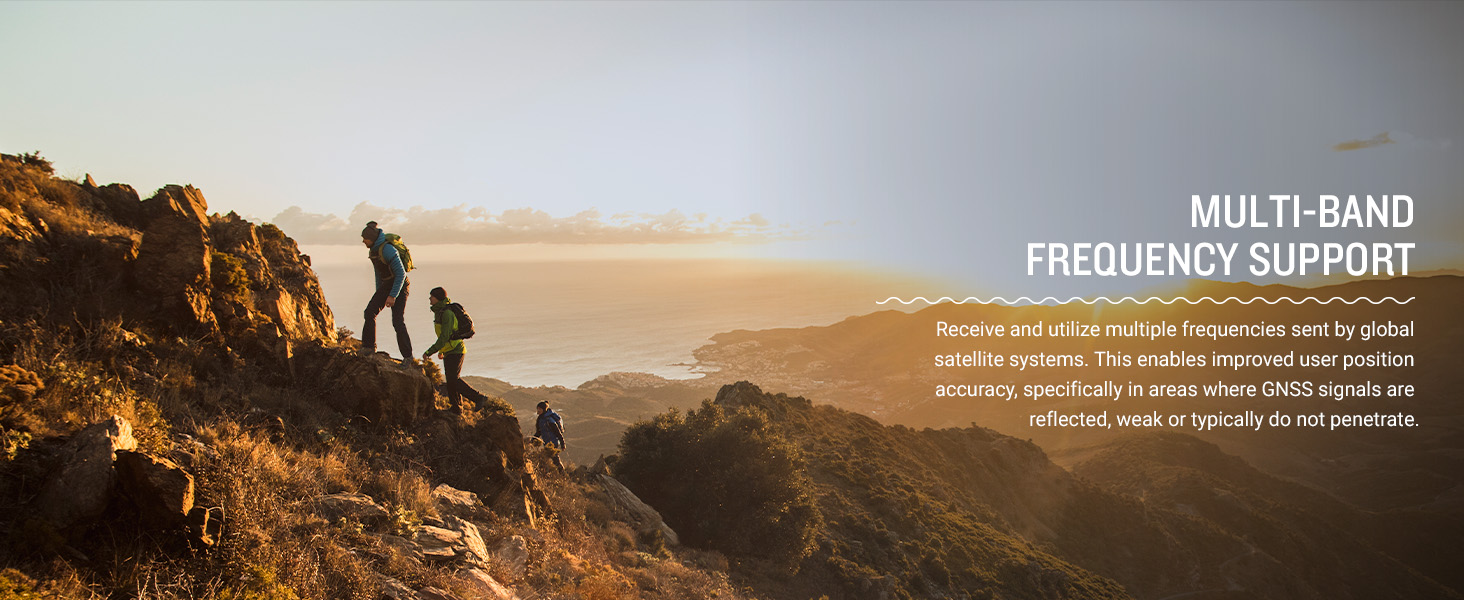
Figure 5: ABC sensors provide critical navigation data.
Connectivity and Smart Features
The GPSMAP 67 offers expanded wireless connectivity to enhance your outdoor experience.
- Garmin Explore App: Pair your device with a compatible smartphone using the Garmin Explore app. This app allows you to plan trips, review and sync waypoints, routes, and tracks. You can also review completed activities in the field.
- Active Weather: When connected to the Garmin Explore app, receive real-time forecast information and animated weather radar directly on your device, keeping you aware of changing conditions.
- Geocaching Live: Get automatic cache updates, including descriptions, logs, and hints. When connected via Wi-Fi or the Garmin Explore app, each find will upload to your Geocaching.com profile.

Figure 6: The Garmin Explore app facilitates trip planning and data management.

Figure 7: Stay informed with real-time weather updates.
Expedition Mode
For extended trips, activate expedition mode to significantly prolong battery life. In this mode, the device reduces GPS track points and sensor data collection to conserve power, offering up to 840 hours of operation.
LED Flashlight
The GPSMAP 67 series includes a built-in LED flashlight, useful for low-light conditions or as a signaling beacon in emergencies.
Figure 8: The integrated LED flashlight provides illumination and signaling capability.
Maintenance
Battery Care
- To maximize battery lifespan, avoid storing the device in extreme temperatures.
- Charge the device regularly, even if not in frequent use, to maintain battery health.
- If storing for an extended period, charge the battery to approximately 50% before storage.
Cleaning the Device
Wipe the device with a soft, damp, lint-free cloth. Avoid using abrasive cleaners or solvents that could damage the device's surface or screen.
Software Updates
Periodically check for software updates via the Garmin Express desktop application or the Garmin Explore app to ensure optimal performance and access to the latest features.
Troubleshooting
| Problem | Possible Solution |
|---|---|
| Device will not power on. | Ensure the battery is charged. Connect the device to a power source and allow it to charge for at least 30 minutes before attempting to power on again. |
| Poor GPS signal reception. | Ensure you are in an open area with a clear view of the sky. Avoid dense tree cover, tall buildings, or deep canyons. Allow the device sufficient time to acquire satellites. |
| Device not connecting to smartphone. | Ensure Bluetooth is enabled on both the GPSMAP 67 and your smartphone. Verify the Garmin Explore app is installed and updated. Try restarting both devices. |
| Battery drains quickly. | Reduce screen brightness, disable unnecessary features like Wi-Fi or Bluetooth when not in use, or switch to expedition mode for extended battery life. Ensure the device software is up to date. |
Specifications
| Feature | Detail |
|---|---|
| Product Dimensions | 2.5 x 6.4 x 1.4 inches |
| Item Weight | 8.1 ounces |
| Model Number | 010-02813-00 |
| Batteries | 1 Lithium Ion battery (included) |
| Battery Life | Up to 180 hours (standard mode), up to 840 hours (expedition mode) |
| Wireless Communication | Bluetooth, Wi-Fi |
| Connectivity Technologies | Bluetooth, USB |
| Human Interface Input | Buttons |
| Color | Black/Green |
| Screen Size | 3 Inches |
| Map Type | North America (TopoActive) |
| Manufacturer | Garmin |
Warranty and Support
For warranty information, product registration, and additional support resources, please visit the official Garmin website or contact Garmin customer service. Keep your proof of purchase for warranty claims.
Official Garmin Website: www.garmin.com
Related Documents - 010-02813-00
 |
Instructions d'installation de la série Garmin GPSMAP 4000/5000 Ce manuel fournit des instructions détaillées pour l'installation des traceurs GPS et des antennes GPS de la série Garmin GPSMAP 4000/5000, incluant le montage, le câblage et les connexions réseau. |
 |
Garmin GPSMAP 64 Series / GPSMAP 64X Series Owner's Manual Comprehensive owner's manual for the Garmin GPSMAP 64 Series and GPSMAP 64X Series handheld GPS devices, covering setup, features, navigation, customization, and troubleshooting. |
 |
Garmin GPSMAP 62 Series Owner's Manual: Setup, Operation, and Troubleshooting Comprehensive owner's manual for the Garmin GPSMAP 62 series GPS devices, covering setup, navigation, features, customization, and troubleshooting. |
 |
Garmin GPSMAP 64 Series / 64X Series User Manual Comprehensive user manual for the Garmin GPSMAP 64 and 64X series handheld GPS devices, covering device overview, battery information, map usage, waypoint and route navigation, track recording, settings customization, maintenance, and troubleshooting. |
 |
Garmin GPSMAP H1/H1i Plus Käyttöopas Kattava käyttöopas Garmin GPSMAP H1 ja H1i Plus -laitteille. Opi käyttöönotto, ominaisuudet, navigointi, inReach-viestintä ja Applied Ballistics -toiminnot. |
 |
GPSMAP® 86 Príručka používateľa: Kompletný sprievodca funkciami a navigáciou Objavte všetky funkcie vášho Garmin GPSMAP® 86. Táto používateľská príručka poskytuje podrobné informácie o navigácii, satelitnej komunikácii inReach, počasí a prispôsobení zariadenia. |
Ask a question about this manual
Ask about setup, troubleshooting, compatibility, parts, safety, or missing instructions. Manuals+ will review the question and use this page’s manual context to help answer it.