
Introduction
This manual provides essential instructions for the setup, operation, and maintenance of your PHILIPS B8907 Soundbar 3.1.2 with Wireless Subwoofer. Please read this manual thoroughly before using the product to ensure proper functionality and to maximize your audio experience. Retain this manual for future reference.

Image: The PHILIPS B8907 Soundbar and its accompanying wireless subwoofer, presented together.
Package Contents
Verify that all items listed below are included in your package:
- PHILIPS B8907 Soundbar
- Wireless Subwoofer
- Remote control (with battery)
- Power cord (for soundbar)
- Power cord (for subwoofer)
- Wall mount bracket kit
- Quick Start Guide
- World Wide Warranty leaflet
Product Overview
The PHILIPS B8907 Soundbar system is designed to enhance your home audio experience with 3.1.2 channel sound, including Dolby Atmos technology and a wireless subwoofer for deep bass. It features angled tweeters to widen the soundstage and offers various connectivity options.
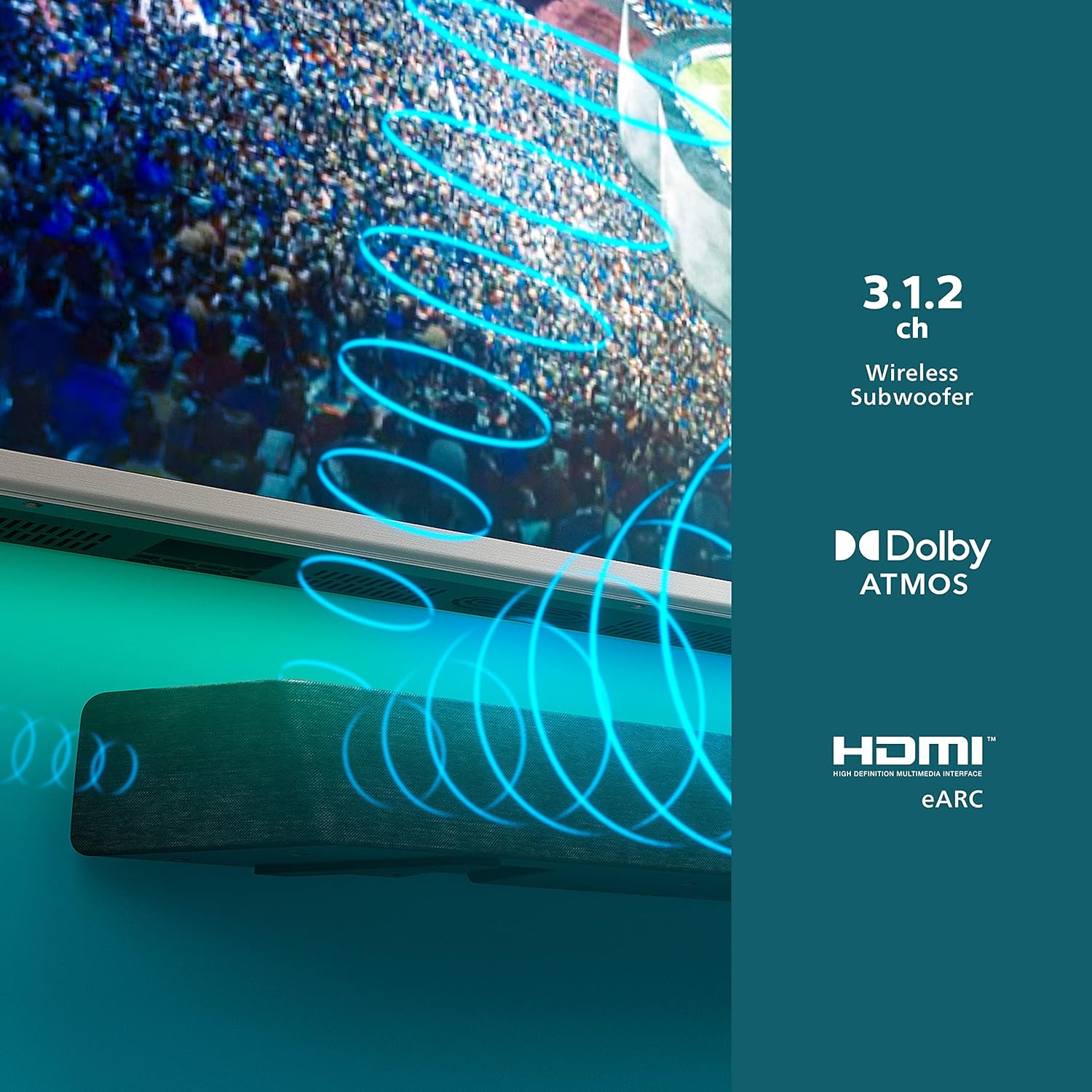
Image: Visual representation highlighting the 3.1.2 channel configuration, Dolby Atmos support, and HDMI eARC connectivity of the soundbar.

Image: The soundbar shown with a smartphone displaying the Play-Fi app, indicating wireless multi-room audio capabilities.

Image: A detailed view of the soundbar's rear panel, illustrating the various input and output ports for connectivity.

Image: A close-up shot of the soundbar's angled speakers, designed to broaden the soundstage and enhance audio immersion.
Setup
1. Placement
- Soundbar: Place the soundbar on a stable, flat surface directly in front of your television, ensuring it does not obstruct the TV's remote sensor. Alternatively, use the included wall mount brackets to mount it below your TV.
- Wireless Subwoofer: Position the wireless subwoofer on the floor, ideally in the front corner of the room for optimal bass response. Ensure it is within wireless range of the soundbar.
2. Connections
- Power: Connect the power cords to the soundbar and the wireless subwoofer, then plug them into a power outlet.
- Audio Connection (Recommended): For the best audio quality, connect your TV to the soundbar using an HDMI cable (not included) to the HDMI ARC/eARC port on both devices. This allows for advanced audio formats like Dolby Atmos and TV remote control of the soundbar volume.
- Alternative Audio Connection: If your TV does not have an HDMI ARC/eARC port, use an optical cable (not included) to connect the TV's optical output to the soundbar's optical input.
- Wireless Subwoofer Pairing: The subwoofer should automatically pair with the soundbar upon power-up. If pairing fails, refer to the troubleshooting section or the Quick Start Guide for manual pairing instructions.
For detailed setup diagrams and instructions, please refer to the included Quick Start Guide.
Operating Instructions
1. Power On/Off
- Press the Power button on the remote control or the soundbar to turn the unit on or off.
2. Input Selection
- Press the Source button on the remote control repeatedly to cycle through available input sources (e.g., HDMI ARC, Optical, Bluetooth, Wi-Fi).
3. Volume Control
- Use the Volume Up (+) and Volume Down (-) buttons on the remote control or the soundbar to adjust the volume.
- Press the Mute button to temporarily silence the audio.
4. Audio Modes and Settings
- The remote control provides buttons for various audio modes (e.g., Movie, Music, News, Stadium EQ). Select the mode that best suits your content.
- Adjust bass and treble levels using dedicated buttons on the remote control, if available.
5. Using the Philips Sound App
Download the Philips Sound app on your mobile device to access additional controls and settings, including multi-room audio configuration via Play-Fi.
Connectivity
HDMI eARC
Connect to your TV's HDMI eARC port for high-quality audio transmission, including Dolby Atmos, and seamless control with your TV remote.
Bluetooth
Pair your mobile device with the soundbar via Bluetooth to stream audio wirelessly. Select Bluetooth as the input source and follow your device's pairing instructions.
Wi-Fi (AirPlay, Spotify Connect, Chromecast, Play-Fi)
Connect the soundbar to your home Wi-Fi network to enable streaming via AirPlay, Spotify Connect, and Chromecast. The Play-Fi compatibility allows for multi-room audio setups with other Play-Fi enabled devices, managed through the Philips Sound app.
Special Features
Dolby Atmos
Experience immersive, three-dimensional sound with Dolby Atmos. The soundbar's up-firing speakers create a dome of sound, making audio effects appear to come from above and around you, enhancing your movie and gaming experience.
Angled Tweeters
The uniquely designed angled tweeters at each end of the soundbar broaden the soundstage, distributing sound waves across the room. This design helps in separating instruments and creating a wider, more detailed audio landscape.
Stadium EQ Mode
Activate Stadium EQ Mode to transform your listening environment into a live sports stadium. This mode enhances crowd sounds and commentary, providing an immersive experience for sports broadcasts.
Maintenance
- Cleaning: Use a soft, dry cloth to clean the surfaces of the soundbar and subwoofer. Do not use liquid cleaners or abrasive materials.
- Ventilation: Ensure adequate ventilation around both units to prevent overheating. Do not block any ventilation openings.
- Power: Disconnect the power cords from the wall outlet if the unit will not be used for an extended period.
Troubleshooting
If you encounter issues with your PHILIPS B8907 Soundbar, refer to the following common solutions:
| Problem | Possible Solution |
|---|---|
| No power | Ensure power cords are securely connected to the soundbar, subwoofer, and a working power outlet. |
| No sound |
|
| Subwoofer not pairing |
|
| Bluetooth connection issues |
|
For more comprehensive troubleshooting, consult the full user manual or the Philips support website.
Specifications
| Feature | Detail |
|---|---|
| Model Name | TAB8907/37 |
| Speaker Type | Soundbar with Wireless Subwoofer |
| Surround Sound Channel Configuration | 3.1.2 |
| Special Features | Bass Boost, Display, Dolby Enabled, Subwoofer |
| Compatible Devices | Smartphone, Tablet, Laptop, TV |
| Product Dimensions (Overall) | 37"D x 16.4"W x 5.9"H |
| Item Weight | 25 Pounds (total system) |
| Control Method | Remote Control, Voice (via compatible assistants), Philips Sound App |
| Wireless Communication Technology | Airplay, Bluetooth, Wi-Fi (Play-Fi, Spotify Connect, Chromecast) |
| Speaker Maximum Output Power | 720 Watts |
| Audio Output Mode | Surround |
| Woofer Diameter | 8 Inches (Subwoofer) |
| Subwoofer Connectivity | Wireless |
| Mounting Type | Bar Mount (Wall mountable) |
Warranty and Support
Your PHILIPS B8907 Soundbar comes with a World Wide Warranty. Please refer to the included "World Wide Warranty leaflet" for detailed terms and conditions, including warranty period and claim procedures.
For further assistance, product registration, or to download the full user manual, please visit the official Philips support website. You can typically find support resources by searching for "Philips support" and your product model number (B8907 or TAB8907/37).
Keep your purchase receipt as proof of purchase for warranty claims.