
Product Overview
The Philips Shaver Series 9000 Prestige (Model SP9885/35) is an advanced wet and dry electric shaver designed for an exceptionally close and gentle shave. It incorporates SkinIQ technology to sense and adapt to your beard density for optimal performance. This model includes a Quick Clean Pod for convenient maintenance.
Key Features:
- NanoTech Dual Precision Blades: Delivers extremely close results with up to 165,000 cutting actions per minute. Features 72 self-sharpening blades hardened with nano-particles for long-lasting sharpness.
- SkinIQ Technology: Intelligent facial hair sensor reads hair density 500 times per second, auto-adapting cutting power for an effortless and gentle shave.
- Protective SkinGlide Coating: Contains up to 500,000 hydrophilic microtech beads per square centimeter, creating a 50% smoother glide for maximum skin comfort.
- Fully Flexible Heads: Adapts completely to every contour of your face, capturing even difficult hairs for a smooth and comfortable shave.
- Digital Motor: Advanced Philips digital motor ensures precise shaving for any facial contour or hair density.
- Wet & Dry Shave: Offers the convenience of a dry shave or a refreshing wet shave with foam or gel.
- Digital Display: Intuitive icons provide convenience and ease of use, including a numerical battery countdown.
- Quick Clean Pod: Powerful cleaning pod for maintenance and hygiene.
- Wireless Charging: Convenient wireless charging capability.
- Click-on Beard Styler: Includes a beard styler attachment with 5 length settings.
Safety Information
- Always unplug the shaver before cleaning or charging.
- Do not use the shaver near water while charging.
- Always hold the shaver away from your face while charging.
- Clean the shaver after each use and allow it to dry completely before storing.
- Be cautious while using the shaver, especially around sensitive areas, to avoid cuts.
Setup
Initial Charging
Before first use, fully charge your Philips Shaver Series 9000 Prestige. The shaver fully charges in one hour. The digital display will show a numerical countdown of the battery percentage, indicating the charge level.

Figure 1: Philips Shaver Series 9000 Prestige with its Quick Clean Pod and various accessories, including the wireless charging pad and beard styler.
Attaching Accessories
The shaver head can be easily removed by pressing a button to flip it open. This allows for convenient cleaning and attachment of other accessories like the beard styler. To attach the beard styler, simply remove the shaver head and click the styler into place. Ensure it is securely fastened before use.
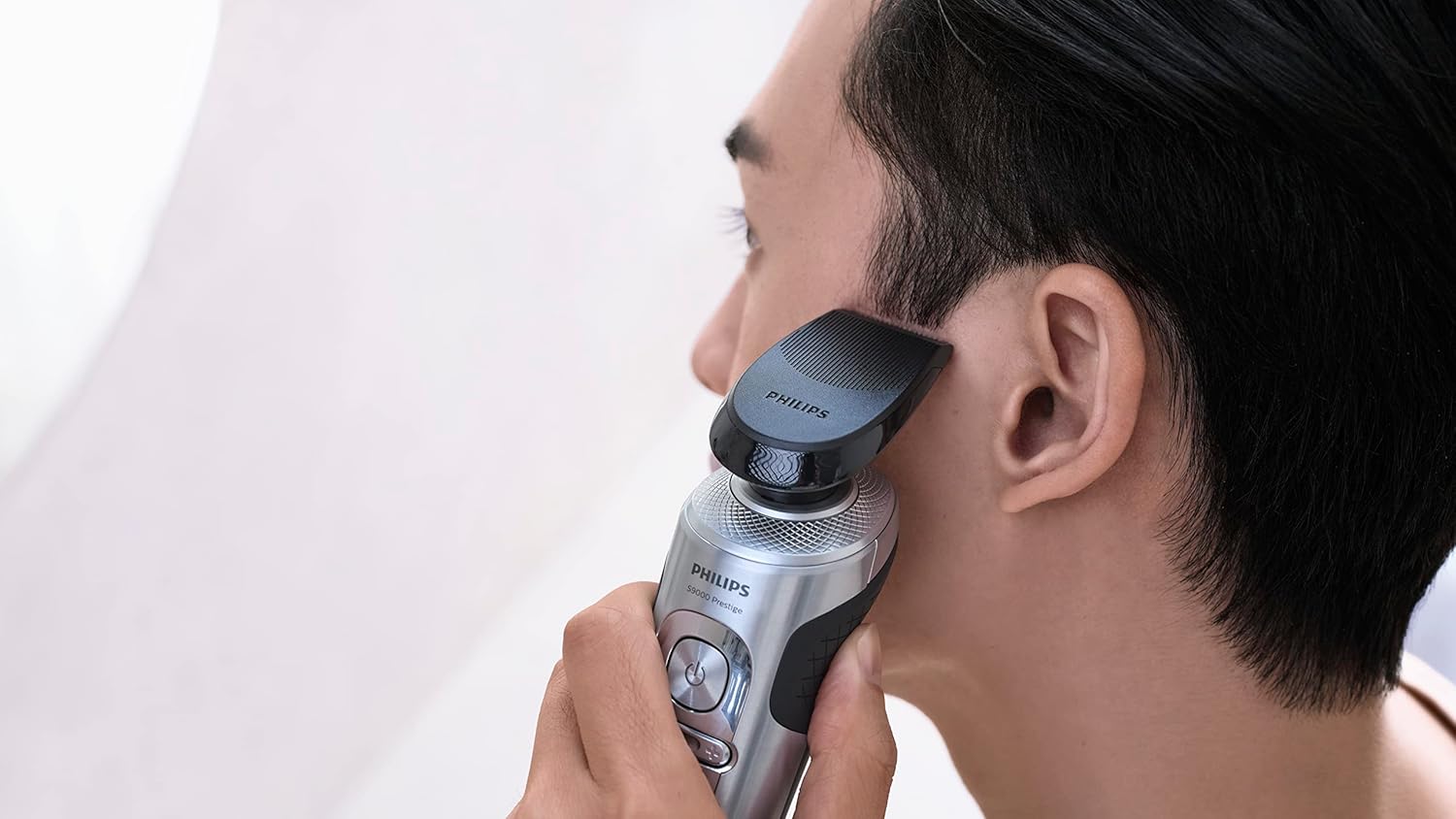
Figure 2: A man demonstrating the use of the Philips Shaver Series 9000 Prestige with the click-on beard styler attachment for precise grooming.
Operating Instructions
Shaving Modes
The shaver offers three shaving modes (low, mid, and high power) to suit your preference and beard density. These modes can be selected using the plus and minus buttons located below the power button on the shaver's body. The SkinIQ technology will automatically adapt the cutting power, but you can manually adjust the mode for a more personalized experience.
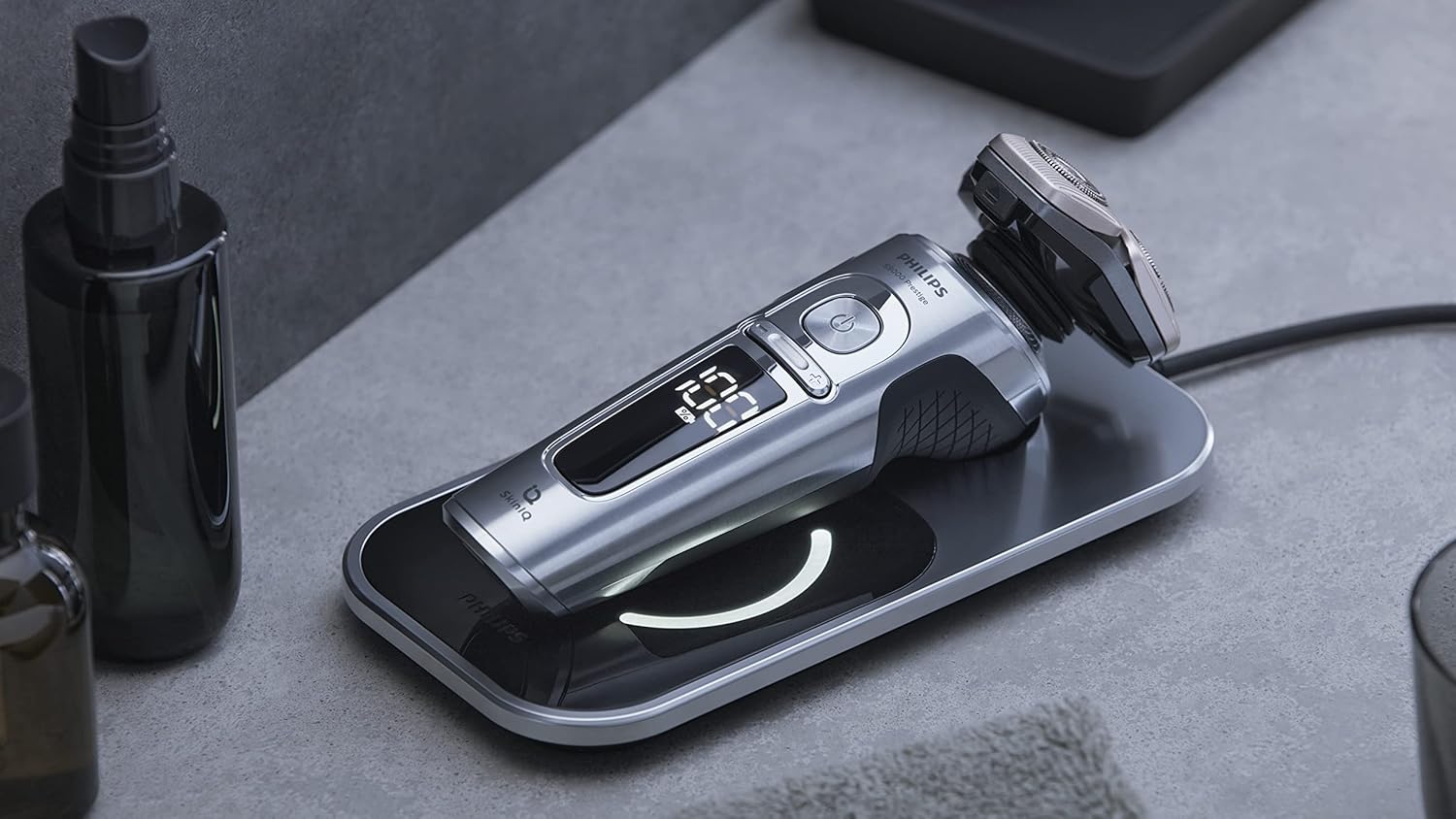
Figure 3: A detailed view of the shaver's digital display, which provides a numerical battery percentage countdown for user convenience.
Wet or Dry Shave
You can choose to shave dry or wet. For a wet shave, wet your skin and apply shaving cream or gel. Move the shaver gently over your skin in circular motions. The fully flexible heads and SkinGlide coating ensure a comfortable experience, adapting to facial contours and minimizing irritation.
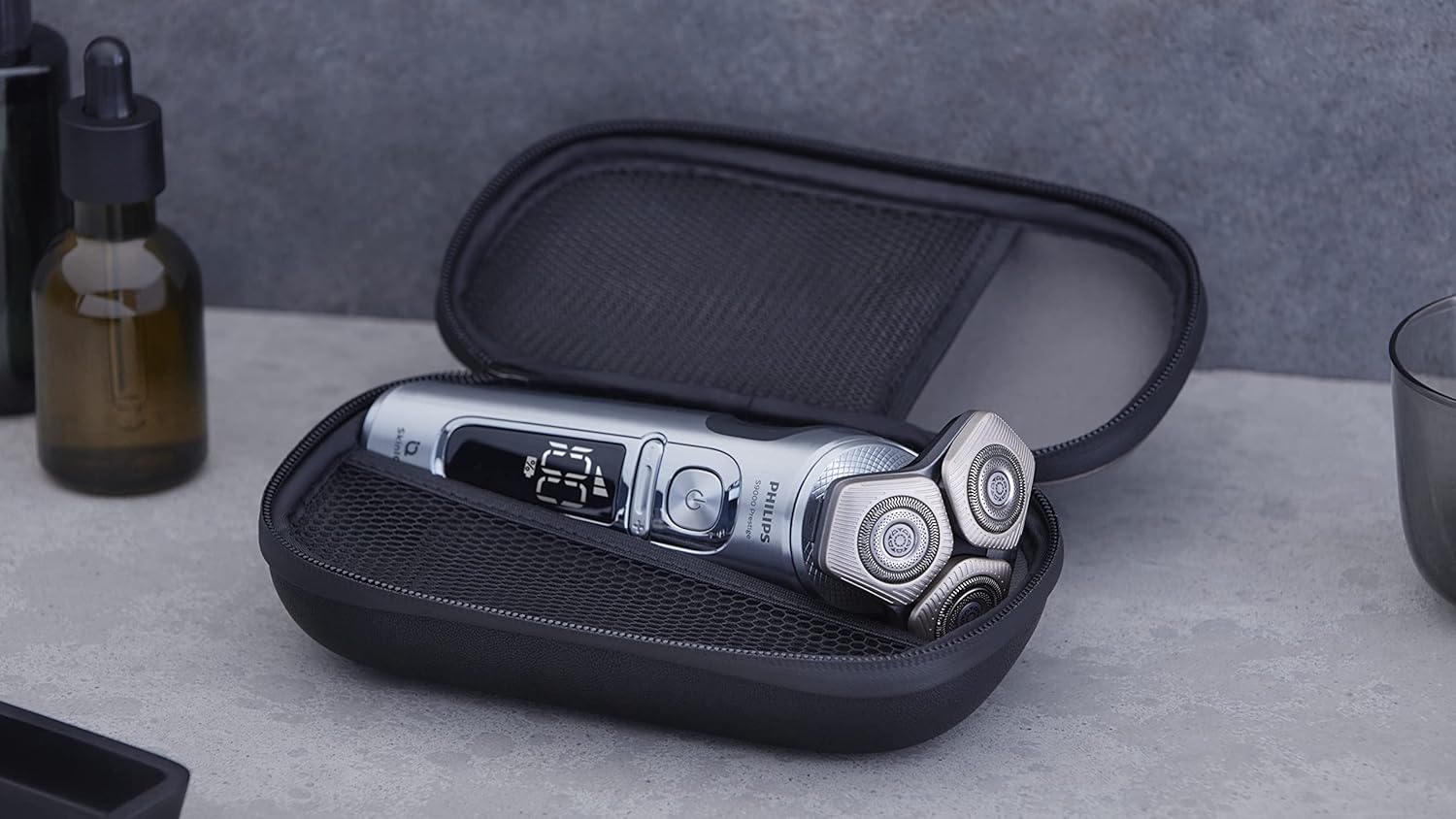
Figure 4: The shaver's flexible heads are shown adapting to the contours of a man's face during a shave, highlighting its ergonomic design.
Maintenance
Cleaning the Shaver
Cleaning the shaver is simple. After each use, rinse the shaver under running water. The push-button design allows the head section to flip open, providing easy access to the blades for thorough cleaning. This design eliminates the need for separate caps or heads to be removed, making the cleaning process very convenient.

Figure 5: The shaver head is shown in its open position, illustrating the ease of access for cleaning the internal components and blades.
Quick Clean Pod Usage
For more thorough cleaning and hygiene, use the Quick Clean Pod. Place the shaver into the pod as per the pod's instructions. The pod provides a powerful cleaning cycle to keep your shaver in optimal condition.
Troubleshooting
If you encounter any issues with your Philips Shaver Series 9000 Prestige, please refer to the following general troubleshooting tips:
- Shaver not turning on: Ensure the shaver is fully charged. Check the digital display for battery level.
- Reduced shaving performance: Clean the shaver head thoroughly. Ensure the blades are free from hair and debris. Consider replacing the shaving heads if performance does not improve after cleaning, as blades can dull over time.
- Skin irritation: Ensure you are using the correct shaving mode for your skin sensitivity. For sensitive skin, try the lower power mode. Ensure your skin is properly prepared (e.g., wet with shaving cream for wet shave).
- Charging issues: Ensure the wireless charging pad is properly connected to a power source and the shaver is correctly placed on the pad.
Specifications
| Feature | Detail |
|---|---|
| Model Number | SP9885/35 |
| Brand | PHILIPS |
| Power Source | Corded Electric (for charging) |
| Special Feature | Self-Sharpening Blades, SkinIQ Technology, Protective SkinGlide Coating |
| Recommended Uses | Face, Carving |
| Package Dimensions | 9.69 x 6.61 x 6.57 inches |
| Item Weight | 3.02 Pounds |
| First Available Date | January 19, 2023 |
Warranty and Support
For warranty information and customer support, please refer to the documentation included with your product or visit the official Philips website. Keep your proof of purchase for any warranty claims.
Legal Disclaimer: Statements regarding dietary supplements have not been evaluated by the FDA and are not intended to diagnose, treat, cure, or prevent any disease or health condition.


