
1. Introduction
This manual provides essential instructions for the safe and effective use of your Meowyn Ultrasonic Mesh Nebulizer, Model YS37E. This device is designed to convert liquid medication into a fine mist for inhalation, facilitating respiratory treatment for both adults and children. Please read this manual thoroughly before first use and retain it for future reference.
2. Important Safety Information
WARNING: Always consult your physician or healthcare provider before using this device or any new medication. Do not alter medication dosages without professional medical advice.
- Use only medications prescribed by a healthcare professional for nebulization.
- Do not immerse the main unit in water or other liquids.
- Keep the device out of reach of infants and young children.
- Ensure the device is clean and dry before each use to prevent contamination.
- Do not operate the device if it is damaged or malfunctioning.
- Use only the provided USB-C cable for charging.
- Avoid using the device in environments with high humidity or near flammable gases.
3. Product Overview and Components
The Meowyn Ultrasonic Mesh Nebulizer is a compact and portable device designed for efficient medication delivery. It utilizes advanced vibrating micro mesh technology to produce a fine mist.

Image: The Meowyn Ultrasonic Mesh Nebulizer main unit shown with an adult mask, a child mask, and a mouthpiece.
Included Accessories:
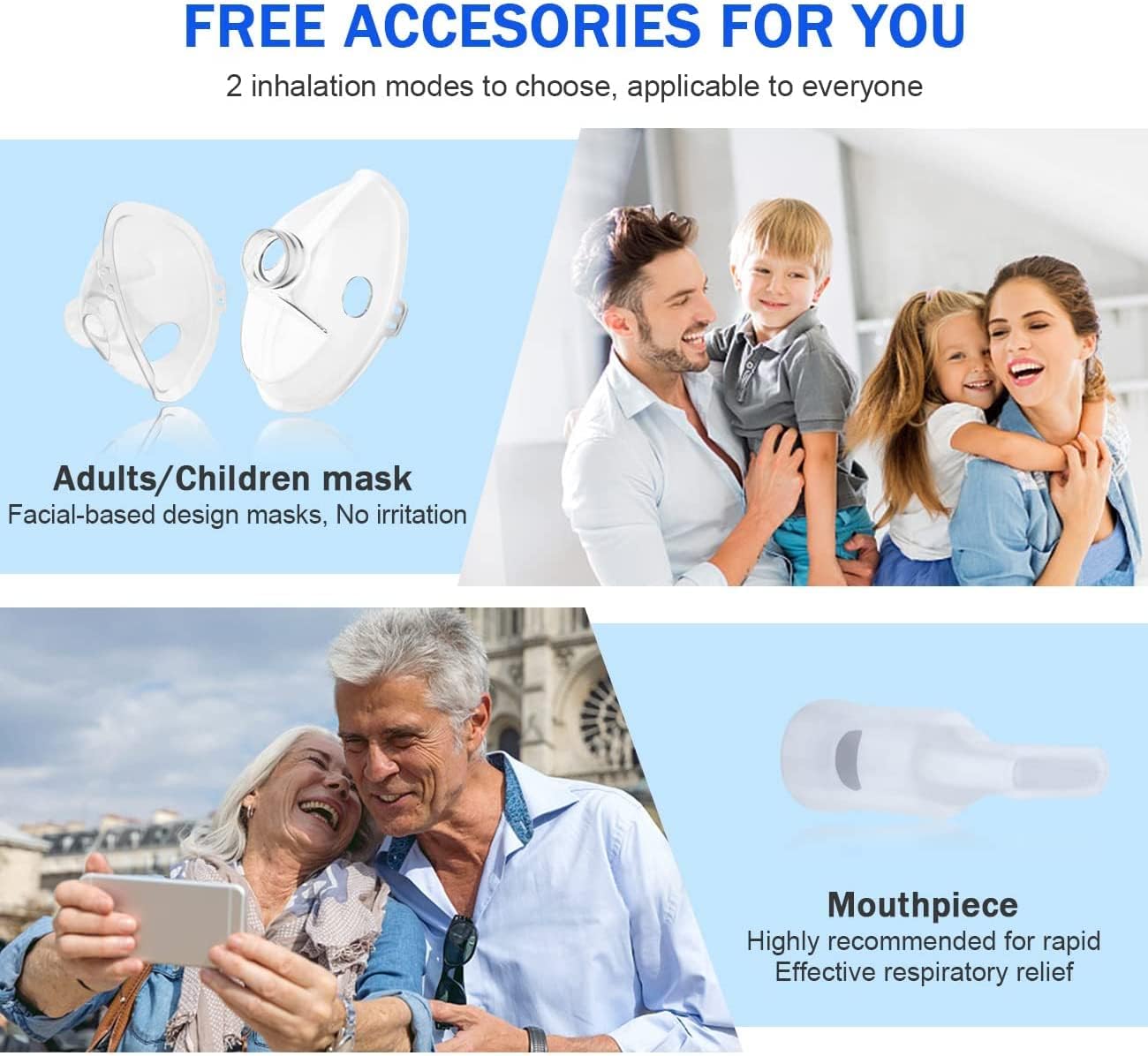
Image: Close-up of the included accessories: an adult mask, a child mask, and a mouthpiece, designed for various users.
- Main Unit: Contains the power button, indicator lights, and medication cup.
- Adult Mask: For use by adult patients.
- Child Mask: For use by pediatric patients.
- Mouthpiece: For direct inhalation.
- USB-C Charging Cable: For recharging the internal battery.
4. Setup and Charging
4.1 Initial Charging
Before first use, fully charge the nebulizer. The device features a built-in rechargeable battery.
- Connect the supplied USB-C charging cable to the charging port on the nebulizer.
- Connect the other end of the USB-C cable to a 5V/2A power source, such as a smartphone charger, power bank, or laptop USB port.
- The LED indicator will show charging status (refer to Section 5.3 for indicator details). A full charge typically provides over 1 hour of continuous use.

Image: The Meowyn Nebulizer connected to a USB wall charger via its USB-C cable, illustrating the charging process.
4.2 Preparing for Use
- Ensure the device is clean and dry (refer to Section 6 for cleaning instructions).
- Open the medication cup cover.
- Carefully pour the prescribed liquid medication into the medication cup. Do not overfill.
- Close the medication cup cover securely.
- Attach the desired accessory (adult mask, child mask, or mouthpiece) to the nebulizer's outlet.
5. Operation
5.1 Powering On and Nebulization Modes
The nebulizer offers adjustable nebulization modes to suit different needs.

Image: Illustration of the two adjustable nebulization modes: Strong Mode (≥0.25 ml/min) suitable for adults, and Mild Mode (≥0.15 ml/min) suitable for children.
- To turn on: Press the power button once. The device will start in the default mode.
- To switch modes: Press the power button again to toggle between Strong Mode (for adults, ≥0.25 ml/min) and Mild Mode (for children, ≥0.15 ml/min).
- To turn off: Press and hold the power button for a few seconds until the device shuts down. The device also features an auto-shutdown function after 20 minutes of continuous operation.
5.2 Efficient Atomization
The Meowyn nebulizer utilizes ultrasonic technology to produce fine mist particles, ensuring efficient delivery of medication to the respiratory tract.

Image: A diagram illustrating how the fine mist particles (less than 5μm) generated by the nebulizer effectively reach the upper respiratory tract, trachea, bronchi, and lungs.
5.3 Quiet Operation
The device operates with minimal noise, making it suitable for use without causing disturbance.

Image: An illustration highlighting the nebulizer's ultra-quiet operation at approximately 25dB, significantly lower than typical conversation (50dB) or office noise (60dB).
5.4 LED Indicator Lights
The smart LED indicator provides visual feedback on the device's status.

Image: The LED indicator displaying three states: Working Status (blue light), Low Power (red light), and Auto Shutdown in 20 Mins (blinking light).
- Working Status: Indicates the device is actively nebulizing.
- Low Power: Indicates the battery level is low and requires charging.
- Auto Shutdown: The device will automatically turn off after 20 minutes of continuous use to prevent overheating and conserve battery.
6. Cleaning and Maintenance
Proper cleaning and maintenance are crucial for the longevity and hygienic operation of your nebulizer.
- After each use: Disassemble the medication cup and accessories (masks, mouthpiece).
- Rinse the medication cup and accessories thoroughly with clean, warm water.
- For deeper cleaning, especially after using certain medications, wash the components with a mild detergent and rinse thoroughly.
- Allow all components to air dry completely before reassembling or storing.
- Wipe the main unit with a soft, damp cloth. Do not submerge the main unit in water.
- Store the nebulizer and its accessories in a clean, dry place.
7. Troubleshooting
If you encounter issues with your nebulizer, refer to the table below for common problems and solutions.
| Problem | Possible Cause | Solution |
|---|---|---|
| No mist produced | Low battery; Medication cup empty; Mesh clogged; Device not turned on. | Charge the device; Refill medication cup; Clean the mesh; Press power button. |
| Weak mist | Low battery; Insufficient medication; Mesh partially clogged. | Charge the device; Ensure adequate medication; Clean the mesh thoroughly. |
| Device does not turn on | Battery depleted; Device malfunction. | Charge the device; If problem persists, contact customer support. |
| LED indicator shows red | Low battery. | Connect to charger immediately. |
If the problem persists after attempting these solutions, please contact customer support.
8. Specifications
| Feature | Detail |
|---|---|
| Model Number | YS37E |
| Brand | Meowyn |
| Nebulization Technology | Ultrasonic Mesh |
| Particle Size | < 5μm |
| Nebulization Rate (Strong Mode) | ≥0.25 ml/min |
| Nebulization Rate (Mild Mode) | ≥0.15 ml/min |
| Noise Level | < 25dB |
| Power Source | USB-C Rechargeable (Built-in Lithium-polymer battery) |
| Battery Capacity | 500 mAh |
| Charging Input | DC 5V/1A |
| Auto Shutdown | 20 minutes |
| Dimensions | 14.8 x 14.4 x 6.8 cm (approximate package dimensions) |
| Weight | 240 grams (approximate package weight) |
| Material | Plastic |
9. Warranty and Support
Meowyn products are manufactured to high-quality standards. For information regarding warranty coverage, please refer to the warranty card included with your product or visit the official Meowyn website.
For technical support, troubleshooting assistance, or inquiries about replacement parts, please contact Meowyn customer service through the contact information provided on the product packaging or the official website. Please have your model number (YS37E) and purchase date available when contacting support.


