
CIKUNASI 7064
CIKUNASI Queen Size Bed Frame
User Manual
1. Product Overview
The CIKUNASI Queen Size Bed Frame is designed for comfort and functionality, featuring a headboard with integrated storage and charging capabilities, along with under-bed storage drawers and optional LED lighting. This sturdy platform bed frame eliminates the need for a box spring.

Image: Full view of the CIKUNASI Queen Size Bed Frame, showcasing the headboard with shelf, charging station, and two under-bed storage drawers.
Key Features:
- Headboard with Charging Station: Includes 2 AC outlets, 1 USB port, and 1 Type-C charging port for convenient device charging.
- Integrated Storage Shelf: Provides space on the headboard for small items like phones, alarm clocks, and books.
- Under-Bed Storage Drawers: Two fabric drawers with wheels offer ample space for clothes, bedding, or other items, maximizing room utilization.
- Optional LED Lights: Self-adhesive RGB LED strip with remote and app control, offering over 20 colors and 4 modes to customize bedroom ambiance.
- Sturdy Construction: Features 11 thickened metal slats supporting up to 1000 lbs, designed for noise-free operation.
- No Box Spring Needed: Compatible with mattresses between 8 to 12 inches in depth.
2. Setup and Assembly
Assembly of the CIKUNASI Queen Size Bed Frame is designed to be straightforward. It typically takes approximately 45 minutes for two people to complete, and no additional tools are required beyond what is provided.
Before You Begin:
- Unpack all components and verify against the parts list provided in your packaging.
- Ensure you have sufficient space for assembly.
- Keep all screws and small parts organized to prevent loss.

Image: Detailed diagram showing the dimensions of the bed frame components, including the headboard, frame, and drawers, with measurements in inches.
Assembly Steps:
- Begin by assembling the headboard structure, connecting the metal frame pieces as indicated in your instruction manual.
- Attach the upholstered headboard panel and the wooden storage shelf to the headboard frame.
- Assemble the main bed frame rails and support legs. Ensure all connections are secure.
- Install the metal slats onto the bed frame. Each slat should be securely fastened to prevent movement and noise.
- Assemble the two fabric storage drawers according to the instructions. Insert the wheels into the designated slots.
- Place the assembled drawers under the bed frame.
- If using the optional LED lights, adhere the strip to the desired location (e.g., headboard shelf or backside) and connect to the power source.
Refer to the detailed graphical instructions included in your product packaging for step-by-step visual guidance.
3. Operating Instructions
Using the Headboard Charging Station:
The headboard is equipped with a power strip for convenient charging of your electronic devices.
- Plug the bed frame's power cord into a standard wall outlet.
- Utilize the 2 AC outlets for standard plugs, and the USB and Type-C ports for charging compatible devices like smartphones and tablets.
- The storage shelf provides a stable surface to place devices while they charge.

Image: A close-up view of the headboard's integrated power strip, showing two AC outlets, a USB port, and a Type-C port, with devices plugged in.
Utilizing Storage Drawers:
The two fabric drawers are designed for easy access and dustproof storage.
- Pull the drawers out from under the bed using the handles.
- Store items such as bedding, clothing, or shoes.
- Push the drawers back into place. Ensure they are aligned correctly to slide smoothly.

Image: Two grey fabric storage drawers pulled out from under the bed frame, revealing stored blankets and linens.
Controlling LED Lights (Optional):
If you have installed the optional LED light strip, you can control its settings.
- Use the provided remote control or download the compatible mobile application to manage the LED lights.
- Adjust colors (over 20 options), brightness, and choose from 4 adjustable modes (e.g., static, flash, fade, strobe).
- The lights can be used to create various ambiance settings in your bedroom.
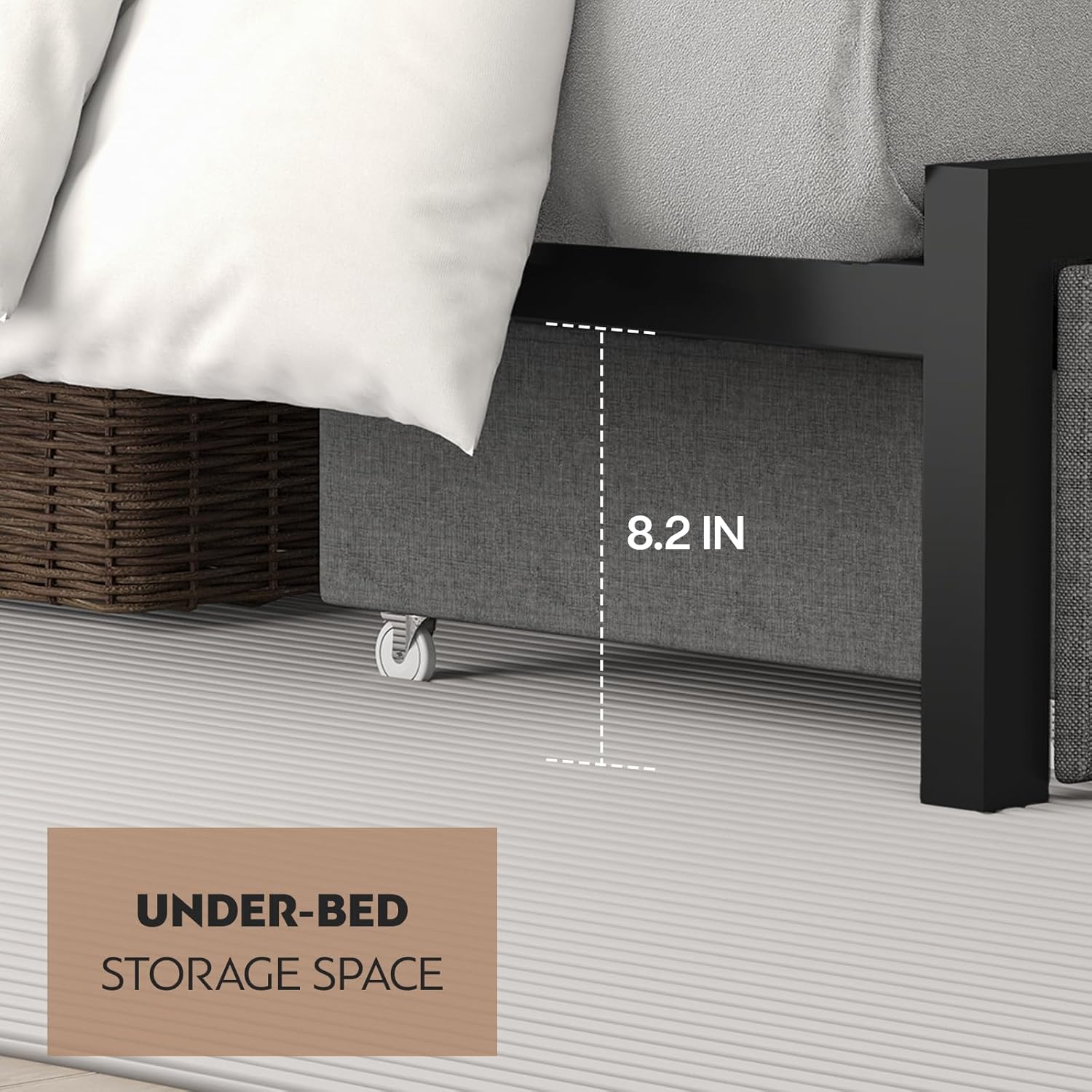
Image: The bed frame with its LED lights illuminated in a vibrant color, accompanied by an image of the remote control and a smartphone screen displaying the control app interface.
4. Maintenance
Regular maintenance will help preserve the appearance and structural integrity of your bed frame.
- Cleaning: Wipe metal surfaces with a soft, damp cloth. For fabric components (headboard and drawers), use a mild fabric cleaner or vacuum with a brush attachment to remove dust and debris. Avoid harsh chemicals.
- Tightening Connections: Periodically check all screws and bolts to ensure they remain tight. Loose connections can lead to instability and noise. Tighten as necessary.
- Drawer Care: Keep the drawer wheels clean and free of debris to ensure smooth operation.
- LED Lights: If the LED strip becomes dusty, gently wipe it with a dry, soft cloth. Do not use liquid cleaners directly on the LED strip or electrical components.
5. Troubleshooting
This section addresses common issues you might encounter with your bed frame.
Noise/Squeaking:
- Cause: Loose connections or uneven assembly.
- Solution: Re-check all screws and bolts, especially those connecting the frame rails and slats. Ensure they are fully tightened. Verify that the bed frame is on a level surface.
Drawers Difficult to Open/Close:
- Cause: Misalignment, debris in wheels, or overfilling.
- Solution: Ensure the drawers are aligned correctly with the bed frame's opening. Check the wheels for any obstructions and clean if necessary. Avoid overfilling the drawers, which can cause them to jam.
Mattress Sliding:
- Cause: Smooth mattress bottom on metal slats.
- Solution: Consider placing a non-slip mat or rubber grippers between the mattress and the slats to increase friction.
Charging Station Not Working:
- Cause: Power cord not plugged in, outlet issue, or device compatibility.
- Solution: Ensure the bed frame's power cord is securely plugged into a functional wall outlet. Test the wall outlet with another device. Verify your device and charging cable are compatible with the USB/Type-C ports.
Missing or Damaged Parts:
- Solution: Refer to the Warranty & Support section for instructions on obtaining replacement parts.
6. Specifications
| Feature | Detail |
|---|---|
| Brand | CIKUNASI |
| Model Number | 7064 |
| Size | Queen |
| Color | Grey |
| Product Dimensions | 81.4"L x 60.6"W x 41.7"H |
| Item Weight | 73 pounds |
| Weight Capacity | 1000 lbs |
| Compatible Mattress Size | 8"-12" depth |
| Included Components | Headboard, Slats, Drawers |
| Assembly Required | Yes |
| Ground To Item Distance | 9.8 Inches |
7. Warranty and Support
Warranty Information:
CIKUNASI provides the following warranty coverage for your bed frame:
- Replacement for any missing or invalid parts.
Customer Support:
For any questions, concerns, or assistance with your CIKUNASI bed frame, please contact our customer support team. We are committed to providing helpful and patient after-sales service, with replies typically within 12 hours.
You can reach us via the Amazon messaging system or by visiting the official CIKUNASI store page: