
Introduction
Thank you for choosing the AILRINNI 17.3 Inch Portable Monitor. This monitor is designed to provide a high-quality visual experience with its IPS FHD 1080P display, making it ideal for extending your display, gaming, or business presentations on the go. Its slim profile and lightweight design ensure maximum portability. This manual provides essential information for setting up, operating, maintaining, and troubleshooting your new portable monitor.
What's in the Box
Please check the package contents to ensure all items are present:
- 1 x AILRINNI 17.3 Inch Portable Monitor
- 1 x Foldable Monitor Smart Case
- 1 x Screen Protector
- 1 x Mini HDMI to HDMI Cable
- 1 x USB Type-C to Type-C Cable
- 1 x USB-A to Type-C Cable (for power)
- 1 x Charging Head (Power Adapter)
- 1 x User Manual

Image: Package contents showing the portable monitor, smart case, various cables, power adapter, and user manual.
Product Features
- 17.3 Inch IPS FHD 1080P Display: Enjoy crisp, clear visuals with a 1920x1080 resolution and a wide 178° viewing angle.
- HDR Technology: Enhances image contrast and color for a more dynamic viewing experience.
- Dual Integrated Speakers: Provides audio output without external speakers.
- Versatile Connectivity: Features Mini HDMI and Full Function USB-C ports for broad compatibility.
- Portable Design: Slim 0.4-inch profile and lightweight for easy transport.
- Smart Case: Included foldable case offers protection and multi-angle viewing options.

Image: Key features of the monitor, including 72% NTSC color gamut, full-function Type-C, HDR 1080P, and dual speakers.
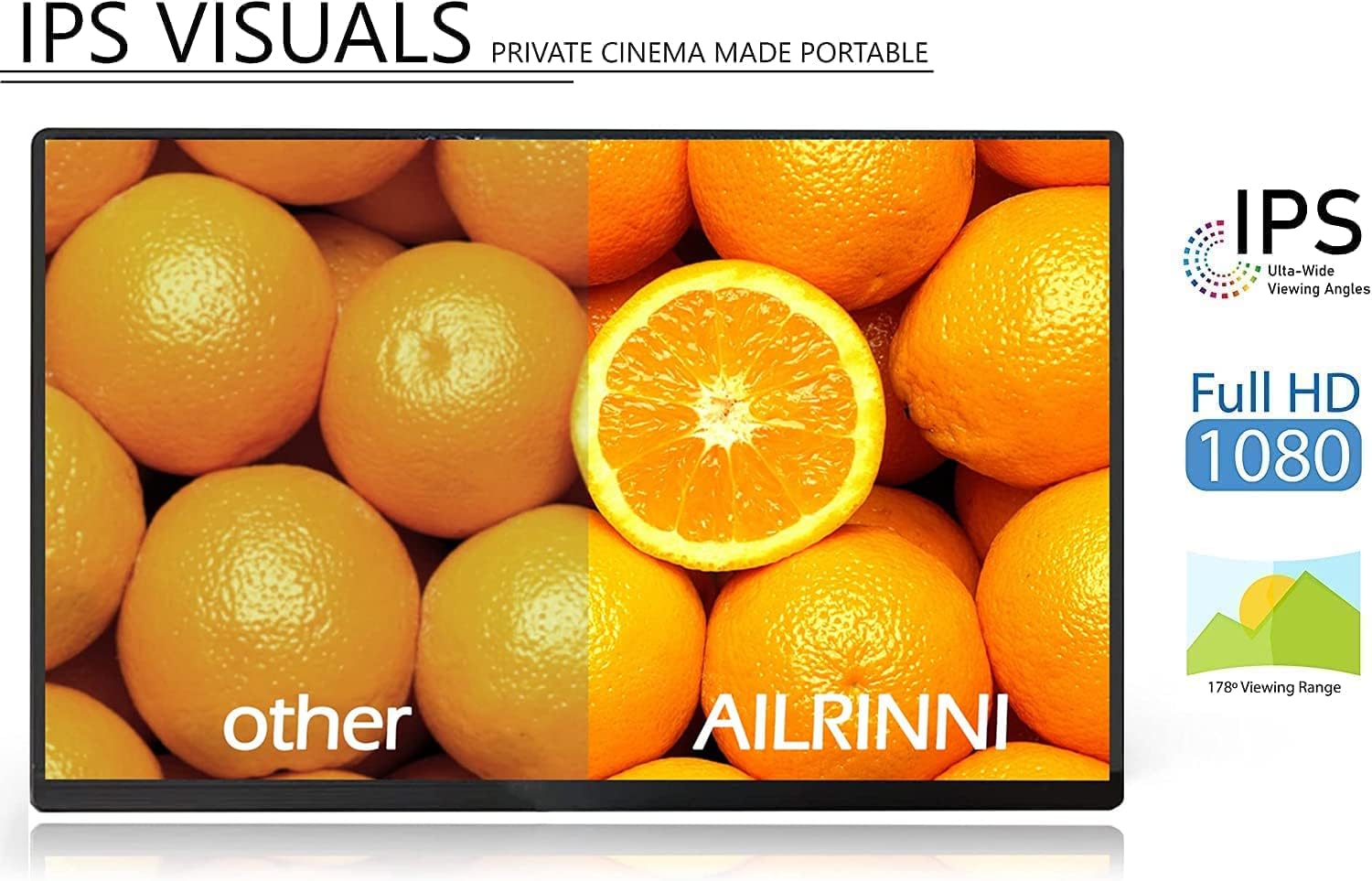
Image: Visual comparison demonstrating the quality of IPS visuals with a 178-degree viewing range and Full HD 1080P.
Setup
The AILRINNI portable monitor offers flexible connectivity options. Ensure your device supports the necessary output for optimal performance.
Connecting to Devices
- Using USB-C (Full Function):
If your laptop, phone, or tablet has a full-featured USB-C port (supporting video output and power delivery), connect the monitor using the provided USB Type-C to Type-C cable. This single cable can transmit both video signal and power.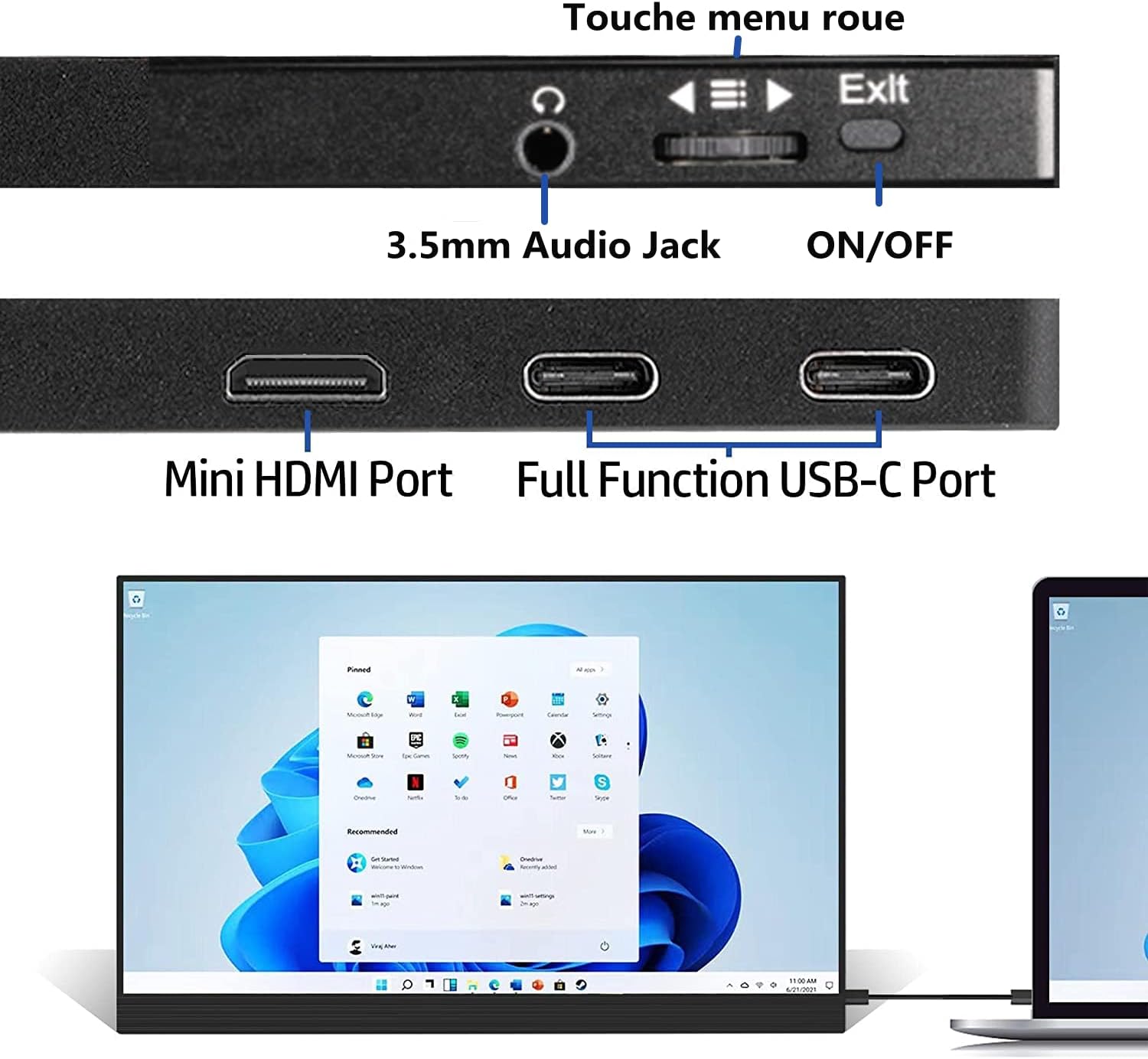
Image: Connecting the portable monitor to a laptop via USB-C for extended display.
- Using Mini HDMI:
For devices with an HDMI output (e.g., PC, gaming consoles like PS4, Xbox, Nintendo Switch), connect the monitor using the provided Mini HDMI to HDMI cable. You will also need to connect the USB-A to Type-C cable to the monitor for power, using the included charging head or another compatible USB power source.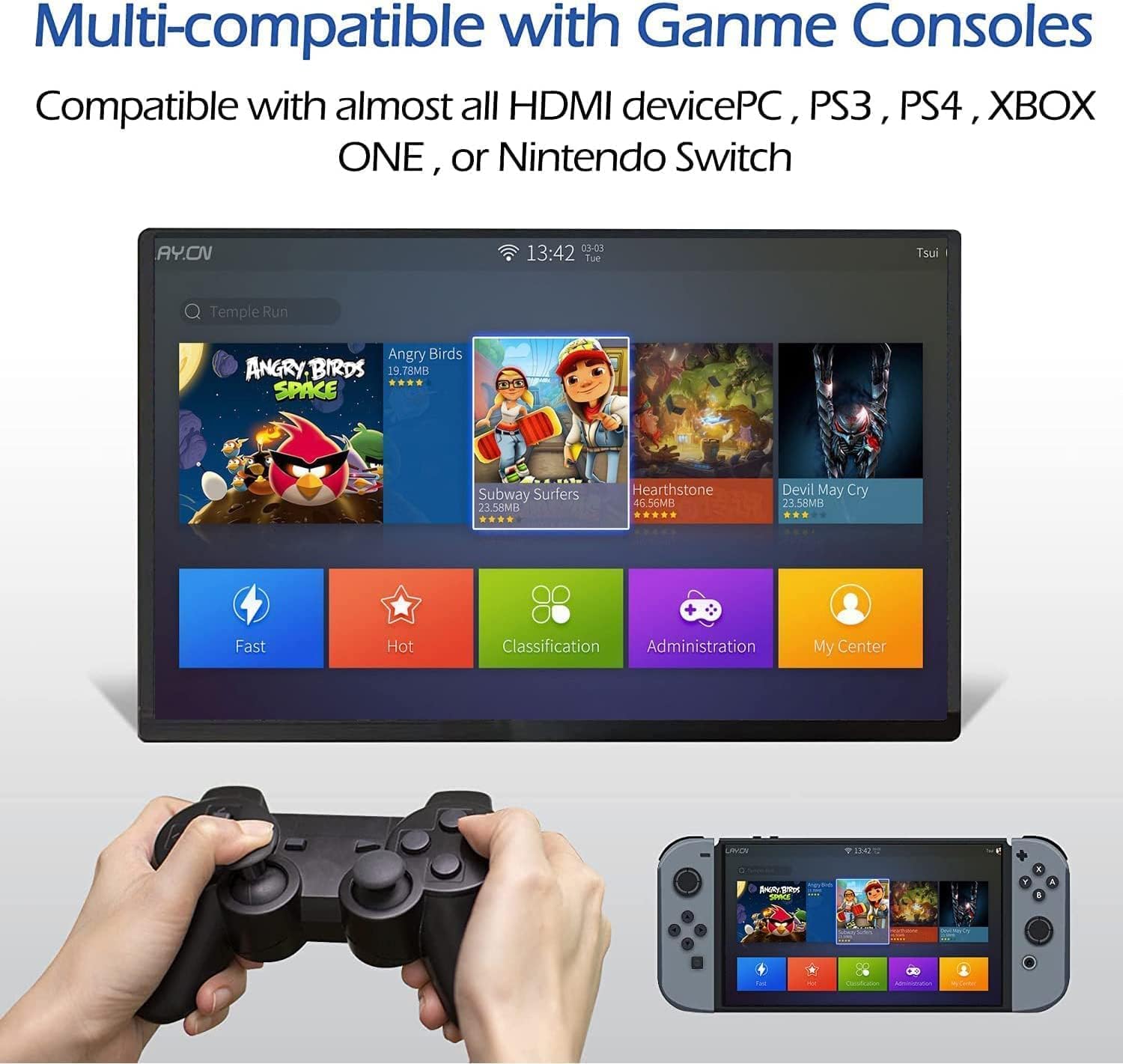
Image: Connecting the portable monitor to a gaming console (Nintendo Switch) via HDMI.
Powering the Monitor
The monitor can be powered via a full-function USB-C connection from your device or by connecting the USB-A to Type-C cable to the monitor's power input and plugging the USB-A end into the included charging head or a powered USB port.
Operating the Monitor
Basic Operation
- Power On/Off: Use the dedicated ON/OFF button located on the side of the monitor.
- Plug and Play: The monitor is designed for plug-and-play functionality, requiring no driver installation for most compatible devices.
- Display Modes: Supports mirror mode and extended display mode to suit your workflow or entertainment needs.
On-Screen Display (OSD) Menu
The monitor features an intuitive OSD menu for adjusting settings such as brightness, contrast, color temperature, and input source. Navigate the menu using the control wheel or buttons usually located on the side of the monitor.
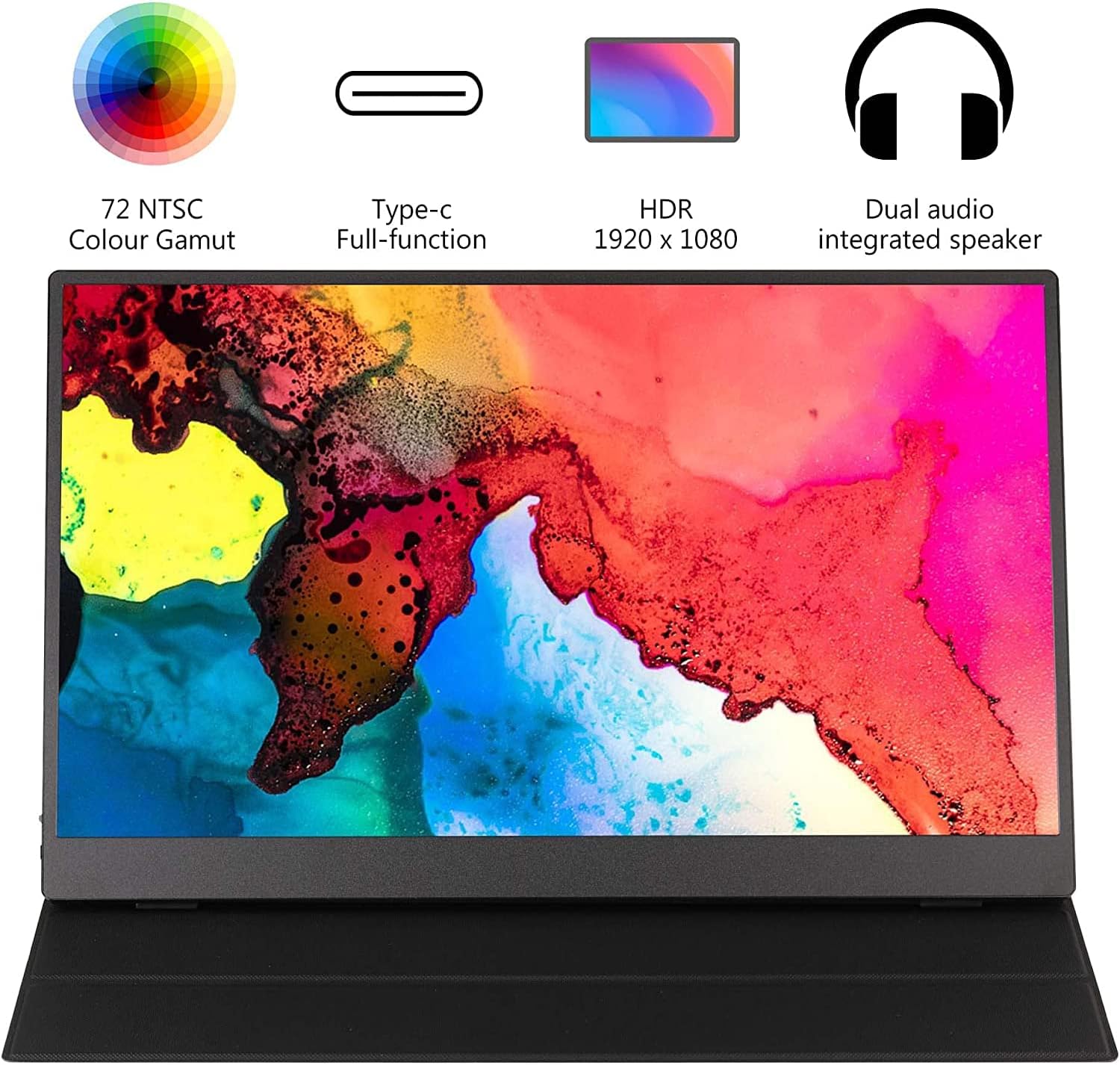
Image: Side view of the monitor showing input ports (Mini HDMI, USB-C) and control buttons (ON/OFF, menu wheel, audio jack).
Maintenance
Proper care will extend the life and performance of your portable monitor.
- Cleaning the Screen: Use a soft, lint-free cloth slightly dampened with water or a screen-cleaning solution. Avoid harsh chemicals or abrasive materials.
- Cleaning the Body: Wipe the monitor's exterior with a soft, dry cloth.
- Smart Case Care: The included smart case is designed to be anti-scratch and waterproof. Wipe it clean with a damp cloth as needed.
- Storage: When not in use, store the monitor in its smart case to protect it from dust and scratches. Avoid placing heavy objects on top of the monitor.

Image: The magnetic smart cover, demonstrating its protective and versatile features.
Troubleshooting
If you encounter issues with your monitor, please refer to the following common solutions:
- No Signal on Monitor:
- Ensure the connected device (phone, laptop, console) is powered on and outputting a video signal.
- Verify that the USB-C port on your device is a full-featured Type-C port that supports video output (DisplayPort Alternate Mode). Not all USB-C ports support video.
- Check if the laptop's video card drivers are up to date and functioning correctly.
- Confirm that the correct input source is selected on the monitor's OSD menu.
- Try using different cables or connecting to another device to rule out cable or source device issues.
- Monitor Not Powering On:
- Ensure the power cable is securely connected to the monitor and a working power source.
- If using USB-C for power, ensure your device provides sufficient power. You may need to use the dedicated power adapter.
- Flickering Screen:
- Check cable connections for looseness.
- Ensure the power supply is stable.
- Adjust the refresh rate settings on your connected device.
- No Sound:
- Check the volume settings on both the monitor and the connected device.
- Ensure the audio output is directed to the monitor from your source device.
Specifications
| Feature | Specification |
|---|---|
| Screen Size | 17.3 inches |
| Panel Type | IPS |
| Resolution | 1920 x 1080 (FHD 1080P) |
| Aspect Ratio | 16:9 |
| Contrast Ratio | 800:1 |
| Brightness | 250 cd/m² |
| Refresh Rate | 60Hz |
| Response Time | 10 ms |
| Viewing Angle | 178° (H/V) |
| Color Gamut | 72% NTSC |
| Input Interfaces | Mini HDMI, USB Type-C (Full Function) |
| Power Input | USB Type-C |
| Speakers | Built-in (1W*2) |
| Special Features | Built-In Speakers, Portable, Ultrawide Screen, HDR |
| Model Number | b39df48b-38b9-4e1b-bb3f-e1881ddbdad1 |
Warranty and Support
The AILRINNI 17.3 Inch Portable Monitor comes with a 3-year warranty from the date of purchase. This warranty covers manufacturing defects and ensures reliable performance under normal use.
For technical support, warranty claims, or any questions regarding your product, please refer to the contact information provided in your product packaging or visit the official AILRINNI support website.