
1. Introduction
Thank you for choosing the Tensky Smart Watch. This device is designed to enhance your daily life with smart features, fitness tracking, and communication capabilities. Please read this manual carefully to ensure proper use and maintenance of your smart watch.

The Tensky Smart Watch features a large display showing time, steps, heart rate, and battery percentage, alongside smaller screens demonstrating call and dialer functions.
2. What's in the Box
- Tensky Smart Watch (Model: ID208Plus)
- Magnetic Charging Cable
- User Manual
3. Setup Guide
3.1 Charging the Smart Watch
Before first use, fully charge your smart watch. Connect the magnetic charging cable to the charging points on the back of the watch and plug the USB end into a power adapter (not included) or a computer USB port. A full charge takes approximately 2 hours and provides up to 8 days of normal use or 30 days of standby time.

This image illustrates the 1.8-inch HD display and battery specifications, including 2 hours charging time, 7 days normal use, and 30 days standby.
3.2 App Installation and Pairing
- Download the App: Search for and download the "VeryFit" app from your smartphone's app store (compatible with Android 6.0+ and iOS 9.0+).
- Register/Log In: Open the VeryFit app and follow the on-screen instructions to create an account or log in.
- Pair the Device: In the app, navigate to the "Device" section and select "Add Device" or "Bind Device". The app will search for your smart watch. Select "ID208Plus" from the list of found devices.
- Confirm Pairing: A pairing request will appear on your watch. Confirm the pairing on both your watch and the app.
- Enable Permissions: Grant necessary permissions (e.g., Bluetooth, notifications, location) to the app for full functionality.
4. Operating Instructions
4.1 Bluetooth Calling and Alexa Built-in
The Tensky Smart Watch allows you to make and answer calls directly from your wrist and interact with Alexa.
- Making/Answering Calls: Once paired via Bluetooth, you can use the watch's built-in microphone and Hi-Fi speaker to handle calls. Access the dialer or call history from the watch interface.
- Alexa Integration: To use Alexa, ensure your watch is connected to your phone and the VeryFit app. Activate Alexa on your watch and speak your commands (e.g., "What's the weather?", "Set an alarm").

This image highlights the watch's connectivity features, including Bluetooth call capabilities with built-in mic, favorites, call history, and dialer. It also shows text and app notifications, and Amazon Alexa built-in functionality.
4.2 Notifications
Receive SMS and app notifications (e.g., WhatsApp, Facebook) directly on your watch. Ensure notification permissions are enabled in the VeryFit app and your phone settings.
4.3 Health Monitoring
The watch provides continuous monitoring of various health indicators.
- Heart Rate: Monitors your heart rate 24/7. View real-time data on the watch or detailed trends in the app.
- Blood Oxygen (SpO2): Measures your blood oxygen saturation levels.
- Sleep Monitoring: Automatically tracks your sleep stages (deep sleep, light sleep, waking time) and provides a comprehensive sleep quality analysis.
- Stress Monitoring: Provides insights into your stress levels.
- Women's Menstrual Cycle Reminders: Track and receive reminders for menstrual cycles (configure in the app).

This image demonstrates the watch's health management capabilities, including heart rate monitoring, blood oxygen (SpO2) tracking, and stress level monitoring.
4.4 Sports Modes and Activity Tracking
The watch supports 100+ sports modes to track your workouts scientifically.
- Accessing Sports Modes: Swipe on the watch screen to find the "Workout" or "Sports" icon. Select your desired activity (e.g., walking, running, cycling).
- Data Tracking: During workouts, the watch displays real-time data such as steps, distance, calories burned, and heart rate.
- Daily Activity: The 24-hour activity tracker monitors calories, activity time, distance, and step count throughout your day.

This image highlights the watch's extensive sports mode selection (100+) and its 5ATM waterproof rating, suitable for various activities.
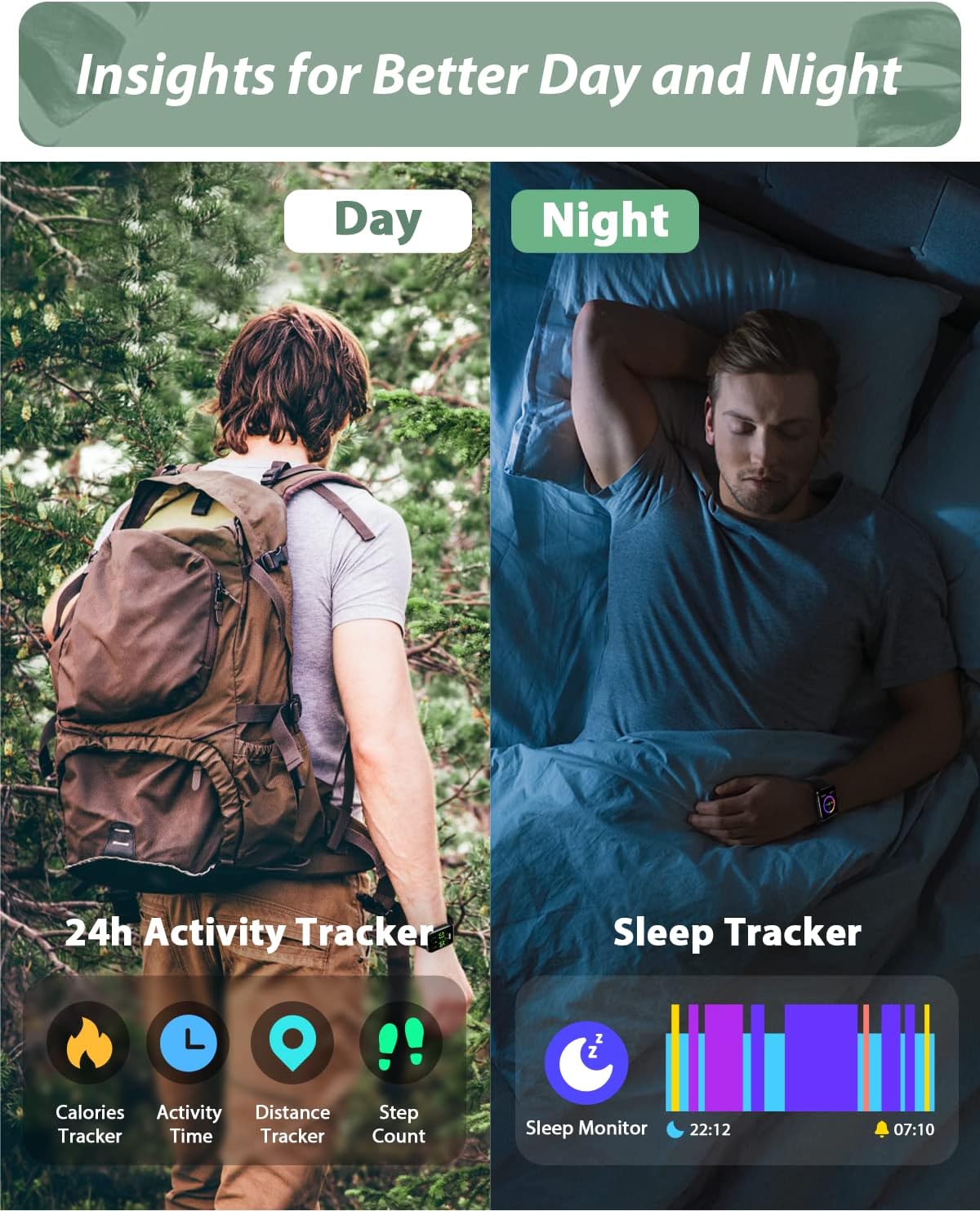
This image illustrates the watch's ability to track daily activity, including calories, activity time, distance, and step count, as well as comprehensive sleep tracking.
4.5 Custom Watch Dials
Personalize your watch face. The VeryFit app offers up to 100 watch faces, and you can also upload your own photos (e.g., family, pets) to create a custom dial.
4.6 Other Features
The Tensky Smart Watch includes several other useful functions:
- Weather Forecast: Get real-time weather updates.
- Music Control: Control music playback on your phone (play, pause, skip).
- Alarm Clock: Set alarms directly from the watch or app.
- Sedentary Reminder: Get alerts to move after periods of inactivity.
- Camera Control: Use your watch as a remote shutter for your phone's camera.
- Noise Monitoring: Monitor ambient noise levels.
5. Maintenance
5.1 Water Resistance (IP68)
The smart watch is IP68 waterproof, meaning it is resistant to dust and can withstand immersion in water up to 1.5 meters for 30 minutes. It can be worn during swimming, washing hands, or in the rain.
Important Note: Do not use the watch in hot water, saunas, or seawater, as this may compromise the water resistance and damage the device.
5.2 Cleaning
Wipe the watch and strap regularly with a soft, dry cloth. If necessary, use a slightly damp cloth and then dry thoroughly. Avoid using harsh chemicals or abrasive materials.
6. Troubleshooting
6.1 Watch Not Connecting to Phone/App
- Ensure Bluetooth is enabled on your phone.
- Make sure the watch is charged.
- Restart both your phone and the smart watch.
- Check if the VeryFit app has all necessary permissions enabled in your phone's settings.
- If the issue persists, try unpairing the device from your phone's Bluetooth settings and then re-pairing through the VeryFit app.
6.2 Alexa Not Responding
- Ensure your watch is properly connected to your phone and has an active internet connection.
- Check the Alexa settings within the VeryFit app.
- Ensure your phone's internet connection is stable.
6.3 Inaccurate Health Data
- Ensure the watch is worn snugly on your wrist, about one finger's width above the wrist bone.
- Keep the sensor clean and free from debris.
- Note that environmental factors and individual physiology can affect readings. The watch is not a medical device.
7. Specifications
| Model Number | ID208Plus |
| Brand | Tensky |
| Screen Size | 1.8 inches (HD Touch Screen) |
| Battery Capacity | 300mAh Lithium Polymer |
| Charging Time | Approx. 2 hours |
| Battery Life (Normal Use) | Up to 8 days |
| Standby Time | Up to 30 days |
| Water Resistance | IP68 |
| Connectivity | Bluetooth |
| Compatibility | Android 6.0+ / iOS 9.0+ |
| Product Dimensions | 12.7 x 3.5 x 13.5 cm |
| Weight | 90 g |
8. Warranty and Support
Tensky products are manufactured to high quality standards. For warranty information or technical support, please refer to the contact details provided on the product packaging or visit the official Tensky website. Please retain your proof of purchase for warranty claims.