
1. Introduction
The Purity Air Open Ear Headphones are designed to provide a unique audio experience through true air conduction technology. These wireless Bluetooth earbuds offer a secure and comfortable fit, making them ideal for various activities including sports and daily use. With dual microphones and environmental noise cancellation, they ensure clear communication while allowing you to remain aware of your surroundings.

Image 1.1: The Purity Air Open Ear Headphones, showcasing their open-ear design and white/chalk pink color scheme.
2. What's in the Box
Please check the package contents to ensure all items are present:
- Wireless Headphone
- USB-A Charging Cable
- User Manual
3. Setup
3.1 Charging the Headphones
Before first use, fully charge your Purity Air Open Ear Headphones. Connect the provided USB-A Charging Cable to the charging port on the headphones and plug the other end into a compatible USB power source (e.g., computer USB port, wall adapter). The LED indicator will show charging status and turn off when fully charged.
3.2 Bluetooth Pairing
- Ensure the headphones are powered off.
- Press and hold the power button until the LED indicator flashes rapidly, indicating pairing mode.
- On your device (smartphone, tablet, computer), enable Bluetooth and search for available devices.
- Select "Purity Air Headphones" (or similar name) from the list of found devices.
- Once connected, the LED indicator on the headphones will change to a steady light or turn off, depending on the model.
The headphones have a Bluetooth range of up to 10 meters (33 feet).

Image 3.1: Side view of the Purity Air Open Ear Headphones, illustrating their design for comfortable wear.
4. Operating Instructions
4.1 Power On/Off
- Power On: Press and hold the power button for approximately 3 seconds.
- Power Off: Press and hold the power button for approximately 5 seconds.
4.2 Music Playback
The headphones feature touch controls for music management:
- Play/Pause: Single tap the touch control area.
- Next Track: Double tap the right touch control area.
- Previous Track: Double tap the left touch control area.
- Volume Control: Adjust volume directly from your connected device.
4.3 Call Management
Equipped with dual microphones and Environmental Noise Cancellation (ENC) technology, these headphones ensure clear voice transmission during calls.
- Answer/End Call: Single tap the touch control area during an incoming call.
- Reject Call: Press and hold the touch control area for 2 seconds during an incoming call.
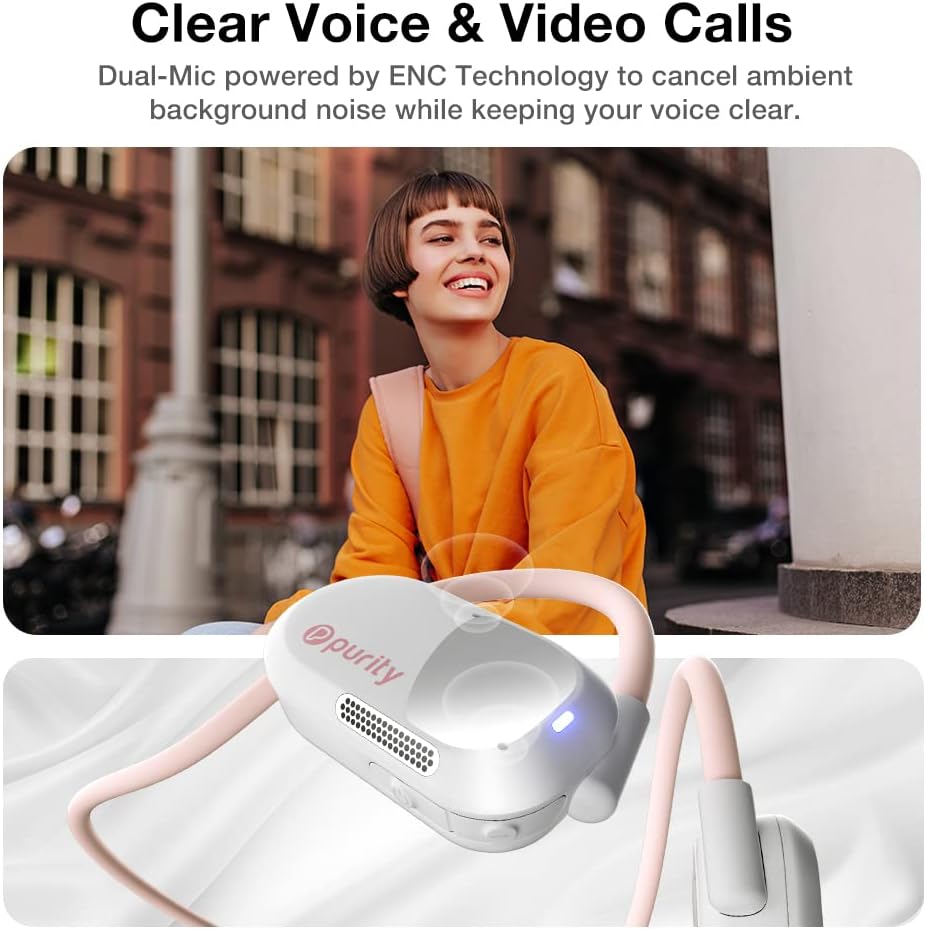
Image 4.1: The headphones are designed for clear voice and video calls, utilizing dual microphones and ENC technology.
4.4 Wearing Comfort
The lightweight design and secure fit of the Purity Air Open Ear Headphones ensure comfort even during extended periods of wear. The open-ear design allows for situational awareness, which is beneficial for outdoor activities.

Image 4.2: These headphones are designed for all-day wearing, providing lightweight and comfortable use.
5. Maintenance
5.1 Cleaning
To maintain optimal performance and hygiene, regularly clean your headphones. Use a soft, dry, lint-free cloth to wipe the surfaces. Do not use abrasive cleaners, alcohol, or chemical solvents.
5.2 Water Resistance
The Purity Air Open Ear Headphones are IPX5 water resistant, meaning they can withstand sweat and light splashes. They are not designed for submersion in water. After exposure to sweat or water, wipe the headphones dry before charging or storing.
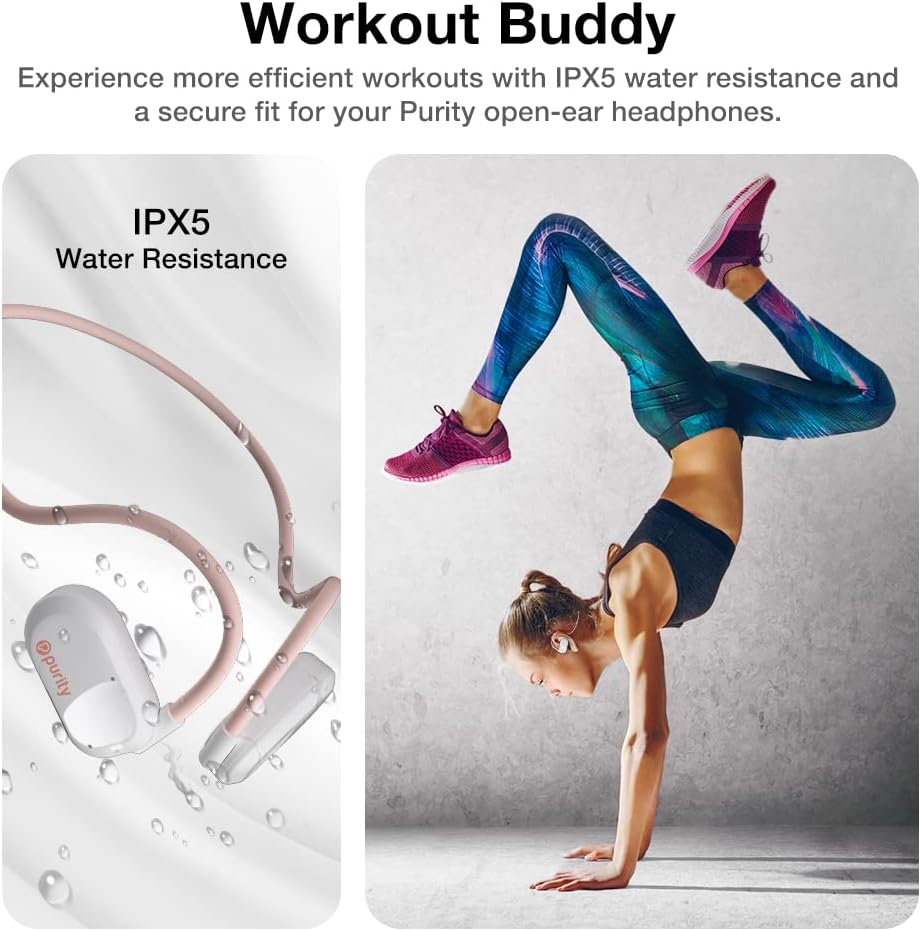
Image 5.1: The headphones feature IPX5 water resistance, making them suitable for workouts and outdoor activities.
5.3 Storage
Store the headphones in a cool, dry place away from direct sunlight and extreme temperatures. Avoid placing heavy objects on them.
6. Troubleshooting
| Problem | Possible Cause | Solution |
|---|---|---|
| Headphones do not power on. | Low battery. | Charge the headphones fully. |
| Cannot pair with device. | Headphones not in pairing mode; Bluetooth off on device; device too far. | Ensure headphones are in pairing mode; enable Bluetooth on device; move device closer (within 10m). |
| No sound or low volume. | Volume too low on headphones/device; not connected properly. | Increase volume on both headphones and device; re-pair the headphones. |
| Poor call quality. | Environmental noise; microphone obstruction. | Move to a quieter environment; ensure microphones are not covered. |
7. Specifications
| Feature | Detail |
|---|---|
| Model Name | Purity Open Ear Headphone (K7) |
| Item Model Number | UU000140 |
| Connectivity Technology | Wireless |
| Wireless Communication Technology | Bluetooth 5.3 |
| Bluetooth Range | 10 Meters |
| Audio Driver Size | 15 Millimeters |
| Battery Life | Up to 6 Hours (Playback) / Up to 5 Hours (Call) |
| Noise Control | Active Noise Cancellation (for calls via Dual Mic) |
| Water Resistance Level | IPX5 (Sweatproof) |
| Item Weight | 2.8 Ounces |
| Product Dimensions | 7.1 x 5.2 x 0.6 inches |
| Material | Plastic |
| Control Method | Touch / Button |
| Ear Placement | Open Ear |
| Compatible Devices | iPhone, Galaxy Phone, Tablet, Computer, Laptop, Macbook |
8. Warranty and Support
Purity products are manufactured with high-quality standards. For information regarding warranty coverage and customer support, please refer to the official Purity website or contact the retailer from whom you purchased the product. Keep your proof of purchase for any warranty claims.
For further assistance or technical support, please visit the Purity brand store on Amazon or contact their customer service directly.
