
Introduction
Thank you for choosing the Nubex T-1 Wireless Earbuds. This manual provides detailed instructions on how to set up, operate, and maintain your earbuds to ensure optimal performance and longevity. Please read this manual carefully before using the product.
Product Overview
The Nubex T-1 Wireless Earbuds are designed for a comfortable audio experience, featuring touch controls, a portable charging case, and IPX5 water resistance.
Package Contents:
- Nubex T-1 Wireless Earbuds (Left and Right)
- Charging Case
- USB Charging Cable
- User Manual
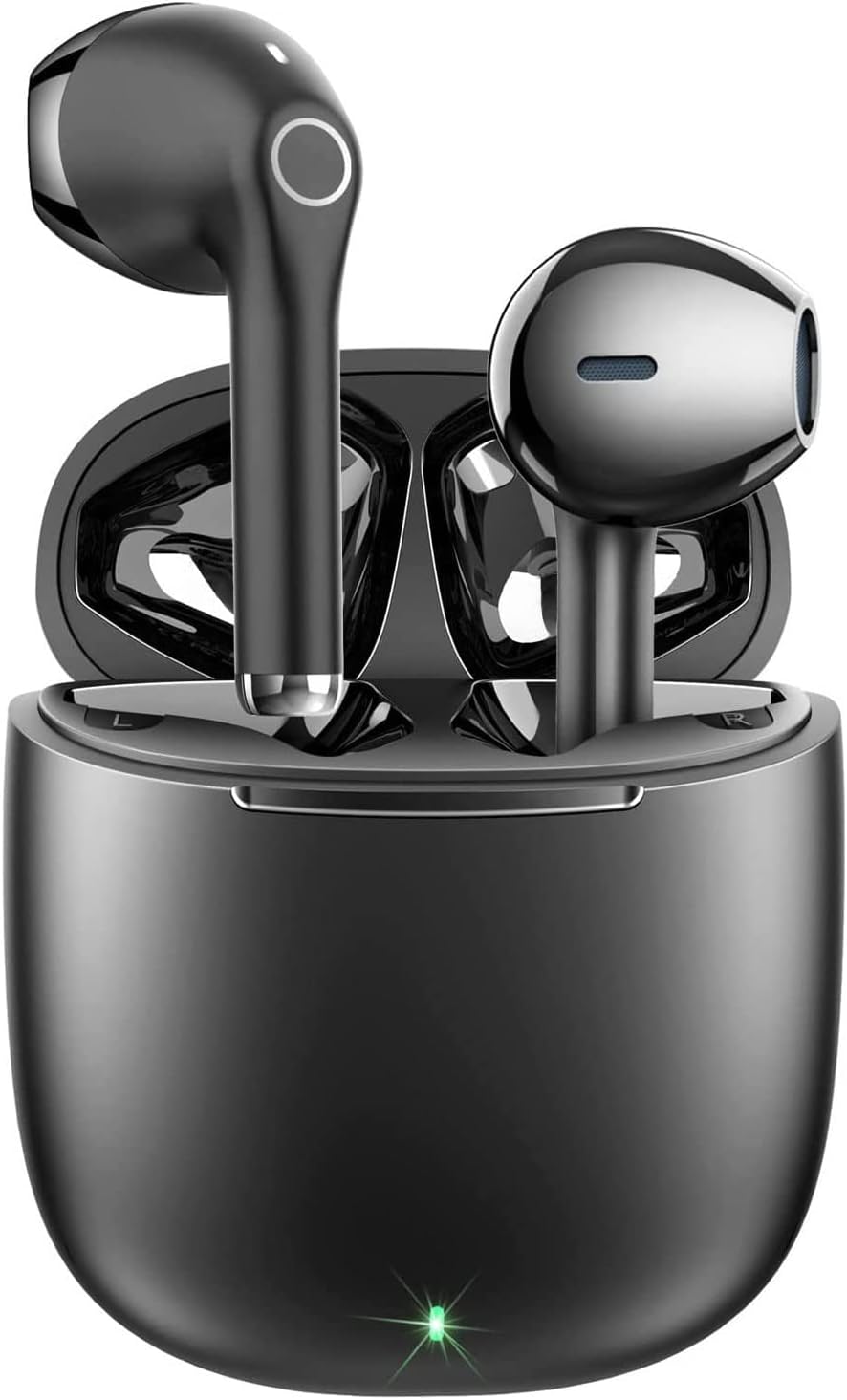
Image: The Nubex T-1 Wireless Earbuds are shown inside their open charging case, ready for use or charging. The earbuds are black with a sleek design, and the case has a matte black finish with an indicator light at the front.
Setup
1. Initial Charging
Before first use, fully charge the earbuds and the charging case.
- Place both earbuds into the charging case.
- Connect the charging case to a USB power source using the provided USB cable.
- The indicator light on the charging case will show charging status. Once fully charged, the light will change or turn off.
- A full charge provides up to 5 hours of earbud use, and the case can recharge the earbuds up to 4 times, totaling approximately 25 hours of playback.

Image: A diagram illustrating the battery life of the Nubex T-1 earbuds. It shows 5 hours of playback per single charge for the earbuds and an additional 20 hours provided by the charging case, totaling 25 hours of use.
2. Pairing with Your Device
The earbuds feature automatic pairing for convenience.
- Ensure the earbuds are charged.
- Open the charging case. The earbuds will automatically power on and enter pairing mode.
- On your smartphone or other Bluetooth-enabled device, go to the Bluetooth settings.
- Search for available devices and select "Nubex T-1".
- Once connected, you will hear a confirmation tone, and the earbuds will be ready for use.
- After the initial pairing, the earbuds will automatically connect to the last paired device when removed from the case and the device's Bluetooth is active.

Image: A visual representation of the automatic pairing feature. It highlights Bluetooth 5.1, premium audio quality, direct connection, no delay, and strong connection, all activated by simply opening the charging case.
Operating Instructions
Wearing the Earbuds
Gently insert the earbuds into your ears, ensuring a comfortable and secure fit. The ergonomic design is intended for a perfect fit.

Image: This image shows the compact charging case and an earbud fitted ergonomically into an ear, emphasizing the comfortable and secure design.
Touch Controls
The Nubex T-1 earbuds feature intuitive touch controls on the side of each earbud. The specific functions are:
- Play/Pause: Single tap on either earbud.
- Next Song: Double tap on the right earbud.
- Previous Song: Double tap on the left earbud.
- Answer/End Call: Single tap on either earbud.
- Reject Call: Press and hold on either earbud.
- Activate Voice Assistant (Siri/Google Assistant): Triple tap on either earbud.

Image: A diagram illustrating the touch control functions of the Nubex T-1 earbud. It shows icons for hanging up a call, answering a call, activating Siri, playing/pausing music, skipping to the next song, and going to the previous song, all controlled by touch gestures.
Power On/Off
- Power On: The earbuds automatically power on when removed from the charging case.
- Power Off: The earbuds automatically power off when placed back into the charging case and the lid is closed.
Charging
Charging the Earbuds
Place the earbuds into the charging case. They will automatically begin charging. The indicator light on the case will confirm charging status.
Charging the Case
Connect the charging case to a USB power source using the provided USB cable. The indicator light on the case will illuminate during charging and turn off or change color when fully charged.
Maintenance
Cleaning
- Regularly clean the earbuds and charging case with a soft, dry, lint-free cloth.
- Do not use abrasive cleaners, alcohol, or chemical solvents.
- Ensure charging contacts on both earbuds and case are clean and dry.
Storage
When not in use, store the earbuds in their charging case to protect them and keep them charged. Store in a cool, dry place away from extreme temperatures.
Water Resistance (IPX5)
The earbuds are IPX5 water-resistant, meaning they are protected against splashes of water from any direction. This makes them suitable for workouts and light rain. They are not designed for submersion in water or heavy water exposure.
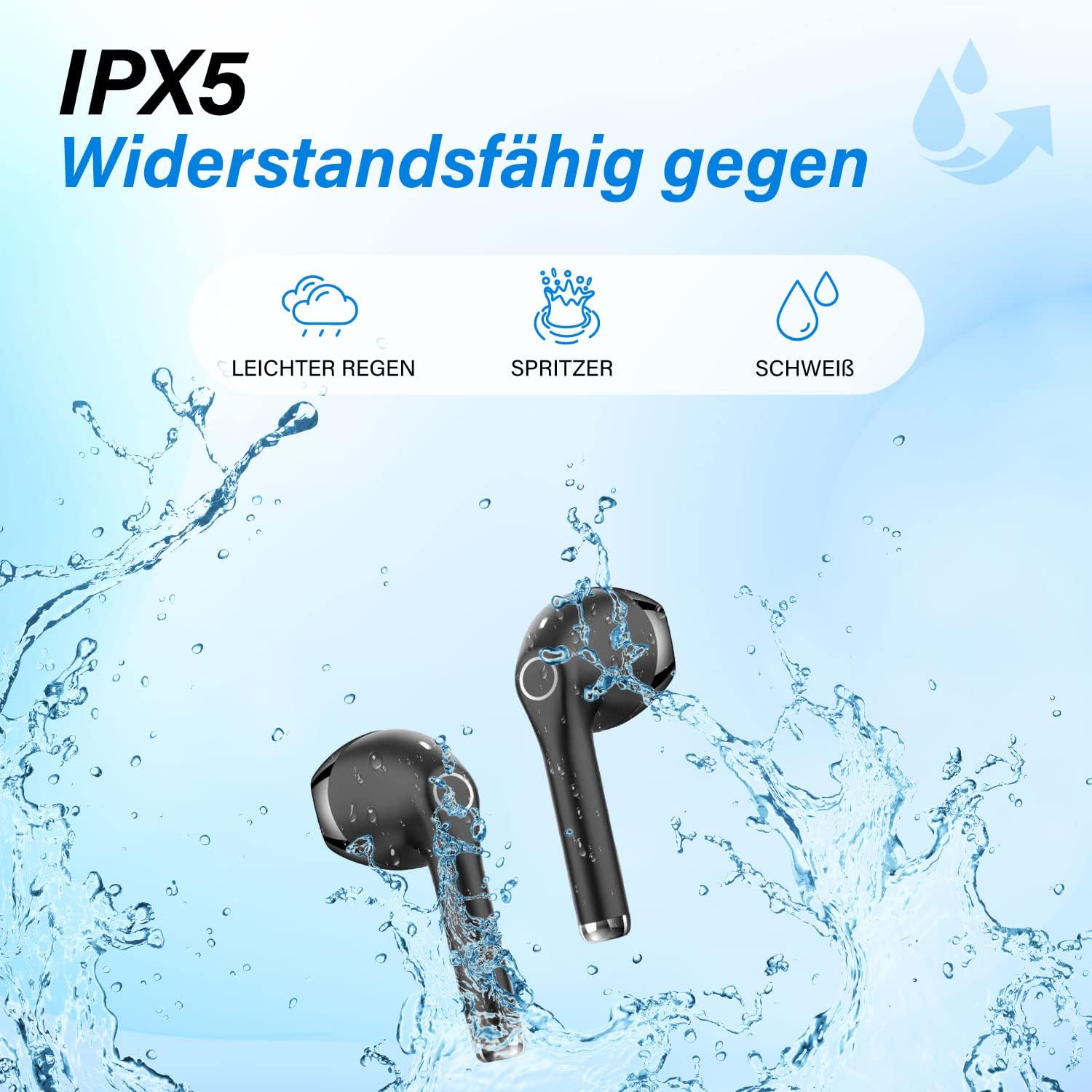
Image: This image visually demonstrates the IPX5 water resistance of the Nubex T-1 earbuds, showing them being splashed with water, indicating protection against light rain, splashes, and sweat.
Troubleshooting
| Problem | Solution |
|---|---|
| Earbuds not pairing |
|
| No sound from one earbud |
|
| Charging case not charging |
|
Specifications
| Model: | T-1 |
| Brand: | Nubex |
| Connectivity: | Bluetooth (Wireless) |
| Material: | Plastic |
| Water Resistance: | IPX5 (Splash-proof) |
| Earbud Battery Life: | Up to 5 hours |
| Total Playtime (with case): | Up to 25 hours |
| Control Method: | Touch, Voice Control |
| Compatible Devices: | iPhone, iPad, Apple Watch, MacBook, Samsung Galaxy, Huawei (various models) |
| Color: | Black |
| Form Factor: | In-ear |
| Weight: | Lightweight (4g per earbud, 40g total) |

Image: This image highlights the lightweight nature of the Nubex T-1 earbuds, showing them resting on a hand with feathers, indicating a weight of 40g total and only 4g per earbud.
Safety Information
- Do not disassemble, repair, or modify the product.
- Keep the product away from extreme temperatures, humidity, and liquids.
- Avoid prolonged exposure to high volume levels to prevent hearing damage.
- Keep out of reach of children and pets.
- Dispose of the product responsibly according to local regulations.
Warranty and Support
Nubex products are designed for quality and reliability. For warranty information or technical support, please refer to the contact details provided with your purchase or visit the official Nubex website.

Image: The retail packaging for the Nubex Wireless Earbuds. The box displays the brand name "NUBEX Wireless Earbuds", key features like Bluetooth 5.0, Charging Case, and Playtime (5-20H), along with product images and regulatory marks.