Product Overview
The KOSCHEAL Q09 is a versatile 1-axis gimbal stabilizer designed for smartphones, functioning also as a selfie stick and tripod. It features an integrated fill light and a wireless remote control, making it ideal for vlogging, live streaming, and capturing stable footage on various platforms.

Figure 1: KOSCHEAL Q09 Gimbal Stabilizer showcasing its multi-functional design.
Key Features:
- Anti-Shake 1-Axis Gimbal: Equipped with a powerful sports gyroscope to eliminate hand shaking for professional-quality videos.
- 360° Rotation: Seamless rotation for panoramic shots and easy switching between landscape and portrait modes.
- Removable Fill Light: Offers versatile lighting with 3 colors and 9 brightness levels for both front and back shots.
- Expandable Selfie Stick & Tripod: Retractable aluminum alloy design extends up to 28.3 inches with a built-in tripod for stability.
- Wide Compatibility: Fits most smartphones (1.45 to 3.54 inches, up to 280g) and can accommodate GoPro cameras with a 1/4 connector (not included).
- App Integration: Unlock advanced features like zoom, focus adjustment, and shooting templates via the dedicated app.
Setup Guide
1. Unfolding the Gimbal:
Gently unfold the KOSCHEAL Q09 from its compact form. Ensure all joints click into place securely.
Video 1: Instructions and Operation of the KOSCHEAL-Q09. This video demonstrates the folding and expansion of the Q09, Bluetooth pairing, phone clip usage, powering on, automatic leveling, toggling horizontal/vertical screens, jumping inception, clockwise/counter-clockwise inception, remote control use, switching to selfie lever mode, extending the rod, adjusting angle, turning on/off fill light, and charging.
2. Bluetooth Pairing:
- Long press the capture key on the gimbal handle until the indicator light flashes, indicating it's in pairing mode.
- On your smartphone, go to Bluetooth settings and search for "KOSCHEAL Q09" or a similar device name.
- Select the device to pair. The indicator light on the gimbal will turn solid blue once connected.
3. Attaching Your Smartphone:
Stretch the phone clip and carefully insert your smartphone. Ensure the phone is securely held and balanced within the clip. The phone camera should be located above the charging interface and switch clip for optimal performance.
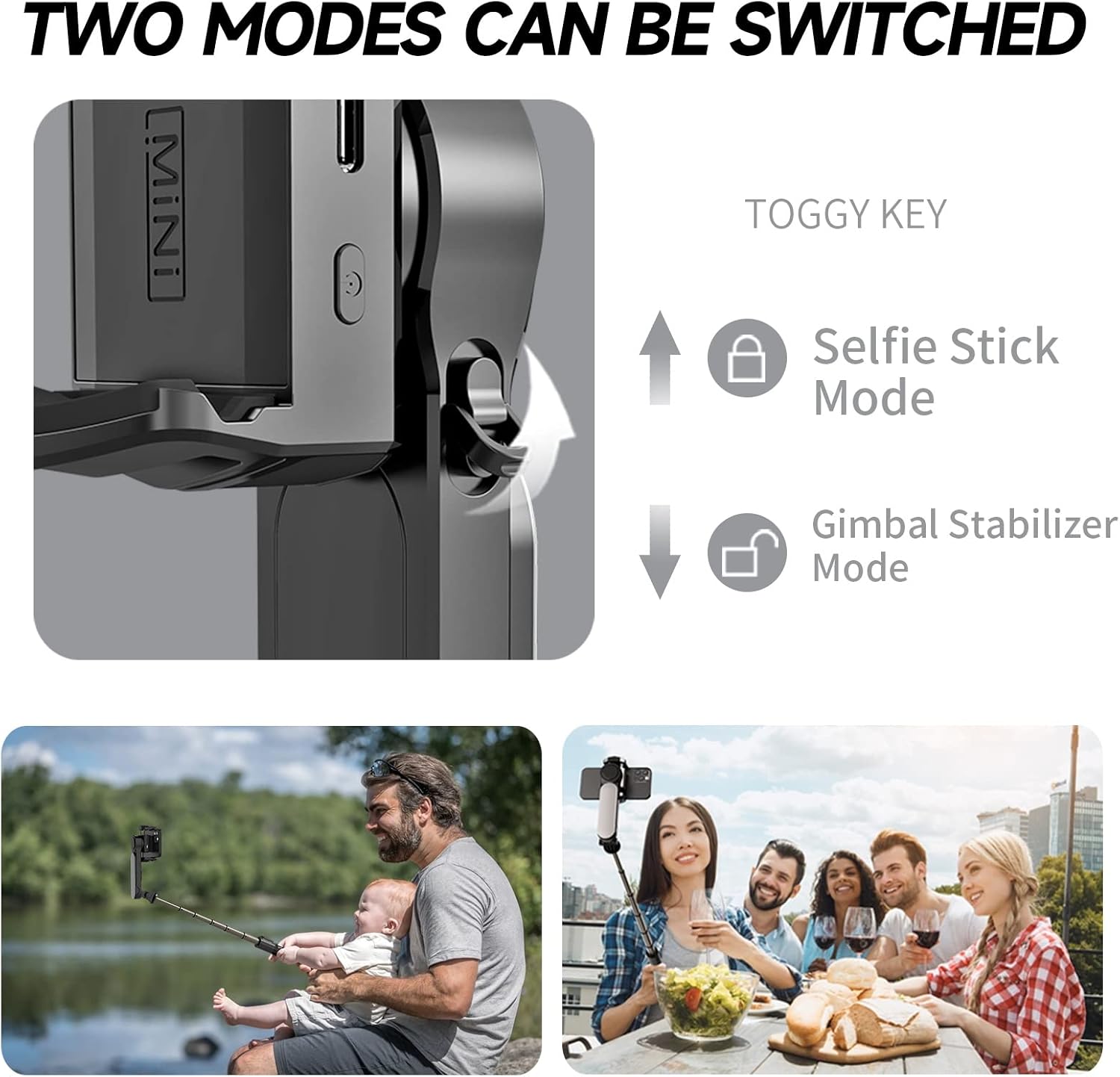
Figure 2: The KOSCHEAL Q09 demonstrating its two primary modes: selfie stick and gimbal stabilizer, highlighting the phone attachment mechanism.
4. Powering On:
Press and hold the power key on the gimbal. The device will power on and perform automatic leveling to stabilize your phone.
Operating Instructions
Gimbal Modes:
- Automatic Leveling: Upon startup, the gimbal automatically levels the phone for stable shooting.
- Toggle Horizontal/Vertical Screens: Click the key once to switch between horizontal and vertical orientations.
- Jumping Inception: Double click button 1 to activate jumping inception mode.
- Clockwise Inception: Press and hold the key once to initiate clockwise inception.
- POV Mode: Click button 2 to enter POV (Point of View) mode.
- 260° Inception: Double click button 2 for 260° inception.
- Counterclockwise Inception: Long press key 2 for counterclockwise inception.
Selfie Stick & Tripod Functionality:
- Switch to Selfie Lever Mode: Push up the latch near the phone clip to switch from gimbal to selfie stick mode.
- Extend the Rod: Pull the extension rod to your desired length. It extends up to 28.3 inches (70cm).
- Adjust Angle: Use the rotary button to adjust the angle of your phone for optimal framing.
- Deploy Tripod: For stable shots, deploy the tripod legs from the bottom of the handle.

Figure 3: Demonstrating the multi-functional wireless command capabilities of the KOSCHEAL Q09, including various phone orientations.
Fill Light Operation:
- Turning On/Off: Long press the light key to turn the fill light on or off.
- Adjusting Modes & Brightness: Click the power button on the fill light to cycle through Warm light, Cold light, and Neutral light modes. Each mode has three gears with adjustable strength.
- Burst and Flash Mode: Double click the power button on the fill light (in any gear or brightness) to open burst mode for quick flashes.
- Selfie Fill Light: The fill light can be removed and placed in front of the selfie stick for front-facing illumination.
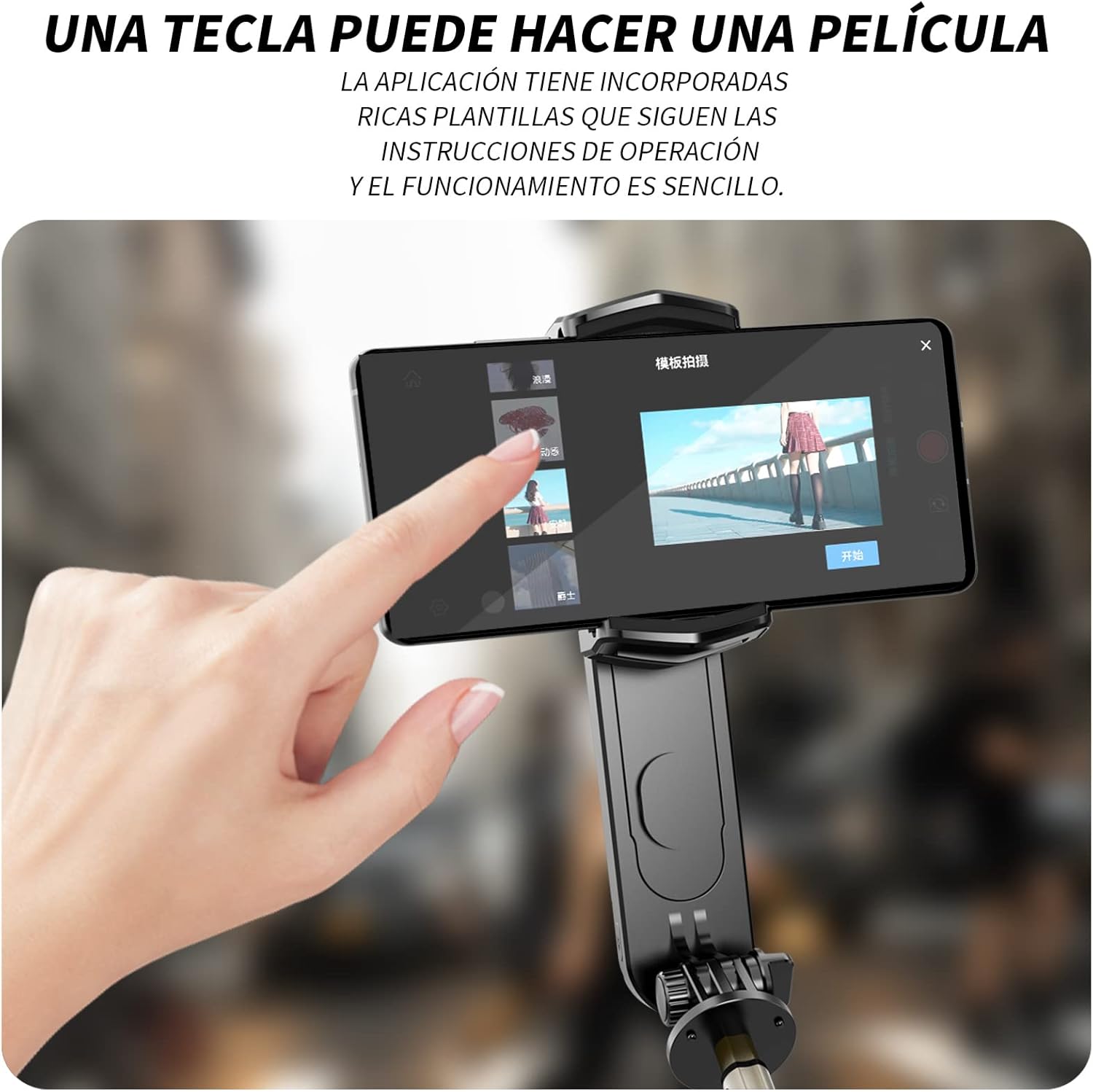
Figure 4: The KOSCHEAL Q09 with a smartphone displaying the app interface, indicating ease of use for video creation.
Remote Control:
The detachable Bluetooth remote control allows for remote photographing and video recording, providing convenience for group shots or hands-free operation.
Maintenance
- Cleaning: Use a soft, dry cloth to clean the device. Avoid using harsh chemicals or abrasive materials.
- Storage: Store the gimbal in a cool, dry place away from direct sunlight and extreme temperatures.
- Charging: Use the provided USB-C charging cable to charge the device. Ensure the battery is fully charged before extended use.
- Battery Care: To prolong battery life, avoid fully discharging the battery frequently. Charge it regularly, even if not in use.
Troubleshooting
| Problem | Possible Cause | Solution |
|---|---|---|
| Remote control not connecting/working. | Bluetooth not paired, low remote battery, interference. | Re-pair Bluetooth (long press capture key). Check remote battery. Move away from other wireless devices. |
| Gimbal not stable/motor making noise. | Phone not balanced, phone too heavy, motor malfunction. | Ensure phone is centered and within weight limits (max 280g). If issue persists, contact support. |
| Short battery life. | Incomplete charge, aging battery, heavy usage. | Ensure full charge. Reduce continuous usage. Battery degradation is normal over time. |
| Phone buttons (volume/power) pressed by clip. | Incorrect phone placement. | Adjust phone position slightly within the clip to avoid button interference. |
| App features not working. | App not updated, compatibility issues, incorrect settings. | Ensure the app is the latest version. Check phone compatibility. Reinstall the app if necessary. |
Specifications
| Attribute | Detail |
|---|---|
| Product Dimensions | 6.24 x 2.56 x 2.95 inches (unfolded) |
| Item Weight | 9.3 ounces (265 Grams) |
| Item Model Number | KOSq09L |
| Batteries | 1 Lithium Metal battery (included) |
| Color | Black Q09 |
| Compatible Devices | Smartphones (Android and iPhone) |
| Maximum Weight Recommendation | 280g (for phone) |
| Folded Size | 16 x 5 x 6 centimeters |
| What's in the Box | KOSCHEAL Gimbal Q09, USB-C charging cable, Removable fill light, Detachable Bluetooth remote control, User manual |
Warranty and Support
For detailed warranty information and customer support, please refer to the official user manual included in the product packaging or visit the KOSCHEAL brand store on Amazon.
Return Policy: This product is eligible for a refund or replacement within 30 days of purchase, subject to Amazon's return policy.
Additional Resources: A PDF version of the user manual is available online: KOSCHEAL Q09 User Manual (PDF)