
Cecotec ForceClima 9150 Style (Model 08164)
Cecotec ForceClima 9150 Style Portable Air Conditioner User Manual
Model: ForceClima 9150 Style (08164)
1. Introduction
This manual provides essential information for the safe and efficient operation of your Cecotec ForceClima 9150 Style Portable Air Conditioner. Please read it thoroughly before use and retain it for future reference.

Figure 1: Cecotec ForceClima 9150 Style Portable Air Conditioner
Safety Information
Always adhere to basic safety precautions when using electrical appliances to reduce the risk of fire, electric shock, and injury.
- Ensure the power supply matches the voltage specified on the unit's rating label.
- Do not operate the unit with a damaged cord or plug.
- Keep the unit away from flammable materials and open flames.
- Do not block air inlets or outlets.
- Always unplug the unit before cleaning or maintenance.
- This appliance is not intended for use by persons (including children) with reduced physical, sensory or mental capabilities, or lack of experience and knowledge, unless they have been given supervision or instruction concerning use of the appliance by a person responsible for their safety.
2. Package Contents and Components
Package Contents
Upon unpacking, ensure all items listed below are present and in good condition:
- Cecotec ForceClima 9150 Style Portable Air Conditioner Unit
- Remote Control
- Instruction Manual
- Installation Kit for Window (includes exhaust hose and window sealing plate)
- Multi-directional Wheels (pre-installed or to be attached)
Main Components

Figure 2: Front view of the air conditioner, showing air intake and exhaust vents.
- Control Panel: Located on the top of the unit, with touch controls and LED display.
- Air Outlet: Front grille for cool air discharge.
- Air Inlet: Rear or side grilles for air intake.
- Exhaust Air Outlet: Connection point for the exhaust hose.
- Drainage Port: For water drainage in dehumidification mode.
- Multi-directional Wheels: For easy movement of the unit.
- Remote Control: For convenient operation from a distance.
3. Setup and Installation
Proper installation is crucial for the optimal performance of your portable air conditioner.
Placement
- Place the unit on a flat, stable surface.
- Ensure there is at least 30 cm (12 inches) of space around the unit for proper airflow.
- The unit is equipped with 360º multi-directional wheels for easy movement between rooms.
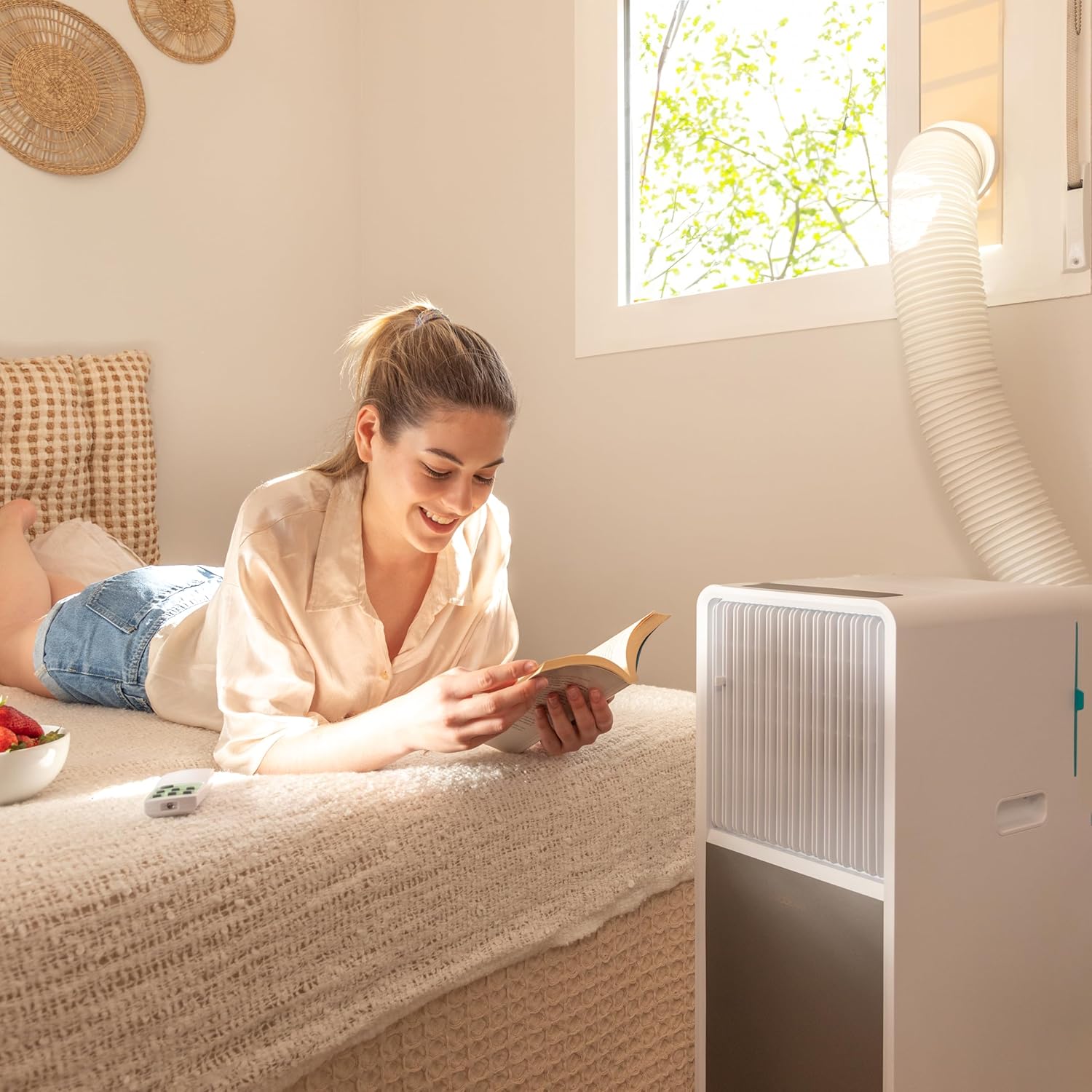
Figure 3: Easy portability of the unit with its wheels.

Figure 4: Air conditioner positioned for window exhaust.
Window Installation (Exhaust Hose)
The air conditioner requires an exhaust hose to expel hot air outside.
- Attach the exhaust hose to the air outlet on the back of the unit.
- Extend the exhaust hose to the nearest window.
- Use the provided window installation kit to seal the window opening around the hose, preventing hot air from re-entering the room.
- Ensure the hose is as straight and short as possible to maximize cooling efficiency. Avoid kinks or sharp bends.

Figure 5: Unit in a typical room setup.
4. Operating Instructions
Your Cecotec ForceClima 9150 Style offers multiple operating modes and convenient controls.
Control Panel and Remote Control
The unit can be controlled via the touch control panel on top or the included remote control. The LED display provides real-time information on settings.

Figure 6: Touch control panel and remote control for the unit.
Operating Modes
Select the desired mode using the 'Mode' button on the control panel or remote.
- Cooling Mode: Provides powerful cooling with a capacity of 9000 BTU, suitable for areas up to 16 m².
- Ventilation Mode: Circulates air without cooling, acting as a fan.
- Dehumidification Mode: Capable of extracting up to 20 litres of moisture per day, improving air quality.
- Night Mode (Sleep Mode): Operates quietly for comfortable sleep, gradually adjusting temperature.
Speed Settings
The unit offers two fan speeds:
- Low Speed: For quieter operation and less intense airflow.
- High Speed: For maximum cooling or air circulation.
Timer Function
The integrated timer allows you to schedule the unit's operation for up to 24 hours. Set the desired ON or OFF time, and the unit will automatically activate or deactivate.
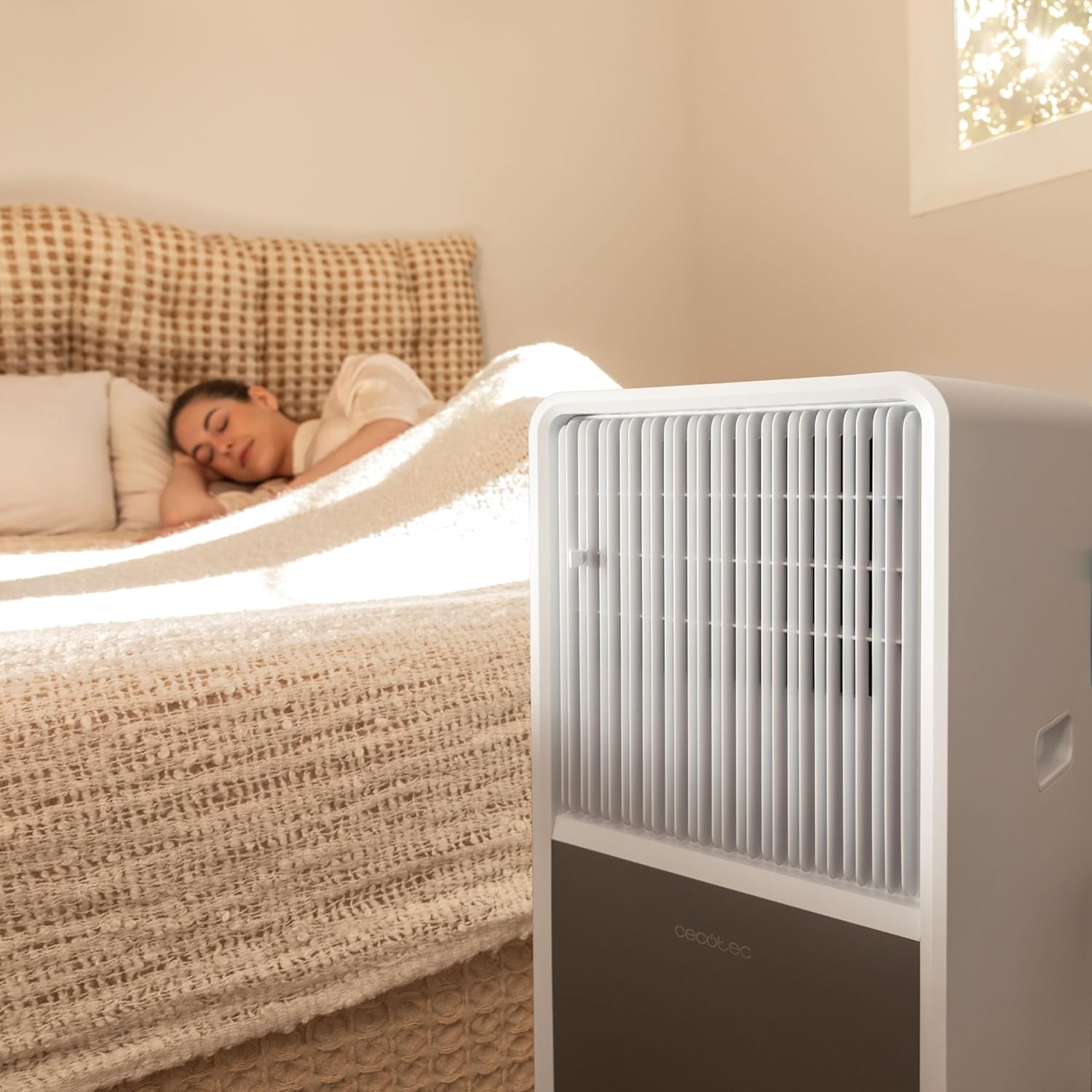
Figure 7: Unit in use during night mode.

Figure 8: Enjoying a comfortable environment created by the air conditioner.
5. Maintenance
Regular maintenance ensures the longevity and efficiency of your air conditioner. Always unplug the unit before performing any maintenance.
Cleaning the Air Filter
The air filter should be cleaned every two weeks, or more frequently depending on usage and air quality.
- Turn off and unplug the unit.
- Locate and remove the air filter (usually on the back or side).
- Clean the filter with a vacuum cleaner or wash it gently with warm water and mild detergent.
- Allow the filter to dry completely before reinserting it.
Draining Water
In dehumidification mode, water will collect in the internal reservoir. The unit may have an indicator to signal when the reservoir is full.
- Place a shallow pan or container under the drainage port.
- Remove the drain plug to allow water to flow out.
- Replace the drain plug once all water has been drained.
Cleaning the Unit Exterior
Wipe the exterior with a soft, damp cloth. Do not use harsh chemicals or abrasive cleaners.
Storage
If storing the unit for an extended period, ensure it is completely dry, clean the filter, and store it in a dry, cool place, preferably in its original packaging.
6. Troubleshooting
Before contacting customer support, please refer to the following common issues and their solutions:
| Problem | Possible Cause | Solution |
|---|---|---|
| Unit does not turn on. | No power, power cord loose, full water tank. | Check power connection, ensure outlet is working, drain water tank if full. |
| Unit is not cooling effectively. | Blocked air filter, exhaust hose not properly installed, room too large, windows/doors open. | Clean air filter, ensure exhaust hose is sealed, close windows/doors, check room size (max 16 m²). |
| Unit is noisy. | Unit not on a flat surface, fan obstruction. | Place on a flat surface, check for obstructions in air inlets/outlets. |
| Water leakage. | Drain plug loose, unit tilted. | Ensure drain plug is secure, place unit on a level surface. |
7. Technical Specifications
| Feature | Specification |
|---|---|
| Brand | Cecotec |
| Model Name | ForceClima 9150 Style |
| Item Model Number | 08164 |
| Cooling Capacity | 9000 BTU |
| Recommended Area | Up to 16 m² |
| Product Dimensions | 27.5 x 68.5 x 33 cm (L x H x W) |
| Item Weight | 2.11 kg |
| Power Source | Battery operated (Note: This typically refers to the remote control. The main unit requires standard AC power.) |
| Voltage | 2.6 Kilovolts (Note: This value appears unusually high for a household appliance and may be a data entry error. Please refer to the product label for actual operating voltage.) |
| Wattage | 1000 watts |
| Refrigerant | R-290 (Environmentally friendly) |
| Operating Modes | Cooling, Ventilation, Dehumidification, Night |
| Fan Speeds | 2 (Low, High) |
| Timer | Up to 24 hours |
| Control Type | Touch Control Panel, Remote Controlled |
| Special Features | LED Display, 360º Multi-directional Wheels |
8. Warranty and Customer Support
For warranty information, please refer to the warranty card included with your product or visit the official Cecotec website.
If you encounter any issues not covered in the troubleshooting section or require further assistance, please contact Cecotec customer support.
- Website: www.cecotec.com (Please check for regional support contacts)
- Contact Information: Refer to the product packaging or official website for the most up-to-date contact details.
Related Documents - ForceClima 9150 Style (Model 08164)
 |
Manual de Usuario Aire Acondicionado Portátil Cecotec ForceClima Este manual de usuario proporciona información esencial para el funcionamiento seguro y eficaz de su aire acondicionado portátil Cecotec ForceClima. Cubre una gama de modelos, incluyendo ForceClima 7150 Style, 7550 Style Connected, 9150 Style, 9450 Style Heating, 9550 Style Heating Connected, 12650 Style Heating y 12850 Style Heating Connected. Incluye instrucciones detalladas sobre instalación, funcionamiento, mantenimiento y solución de problemas. Para más información sobre productos Cecotec, visite su sitio web oficial: www.cecotec.es. |
 |
Cecotec Forceclima Portable Air Conditioner Manual Comprehensive user manual for Cecotec Forceclima portable air conditioners, covering safety instructions, operation, and maintenance for various models. |
 |
Cecotec Forceclima 9500 Soundless Heating Connected Portable Air Conditioner Manual User manual for the Cecotec Forceclima 9500 Soundless Heating Connected portable air conditioner, detailing safety instructions, operation, maintenance, and troubleshooting. |
 |
Manual de Instrucciones Cecotec Forceclima 12600/14800 Nux Heating Guía completa de usuario para el aire acondicionado portátil Cecotec Forceclima 12600 y 14800 Nux Heating, cubriendo seguridad, instalación, operación y mantenimiento. |
 |
Manual de instrucciones Cecotec ForceClima Nux Heating Manual de instrucciones para los aires acondicionados portátiles Cecotec ForceClima 12600 y 14800 Nux Heating. Guía de instalación, uso y seguridad. |
 |
Cecotec Forceclima 7100 Soundless Portable Air Conditioner Manual Comprehensive instruction manual for the Cecotec Forceclima 7100 Soundless portable air conditioner, covering safety, operation, maintenance, and troubleshooting. |
Ask a question about this manual
Ask about setup, troubleshooting, compatibility, parts, safety, or missing instructions. Manuals+ will review the question and use this page’s manual context to help answer it.