
1. Introduction
This manual provides essential information for the safe and effective use of your Cecotec DrumFit WayHome 1800 Runner Sprint Foldable Treadmill. Please read all instructions carefully before assembly and operation. Keep this manual for future reference.
The Cecotec DrumFit WayHome 1800 is a foldable treadmill designed for home fitness, offering a maximum speed of 18 km/h, a heart rate monitor, a manual incline system, advanced cushioning, a device holder, and transport wheels for convenience.
2. Safety Information
Before using the treadmill, please observe the following safety precautions:
- Always consult with a physician before starting any new exercise program.
- Place the treadmill on a flat, stable surface with adequate clearance around it.
- Keep children and pets away from the treadmill during operation.
- Wear appropriate athletic footwear and clothing.
- Do not operate the treadmill if it is damaged or malfunctioning.
- Use the safety key at all times during operation.
- Do not attempt to lubricate the running belt while the treadmill is in motion.
- Unplug the treadmill from the power outlet when not in use or before cleaning/maintenance.
3. Package Contents
Verify that all components are present in the package:
- 1 x Cecotec DrumFit WayHome 1800 Treadmill
- 1 x Lubricating Oil
- 1 x User Manual
4. Setup
Follow these steps to set up your treadmill:
- Unpacking: Carefully remove all components from the packaging.
- Placement: Position the treadmill on a level surface, ensuring sufficient space around it for safe operation and access.
- Unfolding: Utilize the AutoFold Tech hydraulic folding system to carefully lower the running deck into the operational position. Ensure it locks securely.
- Power Connection: Plug the power cord into a grounded electrical outlet.

5. Operating Instructions
Your Cecotec DrumFit WayHome 1800 treadmill offers various features for an effective workout.
5.1 Starting the Treadmill
- Ensure the safety key is properly placed on the console and clipped to your clothing.
- Step onto the side rails of the treadmill.
- Press the 'Start' button on the LCD control panel. The belt will begin to move at a low speed.
- Gradually increase the speed using the '+' button to your desired pace.

5.2 Adjusting Speed and Programs
The treadmill features a powerful 2200 W motor, allowing speeds from 1 to 18 km/h.
- Use the speed control buttons on the console to increase or decrease your running speed.
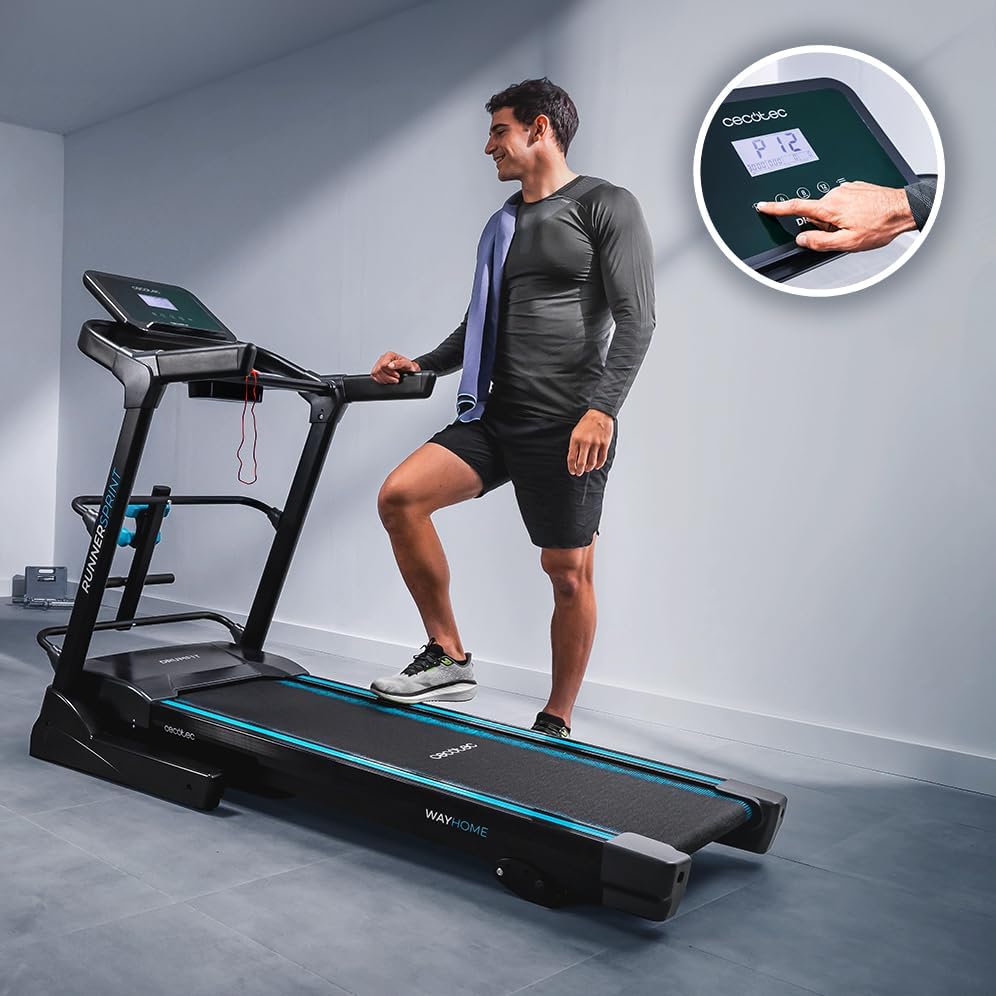
- Select from 12 predefined programs to vary your workout intensity. Press the 'Program' button to cycle through options.

5.3 Manual Incline System
The treadmill includes a manual incline system with 3 positions to simulate uphill running and increase workout difficulty.
- To adjust the incline, stop the treadmill and carefully lift the rear of the running deck to select one of the three incline levels. Ensure it is securely locked in place before resuming your workout.

5.4 LCD Control Panel
The integrated LCD screen displays key workout metrics:
- Time: Duration of your workout.
- Speed: Current running speed in km/h.
- Calories: Estimated calories burned.
- Distance: Total distance covered.
- Heart Rate: Your pulse, measured by the integrated heart rate monitor.
5.5 Additional Features
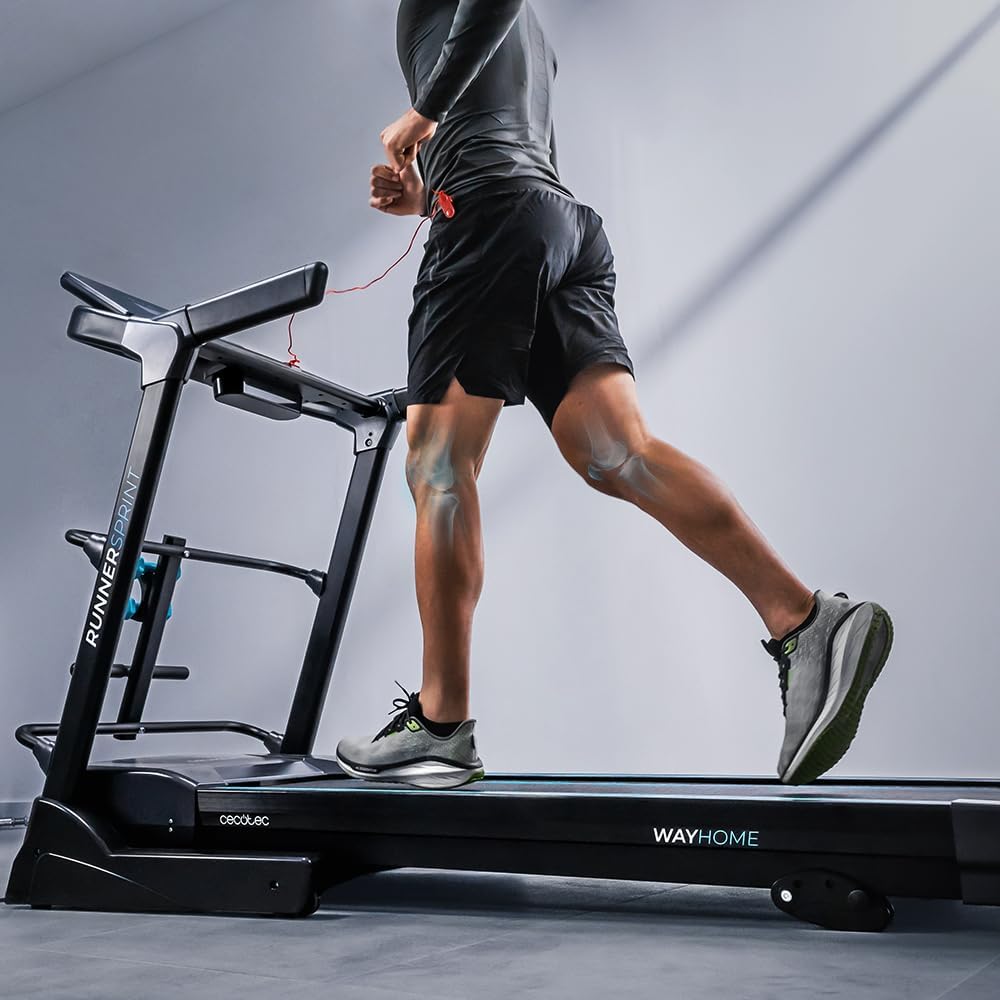
- UltraFlex Cushioning System: Designed to absorb impact and protect joints during exercise.
- Device Holder: Conveniently place your smartphone or tablet for entertainment during workouts.
- Bottle Holder: Keep hydration within reach.
- Abdominal Bar: Use the integrated bar for core exercises like sit-ups.
- Transport Wheels: Easily move the treadmill for storage.


6. Maintenance
Regular maintenance ensures the longevity and optimal performance of your treadmill.
- Cleaning: Wipe down the treadmill surfaces with a damp cloth after each use. Avoid abrasive cleaners.
- Lubrication: The running belt requires periodic lubrication. Refer to the included lubricating oil instructions for frequency and application method.
- Belt Tension: Check the running belt tension regularly. Adjust if it feels too loose or too tight, following the instructions in the full manual (if applicable).
- Storage: When not in use, the treadmill can be folded vertically using the AutoFold Tech system for compact storage. Use the transport wheels to move it easily.
7. Troubleshooting
If you encounter issues with your treadmill, refer to the following common troubleshooting tips:
- Treadmill not starting: Ensure the power cord is securely plugged in and the safety key is correctly positioned on the console. Check the circuit breaker.
- Belt slipping: The running belt may need tensioning or lubrication. Refer to the maintenance section.
- Unusual noises: Stop the treadmill immediately. Inspect for any loose parts or obstructions. If the noise persists, contact customer support.
- Inaccurate display readings: Ensure all connections to the console are secure. For heart rate, ensure hands are firmly on the sensors.
For more complex issues, please contact Cecotec customer support.
8. Specifications
| Brand | Cecotec |
| Model Number | 07186 |
| Color | Black |
| Running Surface Dimensions | 133 x 46 cm |
| Product Dimensions (L x W x H) | 135 x 78 x 184 cm |
| Item Weight | 64 kg |
| Motor Horsepower | 2200 Watt |
| Maximum Speed | 18 km/h |
| Number of Programs | 12 |
| Incline System | Manual (3 positions) |
| Display Type | LCD |
| Power Source | Electric with cord |
| Special Features | Handmatige helling, Schokabsorberend (Manual Incline, Shock Absorbing) |
| Batteries Included | No |


9. Warranty and Support
Your Cecotec DrumFit WayHome 1800 Runner Sprint Foldable Treadmill is manufactured by Cecotec. For specific warranty details, please refer to the warranty card included with your product or visit the official Cecotec website.
If you require technical assistance, have questions about operation, or need to report a defect, please contact Cecotec customer support through their official channels. Ensure you have your model number (07186) and proof of purchase available when contacting support.