
Introduction
Thank you for choosing the Greater Goods Designer Bathroom Scale, Model 0415. This manual provides essential information for the safe and effective use, setup, operation, and maintenance of your new scale. Please read these instructions thoroughly before use and retain them for future reference.
Product Overview
The Greater Goods Designer Bathroom Scale is a high-performance digital weight scale designed for accuracy and ease of use. It features a durable tempered glass base, four high-precision sensors, and a removable, non-slip silicone cover. The hidden LED display provides clear readings when in use.

Image: The Greater Goods Designer Bathroom Scale, featuring a light gray silicone cover and a hidden LED display.
Key Features:
- Removable Silicone Cover: Provides a non-slip surface and is easy to clean.
- High-Precision Sensors: Delivers accurate weight readings down to 0.1 lbs.
- Hidden LED Display: Illuminates only when in use for a sleek appearance.
- 400 lb Capacity: Suitable for a wide range of users.
- Auto-Calibrating: Ensures consistent and reliable measurements without manual setup.
Setup
1. Battery Installation
Your scale comes with 4 AAA batteries included.
- Locate the battery compartment on the underside of the scale.
- Open the battery compartment cover.
- Insert the 4 AAA batteries, ensuring correct polarity (+/-).
- Close the battery compartment cover securely.
2. Initial Placement
Place the scale on a hard, flat surface. Avoid carpets or uneven flooring, as this can affect accuracy.
3. Unit Selection (Pounds/Kilograms)
On the underside of the scale, near the battery compartment, you will find a small button or switch to toggle between pounds (lb) and kilograms (kg). Select your preferred unit before first use.
Operating Instructions
Taking a Measurement:
- Ensure the scale is on a hard, flat surface.
- Gently tap the center of the scale with your foot to activate it. The display will show "0.0" or "0.00".
- Once "0.0" or "0.00" is displayed, step onto the scale with bare feet, standing still and centered.
- Your weight will be displayed on the hidden LED screen. The display will flash a few times and then lock on your final weight.
- Step off the scale. The display will turn off automatically after a few seconds.

Image: A user standing on the scale, demonstrating how to take a weight measurement.
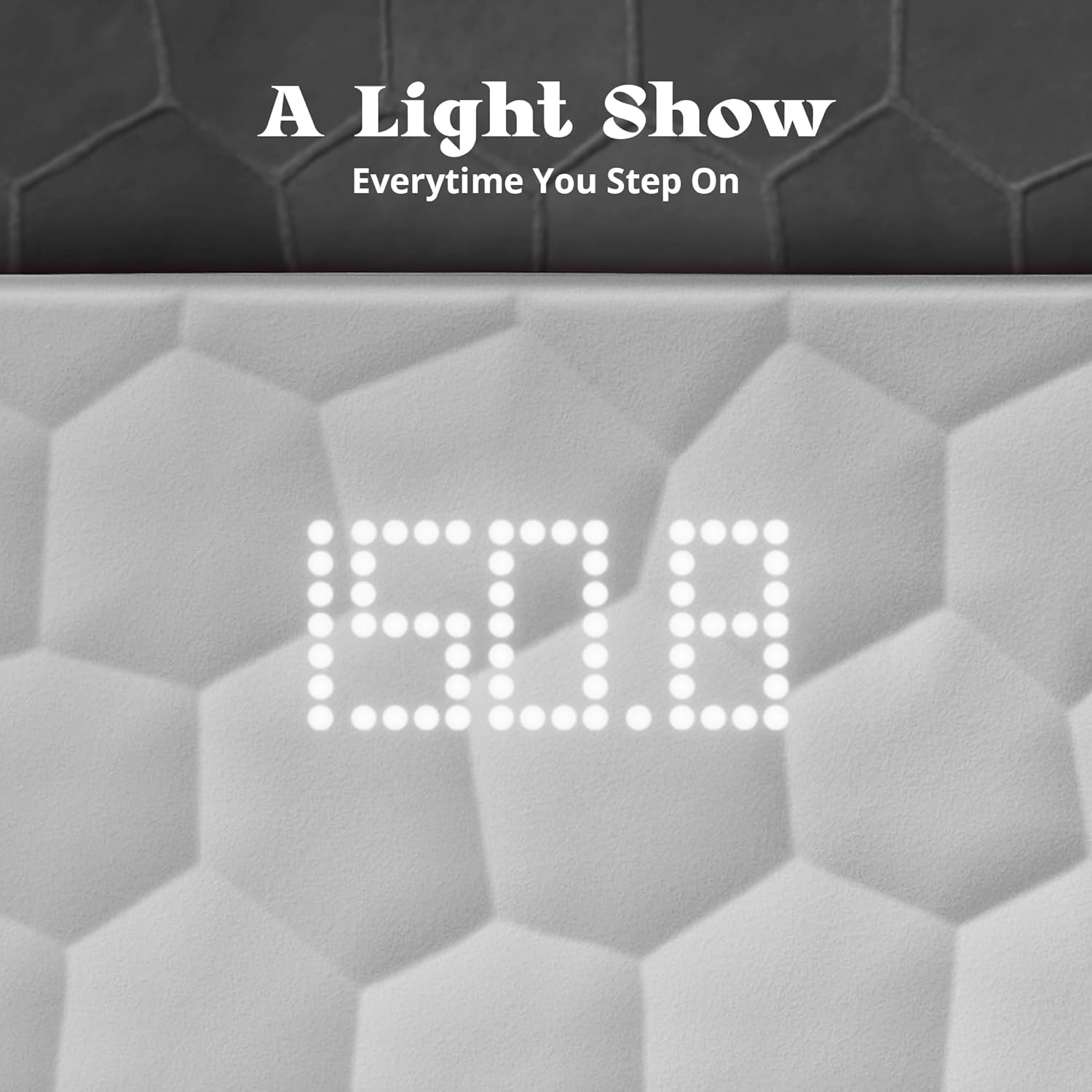
Image: A close-up view of the illuminated LED display, showing a clear weight reading.
Note: For consistent readings, always use the scale at the same time of day and under similar conditions. The scale features smart auto-calibrating sensors for instant, reliable readings.
Maintenance
Cleaning the Silicone Cover:
The soft-touch silicone cover is removable and washable for easy cleaning.
- Gently peel off the silicone cover from the tempered glass base.
- Wash the silicone cover with mild soap and water.
- Rinse thoroughly and allow it to air dry completely before placing it back on the scale.
- Wipe the glass base with a damp cloth if needed. Do not immerse the scale in water.

Image: The non-slip silicone surface, designed for comfort and easy cleaning.
Battery Replacement:
If the display shows a "Lo" battery warning or becomes dim, it's time to replace the batteries. Follow the battery installation steps in the Setup section.
Storage:
Store the scale in a cool, dry place. Avoid extreme temperatures or direct sunlight.
Troubleshooting
| Problem | Possible Cause | Solution |
|---|---|---|
| No Display / "Lo" | Batteries are low or incorrectly installed. | Replace batteries or check polarity. |
| Inaccurate Readings | Scale is on an uneven surface, or has been moved. | Place scale on a hard, flat surface. Tap to activate and wait for "0.0" before stepping on. |
| "Err" Message | Weight exceeds maximum capacity (400 lbs / 180 kg). | Ensure weight is within the scale's capacity. |
If you encounter issues not listed here, please refer to the Warranty and Support section for assistance.
Specifications
| Model Number | 0415 |
| Capacity | 400 lbs (180 kg) |
| Measurement Increments | 0.1 lbs (0.05 kg) |
| Units | lb / kg |
| Power Source | 4 x AAA batteries (included) |
| Display Type | Hidden LED |
| Product Dimensions | 12 x 12 x 0.98 inches |
| Item Weight | 5.62 Pounds |
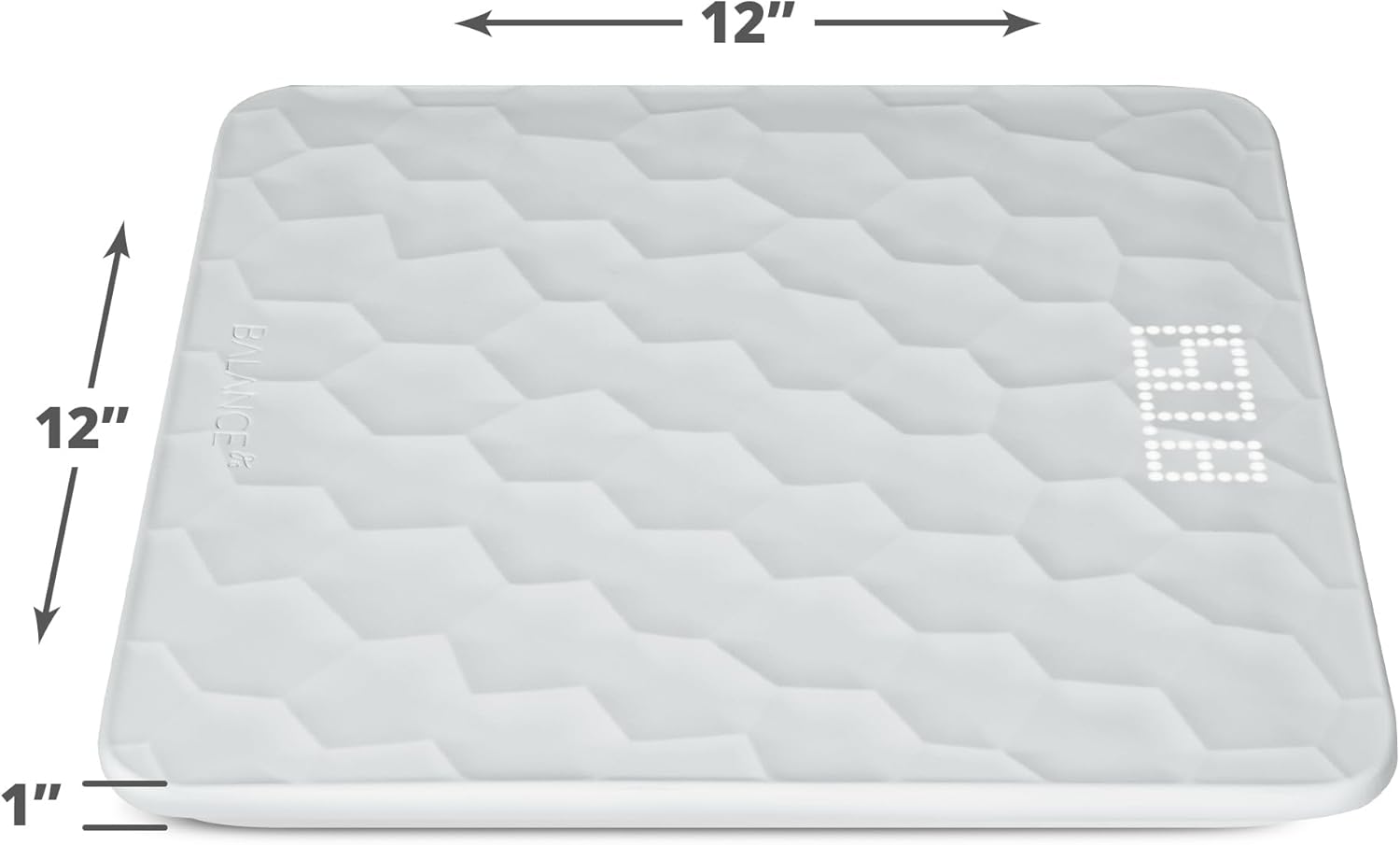
Image: Visual representation of the scale's dimensions.
Warranty and Support
Warranty Information:
The Greater Goods Designer Bathroom Scale is backed by a 5-year warranty. This warranty covers defects in materials and workmanship under normal use. Please retain your proof of purchase for warranty claims.
Customer Support:
For any questions, concerns, or warranty assistance, please contact Greater Goods customer support. Our U.S.-based support team is ready to help.
- Website: Visit the official Greater Goods Store on Amazon for more information and contact options.
- Email/Phone: Refer to the contact information provided on the product packaging or the Greater Goods website.
