
Introduction
This manual provides detailed instructions for the safe and effective operation of your YONGNUO YN100 Soft LED Video Light. Please read this manual thoroughly before using the product and retain it for future reference.
The YN100 Soft LED Video Light is a versatile 39-inch handheld wand light designed for professional video and photography. It features a wide color temperature range from 2000K to 10000K, full RGB color control, and 31 special scene effects. With a high CRI of 95+, it ensures accurate color reproduction. The light supports APP remote control for convenient adjustments and includes a built-in battery for portable use.

Image: Overview of the YN100 Soft LED Video Light's main features.
Safety Information
- Do not disassemble or modify the product. Unauthorized modifications may cause damage or injury.
- Keep the product away from water and other liquids. Do not operate with wet hands.
- Ensure proper ventilation during use to prevent overheating.
- Use only the specified power adapter (DC 19V/3A) for charging and continuous power.
- Avoid direct eye exposure to the light source, as it may cause discomfort or vision impairment.
- Store the product in a dry, cool place when not in use.
Package Contents
Please check the package contents upon opening to ensure all items are present:
- 1 x YN100 Soft RGB Ice Light
- 1 x 19V3A Power AC Adapter
- 1 x Tube Clip Bracket
- 1 x Carry Bag
- 1 x User Manual (English & Chinese)
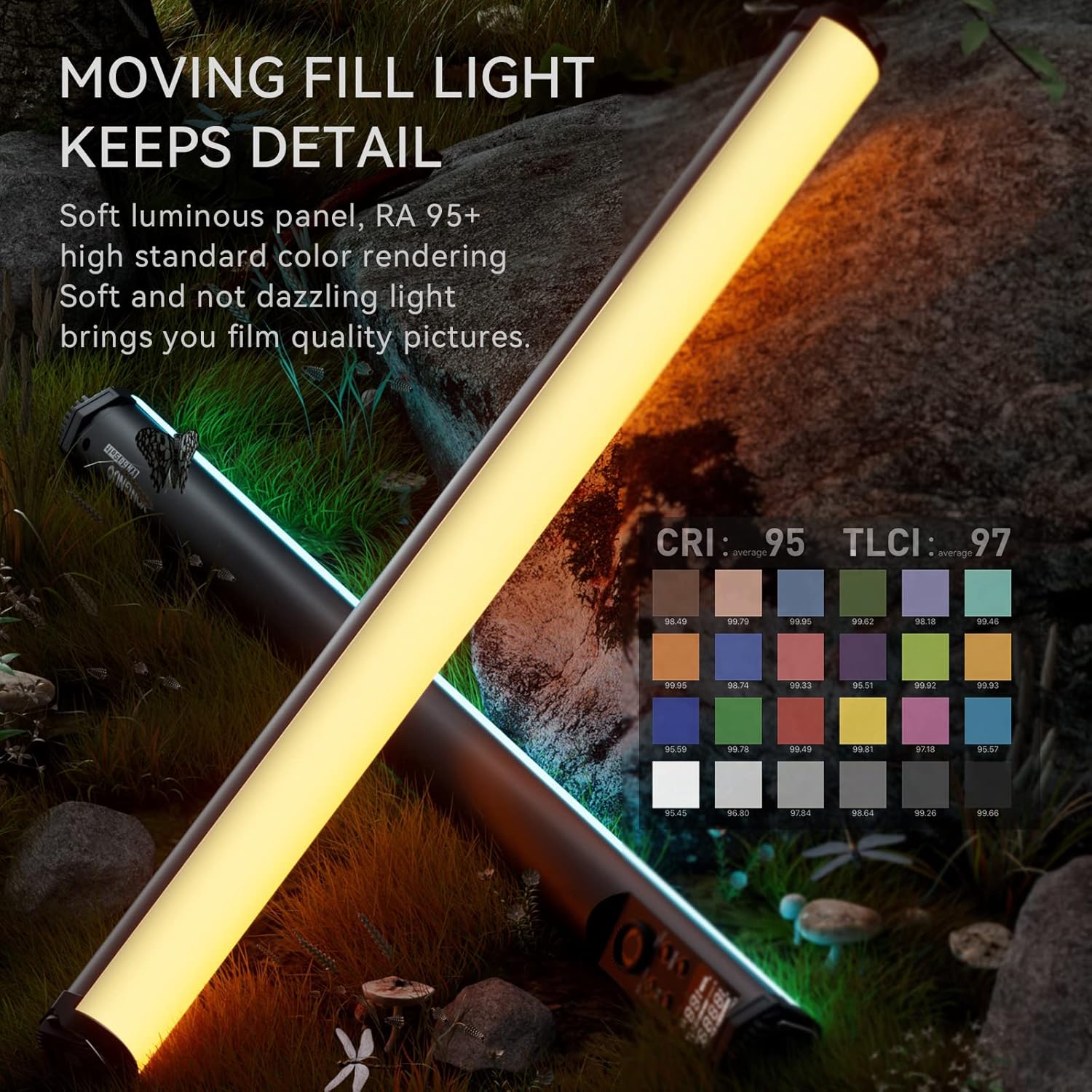
Image: Included accessories with the YN100 Soft LED Video Light.
Product Overview
The YN100 Soft LED Video Light features an intuitive design for ease of use. Key components include the light tube, control panel with LCD screen, and mounting points.

Image: LCD screen and control interface of the YN100 Soft LED Video Light.
Control Panel Functions:
- LCD Screen: Displays real-time data including channel, color temperature, intensity, and battery capacity.
- Menu Button: Accesses various settings and options.
- Cold/Warm Light Button: Toggles between CCT mode and RGB mode.
- Intensity Adjustment Knob: Rotates to adjust brightness, color temperature, or other parameters. Press to confirm selections.
- FX Button: Activates special effects modes.
- Switch Button: Power on/off the device.
Setup
1. Charging the Battery:
The YN100 Soft LED Video Light has a built-in 7.2V, 2600mAh battery. To charge, connect the provided 19V/3A power AC adapter to the light's DC input port and then to a power outlet. The battery indicator on the LCD screen will show charging status. A full charge provides over 2 hours of continuous use at full power.
2. Mounting the Light:
Use the included tube clip bracket to mount the light onto a light stand or other compatible support. The flexible design allows for various lighting angles and positions.
Operating Instructions
1. Power On/Off:
Press and hold the Switch Button on the control panel to power the light on or off.
2. Adjusting Color Temperature (CCT Mode):
In CCT mode, rotate the Intensity Adjustment Knob to change the color temperature from 2000K (warm) to 10000K (cool). Press the knob to confirm. The LCD screen will display the current color temperature.

Image: Adjusting color temperature in CCT mode.
3. RGB Full Color Adjustment:
Press the Cold/Warm Light Button to switch to RGB mode. Use the Intensity Adjustment Knob to cycle through hue, saturation, and intensity settings. Rotate the knob to adjust each parameter and press to confirm.
4. Special Effects Modes (FX):
Press the FX Button to access the 31 built-in special effect modes. Rotate the Intensity Adjustment Knob to select an effect (e.g., lightning, police car, candlelight) and press to activate. Adjust parameters of the effect as needed using the knob.

Image: Examples of the 31 special effect modes.
5. APP Remote Control:
Download the YONGNUO APP from your device's app store (iOS or Android). Enable Bluetooth on your mobile device and open the APP. The APP will automatically detect the YN100 Soft LED Video Light. You can then control all functions, including color temperature, RGB, intensity, and special effects, directly from your smartphone. The effective control distance is up to 15 meters.

Image: Controlling the light via the YONGNUO mobile application.
6. Multi-Light Interconnection:
The YN100 Soft LED Video Light supports 256 channels for multi-light interconnection. This allows you to control multiple YN100 lights simultaneously or in groups using the YONGNUO APP. Refer to the APP's instructions for detailed setup of multi-light control.
Maintenance
- Cleaning: Use a soft, dry cloth to clean the light's surface. Do not use abrasive cleaners or solvents.
- Storage: When not in use for extended periods, store the light in its carry bag in a cool, dry place. Ensure the battery is partially charged (around 50%) before storage to prolong its lifespan.
- Battery Care: Avoid fully discharging the battery frequently. Recharge the battery regularly, even if not in use, to maintain battery health.
Troubleshooting
- Light not turning on:
- Check if the battery is charged.
- Ensure the power adapter is correctly connected if using external power.
- Verify the power button is pressed and held sufficiently.
- APP not connecting:
- Ensure Bluetooth is enabled on your mobile device.
- Make sure the light is powered on.
- Restart the YONGNUO APP and try reconnecting.
- Ensure your mobile device is within the 15-meter control range.
- Light flickering or unstable output:
- Check for low battery.
- Ensure the power adapter connection is stable.
- Avoid strong electromagnetic interference sources.
Specifications
| Light Source | 480pcs SMD lamp beads and 140pcs RGB SMD lamp beads |
| Color Temperature | 2000K-10000K (red/green adjustable) and full-color RGB |
| Output Power | LED: 30W, RGB: 30W |
| Charging Power | DC19V/3A |
| Weight | Approx. 1375g |
| Built-in Battery | 7.2V/2600mAh*4 (37.44Wh) |
| External Power Supply | DC 19V/3A |
| Light Dimensions | 1000*45*44mm (approx. 39 inches long) |
| Remote Control Distance | <15m |
| Average Service Life | 50000H |
| Illumination Angle | 110° |
| Connectivity Technology | Bluetooth |
| Compatible Devices | iOS, Android |
Official Product Video
Video: An overview of the YONGNUO YN Soft Series Ice Light, RGB Full Color Stick Light, demonstrating its features and applications in filmmaking and photography.
Warranty and Support
Warranty:
This YONGNUO YN100 Soft LED Video Light comes with a 1-year warranty from the date of purchase, covering manufacturing defects. Please retain your proof of purchase for warranty claims. The warranty does not cover damage caused by misuse, unauthorized modification, or improper storage.
Customer Support:
For technical support, troubleshooting assistance, or warranty inquiries, please contact YONGNUO customer service. Refer to the official YONGNUO website for the most up-to-date contact information.
YONGNUO Official Website: www.yongnuo.com.cn


