
Introduction
This manual provides essential instructions for the safe and efficient operation, installation, and maintenance of your GGM Gastro AGG164ND#07 Countertop Refrigerated Display ECO. Please read this manual thoroughly before using the appliance and keep it for future reference.
The AGG164ND#07 is an ECO version countertop refrigerated display unit designed for commercial use. It features a digital display, electronic temperature control, and static cooling. The unit is constructed from high-quality AISI 304 stainless steel and includes a glass cover. It is designed to accommodate various GN container configurations.
Safety Instructions
Always follow basic safety precautions when using electrical appliances to reduce the risk of fire, electric shock, and injury.
- Ensure the appliance is connected to a properly grounded power outlet.
- Do not operate the appliance with a damaged cord or plug.
- Keep the appliance away from water or other liquids.
- Do not block ventilation openings.
- Only qualified personnel should perform repairs or maintenance.
- Unplug the appliance before cleaning or servicing.
- This appliance uses R600a refrigerant, which is flammable. Handle with care and ensure proper ventilation.
Setup
1. Unpacking
Carefully remove the appliance from its packaging. Inspect for any damage that may have occurred during transit. Report any damage to your supplier immediately.
2. Placement
Place the refrigerated display on a stable, level surface. Ensure adequate clearance around the unit for proper ventilation, especially near the compressor area. Avoid direct sunlight or proximity to heat sources.
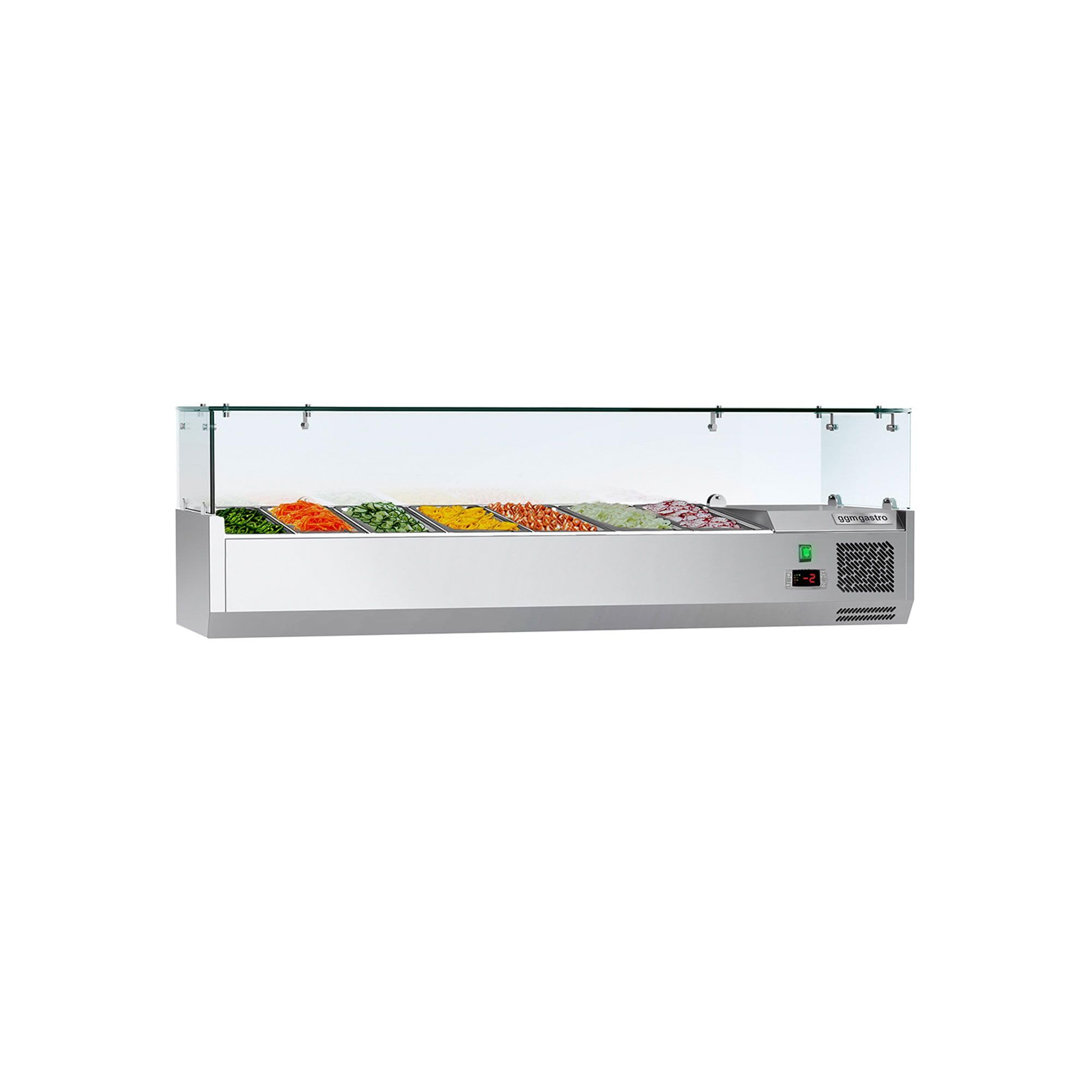
Image: The GGM Gastro AGG164ND#07 refrigerated display unit with its overall dimensions: 1600mm width, 395mm depth, and 460mm height. This image helps in planning the placement of the unit.

Image: A close-up view of the mounting hardware for the glass cover, showing the secure attachment points. This detail is relevant for understanding the unit's construction and potential assembly.

Image: A front view of the GGM Gastro AGG164ND#07 countertop refrigerated display, showcasing its glass cover and multiple GN 1/3 containers filled with various food items like salads and vegetables. This illustrates the unit in typical operational use.
3. Electrical Connection
Connect the appliance to a dedicated 1N/PE / 220-240V / 50Hz electrical outlet. Ensure the power supply matches the specifications of the unit. Do not use extension cords or adapters.
4. Initial Cleaning
Before first use, clean the interior and exterior surfaces of the unit with a mild detergent and a soft cloth. Rinse thoroughly and dry completely.
Operating Instructions
1. Power On/Off
Locate the power switch, typically on the front or side panel. Press the switch to turn the unit ON (I) or OFF (O).
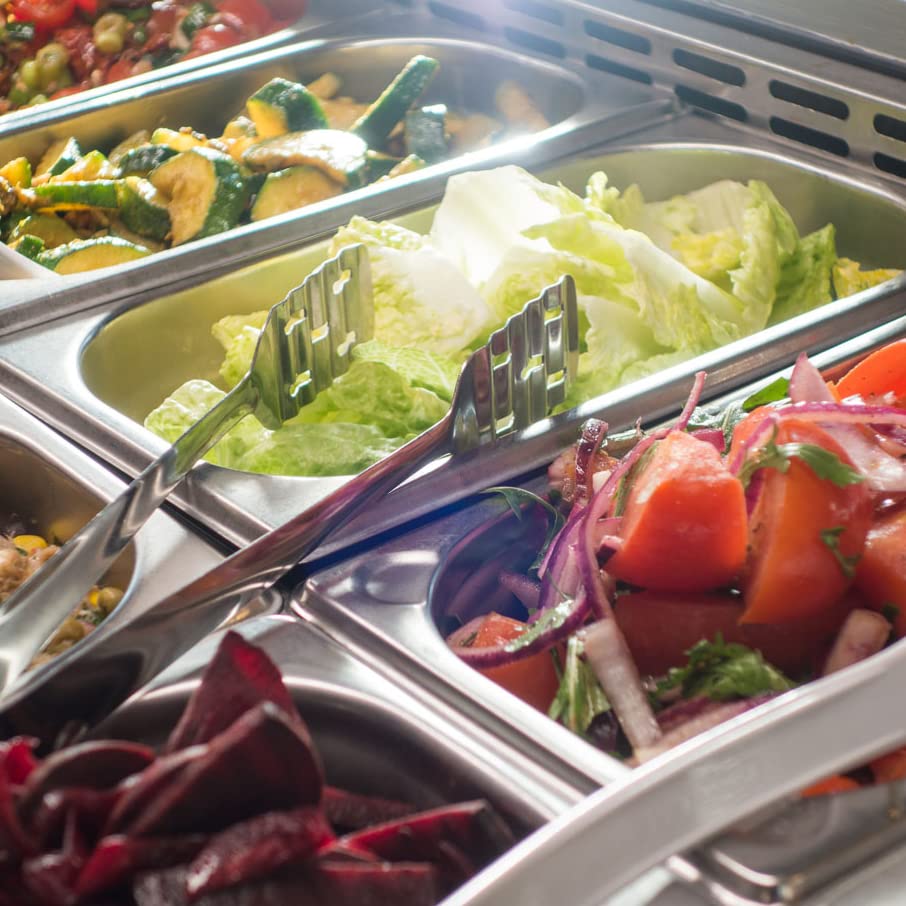
Image: A close-up view of the digital temperature display and the green power switch. The display shows '2°C', indicating the current internal temperature. This panel allows for monitoring and control of the unit's cooling function.
2. Temperature Control
The unit features an electronic temperature control with a digital display. The temperature range is 2°C to 10°C. Refer to the specific controller manual (if provided separately) for detailed instructions on setting the desired temperature. Generally, use the 'SET' button and arrow keys to adjust the temperature.
3. Loading GN Containers
The display is designed to hold 7 x GN 1/3 containers. Alternatively, it can accommodate 5 x GN 1/3 containers and 1 x GN 2/3 container. Ensure containers are properly seated and do not obstruct airflow.

Image: An interior view of the GGM Gastro AGG164ND#07 refrigerated display, showing the empty slots designed to hold multiple GN containers. This highlights the capacity and layout for food presentation.
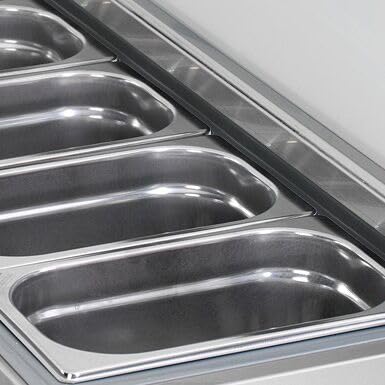
Image: A close-up shot of empty stainless steel GN containers placed within the refrigerated display. This detail shows the type of containers compatible with the unit and their arrangement.
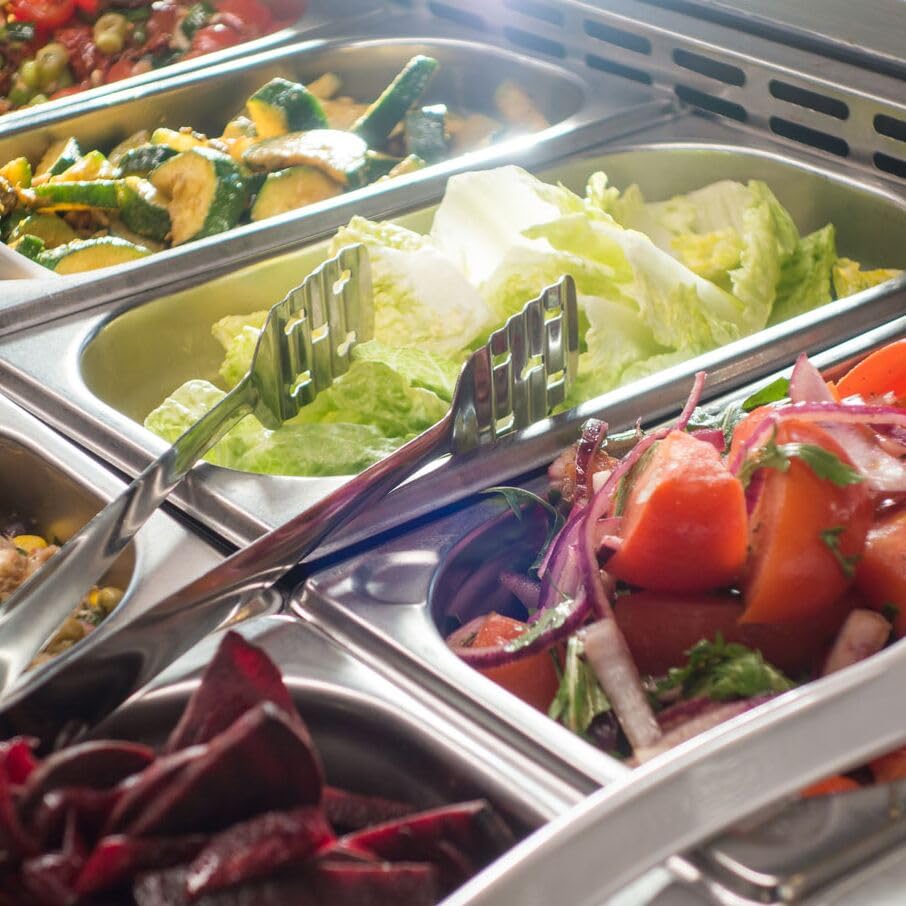
Image: Various fresh food items, including salads and vegetables, neatly arranged in GN containers inside the refrigerated display. This demonstrates the unit's function in keeping food chilled and presentable.
Maintenance
1. Cleaning
Regular cleaning is essential for hygiene and optimal performance. Disconnect the unit from the power supply before cleaning.
- Clean interior and exterior surfaces with a mild, non-abrasive detergent and a soft cloth.
- Do not use harsh chemicals, abrasive cleaners, or steel wool, as these can damage the stainless steel finish.
- Wipe down the glass cover with a glass cleaner.
- Ensure all surfaces are dry before reconnecting power.
2. Defrosting
This unit features manual defrosting. When a significant layer of ice builds up on the evaporator, turn off the unit and remove all food items. Allow the ice to melt naturally. Do not use sharp objects to remove ice, as this can damage the evaporator. Once defrosted, clean and dry the interior before restarting the unit.
Troubleshooting
If you encounter issues with your refrigerated display, refer to the following common problems and solutions:
| Problem | Possible Cause | Solution |
|---|---|---|
| Unit does not power on | No power supply; power switch off; faulty plug/cord | Check power connection; ensure switch is ON; inspect plug/cord for damage. |
| Insufficient cooling | Blocked ventilation; door/cover not closed properly; excessive ambient temperature; evaporator iced up | Ensure clear ventilation; check cover seal; move unit to cooler area; perform manual defrost. |
| Unusual noise | Unit not level; loose components; fan obstruction | Adjust leveling feet; check for loose parts; inspect fan for obstructions. |
If the problem persists after attempting these solutions, contact qualified service personnel.
Specifications
| Feature | Detail |
|---|---|
| Model Number | AGG164ND#07 |
| Manufacturer | GGM Gastro |
| Type | Countertop Refrigerated Display ECO |
| External Dimensions (W x D x H) | 1600 mm x 395 mm x 460 mm |
| Weight | 50.5 kg |
| Useful Volume | 59 L |
| Operating Volume | 47 dB |
| Material (Housing) | High-quality AISI 304 Stainless Steel (0.70 mm thickness) |
| Material (Interior) | AISI 304 Stainless Steel |
| Cooling Type | Static Cooling |
| Defrost Type | Manual Defrost |
| Refrigerant | R600a / 35 g (CFC-free) |
| Temperature Range | 2 °C to 10 °C |
| GN Container Capacity | 7 x GN 1/3 (or 5 x GN 1/3 and 1 x GN 2/3) |
| Power | 0.11 kW |
| Electrical Connection | 1N/PE / 220 - 240 V / 50 Hz |
| Certifications | CE Mark, European Food Standards Compliant |
Note: GN containers are not included with the unit.
Warranty and Support
For warranty information and technical support, please refer to the documentation provided with your purchase or contact your GGM Gastro supplier. Keep your purchase receipt and model number handy when contacting support.
Manufacturer: GGM Gastro
Model Number: AGG164ND#07