1. Introduction
Welcome to the Instiwitt K65 Wireless Earbuds User Manual. This guide provides comprehensive instructions on how to set up, operate, maintain, and troubleshoot your new earbuds. Please read this manual carefully before using the product to ensure optimal performance and longevity.
2. Product Overview
The Instiwitt K65 Wireless Earbuds are designed for comfortable and enjoyable audio experiences, especially for children, featuring a unique and playful charging case. They offer wireless connectivity and intuitive controls.
2.1 Components
- Instiwitt K65 Wireless Earbuds (Left and Right)
- Charging Case
- USB Charging Cable
- Multiple sizes of ear tips (S, M, L)

Figure 2.1: Instiwitt K65 Wireless Earbuds and Charging Case. The earbuds are white with light-up indicators, and the charging case is pink, shaped like a cartoon character's head.

Figure 2.2: Ergonomic Ear Gels and Design. The earbuds feature a three-point fixation for secure fit during activity and an oval sound outlet for comfortable wear.

Figure 2.3: Child wearing Instiwitt K65 Earbuds. The earbuds are designed to be comfortable and gentle for children's ears, offering noise reduction and adjustability.
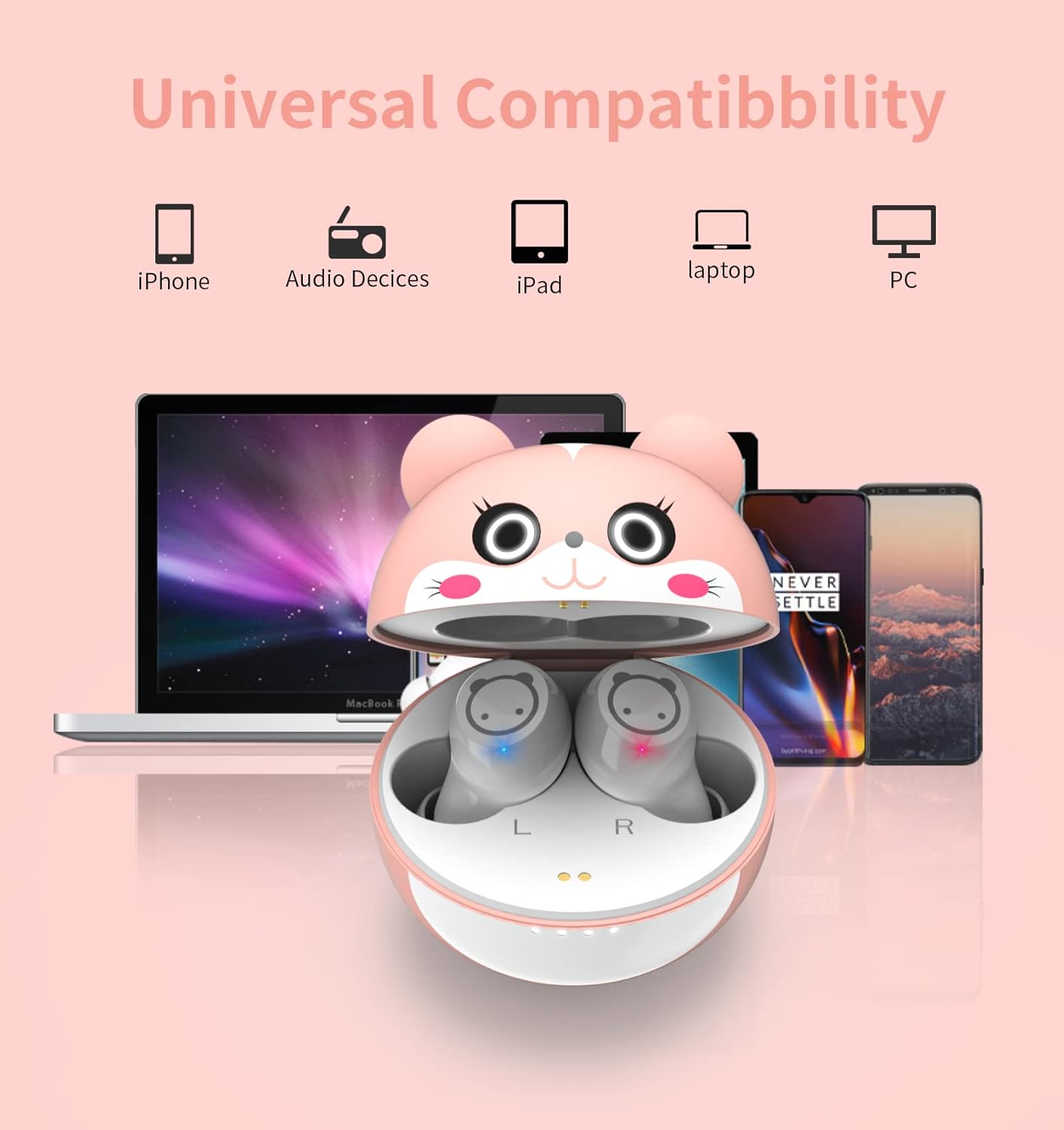
Figure 2.4: Instiwitt K65 Earbuds in various scenarios. The earbuds are suitable for diverse activities such as travel, studying, and entertainment.

Figure 2.5: Fashionable Design and Comfort. The earbuds are lightweight (only 3.5g) and designed to fit children's ear canal size comfortably, providing deep bass audio.

Figure 2.6: Universal Compatibility. The Instiwitt K65 earbuds are compatible with various Bluetooth-enabled devices including iPhones, audio devices, iPads, laptops, and PCs.

Figure 2.7: Hearing Protection Feature. The earbuds are designed with a volume limit to protect children's hearing, ensuring comfortable and safe listening levels.
3. Setup
3.1 Initial Charging
Before first use, fully charge the earbuds and the charging case. Place both earbuds into the charging case. Connect the charging case to a USB power source using the provided charging cable. The indicator lights on the case will show charging status.
- A single charge provides approximately 4-5 hours of listening time.
- With the charging case, total listening time can exceed 32 hours.
- Approximately 2 hours of charging provides 36 hours of listening time.
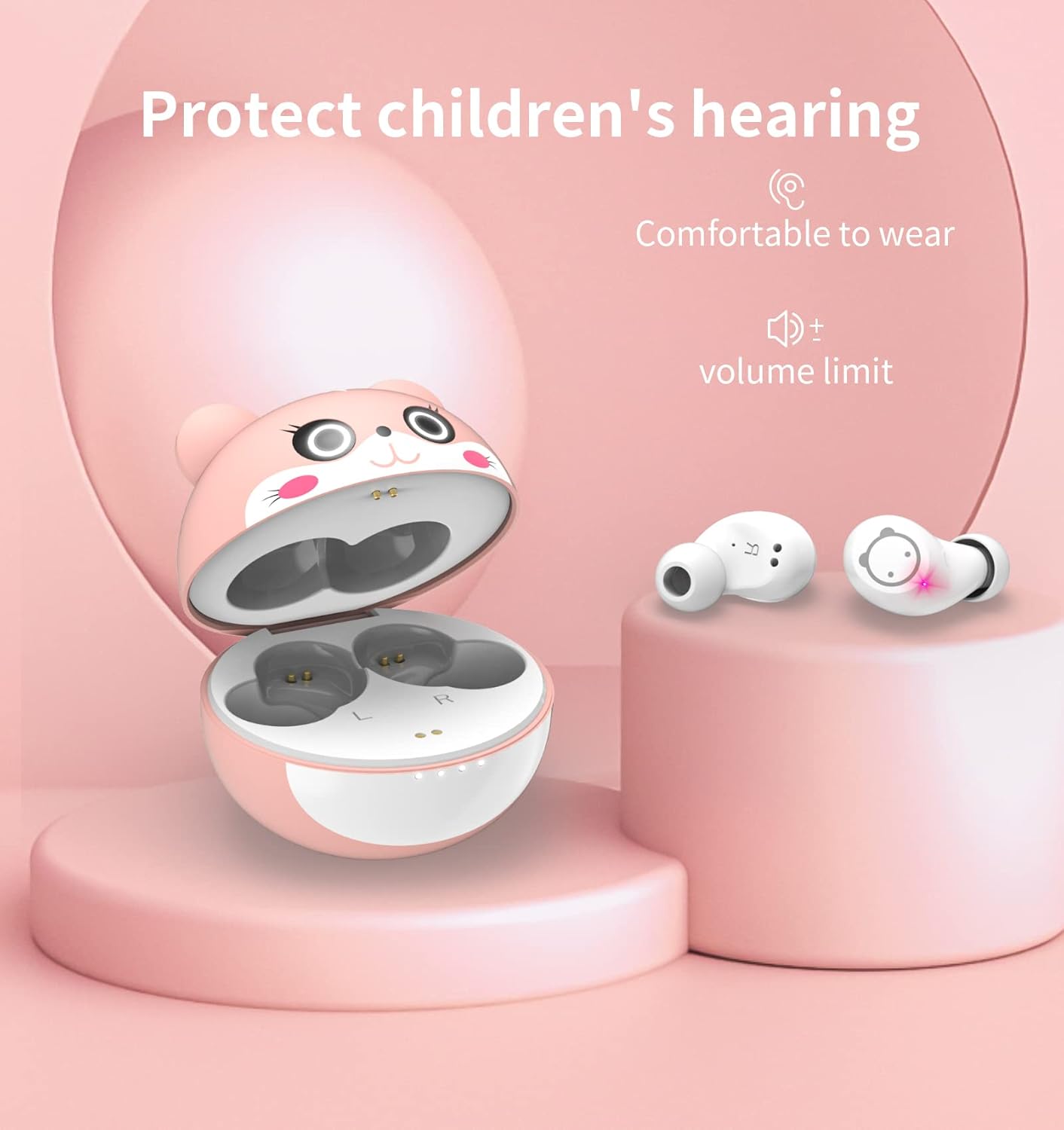
Figure 3.1: Instiwitt K65 Earbuds in Charging Case. The earbuds are placed inside the case for charging and storage. The case has indicator lights to show battery level.

Figure 3.2: Battery Life and Dynamic Driver Unit. Illustrates the extended battery life with the charging case and highlights the 6mm dynamic driver unit for deep bass and clear sound.
3.2 Pairing with a Device
- Ensure the earbuds are fully charged.
- Open the charging case. The earbuds will automatically enter pairing mode (indicator lights will flash).
- On your device (smartphone, tablet, laptop), enable Bluetooth.
- Search for "Instiwitt K65" or similar in the list of available Bluetooth devices.
- Select "Instiwitt K65" to connect. Once connected, the earbud indicator lights will stop flashing.
- If pairing fails, place the earbuds back into the case, close it, and repeat the steps.
4. Operating Instructions
The Instiwitt K65 earbuds feature smart touch controls for easy management of audio playback and calls.

Figure 4.1: Smart Touch Control Guide. This image illustrates the touch gestures for various functions, though the earbuds shown are black, the controls apply to the K65 model.
4.1 Music Playback
- Play/Pause: Double-tap the touch area on either the Left (L) or Right (R) earbud.
- Next Track: Single-tap the touch area on the Right (R) earbud.
- Previous Track: Single-tap the touch area on the Left (L) earbud.
- Volume Up: Double-tap the touch area on the Right (R) earbud.
- Volume Down: Double-tap the touch area on the Left (L) earbud.
Note: The provided image indicates single tap for volume control. Please refer to the specific product behavior for accurate volume adjustment.
4.2 Call Management
- Answer/Hang Up Call: Double-tap the touch area on either the Left (L) or Right (R) earbud during an incoming call or to end an active call.
- Reject Call: Double-tap the touch area on either the Left (L) or Right (R) earbud during an incoming call.
4.3 Voice Assistant
- Activate Voice Assistant (Siri, Google Assistant, etc.): Triple-tap the touch area on the Left (L) earbud.
4.4 Single and Dual Earbud Use
The Instiwitt K65 earbuds support both single and dual earbud modes. You can use either the left or right earbud independently, or both together for a stereo experience.

Figure 4.2: Single and Dual Earbud Use. This image illustrates the flexibility of using one or both earbuds, allowing for single or dual earbud operation.
5. Maintenance
Proper maintenance ensures the longevity and optimal performance of your Instiwitt K65 earbuds.
5.1 Cleaning
- Regularly clean the charging contacts on both the earbuds and inside the charging case using a dry, lint-free cloth or a toothpick. This prevents charging issues.
- Clean the ear tips and the mesh covers of the earbuds to prevent wax buildup, which can affect sound quality. Remove the ear tips and gently wipe them. Use a soft, dry brush or cotton swab for the mesh.
Figure 5.1: Cleaning Charging Contacts and Ear Tips. Demonstrates how to clean the charging contacts to resolve charging issues and how to clean ear tips and mesh for optimal sound quality.
5.2 Storage
- Always store the earbuds in their charging case when not in use to protect them and keep them charged.
- Store the device in a cool, dry place away from direct sunlight and extreme temperatures.
6. Troubleshooting
If you encounter issues with your Instiwitt K65 earbuds, refer to the following common problems and solutions.
| Problem | Possible Cause | Solution |
|---|---|---|
| Earbuds not charging | Dirty charging contacts; improper placement in case; faulty cable/charger. | Clean charging contacts on earbuds and case. Ensure earbuds are correctly seated. Try a different USB cable and power adapter. |
| Cannot pair with device | Earbuds not in pairing mode; Bluetooth off on device; previously paired device interfering. | Ensure earbuds are in pairing mode (open case). Turn Bluetooth off/on on your device. Forget "Instiwitt K65" from your device's Bluetooth list and re-pair. Ensure earbuds are charged. |
| No sound or poor sound quality | Low battery; ear tips clogged; incorrect ear tip size; device volume too low. | Charge earbuds. Clean ear tips and mesh. Try different sized ear tips for a better seal. Increase device volume. |
| Earbuds disconnect frequently | Out of Bluetooth range; interference; low battery. | Stay within 10 meters (33 feet) of your device. Avoid strong electromagnetic interference. Ensure earbuds are charged. |
7. Specifications
| Feature | Specification |
|---|---|
| Brand | Instiwitt |
| Model Name | K65 |
| Connectivity Technology | Wireless (Bluetooth) |
| Wireless Communication Technology | Bluetooth 5.1 |
| Form Factor | In-Ear |
| Item Weight | 15 Grams |
| Battery Type | Lithium-polymer (3 batteries required) |
| Special Features | Fast charging, Volume limit for hearing protection, Built-in microphone |
| Recommended Uses | Calling, Running, Video Gaming, Cycling, Exercise, Motorcycling, DJ, Skateboarding, Snowboarding |
| Age Range (Description) | Child |
| Included Components | Wireless charging case |
8. Warranty and Support
For warranty information or technical support, please contact Instiwitt customer service through the retailer where you purchased the product or visit the official Instiwitt website. Please retain your proof of purchase for warranty claims.


