
Bosch Easy Pump (603947080)
Bosch Easy Pump Cordless Tyre Inflator User Manual
Brand: Bosch | Model: Easy Pump (603947080)
Introduction
The Bosch Easy Pump Cordless Bike Tyre Inflator is a lightweight, portable electric air pump designed for convenient inflation of various items. It is ideal for tires on cars, motorcycles, and bicycles, as well as balls and small water sports equipment. Key features include a smart auto-stop function for precise inflation, a clear digital display, an integrated LED light for use in low-light conditions, and quick USB-C recharging capability. Its compact design and ease of use make it a versatile tool for everyday and on-the-go inflation needs.

Image: The Bosch Easy Pump Cordless Tyre Inflator shown with its included accessories: USB charging cable, various adapters, and a fabric carry bag.
Package Contents
Upon opening the package, please ensure all the following items are present:
- 1x Bosch Easy Pump Cordless Tyre Inflator
- 1x USB Charging Cable (USB-C)
- 1x Volume Adapter
- 1x Ball Needle
- 1x Presta Valve Adapter
- 1x Fabric Bag

Image: A visual representation of the Bosch Easy Pump and its complete set of accessories as found in the product packaging.
Setup
Initial Charging
Before first use, fully charge the Bosch Easy Pump. Connect the included USB-C charging cable to the device's charging port and plug the other end into a compatible USB power source (e.g., wall adapter, computer USB port). The battery indicator on the digital display will show charging progress. A full charge ensures optimal performance and battery life.
Attaching Adapters
The Easy Pump comes with various adapters for different inflation needs. Select the appropriate adapter for your item (e.g., Presta valve adapter for certain bike tires, ball needle for sports balls, volume adapter for inflatables). Screw the chosen adapter securely onto the end of the pump's hose.
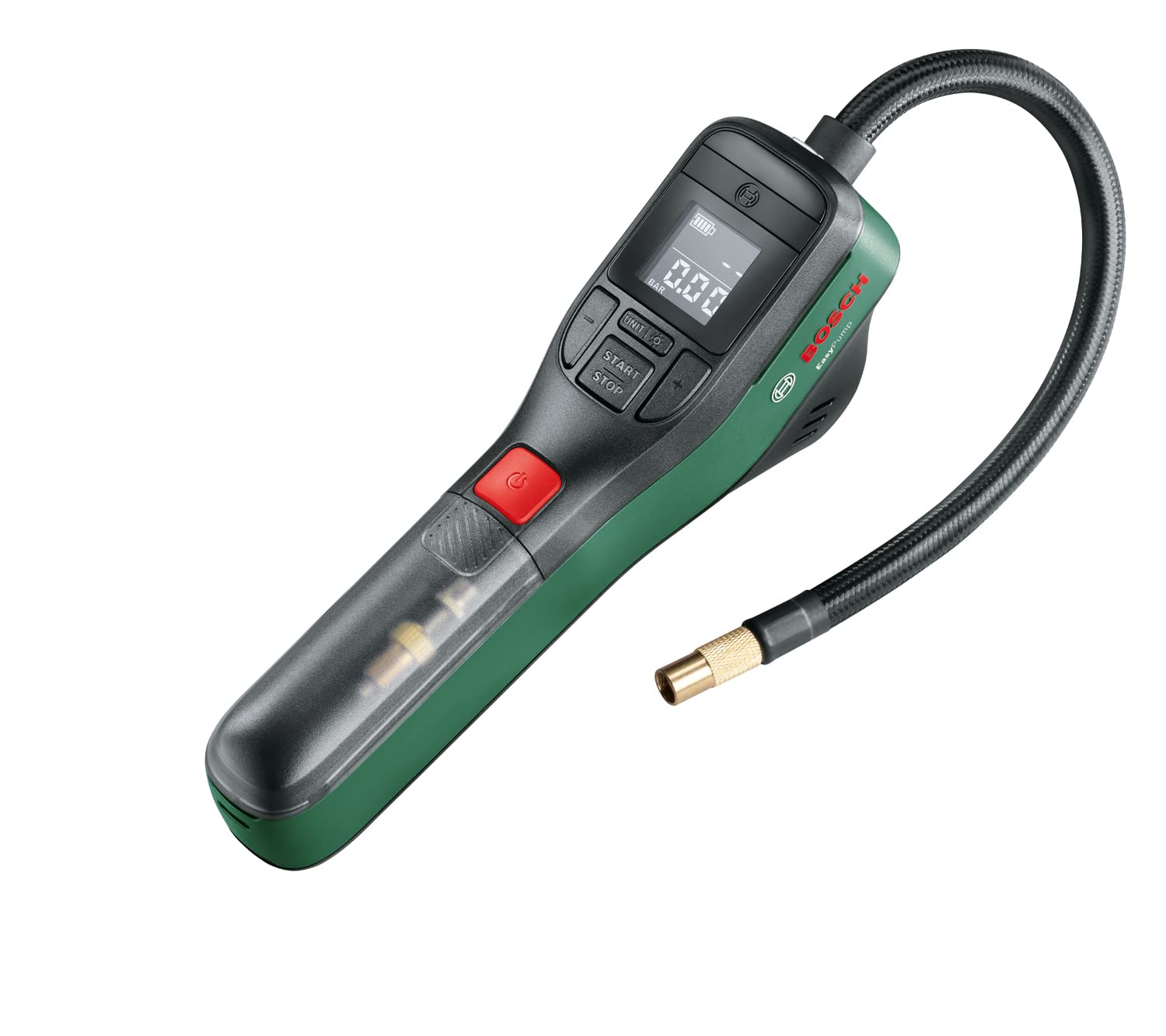
Image: The Bosch Easy Pump with its flexible hose connected, ready for an adapter to be attached.
Operating Instructions
Powering On and Off
To power on the device, press the red power button. The digital display will illuminate, showing the current pressure and battery level. The device will automatically turn off after a period of inactivity to conserve battery.
Setting Desired Pressure
Once powered on, use the '+' and '-' buttons to set your desired pressure. The display allows you to switch between pressure units (PSI, BAR, kPa) using the 'UNIT' button. Refer to your item's recommended pressure (e.g., on a tire sidewall or ball). The auto-stop function will automatically halt inflation once this preset pressure is reached.
Inflation Process
- Attach the appropriate adapter to the pump hose and then securely connect it to the valve of the item you wish to inflate.
- Set the desired pressure using the '+' and '-' buttons.
- Press the 'START/STOP' button to begin inflation. The pump will operate until the preset pressure is achieved, then automatically stop.
- Once inflation is complete, disconnect the adapter from the item's valve.
Using the LED Light
The integrated LED light can be activated by pressing the light button. This feature is particularly useful for illuminating the valve area when inflating in dark or dimly lit conditions.

Image: A user inflating a car tire, demonstrating the Easy Pump's application for automotive use.

Image: The Easy Pump being used to inflate a bicycle tire, highlighting its portability for bike maintenance.
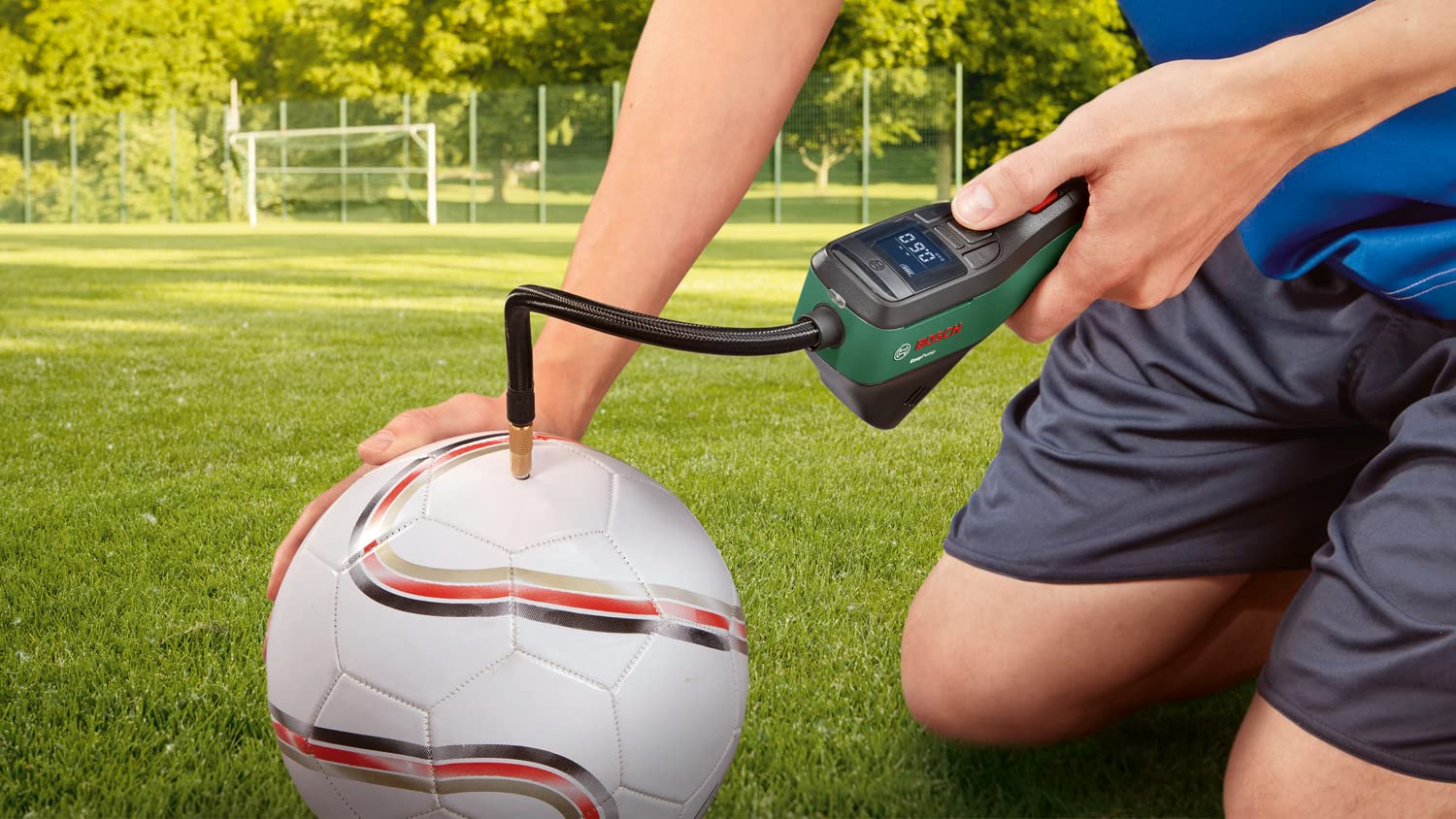
Image: A person inflating a football, showcasing the pump's versatility for sports equipment.

Image: The Bosch Easy Pump inflating a pool float, demonstrating its use for small water sports gear.

Image: A graphic illustrating the approximate number of inflations and time required for different items like car tires, bicycle tires, and footballs on a single charge.
Maintenance
Cleaning
To maintain the longevity and performance of your Bosch Easy Pump, regularly wipe the exterior with a soft, damp cloth. Do not use harsh chemicals or abrasive cleaners. Ensure no moisture enters the charging port or air vents.
Storage
Store the device in a cool, dry place, away from direct sunlight and extreme temperatures. Utilize the included fabric bag for protection against dust and scratches. Ensure the hose is not kinked during storage.
Battery Care
For optimal battery health, avoid completely draining the battery before recharging. If storing the device for an extended period, charge it to approximately 50% capacity every few months to prevent deep discharge.
Troubleshooting
| Problem | Possible Cause | Solution |
|---|---|---|
| Device does not turn on. | Battery is depleted. | Charge the device using the USB-C cable. |
| Pump does not inflate. | Hose or adapter not securely connected. Pressure setting is too low or already reached. | Ensure all connections are tight. Check the preset pressure on the display. Increase if necessary or verify the item's current pressure. |
| Inaccurate pressure reading. | Adapter not fully seated on valve. Device needs recalibration (unlikely for new devices). | Ensure adapter is firmly attached to the valve. If issues persist, contact customer support. |
| Device stops prematurely. | Auto-stop function activated (desired pressure reached). Battery is low. | Verify the current pressure on the display. Recharge the device. |
Specifications
| Feature | Value |
|---|---|
| Battery Voltage | 3.6 V |
| Battery Capacity | 3.0 Ah |
| Hose Length | 0.2 M |
| Item Weight | 0.67 Kilograms (670 g) |
| Maximum Pressure | 10.3 BAR (150 PSI) |
| Maximum Output Volume | 10 L/Min |
| Product Dimensions (L x W x H) | 26.5L x 12.3W x 8.7H Centimeters |
| Power Source | Battery Powered |
| Operation Mode | Automatic |
| Model Number | 603947080 |
| Country of Origin | China |
Warranty and Support
Bosch products are manufactured to high quality standards and come with a manufacturer's warranty. For specific warranty details, please refer to the documentation included with your purchase or visit the official Bosch website.
For any queries, technical assistance, or support, please contact Bosch Customer Service:
- Customer Service Number: 1800-425-8665 (Toll free)
Please have your product model number (603947080) and purchase details ready when contacting support.