
LUWU Lexus/ES/8in
LUWU Screen Protector User Manual for Lexus ES 8-inch Navigation Screen
Model: Lexus/ES/8in
Introduction
This user manual provides comprehensive instructions for the installation, operation, and maintenance of your LUWU PET Plastic Navigation Screen Protector, specifically designed for the 2022-2023 Lexus ES 8-inch infotainment display. This protective film is engineered to safeguard your vehicle's screen from scratches, smudges, and daily wear, while maintaining original touch sensitivity and display clarity.
Product Features
- Customized Fit: Precisely cut for the 2022-2023 Lexus ES250/ES300h/ES350 8-inch media screen, ensuring full coverage and compatibility with your infotainment system.
- Scratch Protection: Designed to protect the valuable screen from scratches caused by improper cleaning, keys, or other abrasive elements.
- Enhanced Usability: Features a smudge-proof surface that allows for easier sliding and interaction with the touchscreen, improving overall user experience.
- Improved Aesthetics: The glossy finish enhances the screen's appearance, making it look clearer and easier to clean compared to matte finishes.
- Residue-Free Removal: Manufactured with professional industrial material to ensure no adhesive residue is left on the screen surface upon removal.
- 4H Hardness: Provides a durable layer of protection against daily impacts and scratches, making the screen harder to damage.
- Oil Proof & Waterproof: Hydrophobic and oleophobic properties resist oil, fingerprints, and water stains, keeping your screen clean.
- HD Clarity: Maintains the original color and clarity of your car's display, ensuring an unobstructed viewing experience.
- Outstanding Touch Feeling: Ultra-thin 0.25mm design with 2.5D round edge ensures highly sensitive operation and reproduces the original touch feeling of the screen.
Package Contents
Please verify that all items listed below are included in your package:
- 2 x PET Screen Protectors
- 1 x Set of Positioning Labels & Dust Removal Stickers
- 1 x Installation Method Guide
- 1 x Wrapping Paper
- 1 x Microfiber Cleaning Cloth
- 1 x Wet Wipe
- 1 x Black Plastic Board (for smoothing)

Image: Contents of the LUWU screen protector package.
Setup and Installation
Follow these steps carefully for optimal installation of your screen protector:
- Clean the Screen: Use the provided wet wipe to thoroughly clean the surface of your Lexus ES 8-inch navigation screen. Ensure all dust, fingerprints, and smudges are removed.
- Dry the Screen: Use the microfiber cloth to dry the screen completely. Make sure no moisture or streaks remain.
- Remove Dust: Use the dust removal stickers to pick up any remaining dust particles from the screen. Inspect the screen carefully under good lighting to ensure it is spotless.
- Align the Protector: Carefully peel off the protective film from the adhesive side of the screen protector (usually marked with a "1" tab). Align the screen protector with the edges of your car's navigation screen. Take your time to ensure precise alignment.
- Apply the Protector: Once aligned, gently lower the screen protector onto the screen. The automatic adsorption feature will help it adhere smoothly.
- Remove Bubbles: Use the black plastic board or a similar flat tool to gently push out any air bubbles towards the edges of the screen. Start from the center and work your way outwards.
- Final Polish: Once the protector is fully adhered and bubble-free, use the microfiber cloth to gently wipe the surface of the newly installed screen protector.

Image: Visual guide for screen protector installation steps.
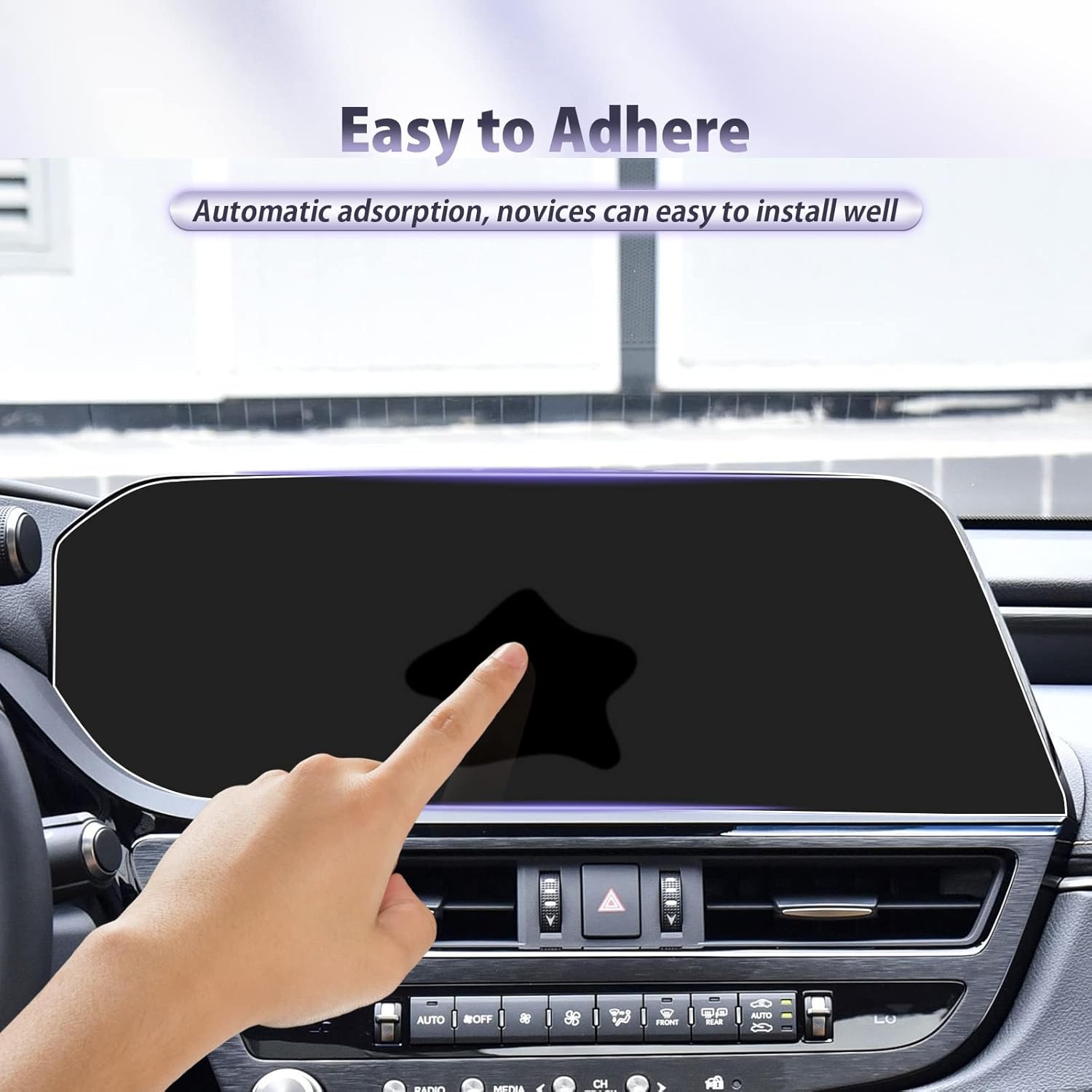
Image: Demonstrating the easy adhesion process of the screen protector.
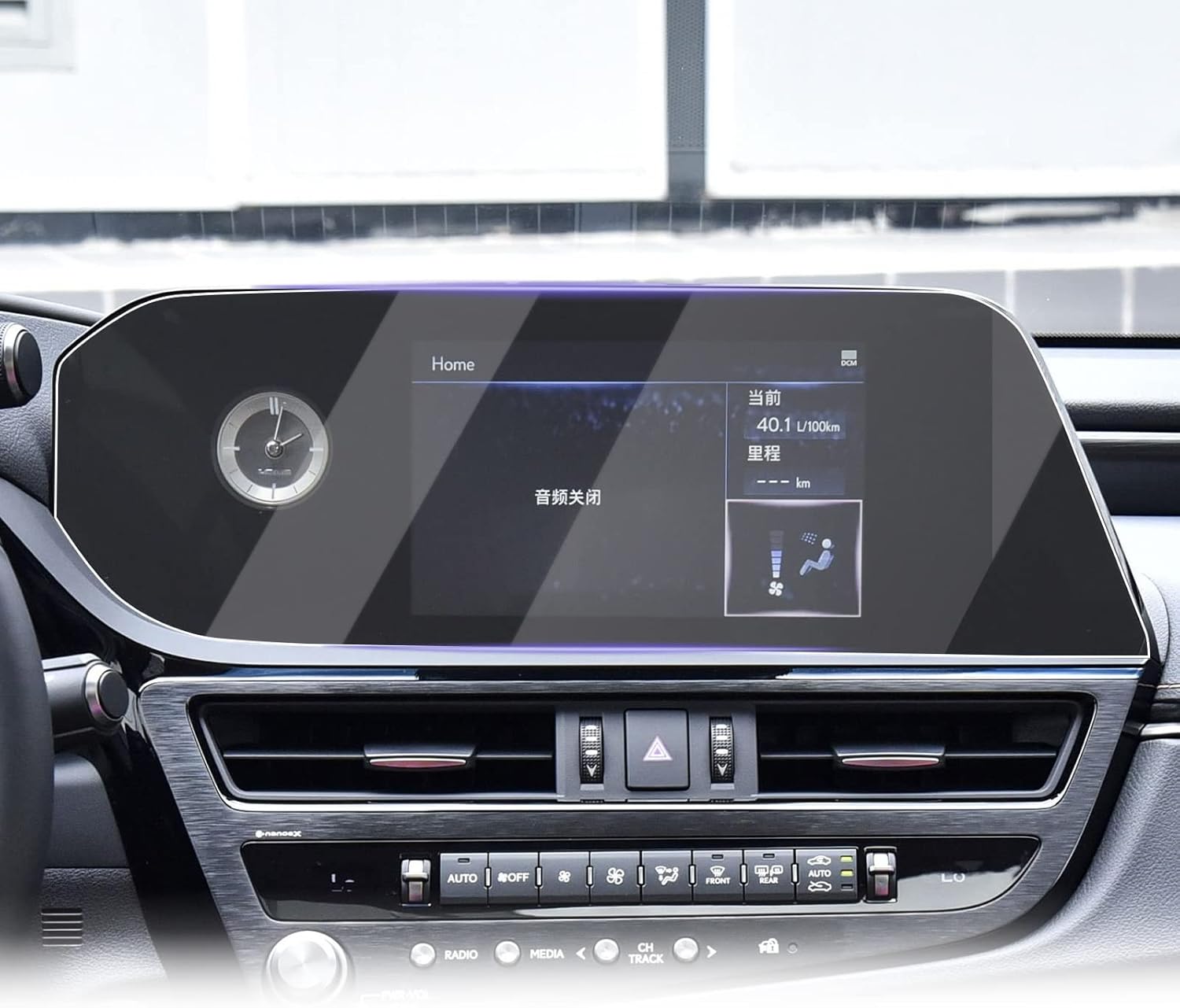
Image: The screen protector installed on the vehicle's display.
Operating the Screen Protector
The LUWU screen protector is designed to integrate seamlessly with your vehicle's infotainment system, preserving its original functionality.
- Touch Sensitivity: The ultra-thin design (0.25mm) ensures that the screen's touch sensitivity remains unaffected, allowing for precise and responsive interactions with your navigation and media controls.
- Clarity: Enjoy high-definition clarity that maintains the vibrant colors and sharp details of your original screen display.
- Smooth Gliding: The surface is treated to allow fingers to glide smoothly, enhancing the tactile experience during use.

Image: Illustration of the screen protector's touch sensitivity and thinness.

Image: The screen protector's excellent transparency.
Maintenance
To ensure the longevity and continued clarity of your LUWU screen protector, follow these simple maintenance guidelines:
- Regular Cleaning: Wipe the screen protector regularly with the provided microfiber cloth to remove dust and light smudges.
- Removing Fingerprints and Oils: For more stubborn fingerprints or oil marks, lightly dampen the microfiber cloth with water or a screen-safe cleaning solution and gently wipe the surface. The oleophobic coating makes cleaning easy.
- Avoid Harsh Chemicals: Do not use abrasive cleaners, alcohol, or ammonia-based solutions, as these can damage the coating of the screen protector.
- Gentle Handling: While the protector is scratch-resistant, avoid sharp objects or excessive force that could potentially damage the film.

Image: Comparison of fingerprint resistance between LUWU and other screen protectors.

Image: Illustration of the screen protector's waterproof and oleophobic properties.
Troubleshooting
If you encounter any issues during or after installation, refer to the following common problems and solutions:
- Bubbles After Installation:
Cause: Dust particles trapped underneath or uneven application.
Solution: Gently lift the nearest corner of the screen protector to the bubble and slowly reapply, using the plastic board to push the air out. For persistent bubbles caused by dust, you may need to carefully lift the protector, use a dust removal sticker to lift the dust, and then reapply.
- Screen Protector Not Adhering Properly:
Cause: Insufficient cleaning, oily residue, or improper alignment.
Solution: Ensure the screen is perfectly clean and dry before application. If the issue persists, the protector might be damaged or misaligned. Re-align carefully or consider using the second protector provided in the package.
- Reduced Touch Sensitivity:
Cause: Air bubbles, dust, or improper installation.
Solution: Check for and remove any air bubbles. Ensure the protector is fully adhered across the entire screen. If the problem persists, verify that the protector is the correct model for your screen size.
Specifications
| Feature | Detail |
|---|---|
| Product Dimensions | 6 x 3 x 0.5 inches (Packaging) / 6"L x 3"W (Protector) |
| Item Weight | 11.3 ounces |
| Model Number | Lexus/ES/8in |
| Compatible Models | 2022-2023 Lexus ES250/ES300h/ES350 8 Inch Navigation Screen |
| Material | PET Plastic |
| Item Hardness | 4H |
| Special Features | Touch Sensitive, Scratch Proof, Smudge-proof, Residue-Free, Waterproof, Oleophobic, HD Clarity |
| Finish Type | Glossy |
| Screen Size | 8 Inches |
| Manufacturer | LUWU |
Warranty and Support
LUWU stands behind the quality of its products. For any concerns regarding your screen protector, please refer to the following information:
- Return Policy: This product is eligible for return, refund, or replacement within 30 days of receipt, in accordance with the retailer's policy. Please refer to your purchase platform for specific return instructions.
- Manufacturer Support: For product-specific inquiries, technical assistance, or warranty claims beyond the return period, please contact LUWU directly through the retailer's platform where the product was purchased.

Image: How to contact LUWU for support.
Ask a question about this manual
Ask about setup, troubleshooting, compatibility, parts, safety, or missing instructions. Manuals+ will review the question and use this page’s manual context to help answer it.