
Introduction
The SNARK Air Clip-On Tuner (AIR-1) is a compact and efficient tuning device designed for various string instruments, including guitar, bass, ukulele, and mandolin. Its small size allows it to be discreetly placed behind the instrument's headstock. The tuner features fast and accurate tuning capabilities and is rechargeable, eliminating the need for disposable batteries.
Key Features:
- Lightning fast tuning response.
- Tunes any guitar, bass, ukulele, mandolin, and more.
- Provides perfect tuning accuracy.
- Small enough to hide behind the instrument's headstock.
- Rechargeable; no batteries to change.
Setup
- Unboxing: Remove the SNARK Air Tuner and the included USB charge cable from the packaging.
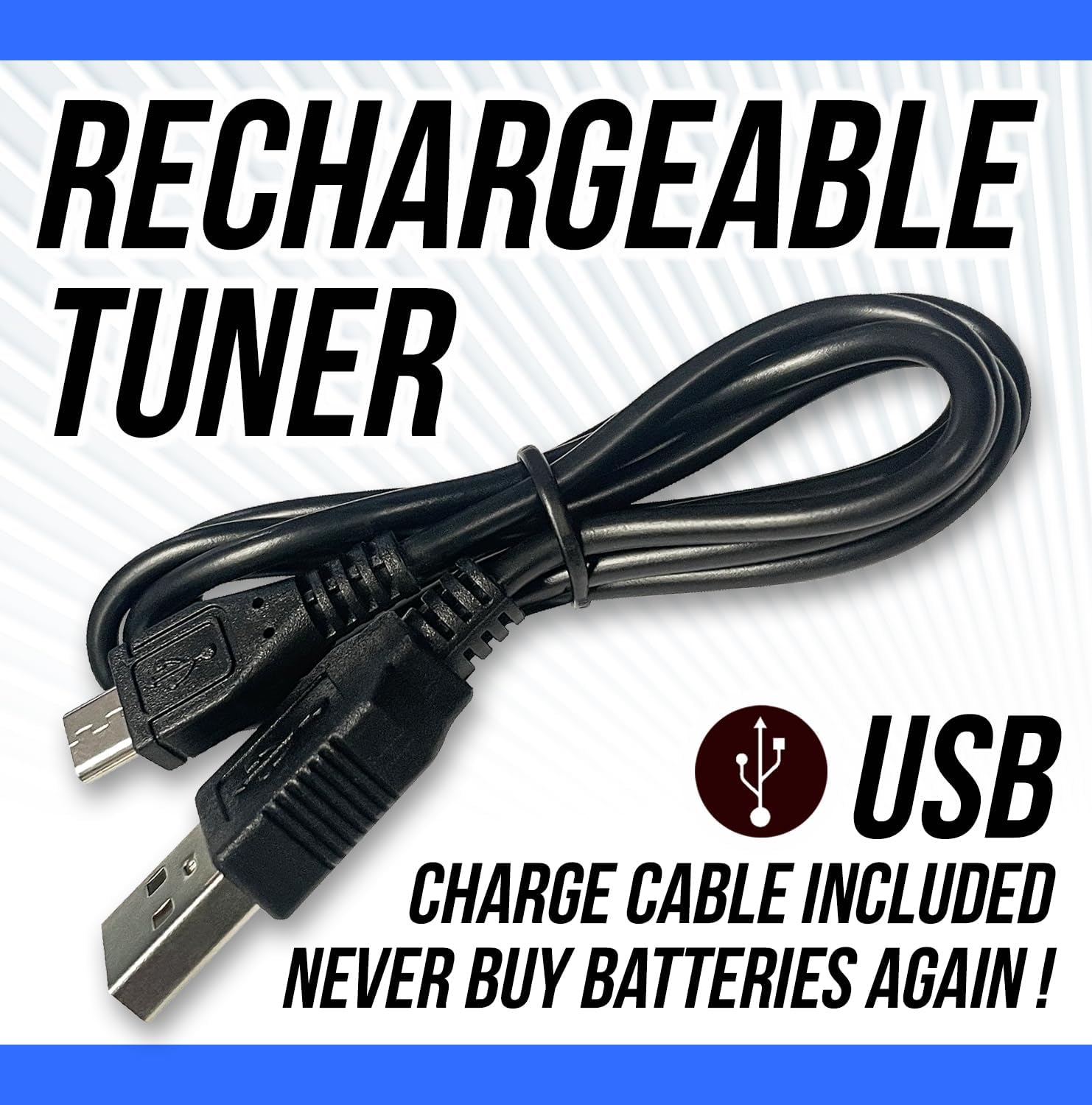
- Initial Charge: Before first use, fully charge the tuner using the provided USB cable. Connect the cable to the charging slot on the back of the tuner and to a compatible USB power source. The battery indicator lights will show charging status.
- Attaching to Instrument:
- Locate the headstock of your instrument.
- Gently squeeze the tuner's clip to open its jaws.
- Attach the tuner securely to the headstock. The design allows for attachment to either the front or the back of the headstock for discreet placement.

This image shows the SNARK Air tuner clipped onto the headstock of an acoustic guitar, demonstrating how it can be attached discreetly behind the headstock.
Operating Instructions
- Power On/Off: Press the button on the front of the tuner to power it on. The SNARK Air logo will illuminate, and the display will activate. To power off, press and hold the button.
- Display Orientation: The tuner's display rotates a full 360 degrees. Adjust the display angle to ensure optimal visibility while playing or tuning, regardless of how the tuner is clipped to your instrument.

This image highlights the rotatable display of the SNARK Air tuner, emphasizing its flexibility for different viewing angles.
- Tuning Your Instrument:
- Once powered on and attached, pluck a single string on your instrument.
- The tuner's display will show the note being played and indicate whether it is sharp (too high), flat (too low), or in tune.
- Adjust your instrument's tuning peg until the display indicates the correct note and shows it is in tune (typically a green light or a centered indicator).
- Repeat for all strings.

This image shows the SNARK Air tuner attached to a guitar headstock, with blue light emanating from the tuner, symbolizing its fast and accurate tuning technology.
Maintenance
- Charging: The SNARK Air Tuner is rechargeable. When the battery indicator shows low power, connect the tuner to a USB power source using the provided USB charge cable. A full charge typically takes a couple of hours.
This image shows the SNARK Air tuner with its illuminated display and battery indicator, emphasizing its rechargeable nature.
- Cleaning: Wipe the tuner with a soft, dry cloth. Avoid using harsh chemicals or abrasive materials.
- Storage: Store the tuner in its travel bag (if included) or a secure place when not in use to protect it from dust and damage.
Troubleshooting
- Tuner not powering on: Ensure the tuner is fully charged. Connect it to a USB power source and allow it to charge for at least 2 hours.
- Inaccurate readings:
- Ensure the tuner is securely clipped to the instrument's headstock.
- Pluck strings individually and clearly.
- Minimize background noise during tuning.
- Accidental power-on: The touch-sensitive power button can sometimes be activated unintentionally. Store the tuner in its travel bag or a secure place to prevent accidental activation.
- Battery not holding charge: If the tuner consistently fails to hold a charge after being fully charged, contact SNARK customer support.
Specifications
| Feature | Detail |
|---|---|
| Model | AIR-1 |
| Item Weight | 0.8 ounces |
| Product Dimensions | 3.65 x 3.05 x 1.9 inches |
| Battery Type | 1 Lithium Polymer battery (included) |
| Charging | USB (cable included) |
| Material Type | Plastic |
What's in the Box:
- SNARK Air Clip-On Tuner (AIR-1)
- Travel bag
- USB charge cable
Warranty and Support
For warranty information and customer support, please refer to the manufacturer's official website or contact their customer service directly. Keep your proof of purchase for warranty claims.
Additional Resources
No official product videos from the seller were available for embedding in this manual.


